



Your Security Emails Suck. Here's How to Fix Them.


Join thousands of professionals and get the latest insight on Compliance & Cybersecurity.
You spent hours crafting that security awareness email. You included all the technical details about the latest phishing campaign, explained the importance of MFA, and even added that scary statistic about data breaches.
And yet... silence. No one implements the security measures. No one seems to care. Your carefully crafted message has joined the graveyard of ignored emails in your colleagues' inboxes.
Let's be honest: your security emails suck. But they don't have to.
Why Nobody Reads Your Security Emails
Your employees see cybersecurity as a burden, not a shared responsibility. When another security email arrives, it's met with an eye-roll and a swift click of the delete button. Many feel that standard training is just "canned" content designed to "check the compliance box" for your next SOC 2 audit and is often "more detrimental than helpful."
The stakes couldn't be higher:
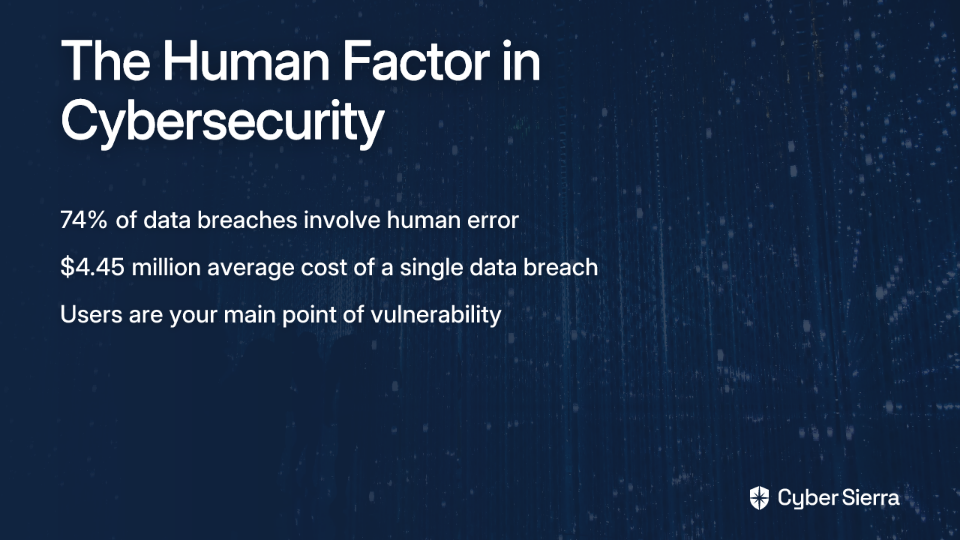
- Humans were involved in 74% of all data breaches, according to Verizon's 2023 Data Breach Investigations Report.
- The average cost of a single data breach has risen to $4.45 million, as reported by IBM in 2023.
Yet your organization remains vulnerable because your security communications fail to engage the very people they need to protect. The hard truth? As one cybersecurity professional put it, "users are your main point of vulnerability."
Why Traditional Security Awareness Fails
Before we fix your emails, let's understand why they're failing:
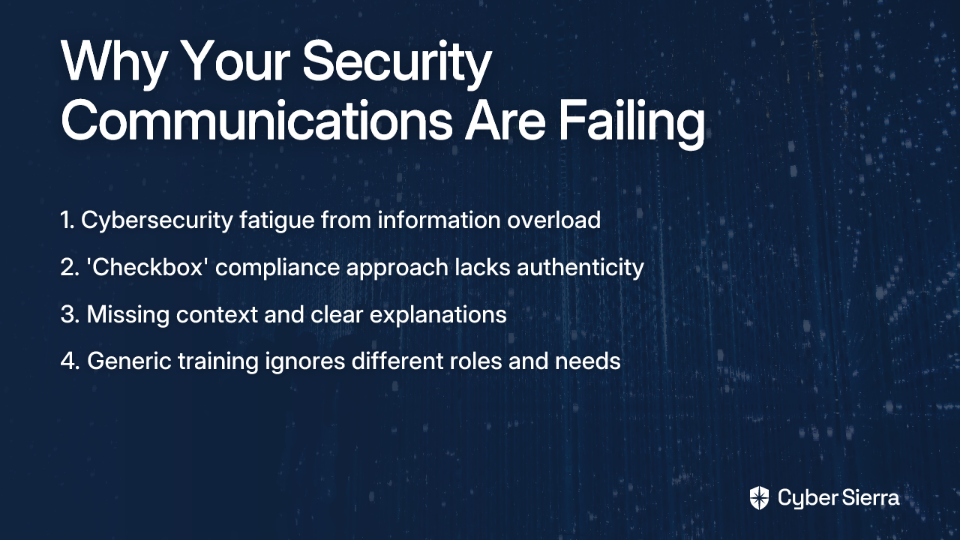
Cybersecurity Fatigue Is Real
Employees are bombarded with information all day. Dry, technical security warnings get lost in the noise. People see security as "an additional burden rather than a standard process."
The "Compliance-Only" Mindset
Many organizations use generic security awareness training that fails to resonate. This approach feels like a checkbox exercise for compliance rather than a genuine effort to improve the company's security posture.
Lack of Relatability and Clarity
Security teams often fail to explain the "why." Without context, security measures feel arbitrary and intrusive. As one CISO explained, "Whenever I roll out a new sec feature or requirement, I put out comms with a summary of the threat/implications along with my reasoning."
One-Size-Fits-None Approach
A single, annual, cookie-cutter training session is inadequate. It fails to account for different roles, technical knowledge, and learning styles within your organization.
The Fix: Creating Security Content People Actually Want to Consume
It's time to transform your security communications with these practical strategies:
1. Inject Humor: Your Secret Weapon for Engagement
Humor makes content engaging, memorable, and shareable. It breaks down the anxiety associated with cybersecurity and makes the topic less intimidating.
Why it works: A study in the Journal of Statistics Education confirmed that humor alleviates anxiety and improves learning outcomes. Using humor acknowledges that some security reminders are repetitive and shows respect for employees' time.
Practical humor ideas:
- Memes & Cartoons: Use workplace-appropriate memes to convey key messages. For example, a "Distracted Boyfriend" meme where the boyfriend is "Your Colleague" looking at "Suspicious Email with Gift Card Offer" while "Legitimate Work Email" looks on disapprovingly.
- Recurring Characters: Create a simple comic character duo like "Secure Sam and Risky Rachel" to illustrate right and wrong security behaviors. Every cybernut loves a good character they can relate to!
- Pop Culture References: "Winter is coming... and so are phishing attempts. Here's how to spot them before they breach your wall."
- Funny Anecdotes: "Last month, someone almost fell for a phishing email promising free concert tickets. Plot twist: the band broke up in 2010."
Important caveat: Keep humor appropriate for your workplace. When in doubt, have someone else review your content before sending.
2. Go Beyond the Wall of Text: Vlogs & Infographics
Many users are looking for shareable content like infographics on phishing and social engineering. Visuals are processed 60,000 times faster than text.
Creating short, engaging vlogs:
- Keep videos under 3 minutes
- Use storytelling to illustrate threats
- Example: "A Day in the Life of a Phishing Email" - follow the journey of a malicious email from creation to detection
- Interview your threat intelligence team about recent threats they've observed
Designing powerful infographics:
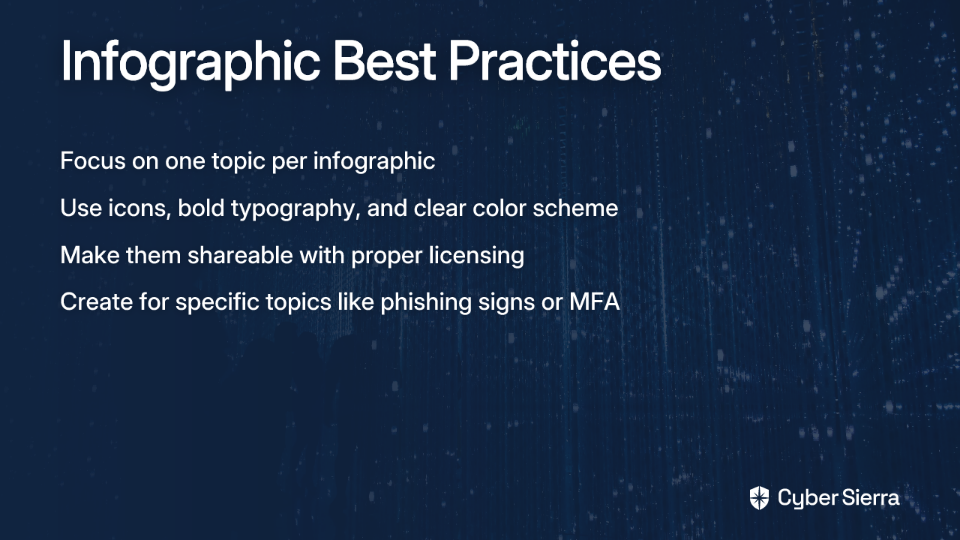
- Focus on one topic per infographic
- Use icons, bold typography, and a clear color scheme
- Make them shareable with proper open license permissions
- Example topics: "5 Signs of a Phishing Email," "How to Secure Your Home Wi-Fi," "MFA: Your Digital Bodyguard"
3. Structure Your Emails for Maximum Impact
Even with humor and visuals, the email itself needs to be well-structured:
Subject Line: Be direct and create appropriate urgency
- ✅ "Action Required: Enable MFA by Friday"
- ❌ "URGENT SECURITY NOTIFICATION!!!"
Introduction: Get straight to the point
- "We're introducing Single Sign-On (SSO) to make logging in more secure and convenient."
Action Steps: Use numbered lists or bold text
- "1. Go to your security settings 2. Click 'Enable Two-Factor Authentication' 3. Follow the on-screen prompts"
Reassurance: Explain how this helps them
- "This small step dramatically reduces the chance of account compromise, protecting both your work and personal information."
Provide Help: Always offer support
- "Questions? Contact the security team at [email protected] or stop by our help desk"
Closing: End on a positive note
- "Thank you for helping keep our company secure!"
Tailoring Your Security Message for Different Audiences
A "cookie-cutter" approach is a primary reason security training fails. Effective communication requires personalization.
Segment Your Audience
Don't send the same email to everyone. Tailor content based on department, role, and technical knowledge:
- Executives: Focus on business risk, financial impact, and reputational damage. Use metrics and ROI language that resonates with leadership.
- Sales/Marketing: Highlight risks associated with CRM data, social media scams, and mobile device security. Frame security as a competitive advantage and customer trust builder.
- Finance/HR: Emphasize threats like business email compromise, payroll fraud, and protecting sensitive employee data. Focus on compliance requirements and potential legal implications.
- Developers/IT: Provide more technical guidance on secure coding practices and infrastructure vulnerabilities. These teams appreciate deeper technical explanations and context.
Appoint "Security Ambassadors"
Form a committee of security liaisons from different departments. These ambassadors can:
- Help promote best practices within their teams
- Provide feedback on what resonates with their colleagues
- Create department-specific examples that feel relevant
Beyond Emails: Building a Lasting Security Culture
Engaging emails are just the beginning. They should be part of a broader, continuous program to foster a security-centric culture.
Make It Interactive and Gamified
Simulated Phishing Campaigns: Run regular, unannounced phishing tests to measure vigilance. Tools like Knowbe4 or Cofense can automate this process and provide valuable metrics.
Gamification: Implement security challenges with leaderboards and small prizes. For example:
- "Phish Spotters Club" for employees who report suspicious emails
- Monthly security quizzes with small gift card rewards
- Security-themed escape rooms for team-building (yes, really!)
One company created a "Security Superhero" program where employees earned digital badges for completing different security actions—from enabling MFA to reporting suspicious activities.
Create a Feedback Loop
Conduct regular surveys to understand:
- What security topics employees want to learn about
- Which communication methods they prefer
- How confident they feel about handling specific security situations
This makes employees feel like stakeholders and helps you refine your approach.
Recognize and Reward
Publicly acknowledge employees who demonstrate good security practices. This could be as simple as a shout-out in a company meeting or featuring them in your security newsletter as "Security Champion of the Month."
Stop Sucking, Start Securing
Your security emails don't have to suck. By ditching the dry, technical jargon and embracing humor, engaging visuals, and tailored messaging, you can transform security awareness from a chore into a shared mission.
Remember, the goal isn't to make security less of a chore; it's to make it "a series of expectations they will meet" as part of their job. Effective communication is key to this cultural shift.
Start small. Pick one tip from this article—try a humorous meme in your next newsletter, create a short vlog explaining MFA, or design a simple infographic on password security. Stop sending emails that get ignored and start building a stronger, more resilient security culture today.
After all, as any good CISO knows, your security is only as strong as your least engaged employee. Make sure they're not just reading your emails—they're acting on them.
Frequently Asked Questions
What is the best way to make security emails more engaging?
The best way to make security emails more engaging is to move beyond dry, technical text and incorporate humor, compelling visuals like infographics, and relatable storytelling. This approach helps combat cybersecurity fatigue by making complex topics more memorable and less intimidating. Using memes, short vlogs, or funny anecdotes can capture attention, while structuring emails clearly with actionable steps ensures the message is easy to understand and follow.
Why do most employees ignore security awareness training?
Most employees ignore security awareness training due to "cybersecurity fatigue," where they are overwhelmed by constant, dry information. They often perceive it as a mere compliance exercise rather than a genuine effort to protect them and the company. This "compliance-only" mindset is reinforced by generic, one-size-fits-all content that isn't relevant to their specific roles.
How can I create engaging security content on a limited budget?
You can create engaging security content on a limited budget by leveraging free or low-cost tools and creative strategies. Focus on using humor, creating simple infographics with tools like Canva, and personalizing your messages for different departments. Instead of expensive video production, record short, informal vlogs with your smartphone. Appointing volunteer "Security Ambassadors" in different teams is also a no-cost way to make content more relevant.
How do I tailor security messages for different audiences like executives or sales teams?
To tailor security messages, you must segment your audience and focus on what matters most to each group. For executives, frame security in terms of business risk and ROI. For sales teams, highlight how security protects customer data and builds trust. By personalizing the context and the "why," you make the security requirements feel relevant and crucial to their specific roles.
What are the key elements of a well-structured security email?
A well-structured security email includes a clear and direct subject line, an introduction that gets straight to the point, easy-to-follow action steps (using lists or bold text), reassurance about the benefits, and clear information on where to get help. For example, use a subject like "Action Required: Enable MFA by Friday" instead of a generic "Security Update."
How can I measure the success of my security communications?
You can measure the success of your security communications through both quantitative and qualitative metrics. Key methods include running simulated phishing campaigns to track click and reporting rates, and using surveys to gather feedback on employee confidence and preferences. A decrease in security incidents or an increase in employees proactively reporting suspicious emails are strong indicators of success.
