



An Employee Clicked a Bad Link. Your Next Move Is Critical.



Join thousands of professionals and get the latest insight on Compliance & Cybersecurity.
You're finishing up a busy workday when one of your team members approaches your desk, visibly anxious. "I think I clicked on something I shouldn't have," they confess. "The email triggered my spidey sense, but it looked like it came from a real client in our CRM. I'm worried about what might happen now."
This moment is a critical junction in your company's security posture. Your employee is feeling helpless, uncertain, and worried about consequences—especially if they're new to the team. Your immediate reaction—calm or panicked, supportive or blaming—will determine not just the outcome of this specific incident but the future of your company's security culture.
Why Your Response Matters: The High Stakes of a Single Click
Before diving into what to do, let's understand what's at stake:
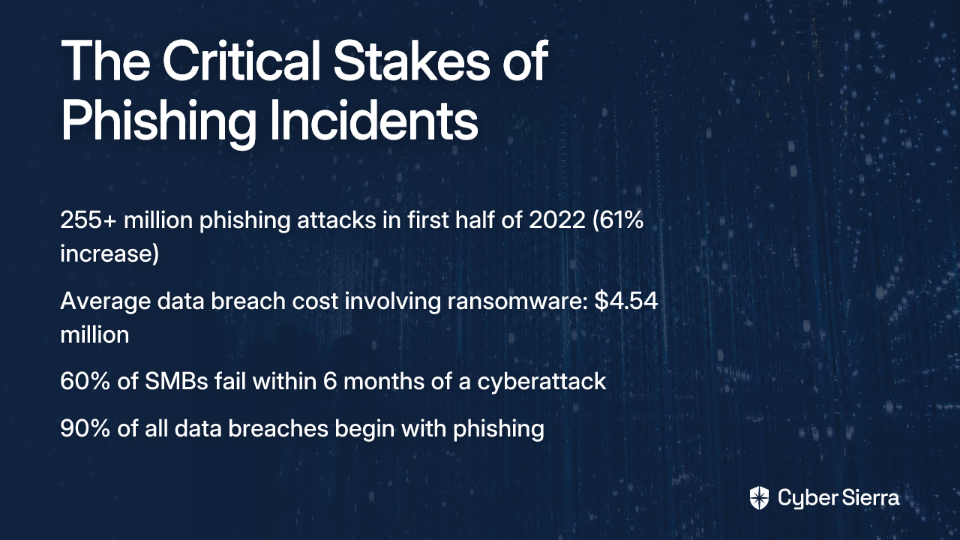
- Phishing is relentless: Over 255 million phishing attacks occurred in just the first half of 2022—a 61% increase from the previous year. It's not a question of if your team will be targeted, but when.
- The financial fallout is devastating: A single successful attack involving a malicious link can trigger a cascade of problems. The average cost of a data breach involving ransomware is $4.54 million.
- Small businesses are particularly vulnerable: Nearly 60% of small and medium-sized businesses fail within six months of a cyberattack.
- It all starts with one click: About 90% of all data breaches begin with phishing, making every employee a frontline defender against attacks.
When an employee clicks on a suspicious email that could lead to token theft or contain an infostealer, your immediate actions as a manager can mean the difference between a minor incident and a catastrophic breach.
Why Employees Hesitate to Report Security Incidents
Before we outline your response plan, it's important to understand why security incidents often go unreported. Less than 10% of employees report phishing emails they encounter, often due to:
- Fear of punishment: Employees worry about disciplinary action or being blamed for the mistake
- Workplace pressure: Time constraints and productivity demands may discourage taking the extra steps needed to handle security issues properly
- Uncertainty: Many simply don't know what constitutes a reportable security event or how to report it
Your 3-Step Immediate Action Plan: The Golden Moment
When an employee reports clicking a suspicious link or potential phishing email, your response in the next few minutes is crucial. Follow these steps:
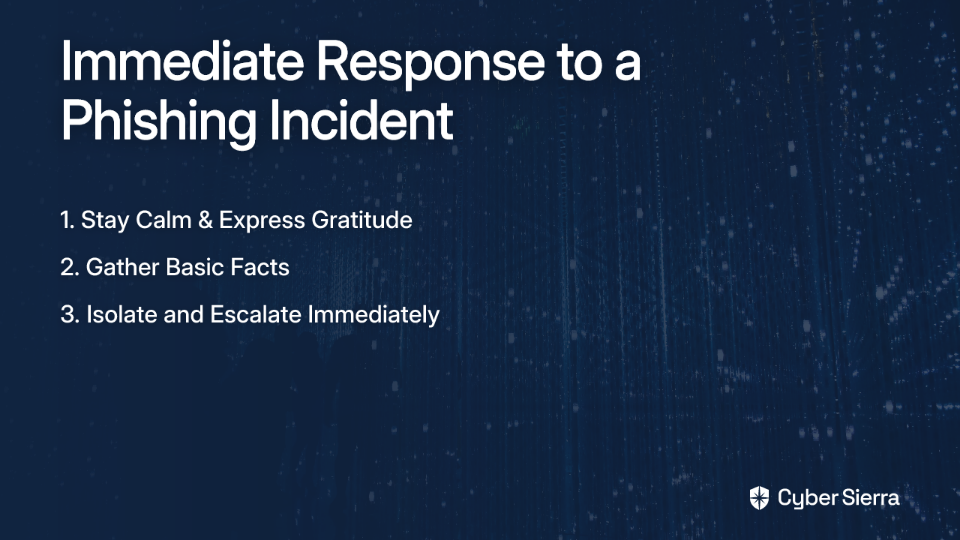
Step 1: Stay Calm and Express Gratitude
Your first words should be: "Thank you for telling me right away. You did exactly the right thing by reporting this."
This immediate positive reinforcement:
- Defuses the employee's anxiety
- Validates their decision to report
- Sets the tone for a constructive response process
- Builds the psychological safety needed for future reporting
Remember, an employee who reports a mistake isn't your security problem—they're an essential part of your security solution.
Step 2: Gather Basic Facts (But Don't Play Detective)
Your role is to be a conduit of information to your IT team or Security Operations Center (SOC), not to solve the technical problem yourself. Ask simple, non-accusatory questions:
- "Which email was it?"
- "What did the link or attachment look like?"
- "Did it ask you to enter a username or password? Did you enter them?"
- "What happened on the screen right after you clicked?"
- "Have you noticed any unusual behavior on your computer since?"
Document these answers to share with your IT team. These details will help them identify potential Indicators of Compromise (IOCs) and determine if you're dealing with a Business Email Compromise (BEC) or more sophisticated attack.
Step 3: Isolate and Escalate. Immediately.
Isolate the Machine:
- Instruct the employee to disconnect their computer from the network to prevent potential RAT (Remote Access Trojan) or other malware from spreading:
- "Unplug the network cable from the back of your computer"
- "Turn off Wi-Fi in your settings"
- Crucial instruction: "Leave the computer ON. Don't turn it off or put it to sleep." This preserves the machine's state for forensic analysis by the IT team and prevents malware from executing additional routines upon restart.
Escalate to IT/Security:
- Contact your designated IT security team immediately using established security protocols
- Provide them with all information you've gathered
- Follow their specific instructions for next steps
Time is critical—attackers can establish lateral movement through your network within minutes of a successful breach.
What Happens Next: Behind the IT Curtain
Understanding what your technical team does after you escalate can help you better support the process and communicate with your team member. Here's what typically happens behind the scenes:
Detection and Analysis
Your IT team or Endpoint Detection and Response (EDR) specialists will:
- Examine the suspicious email to determine if it was legitimate or phishing
- Review system logs to identify any unusual activities
- Check if the malicious link led to credential theft or malware installation
- Determine if email forwarding rules were created or passwords compromised
Containment, Eradication, and Recovery
If a threat is confirmed, IT will:
- Implement immediate password resets for affected accounts
- Enable additional MFA (Multi-Factor Authentication) protections
- Remove any malware or infostealers from the system
- Block access from suspicious IP addresses
- Restore affected systems from clean backups if necessary
Your Role During This Phase
While IT handles the technical response, your job is to:
- Be a supportive buffer between IT and your team member
- Help manage workflow adjustments if the employee can't use their computer
- Maintain calm and prevent rumors or panic
- Follow up with IT to understand the severity and progress
Turning a Crisis into a Stronger Defense
After the immediate incident is resolved, you have a unique opportunity to strengthen your team's security posture:
The Blame-Free Debrief
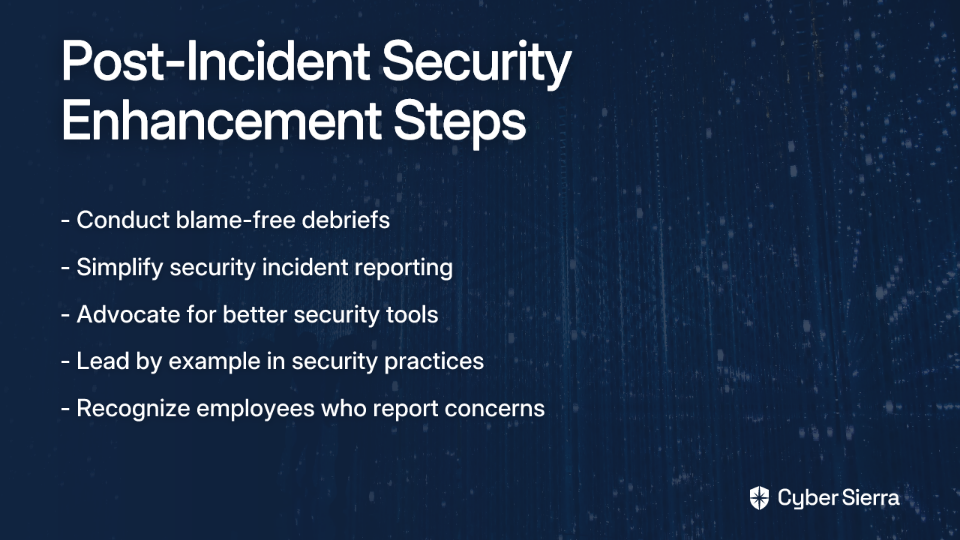
Schedule a brief meeting with the affected employee and possibly an IT representative to:
- Review what happened in a factual, non-judgmental way
- Identify what went well (the employee reported it quickly!)
- Discuss what could be improved in your response process
- Extract lessons that can benefit the whole team
Building a Resilient Security Culture
Use this incident as a catalyst for improvement:
- Simplify Reporting: Work with IT to create clear, easy reporting mechanisms for security concerns. If employees need to jump through hoops to report potential phishing, they're less likely to do it.
- Advocate for Better Tools: Use this real-world example to make the case for improved email security solutions and user awareness training. When your spidey sense tingles about a suspicious email, you should have tools to help verify its legitimacy.
- Lead by Example: Openly discuss security topics in team meetings. Share anonymized lessons from this incident. Publicly recognize employees who report security concerns.
Your Team's Strongest Link
Remember that an employee reporting a mistake isn't a security failure—it's a success story for your security culture. It means they trust you enough to be vulnerable and prioritize company security over personal comfort.
Your calm, supportive, and procedural response is the single most important factor in managing a security incident effectively. By following the steps outlined above, you not only address the immediate technical threat but also strengthen your human firewall against future attacks.
Don't wait for the next click on a malicious link to test your response. Ask your team today: "If you clicked something suspicious right now, would you know exactly what to do? Would you feel safe telling me immediately?" If the answer isn't a confident "yes," your next move is clear: start building that culture of security now.

Frequently Asked Questions
What is the first thing a manager should do when an employee reports clicking a suspicious link?
The very first thing a manager should do is stay calm and thank the employee for reporting it immediately. This immediate positive reinforcement defuses the employee's anxiety, validates their decision to report, and strengthens your company's security culture by making them feel safe.
Why should an employee leave their computer on after clicking a malicious link?
Leaving the computer on is crucial because it preserves the machine's current state, including active memory and running processes, for forensic analysis. Turning the computer off or restarting it can erase valuable evidence that your IT or security team needs to investigate the breach and can sometimes trigger the malware to execute additional harmful routines.
What are the consequences if an employee waits to report a clicked link?
Delaying the report of a clicked malicious link gives attackers critical time to escalate their attack. In just minutes, they can steal credentials, deploy ransomware, move laterally across your network to compromise other systems, and exfiltrate sensitive data. This can turn a small, containable incident into a major, costly data breach.
How can I prevent employees from clicking on phishing emails?
Preventing phishing clicks requires a multi-layered approach. This includes regular, engaging security awareness training, implementing advanced email security solutions with robust filtering, and fostering a culture where employees feel safe to ask questions or report suspicious emails before they click.
What are common signs of a computer compromise after clicking a phishing link?
Common signs of a compromise include the computer running unusually slow, unexpected pop-up windows or advertisements, changes to the browser's homepage, unfamiliar software installations, or the user's account sending out emails they did not write. Any of these symptoms warrant an immediate report to IT.
How can I build a better security culture within my team?
Building a strong security culture starts with leadership. You can foster it by establishing a blame-free reporting process, openly discussing security topics in team meetings, providing clear and simple ways to report incidents, advocating for better security tools, and publicly recognizing employees who demonstrate good security practices.
