



Why Phishing Simulations Backfire and What to Do


Join thousands of professionals and get the latest insight on Compliance & Cybersecurity.
You've spent months planning and executing what you think is a perfect phishing simulation program. Yet somehow, you're getting chewed out by HR again for "yet another employee bonuses phish." Your CISO didn't have your back when users complained, and now you're facing an employee revolt with people claiming they feel threatened because "if you click 3 or more in a row you can be terminated."
Sound familiar?
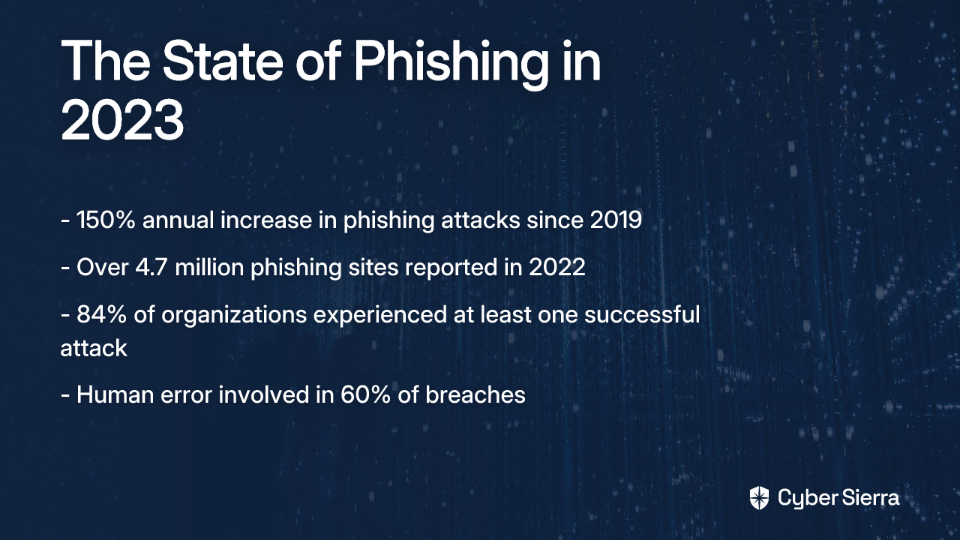
The sobering reality is that while phishing attacks have seen a 150% annual increase since 2019, with over 4.7 million phishing sites reported in 2022 alone, our defensive strategies seem to be failing us. A staggering 84% of organizations experienced at least one successful phishing attack last year, and human error remains a factor in nearly 60% of breaches.
The problem isn't that phishing simulations don't matter—they absolutely do. The problem is that the way most organizations implement them is fundamentally flawed, creating more problems than they solve.
The Anatomy of a Backfire: Why Your Simulations Are Failing
You're Focusing on Failure, Not Behavior
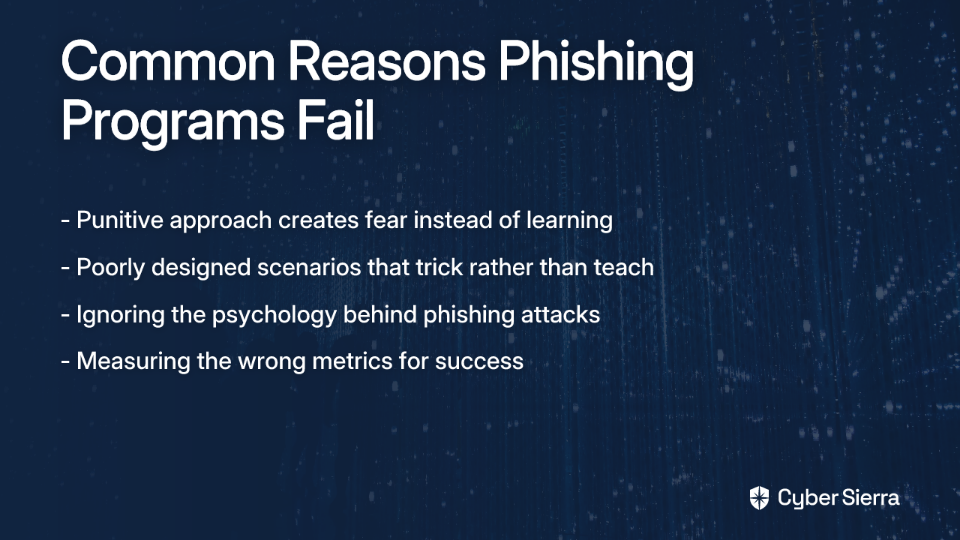
When your phishing program links failures to punitive measures—impacting bonuses, threatening termination, or public shaming—you're not building a security culture. You're creating an environment of fear and resentment.
As one security professional noted on Reddit: "Users see it as a threat because if you click 3 or more in a row you can be terminated." This approach has serious consequences:
- Trust Erosion: When employees see the security team as adversaries rather than allies, they become less likely to report actual suspicious activities.
- Diminished Learning: A study with over 19,500 employees showed no significant difference in click rates between those who recently completed annual training and those who hadn't. Why? Because punitive models trigger defensive reactions, not learning.
- Increased Risk: When employees fear reporting legitimate phishing emails because they're afraid of "looking stupid" or being penalized, your organization becomes more vulnerable, not less.
Your Scenarios Are Counterproductive
Many phishing simulations fail because they're designed to trick employees, not teach them:
- Too Difficult: Security teams often overestimate employee knowledge, creating overly challenging tests that lead to frustration rather than learning.
- Too Generic: Generic phishing templates fail to educate employees on the specific threats they're likely to face in their roles.
- Too Sensitive: Using topics like bonuses, layoffs, or health information (like a "CDC phishing campaign during COVID") crosses ethical lines and generates significant backlash from employees and HR departments.
As one consultant shared: "When we use simulations that are too easy to detect, people don't learn real-world skills. But when we make them too difficult or personal, we create resentment instead of awareness."
You're Ignoring the Underlying Psychology
Phishing attacks aren't just technical exploits—they're psychological manipulations that exploit innate human triggers:
- Urgency: "Your account will be locked in 24 hours."
- Fear and Trust: Impersonating executives (a common spear-phish tactic) or using recognized brand logos.
- Curiosity: Vague but intriguing subjects like "Confidential report."
- Loss Aversion: Threats of data loss or financial penalty.
Simulations that simply exploit these triggers without explaining them aren't teaching—they're just tricking people. They ignore key cognitive biases like authority bias (where people comply with requests from perceived authority figures) and cognitive overload (the reality that in a flood of daily emails, employees make hasty decisions).
You're Measuring the Wrong Things
The obsession with click rates has created flawed metrics that don't reflect actual security improvements:
- The Click Rate Obsession: Zero clicks often create a false sense of security, leaving employees unprepared for novel attacks.
- The Silent Majority: Traditional metrics don't capture successful reporting or near-misses, which are crucial positive behaviors to reinforce.
- Skewed Data: Sending a simulation to everyone at once can trigger a "prairie dog effect," where one person warns others, artificially lowering click rates and invalidating results.
The Proactive Playbook: Building a Resilient Phishing Defense
Principle #1: Adopt a Behavioral Security Mindset
Move away from the "security awareness training is dead" mentality of one-off, check-the-box exercises. Instead, focus on fostering a culture of security that influences day-to-day behavior.
As Dhanush Nehru writes, "The goal isn't just knowledge; it's ingrained secure habits." This requires continuous learning that is ongoing, context-specific, and adaptive.
Consider these behavioral approaches:
- Positive Reinforcement Systems: Recognize and reward employees who correctly identify and report phishing attempts, rather than only punishing those who fail.
- Gamified Incident Reporting: Create leaderboards or achievement systems for reporting suspicious emails, turning vigilance into a collaborative team activity.
- Collaborative Learning: Establish regular sessions where teams discuss recent phishing attempts (both simulated and real) in a blame-free environment.
Organizations that have implemented positive training approaches have seen employee satisfaction increase by up to 47% while improving awareness metrics by 39%, according to industry consultants.
Principle #2: Build a Multi-Layered Technical Defense (Because Clicks Will Happen)
The UK's National Cyber Security Centre (NCSC) recommends a four-layer defense strategy, acknowledging that no training can make users infallible:
Layer 1: Make it difficult for attackers to reach users
- Implement anti-spoofing controls like DMARC, SPF, and DKIM to protect your domain.
- Use robust email filtering/blocking services.
Layer 2: Help users identify and report suspected phishing
- This is where well-designed, educational simulations fit in.
- Provide a simple, one-click "report phish" button.
Layer 3: Protect the organization when users do click
- Enforce Multi-Factor Authentication (MFA) everywhere possible. This is the single most effective control against credential theft.
- Use modern anti-malware and restrict user privileges to install software.
- Promote the use of password managers.
Layer 4: Respond quickly and effectively to incidents
- Have a clear, practiced incident response plan.
A financial firm received 1,800 phishing emails. Filtering blocked 1,750. Of the 50 that reached users, 14 were clicked, but layered defenses meant only one instance of malware was installed, which was quickly detected and mitigated. This shows how technical controls and user awareness work together.
Principle #3: Redesign Your Simulation Program for Engagement and Education
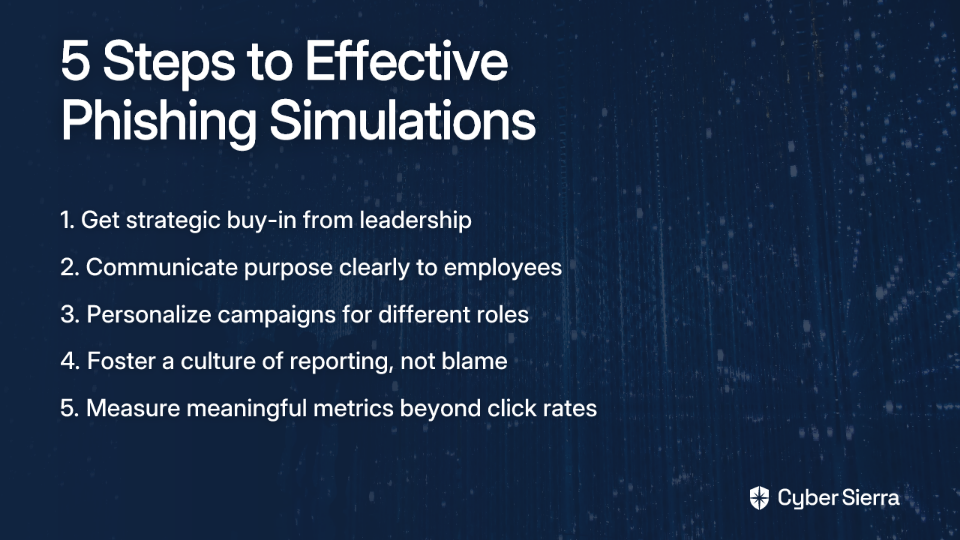
Step 1: Get Strategic Buy-In (From the CISO to HR)
Before launching a campaign, get approval from leadership and stakeholders like HR and Communications. This prevents backlash and ensures the program is aligned with company culture.
As one security professional learned: "The CISO's support can help mitigate backlash from users and create accountability when HR questions your methods."
Step 2: Communicate Purpose and Set Expectations
Frame simulations as educational exercises, not "gotcha" tests. Explain that they are a safe place to practice and learn. Emphasize that the goal is collective improvement, not individual punishment.
Step 3: Personalize, Adapt, and Make it Relevant
- Tailor simulations to roles. An accountant is susceptible to different lures than an IT admin.
- Use adaptive learning. If a user struggles with credential harvesting emails, provide them with more training on that specific topic.
Step 4: Foster a Culture of Reporting, Not Blame
- Reward positive behavior. Publicly or privately thank employees who report suspicious emails. Shift the focus from "who clicked" to "who reported."
- Provide immediate, supportive feedback. When a user clicks, the landing page should be educational, explaining the red flags they missed in a non-shaming tone.
Step 5: Measure What Matters: Beyond the Click
- Track reporting rates. Is the number of employees using the "report phish" button increasing over time?
- Measure time-to-report. How quickly are employees flagging potential threats?
- Analyze engagement with follow-up training materials.
From Adversary to Ally: A New Approach to Phishing Defense
The goal of a phishing test is not to achieve a 0% click rate, which creates a false sense of security. The goal is to build a resilient organization where technical controls block the majority of threats, and empowered employees act as a vigilant, well-practiced human sensor network for the threats that get through.
As one security consultant put it: "Stop designing simulations that are 'hard enough that some people will fail.' Start designing experiences that are 'educational enough that everyone will learn.'"
Stop the "gotcha" game. Re-evaluate your training campaign through the lens of psychology, education, and empathy. Integrate it into a broader, multi-layered defense strategy. By shifting your approach, you can transform your employees from a perceived liability into your greatest cybersecurity asset.
And that's worth far more than a low click rate on your next report.
Frequently Asked Questions
Why do most phishing simulation programs fail?
Most phishing simulation programs fail because they focus on punishing failure (like high click rates) rather than teaching secure behaviors. This creates a culture of fear and resentment instead of a culture of vigilance, where employees become afraid to report real threats for fear of being penalized.
What are the best metrics to track for a phishing program instead of just click rates?
Instead of focusing solely on click rates, the best metrics to track are positive engagement indicators like the reporting rate (how many employees report suspicious emails) and the time-to-report (how quickly they flag potential threats). These metrics measure proactive, secure behaviors and provide a much clearer picture of your organization's resilience.
How can I create phishing simulations that employees don't hate?
To create simulations that employees don't hate, you must frame them as safe educational exercises, not "gotcha" tests. Get buy-in from HR and leadership first, communicate the program's purpose clearly, and ensure that the landing page for a "click" provides supportive, non-shaming feedback that helps the user learn.
What is the most effective technical defense against phishing?
The single most effective technical defense against phishing is enforcing Multi-Factor Authentication (MFA) wherever possible. Even if an employee clicks a link and gives away their credentials, MFA provides a critical second layer of defense that prevents attackers from accessing their account.
What should I do if an employee repeatedly fails phishing tests?
If an employee repeatedly fails phishing tests, the focus should be on providing additional, targeted training rather than resorting to punitive measures. This situation indicates a need for a different educational approach, such as one-on-one coaching or adaptive learning modules that focus on the specific types of lures the employee struggles with. The goal is education, not punishment.
Should we avoid using sensitive topics like bonuses or layoffs in phishing simulations?
Yes, you should absolutely avoid using emotionally charged and sensitive topics like bonuses, layoffs, or personal health information. While attackers use these tactics, using them internally crosses ethical lines, generates significant employee and HR backlash, and erodes the trust necessary for a successful security program. The goal is to educate, not to cause genuine distress.
