



How to Secure AWS API Gateway for Mobile Apps: Beyond API Keys



Join thousands of professionals and get the latest insight on Compliance & Cybersecurity.
You've built an amazing mobile app with a powerful backend on AWS API Gateway. You're using API keys to secure your endpoints, just as the documentation suggests. But something doesn't feel right. If someone decompiles your app, won't they find that API key? And if they do, what's stopping them from making unlimited API calls, impersonating your legitimate users, or worse?
If you're lying awake at night worrying about these scenarios, you're not alone. The truth is, API keys alone provide a false sense of security for mobile applications.
As one developer noted on Reddit: "This is impossible. Anything your mobile app can do can be done without the mobile app, by ripping the credentials out of your app."
In this guide, we'll explore why API keys fall short and how to implement truly robust security for your AWS API Gateway using modern, user-centric authentication methods.
The Illusion of Security: Why API Keys Aren't Enough
API keys serve a purpose in API Gateway, but that purpose isn't comprehensive security. Here's why:
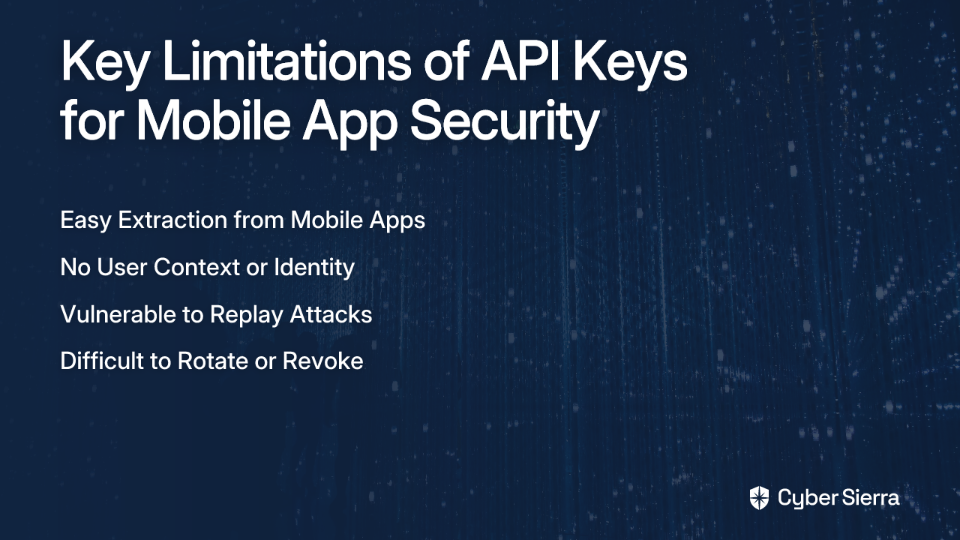
Easy Extraction from Mobile Apps
Mobile applications can be decompiled with readily available tools. Any hardcoded API key can be extracted in minutes by a determined attacker. For Android apps, tools like APKTool can easily extract resources and reverse-engineer code, while iOS apps can be examined with tools like Frida.
No User Context
API keys authenticate the application, not the user. This means you have no way to know who is making the request – only that they possess your API key. Without user context, implementing permissions based on user roles or identities becomes impossible.
Vulnerable to Replay Attacks
Once an API key is compromised, it can be used repeatedly from anywhere. This vulnerability enables credential stuffing attacks, where attackers use your API key to test stolen credentials against your backend.
Difficult to Rotate or Revoke
If you discover your API key has been compromised, revoking it means forcing all users to update their app. This process is slow and disruptive to your legitimate users.
For these reasons, API keys should be considered primarily as a mechanism for usage plans and throttling, not authentication.
The Modern Approach: User-Centric Authentication with Amazon Cognito
The solution is to shift from authenticating the app to authenticating the individual user. Amazon Cognito provides a managed, scalable service for this exact purpose.
Here's how to implement it:
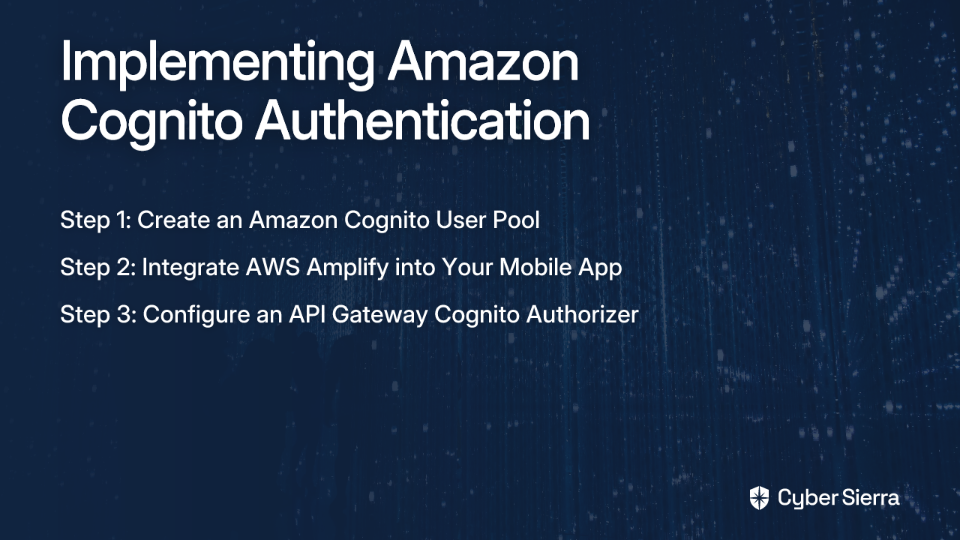
Step 1: Create an Amazon Cognito User Pool
- In the AWS Console, navigate to the Cognito service.
- Click "Create user pool."
- Configure sign-in options (email, phone, username).
- Set up strong password policies and enable Multi-Factor Authentication (MFA) for enhanced security.
- Create an app client for your mobile application (disable client secret for public clients).
Step 2: Integrate AWS Amplify into Your Mobile App
AWS Amplify dramatically simplifies Cognito integration in mobile apps:
For iOS (Swift):
// Add dependencies via Swift Package Manager
// github.com/aws-amplify/amplify-swift

import Amplify
import AWSCognitoAuthPlugin

// Initialize Amplify in your AppDelegate
func application(_ application: UIApplication, didFinishLaunchingWithOptions launchOptions: [UIApplication.LaunchOptionsKey: Any]?) -> Bool {
    do {
        try Amplify.add(plugin: AWSCognitoAuthPlugin())
        try Amplify.configure()
        print("Amplify configured with auth plugin")
    } catch {
        print("Failed to initialize Amplify: \(error)")
    }
    return true
}

// Sign in a user
func signIn(username: String, password: String) {
    Amplify.Auth.signIn(username: username, password: password) { result in
        switch result {
        case .success:
            print("Sign in succeeded")
        case .failure(let error):
            print("Sign in failed \(error)")
        }
    }
}

// Include token in API requests
func callApi() {
    Amplify.Auth.fetchAuthSession { result in
        switch result {
        case .success(let session):
            if let cognitoSession = session as? AuthCognitoTokensProvider {
                do {
                    let tokens = try cognitoSession.getTokens().get()
                    let idToken = tokens.idToken
                    // Now use this token in your API request header
                    var request = URLRequest(url: URL(string: "https://your-api.execute-api.region.amazonaws.com/stage/path")!)
                    request.httpMethod = "GET"
                    request.setValue("Bearer \(idToken)", forHTTPHeaderField: "Authorization")
                    // Continue with the request...
                } catch {
                    print("Error getting token: \(error)")
                }
            }
        case .failure(let error):
            print("Failed to get auth session: \(error)")
        }
    }
}
For Android (Kotlin):
// Add dependencies in build.gradle
// implementation 'com.amplifyframework:aws-auth-cognito:2.x.x'

import com.amplifyframework.auth.cognito.AWSCognitoAuthPlugin
import com.amplifyframework.core.Amplify

// Initialize in your Application class
override fun onCreate() {
    super.onCreate()
    try {
        Amplify.addPlugin(AWSCognitoAuthPlugin())
        Amplify.configure(applicationContext)
        Log.i("MyApp", "Initialized Amplify")
    } catch (e: Exception) {
        Log.e("MyApp", "Could not initialize Amplify", e)
    }
}

// Sign in a user
fun signIn(username: String, password: String) {
    Amplify.Auth.signIn(
        username,
        password,
        { result ->
            if (result.isSignedIn) {
                Log.i("AuthQuickstart", "Sign in succeeded")
            } else {
                Log.i("AuthQuickstart", "Sign in not complete")
            }
        },
        { error -> Log.e("AuthQuickstart", "Sign in failed", error) }
    )
}

// Include token in API requests
fun callApi() {
    Amplify.Auth.fetchAuthSession(
        { result ->
            val cognitoAuthSession = result as AWSCognitoAuthSession
            val token = cognitoAuthSession.userPoolTokens.value?.idToken
            if (token != null) {
                // Use this token in your API request header
                val url = URL("https://your-api.execute-api.region.amazonaws.com/stage/path")
                val connection = url.openConnection() as HttpURLConnection
                connection.requestMethod = "GET"
                connection.setRequestProperty("Authorization", "Bearer $token")
                // Continue with the request...
            }
        },
        { error -> Log.e("AuthQuickstart", "Failed to fetch auth session", error) }
    )
}
After authenticating, Amplify provides your app with ID and access tokens (JWTs) that can be included in API requests.
Step 3: Configure an API Gateway Cognito Authorizer
- In API Gateway, select your API and go to "Authorizers."
- Click "Create New Authorizer."
- Select "JWT" as the authorizer type.
- Configure:
- Name: A descriptive name like
CognitoUserPoolAuthorizer - Identity Source:
Authorizationheader - Issuer URL: Your Cognito user pool URL (format:
https://cognito-idp.{region}.amazonaws.com/{userPoolId}) - Audience: The app client ID from your Cognito User Pool
- Name: A descriptive name like
Now, attach this authorizer to your API routes. API Gateway will automatically reject any request without a valid JWT from your Cognito User Pool.
For Ultimate Flexibility: Custom Authentication with Lambda Authorizers
When you need more complex authentication logic or want to integrate with non-AWS identity providers, Lambda Authorizers offer the flexibility you need.
A Lambda Authorizer is a Lambda function that validates tokens or request parameters and returns an IAM policy that allows or denies access to your API.
Here's a simplified implementation of a JWT-validating Lambda Authorizer:
import jwt
import os
import requests
from jwt.algorithms import RSAAlgorithm

# Cache the public key
jwks_url = os.environ['JWKS_URL']  # e.g., https://your-auth-provider/.well-known/jwks.json
jwks = requests.get(jwks_url).json()
public_keys = {}
for jwk in jwks['keys']:
    kid = jwk['kid']
    public_keys[kid] = RSAAlgorithm.from_jwk(jwk)

def lambda_handler(event, context):
    try:
        # Extract token from the Authorization header
        token = event['authorizationToken'].replace('Bearer ', '')

        # Get the Key ID from the token header
        header = jwt.get_unverified_header(token)
        kid = header['kid']

        # Verify the token
        payload = jwt.decode(
            token,
            public_keys[kid],
            algorithms=['RS256'],
            audience=os.environ['AUDIENCE'],
            issuer=os.environ['ISSUER']
        )

        # Generate policy document for API Gateway
        return {
            'principalId': payload['sub'],  # User ID
            'policyDocument': {
                'Version': '2012-10-17',
                'Statement': [{
                    'Action': 'execute-api:Invoke',
                    'Effect': 'Allow',
                    'Resource': event['methodArn']
                }]
            },
            'context': {
                'userId': payload['sub'],
                'scope': payload.get('scope', '')
            }
        }
    except Exception as e:
        print(f"Unauthorized: {str(e)}")
        raise Exception('Unauthorized')
This authorizer validates JWTs from any OAuth 2.0 compliant provider like Auth0, Okta, or your custom identity solution.
Layering Your Defenses: Essential Security Best Practices
Authentication is just one piece of the security puzzle. For comprehensive protection, implement these additional measures:

1. Enable AWS WAF (Web Application Firewall)
AWS WAF protects your API from common web exploits and can be easily enabled for API Gateway:
- In the AWS Console, navigate to the WAF & Shield service.
- Create a new Web ACL.
- Add AWS managed rule groups like "Core rule set" and "Known bad inputs."
- Associate the Web ACL with your API Gateway stage.
This provides immediate protection against SQL injection, XSS, and other OWASP Top 10 vulnerabilities.
2. Implement Rate Limiting and Throttling
Even with authentication in place, you should limit the rate of requests to prevent abuse:
- In API Gateway, create a Usage Plan.
- Define throttling limits (e.g., 10 requests per second) and quotas (e.g., 10,000 requests per day).
- Associate the plan with your API stages.
This mitigates brute force attacks and denial-of-service attempts.
3. Enforce Certificate Pinning in Your Mobile App
Certificate pinning prevents man-in-the-middle attacks by hardcoding your API's SSL certificate fingerprint in your app:
For iOS (Swift):
class PinningURLSessionDelegate: NSObject, URLSessionDelegate {
    func urlSession(_ session: URLSession, didReceive challenge: URLAuthenticationChallenge, completionHandler: @escaping (URLSession.AuthChallengeDisposition, URLCredential?) -> Void) {
        if challenge.protectionSpace.authenticationMethod == NSURLAuthenticationMethodServerTrust {
            // The certificate's public key hash you expect
            let expectedPublicKeyHash = "sha256/AAAAAAAAAAAAAAAAAAAAAAAAAAAAAAAAAAAAAAAAAAA="

            if let serverTrust = challenge.protectionSpace.serverTrust,
               let certificate = SecTrustGetCertificateAtIndex(serverTrust, 0),
               let publicKey = SecCertificateCopyKey(certificate),
               let publicKeyData = SecKeyCopyExternalRepresentation(publicKey, nil) as? Data {
                let keyHash = publicKeyData.base64EncodedString()
                if keyHash == expectedPublicKeyHash {
                    completionHandler(.useCredential, URLCredential(trust: serverTrust))
                    return
                }
            }
        }
        completionHandler(.cancelAuthenticationChallenge, nil)
    }
}
For Android (Kotlin):
val certificatePinner = CertificatePinner.Builder()
    .add("your-api.execute-api.region.amazonaws.com", "sha256/AAAAAAAAAAAAAAAAAAAAAAAAAAAAAAAAAAAAAAAAAAA=")
    .build()

val client = OkHttpClient.Builder()
    .certificatePinner(certificatePinner)
    .build()
4. Implement Comprehensive Logging and Monitoring
Set up logging for every layer of your architecture:
- Enable CloudWatch access logging for API Gateway.
- Configure CloudTrail to track management operations.
- Set up AWS X-Ray for request tracing.
- Create CloudWatch alarms for suspicious activity, like high rates of 401/403 errors.
Conclusion
Moving beyond API keys to implement user-centric authentication is essential for securing mobile API backends. By using Amazon Cognito or custom Lambda Authorizers, you authenticate the person making the request, not just the application they're using.
Remember that robust security requires multiple layers of defense. Combine strong authentication with AWS WAF protection, rate limiting, certificate pinning, and diligent monitoring to create a truly secure system.
By focusing on who is making the call—not just what is making it—you'll build a mobile backend that can withstand modern security threats and protect your users' data with confidence.
Frequently Asked Questions
Why are API keys not secure for mobile apps?
API keys are not secure for mobile apps because they can be easily extracted from the application's code through reverse engineering. Since the key authenticates the app itself, not the user, anyone who finds the key can impersonate the application and make unauthorized API calls.
What is the best way to secure an AWS API Gateway for a mobile app?
The best way to secure an AWS API Gateway for a mobile app is to implement user-centric authentication using a service like Amazon Cognito. This approach ensures that every API request is authenticated on behalf of a specific user, using short-lived tokens (JWTs) instead of a static, hardcoded API key.
How does Amazon Cognito improve API security compared to an API key?
Amazon Cognito improves security by shifting authentication from the application to the individual user. Instead of a single, long-lived API key, Cognito issues temporary, cryptographically signed JSON Web Tokens (JWTs) to authenticated users. API Gateway can then verify these tokens for every request, ensuring you know exactly who is making the call and granting access based on their identity.
When should I use a Lambda Authorizer instead of the built-in Cognito authorizer?
You should use a Lambda Authorizer when you need more complex or custom authentication logic. While the built-in Cognito authorizer is perfect for standard user pool authentication, a Lambda Authorizer provides the flexibility to integrate with third-party identity providers (like Auth0 or Okta), validate tokens with custom claims, or enrich the request context with additional user data from other sources.
What is AWS WAF and why do I need it if I already have authentication?
AWS WAF (Web Application Firewall) is a service that protects your API from common web exploits like SQL injection and cross-site scripting (XSS). You need it in addition to authentication because it provides a different layer of security. Authentication verifies who can access your API, while WAF inspects what they are sending to block malicious requests before they reach your backend logic.
Is certificate pinning still necessary with modern authentication?
Yes, certificate pinning is still a valuable security measure, even with modern authentication. Authentication protects your API endpoint, while certificate pinning protects your mobile app's communication channel. It prevents man-in-the-middle (MITM) attacks where an attacker intercepts traffic between your app and API Gateway, ensuring your app only communicates with your legitimate, trusted server.
Note: The code examples in this article are simplified for clarity. In production systems, implement proper error handling, logging, and follow security best practices for your specific language and framework.
