



Why Microsoft Defender Fails at Email Security


Join thousands of professionals and get the latest insight on Compliance & Cybersecurity.
You've deployed Microsoft 365 across your organization, confident that its built-in Defender security will keep your email safe. Then you check your inbox only to find yet another suspicious email that somehow slipped through. A colleague reports clicking on a link that Defender should have blocked. Your IT team scrambles to respond while you wonder: "Isn't Microsoft supposed to be protecting us from this?"
If this scenario sounds familiar, you're not alone. With over 2 million organizations relying on Microsoft 365 for their daily operations, many businesses default to its built-in security suite, assuming it's sufficient. But security professionals increasingly find this assumption dangerously flawed.
The "Good Enough" Fallacy
Microsoft Defender for Office 365 has become the default email security solution for countless organizations simply because it comes packaged with their Microsoft 365 subscription. This convenience, however, masks critical weaknesses that leave organizations vulnerable to sophisticated email threats.
As one security professional bluntly put it on Reddit: "I would not recommend Microsoft period - they are a software company pretending to be a security company." This sentiment is increasingly common among cybersecurity experts who find themselves constantly battling email threats that Defender failed to catch.
The harsh reality? Defender consistently underperforms against dedicated security solutions, particularly in large enterprise environments where the stakes are highest. As another IT professional noted, "if you're a large enterprise, it's not good enough on its own."
The Illusion of Integrated Security
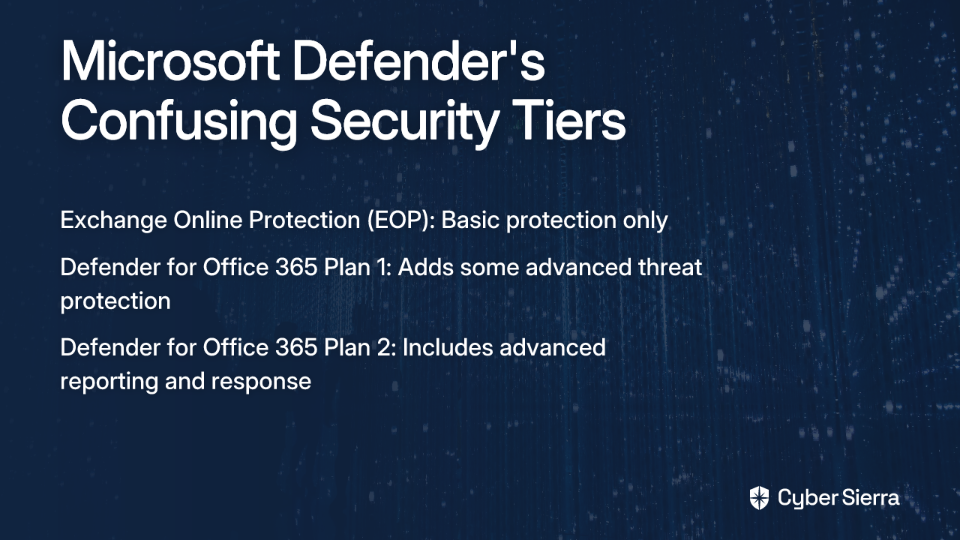
Part of the problem begins with understanding what "Microsoft Defender" actually includes, as the platform is divided into confusing licensing tiers:
- Exchange Online Protection (EOP): Basic anti-spam and anti-malware included with most subscriptions
- Defender for Office 365 Plan 1: Adds protection against more advanced threats
- Defender for Office 365 Plan 2: Includes advanced reporting, investigation capabilities, and automated response
This tiered approach creates security gaps for organizations that haven't opted for higher-tier plans or don't fully understand what protection they're actually getting.
Beyond licensing confusion, there's a more fundamental issue: Microsoft's ubiquity makes it a predictable target. The standardized nature of Defender means attackers who develop a technique to bypass its filters can reuse that technique across thousands of organizations. This creates a target-rich environment where a single successful evasion tactic can be weaponized at massive scale.
Critical Failures: Why Defender Falls Short
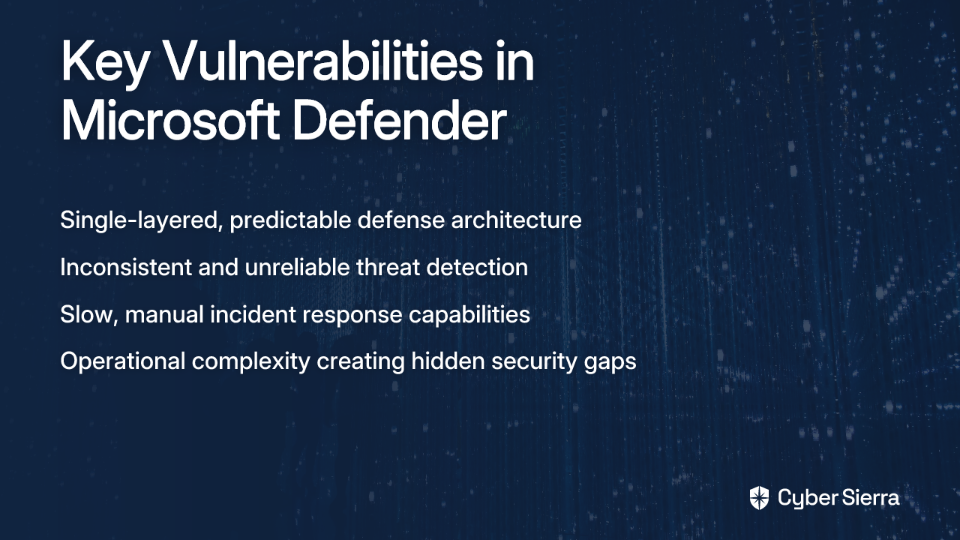
Failure 1: Single-Layered, Predictable Defense
Defender's core architecture operates primarily on traditional detection methods, heavily reliant on signature-based detection. While Microsoft has incorporated some AI capabilities, the system still fundamentally lacks the sophisticated, multi-layered protection necessary for modern threats.
This approach leaves organizations vulnerable to:
- Zero-day exploits with no existing signatures
- Polymorphic malware that constantly changes its code
- Advanced social engineering attacks that don't contain traditional malware indicators
The predictability of Defender's defenses makes it easier for attackers to test their methods against it until they find a successful approach.
Failure 2: Inconsistent and Unreliable Threat Detection
Perhaps the most frustrating aspect of Defender is its erratic performance. One Reddit user reported a particularly alarming example: "Defender detected about 50% [of a phishing campaign] as having malicious content, and the other 50% were delivered to inboxes. This particular thing has happened several times."
This inconsistency creates dangerous blind spots. Other users report "terrible email filtering problems" and "ridiculous failures of the filtering system" that allow obvious threats to reach user inboxes.
The platform particularly struggles with:
- Business Email Compromise (BEC): Users report that "emails just blatantly spoofing domains" slip through Defender despite having obvious red flags
- Sophisticated Phishing: While Defender can catch basic phishing attempts, it frequently misses more targeted spear-phishing attacks
- Malware Detection: "We've seen 2 issues where Microsoft's machine learning had a problem and allowed lots of spam through," reported another IT professional
Failure 3: Slow, Manual Incident Response
In cybersecurity, speed is critical. Once attackers breach your defenses, they can move laterally through a network in an average of just 72 minutes. Yet Defender's incident response capabilities remain largely manual and reactive.
When malicious emails do get through—and they will—Defender lacks the automated remediation capabilities to quickly remove them from all affected inboxes without significant manual intervention. This creates a dangerous time window where threats remain accessible to users.
Failure 4: Operational Complexity and Hidden Gaps
Even organizations that invest in higher-tier Defender plans face significant operational challenges. As one IT professional noted, "the management learning curve is much steeper than other frontrunner solutions."
This complexity leads to:
- Misconfigured threat policies that create security holes
- Incomplete Data Loss Prevention (DLP) implementation
- Insufficient email authentication protocols like DMARC, DKIM, and SPF
The Verdict from the Trenches: Why Experts Look Elsewhere
The consensus among security professionals is remarkably consistent. According to one Reddit user, "Defender for email is probably the only thing I recommend immediately replacing when I talk to people with E5s." This coming from users who have Microsoft's highest-tier licensing should raise serious concerns.
The sentiment is echoed across platforms like Gartner Peer Insights, where competitors consistently receive higher ratings:
- Proofpoint Threat Protection: 4.6/5
- Check Point Harmony Email & Collaboration: 4.7/5
- Mimecast Advanced Email Security: 4.5/5
- Barracuda Email Protection: 4.6/5
As another security professional candidly put it: "I kinda get it, it's hard for Microsoft to build detections for EVERYONE, but it really feels like they never bothered being good at this."

Building a Resilient Email Security Strategy
If Microsoft Defender isn't sufficient, what should organizations do instead? Security professionals recommend a three-pronged approach:
Principle 1: Adopt a Layered Defense
The consensus among security professionals is that "multiple email security layers are necessary." Consider implementing one of these specialized solutions:
- Abnormal Security: Praised for high accuracy and low false positives using machine learning to analyze email signals. As one user reported, "We use Abnormal Security! So far so good."
- Proofpoint or Mimecast: Considered the "main players" with powerful filtering, robust attachment sandboxing, and comprehensive malware blocking.
- Darktrace for Email (Antigena): Recommended for its AI that monitors email behavior to stop advanced threats. One user reported being "really happy with Antigena from Dark Trace."
These solutions can be deployed either as an MX gateway (filtering mail before it reaches Microsoft) or as an API-based cloud integrated solution that works alongside Microsoft's infrastructure.
Principle 2: Harden Your Existing Environment
For organizations that must rely on Defender, proper configuration is essential:
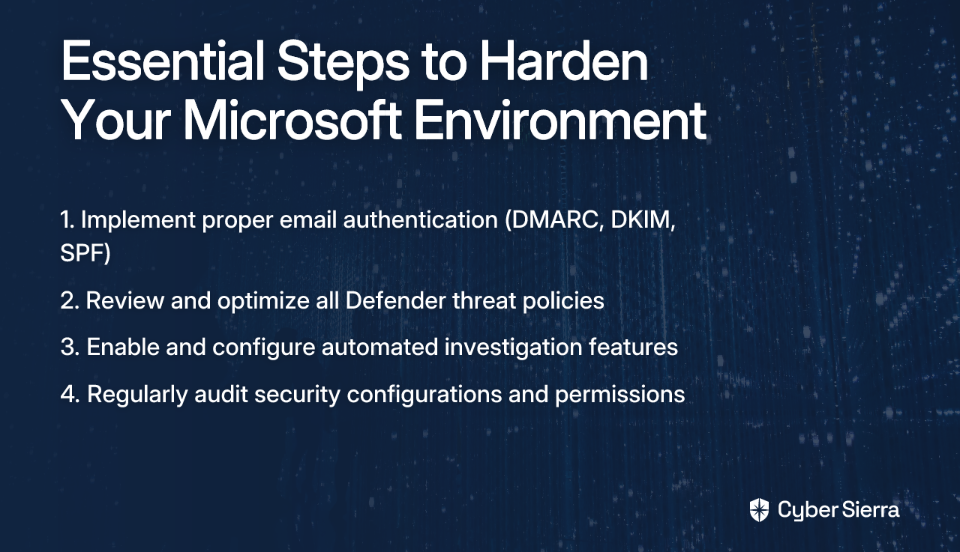
- Master Email Authentication: Ensure proper implementation of DMARC, DKIM, and SPF to block spoofed emails. Consider tools like PowerDMARC for better visibility and enforcement.
- Optimize Defender Policies: Regularly review and tighten anti-phishing, anti-spam, and safe link settings within Defender's threat policies.
- Enable Advanced Features: If you have access to Plan 2, ensure you've configured automated investigation and response capabilities.
Principle 3: Empower the Human Layer
No technical solution is perfect. As one IT professional noted, "No tool is 100% effective; security training is essential."
Implement regular phishing training programs that teach users to identify and report suspicious emails. This human firewall serves as your last line of defense when technical controls fail.
Conclusion: Moving Beyond Default Security
Microsoft Defender's shortcomings—its predictable single-layer architecture, inconsistent detection capabilities, slow incident response, and operational complexity—make it an inadequate standalone solution for email security.

Organizations serious about protecting their email communications need to look beyond the default option. Whether that means implementing a specialized third-party solution or significantly enhancing your Microsoft configuration, the status quo is simply too risky in today's threat landscape.
The choice is clear: proactively address these security gaps now, or wait until a successful attack forces your hand. In email security, as in most aspects of cybersecurity, prevention is infinitely preferable to remediation.
Frequently Asked Questions
Why isn't Microsoft Defender enough for email security?
Microsoft Defender is often not enough for comprehensive email security because it relies on a predictable, single-layered defense that struggles against modern, sophisticated threats like zero-day exploits and advanced phishing attacks. Its detection performance can be inconsistent, incident response is often slow and manual, and its operational complexity can lead to dangerous misconfigurations. For these reasons, security experts recommend a layered approach that includes specialized security solutions.
What are the biggest security risks when relying solely on Microsoft Defender?
The biggest security risks are its inconsistent detection of phishing and malware, a high vulnerability to novel zero-day attacks due to its reliance on signature-based methods, and slow, manual incident response capabilities. This allows threats like Business Email Compromise (BEC) and targeted spear-phishing to reach user inboxes. When an attack succeeds, the lack of fully automated remediation leaves a critical window open for attackers to do more damage.
What is a layered email security defense?
A layered email security defense is a strategy that uses multiple, distinct security tools and controls to protect against threats, rather than relying on a single solution. For email, this typically involves combining Microsoft 365's built-in security with a specialized third-party solution (like Proofpoint, Abnormal Security, or Mimecast) that provides more advanced threat detection. This approach also includes hardening configurations like DMARC and implementing regular user security training.
How can I improve my email security if I have to use Microsoft Defender?
You can significantly improve your email security by properly configuring and hardening your existing Microsoft 365 environment. Key steps include correctly implementing email authentication protocols like DMARC, DKIM, and SPF to block spoofing; regularly reviewing and tightening Defender's threat policies (e.g., anti-phishing, anti-spam); and enabling advanced features like automated investigation and response if your license includes them.
Is a higher-tier license like Microsoft 365 E5 a good enough solution?
No, even a high-tier license like Microsoft 365 E5, which includes Defender for Office 365 Plan 2, is often not considered a sufficient standalone solution by many security experts. While E5 provides more advanced features like investigation and automated response, it is still built on the same core Defender architecture that struggles with advanced threat detection. Many organizations with E5 licenses still supplement it with a third-party email security solution to cover these critical gaps.
