



How Does MFA Enhance Security for Remote Workforces? A Technical Deep Dive

Join thousands of professionals and get the latest insight on Compliance & Cybersecurity.
Summary
- Multi-factor authentication (MFA) is critical for remote workforces, preventing 99.9% of account compromise attacks by moving beyond vulnerable password-only security.
- FIDO2 security keys offer the highest phishing resistance for critical accounts, while push notifications with number matching provide a secure and user-friendly option for general use.
- Attackers can still bypass MFA using sophisticated methods like session hijacking and "MFA fatigue" attacks, highlighting the need for vigilance beyond initial setup.
- A robust defense combines a layered MFA strategy with continuous monitoring and targeted training. Cybersierra’s Threat Intelligence and Employee Security Training platforms help protect against these advanced threats.
You've transitioned your team to remote work, implemented basic security protocols, and yet you're seeing alarming reports of credential theft and account compromises affecting even security-conscious organizations. Despite your best efforts, the traditional username-password model is failing to protect your expanding digital perimeter.
The corporate network now extends to every employee's home office, creating a vastly expanded attack surface that traditional perimeter defenses simply can't contain. In this new reality, multi-factor authentication (MFA) has become the critical first line of defense against unauthorized access.
The Critical Role of MFA in Remote Security
The statistics speak for themselves:
- 99.9% of compromised accounts do not use MFA, according to Microsoft research
- Google's findings show that basic MFA prevents 100% of automated bot attacks and 75% of targeted attacks
While implementing MFA is non-negotiable for remote workforces, not all methods offer the same level of protection. IT administrators often face conflicting advice about which MFA approach best balances security and usability, leading to confusion and suboptimal implementations.
This article provides a technical deep dive into the most common MFA methods, evaluates their effectiveness against modern threats targeting remote workers, and outlines how to build a resilient, multi-layered MFA strategy.
MFA 101: Understanding the Authentication Factors
Multi-factor authentication (MFA) is an electronic authentication method requiring users to provide two or more distinct categories of credentials—or "factors"—to access a system.
The core authentication factors include:
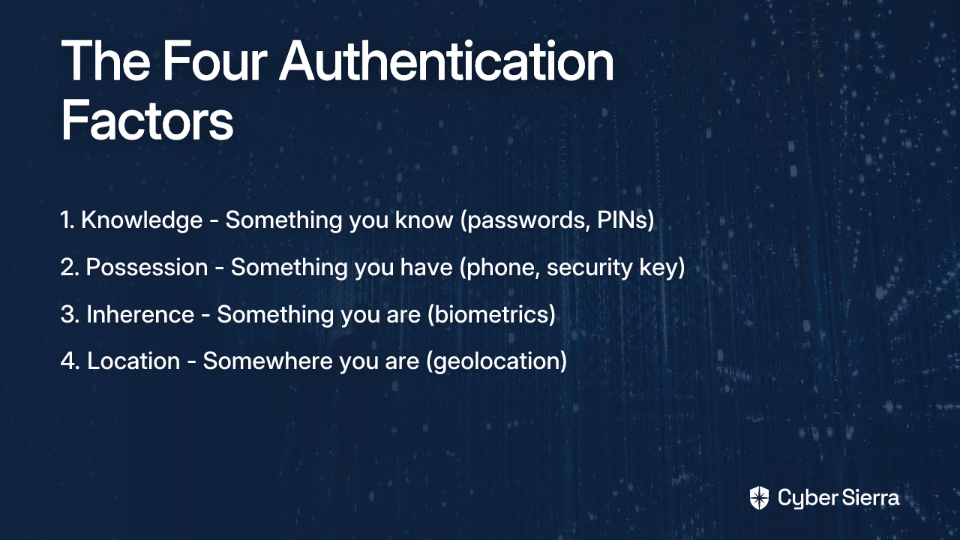
- Knowledge (Something you know): The most common factor, including passwords, PINs, and answers to secret questions.
- Possession (Something you have): A physical or digital object in your possession, such as a mobile phone (for SMS or push notifications), a hardware security key, or an authenticator app.
- Inherence (Something you are): Biometric identifiers unique to the user, including fingerprints, facial recognition, and voice patterns.
A fourth, contextual factor is increasingly important:
- Location (Somewhere you are): Using geolocation to assess risk. A login from a known location (like a home IP) might require less stringent verification than a login from an unfamiliar country.
True security comes from combining multiple factors, ensuring that even if attackers compromise one factor (like a password), they still can't access protected resources without the other factors.
Technical Showdown: TOTP vs. Push vs. FIDO2 for Remote Access
When implementing MFA for remote workforces, organizations face several options, each with distinct technical characteristics and security profiles. Let's examine the three most common methods:
Time-based One-Time Passwords (TOTP)
Technical Breakdown: TOTP employs an algorithm that generates a shared secret key between the server and the user's authenticator app (e.g., Google Authenticator). The app uses this key and the current time to generate a new 6-digit code, typically refreshing every 30 seconds.
Strengths:
- Inexpensive to deploy
- Widely supported across services
- Works offline without cellular/internet connectivity
- Significant security upgrade over SMS-based codes
Weaknesses:
- Vulnerable to real-time phishing and man-in-the-middle (MitM) attacks
- An attacker can create a fake login page that proxies the user's credentials and TOTP code to the real service in real-time
- Seed/QR code can potentially be compromised during setup
Verdict for Remote Work: A solid baseline protection, but its phishing vulnerability makes it risky for users accessing critical systems from less-controlled personal networks.
Push Notifications
Technical Breakdown: After entering a password, the service sends a push notification to the user's registered device. The user simply taps "Approve" or "Deny." More advanced implementations incorporate number matching, where the login screen displays a number the user must select on their device, preventing accidental approvals.
Strengths:
- Extremely user-friendly, leading to higher adoption rates
- Minimal user friction
- Provides contextual information about the login attempt
- Number matching helps prevent accidental approvals
Weaknesses:
- Highly susceptible to MFA Fatigue or Push Bombing attacks
- Attackers with a stolen password can spam the user with login requests, hoping they'll eventually approve one out of frustration or mistake
- Requires internet connectivity on the mobile device
Verdict for Remote Work: Excellent for general use due to its convenience, but the MFA fatigue risk must be mitigated with number matching and robust user training.
FIDO2 / WebAuthn (Security Keys)
Technical Breakdown: Based on public-key cryptography, FIDO2 enables users to register a security key (e.g., a YubiKey) or device biometric with a service. During login, the service sends a challenge that only the private key stored securely on the device can sign. Crucially, the origin of the request is verified, making it impossible for a user to approve a login on a phishing site.
Strengths:
- The gold standard for MFA security
- Inherently phishing-resistant by design
- Protects against MitM attacks
- Enables a passwordless experience
- Aligns perfectly with Zero Trust security models
Weaknesses:
- Involves hardware costs (typically $20-$70 per key)
- Logistical challenges in distributing and managing physical devices for distributed teams
- Less familiar to many users, potentially requiring additional training
Verdict for Remote Work: The most secure option, ideal for protecting privileged accounts (admins, executives) and access to critical infrastructure.
Comparison Summary
| MFA Method | Security Strength | Phishing Resistance | User Friction | Cost |
|---|---|---|---|---|
| Security Keys (FIDO2) | Very High | Very High | Low | Medium |
| Push MFA | High | Excellent (with number matching) | Very Low | Medium |
| TOTP | Excellent | Moderate | Medium | Low |
Beyond the Basics: Real-World MFA Bypass Techniques
Implementing MFA is essential but not sufficient. Sophisticated attackers have developed techniques to bypass even MFA-protected accounts, particularly in remote work scenarios.
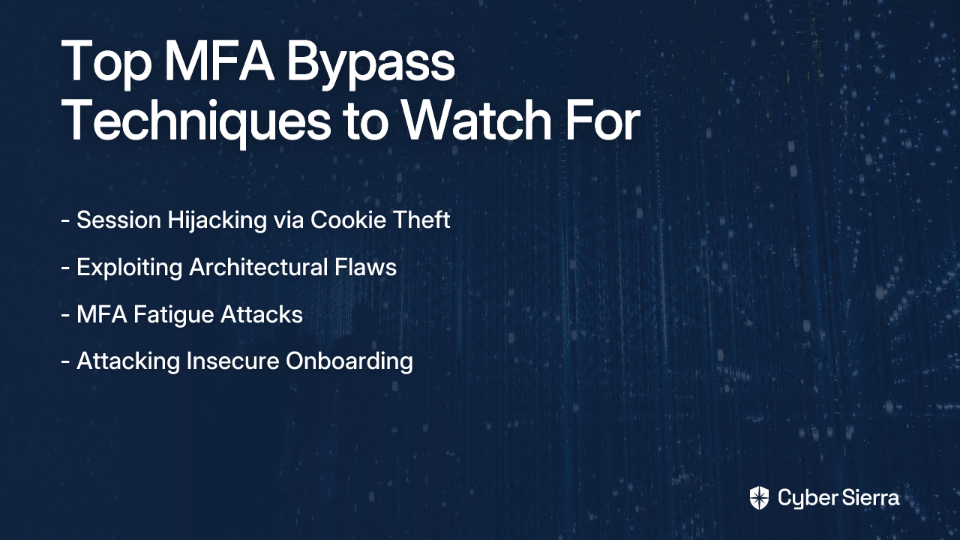
Here are some advanced MFA bypass techniques to be aware of:
Session Hijacking via Cookie Theft
After a user successfully authenticates with MFA, attackers can steal the session cookie stored in the browser. Using tools that leverage Windows' Data Protection Application Programming Interface (DPAPI), they can decrypt and reuse this cookie to impersonate the user without needing to re-authenticate.
Exploiting Architectural Flaws
MFA is often applied inconsistently across an organization's technology stack. An attacker might find that RDP access is protected by MFA, but other protocols like SMB or RPC are not, allowing them to move laterally within the network after an initial, single-factor compromise.
MFA Fatigue Attacks
In this increasingly common attack, threat actors with a stolen password repeatedly trigger authentication requests to the victim's device, hoping that eventually, the user will approve a request just to stop the notifications. This technique has been observed in several high-profile breaches.
Attacking Insecure Onboarding
Some MFA implementations send cryptographic seeds or initialization data via insecure channels. If an attacker has compromised a user's email, they could potentially intercept this data, clone the MFA token, and bypass security entirely.
Building a Resilient, Phishing-Resistant MFA Strategy
To protect your remote workforce effectively, follow these best practices:
1. Implement Continuous Monitoring and Threat Intelligence
MFA is not a "set-and-forget" control. You need continuous visibility into authentication patterns to detect anomalies and potential bypass attempts.
Cyber Sierra's Threat Intelligence platform is designed specifically for this purpose, providing:
- An outside-in view of your attack surface to identify vulnerabilities that could be exploited to bypass MFA
- Continuous network and cloud vulnerability scanning to uncover architectural weaknesses
- A comprehensive security scorecard giving you a holistic view of your security posture
- Proactive alerts for suspicious authentication patterns that may indicate MFA bypass attempts
The platform helps security teams detect and respond to threats before they can compromise even MFA-protected accounts, addressing a critical gap in many security architectures.
2. Adopt a Risk-Based, Layered MFA Approach
There is no single "best" MFA for everyone. Tailor the method to the risk level:
- High-Risk Users & Systems: Mandate FIDO2/Security Keys for administrators, finance teams, and executives accessing critical infrastructure, financial applications, or source code repositories.
- General Workforce: Deploy Push MFA with number matching for broad applications like email, SSO, and collaboration tools to balance security and usability.
- Avoid SMS: Follow NIST recommendations to avoid SMS-based OTPs as a primary authentication factor due to their vulnerability to SIM swapping and interception attacks.
3. Fortify Your Human Firewall with Targeted Training
Technology alone is not enough. Users must be trained to recognize and resist modern attacks targeting MFA.
Cyber Sierra's Employee Security Training platform empowers employees to become the first line of defense through:
- Interactive training modules on MFA-specific threats like phishing and social engineering
- Simulated phishing campaigns that test employee resilience to MFA bypass attempts
- A dashboard overview of your organization's security awareness posture
Most importantly, the platform creates a feedback loop between threat intelligence and training. When Cyber Sierra's Threat Intelligence detects a rise in MFA fatigue attempts targeting your organization, you can launch a targeted training campaign to warn users about this specific tactic.
Conclusion: MFA is a Journey, Not a Destination
Securing a remote workforce requires a robust MFA strategy that goes beyond initial implementation. FIDO2 offers the strongest protection, push notifications provide the best user experience (with appropriate safeguards), and TOTP delivers a solid baseline of security.
A successful MFA deployment requires:
- A layered approach tailored to risk levels
- Continuous monitoring to detect bypass attempts
- Ongoing user education to counter evolving threats
By combining robust MFA technologies with platforms for threat intelligence, continuous monitoring, and employee training, organizations can transform their security posture from reactive to proactive, ensuring their remote workforce remains both secure and productive.
MFA significantly enhances security for remote workforces by establishing multiple verification layers that dramatically reduce the risk of unauthorized access—but only when implemented as part of a comprehensive, continuously monitored security program.
Frequently Asked Questions
What is the best MFA method for remote teams?
The best MFA method depends on your specific security needs. A layered approach is recommended: use FIDO2 security keys for high-risk users and systems, and push notifications with number matching for the general workforce to balance security and usability.
Why is MFA critical for securing a remote workforce?
MFA is critical because it provides a vital layer of security beyond just passwords, which are easily compromised. It protects against 99.9% of account compromise attacks by requiring multiple forms of verification, securing the expanded digital perimeter of remote work.
How can attackers bypass MFA?
Attackers can bypass MFA through techniques like session hijacking (stealing session cookies), MFA fatigue (spamming users with push notifications), and exploiting architectural flaws where MFA is not consistently applied across all systems and protocols.
What is the most secure and phishing-resistant MFA?
FIDO2/WebAuthn, which uses physical security keys, is the most secure and phishing-resistant MFA method. It uses public-key cryptography and verifies the website's origin, making it impossible for a user to approve a login on a fraudulent phishing site.
What is an MFA fatigue attack?
An MFA fatigue attack, or push bombing, occurs when an attacker with a stolen password repeatedly sends push notification requests to a user's device. The goal is to annoy or trick the user into accidentally approving a login request, granting the attacker access.
Is implementing MFA a one-time setup?
No, implementing MFA is not a one-time setup. A strong security posture requires continuous monitoring of authentication patterns to detect bypass attempts, ongoing user training to recognize new threats, and adapting your MFA strategy as risks evolve.
