



Why Your Auditor Hates Your GRC Tool Evidence


Join thousands of professionals and get the latest insight on Compliance & Cybersecurity.
You're a month away from the annual audit. The emails have started - polite but increasingly urgent requests from your auditor for evidence that demonstrates compliance with a seemingly endless list of controls. Despite investing in an expensive Governance, Risk, and Compliance (GRC) tool, you find yourself in a familiar, painful scramble.
Screenshots are being captured manually. Spreadsheets are being compiled from various departments. Your GRC platform's automated reports are being supplemented with additional documentation because, as your auditor tersely noted last year, "These exports don't provide sufficient context."
Sound familiar? You're not alone.
The irony is striking: GRC tools are designed specifically to streamline compliance and make audits smoother. Yet they often become a source of friction between compliance teams and auditors. As one frustrated compliance professional put it, "Most auditors I've talked to will not accept .csv files, they want screenshots." This disconnect creates extra work, delays, and tension during what's already a stressful process.
In this article, we'll explore why auditors often reject evidence from your GRC tool, the underlying issues (both technological and organizational), and provide actionable strategies to bridge this gap, turning your next audit from a dreaded ordeal into a strategic advantage.
The Great Evidence Disconnect: 3 Reasons Your GRC Tool Is Failing the Audit Test
1. The Integrity Gap: When "Evidence" Lacks Verifiability
Auditors aren't being difficult when they question your GRC tool's outputs—they're doing their job. At its core, an audit is about verification, and many GRC tools fall short in producing evidence that meets the fundamental requirement of verifiability.
When an auditor reviews evidence, they're asking:
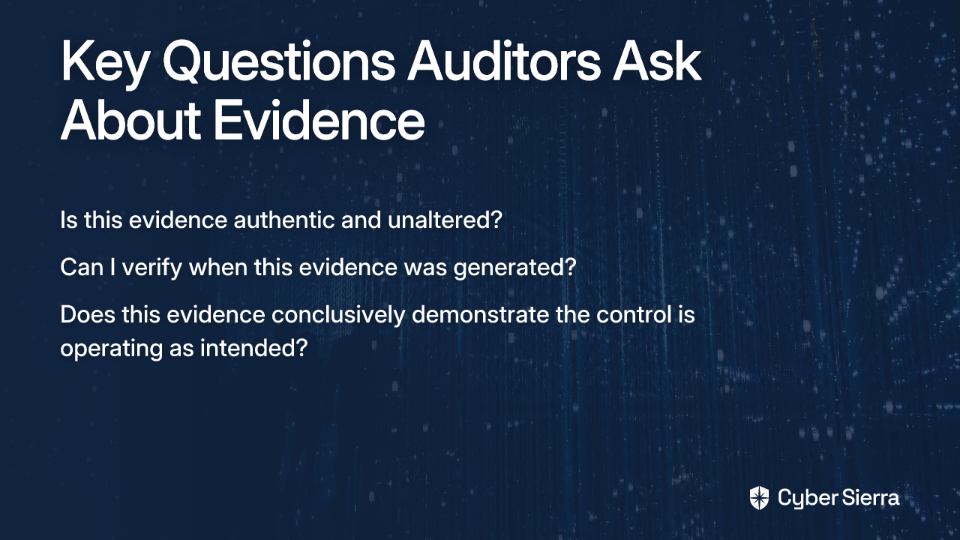
- Is this evidence authentic and unaltered?
- Can I verify when this evidence was generated?
- Does this evidence conclusively demonstrate the control is operating as intended?
The problem arises when GRC tools pull data from disparate systems without preserving the chain of custody or contextual information that validates the evidence's integrity. This creates what security experts call the "Four Layers of Security for GRC Evidence" problem, where failures in data, communication, application, or physical security can compromise evidence before an auditor ever sees it.
For example, a simple compliance status report showing "Compliant" for password policies doesn't prove the policy is actually enforced or when the assessment was performed. Without timestamps, system identification, and configuration details, the evidence lacks the integrity auditors require.
2. The Format Fiasco: Why Auditors Demand Screenshots Over Spreadsheets
"Most auditors I've talked to will not accept .csv files, they want screenshots."
This common complaint highlights a fundamental misalignment between what GRC tools produce and what auditors need. But why are auditors so insistent on screenshots?
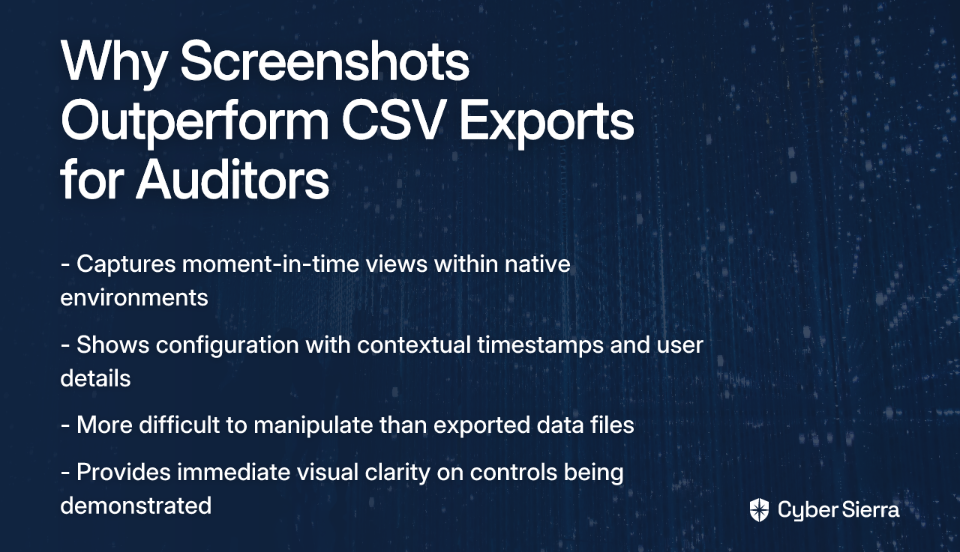
The answer isn't arbitrary preference—it's about context and immutability:
- A screenshot captures a moment-in-time view of a control within its native environment
- It shows the configuration in context, often including timestamps, user information, and system details
- Screenshots are harder to manipulate than exported data files
- Visual evidence provides immediate clarity on what's being demonstrated
By contrast, a CSV export is just data—rows and columns extracted from their original context. It raises questions: Where did this data come from? When was it generated? Has it been filtered or modified? Without answers to these questions, auditors cannot fulfill their responsibility to verify.
This disconnect reveals a design flaw in many GRC tools: they're built for data aggregation and reporting but not for capturing and preserving the contextual evidence that auditors require to do their jobs effectively.
3. The "Black Box" of Automation: When Automated Checks Raise More Questions Than Answers
Automation is a core selling point of modern GRC tools. The promise is compelling: connect to your systems, run automated checks, and generate compliance status reports without manual effort.
However, this automation often becomes a "black box" that auditors can't trust. As one security professional noted, "If yours is anything other than cookie cutter, their automations won't work." This highlights two critical problems:
- The transparency problem: Auditors need to understand what's being checked, how it's being assessed, and what the results mean. Many GRC tools provide only the outcome ("Pass" or "Fail") without exposing the underlying logic or raw data.
- The customization problem: Organizations rarely implement controls in exactly the same way. When automated checks can't adapt to your specific environment, they produce unreliable results that auditors rightfully question.
For example, an automated check might verify that multi-factor authentication (MFA) is enabled at the system level, but fail to detect that it's not properly enforced for privileged accounts—a nuance that would be obvious during a manual inspection.
It's Not Just the Tool: Organizational Gaps That Sabotage Your Audit
While technology issues contribute significantly to auditor frustration, the full picture includes organizational factors that amplify these problems.
1. The "Silver Bullet" Fallacy: A Tool Is Not a Strategy
Many organizations fall into the trap of believing they can "throw money into a tool and fix the problem." This misconception leads to implementing sophisticated GRC platforms without the foundational processes needed to support them.
As one experienced practitioner wisely observed: "You have to make sure your house is in order and you're doing the work with getting those processes in place."
The hard truth is that over two-thirds of organizations report higher risk volume and complexity but lack mature risk management processes. A GRC tool, no matter how advanced, cannot automate what doesn't exist. It can't magically create a control framework if you haven't defined one, and it can't monitor controls that haven't been implemented.
2. The Silo Effect: How Fragmented Ownership Creates Inconsistent Evidence
In many organizations, control ownership is distributed across multiple departments with minimal coordination. IT manages technical controls, HR owns personnel security, Facilities handles physical security, and so on.
This fragmentation creates a nightmare scenario during audits:
- Evidence is collected and formatted differently across teams
- Control interpretations vary, leading to inconsistent implementation
- Documentation quality ranges from meticulous to barely adequate
When this siloed evidence is aggregated in your GRC tool, the result is a disjointed collection that frustrates auditors who need to see a coherent, consistent compliance story.
3. The Maturity Mismatch: When Your Tool Outpaces Your Processes
"It requires a level of Security maturity in the org that we simply didn't have."
This candid admission from a security professional highlights a common problem: organizations implement complex GRC tools before they're ready for them. Many sophisticated platforms assume you already have:
- Well-defined control frameworks
- Documented policies and procedures
- Clear roles and responsibilities
- Established risk assessment methodologies
Without this foundation, teams struggle to effectively use the tool, resulting in incomplete or inaccurate evidence that fails to satisfy auditors' requirements.

Bridging the Gap: A Practical Guide to Auditor-Friendly Evidence
The good news is that the disconnect between GRC tools and auditor expectations can be bridged. Here's how to transform your approach and create evidence that satisfies even the most demanding auditors.
1. Proactive Preparation: The Pre-Audit Game Plan
The key to successful audits is shifting from reactive scrambling to proactive preparation. Follow this 8-Step GRC Audit Preparation Checklist to set yourself up for success:
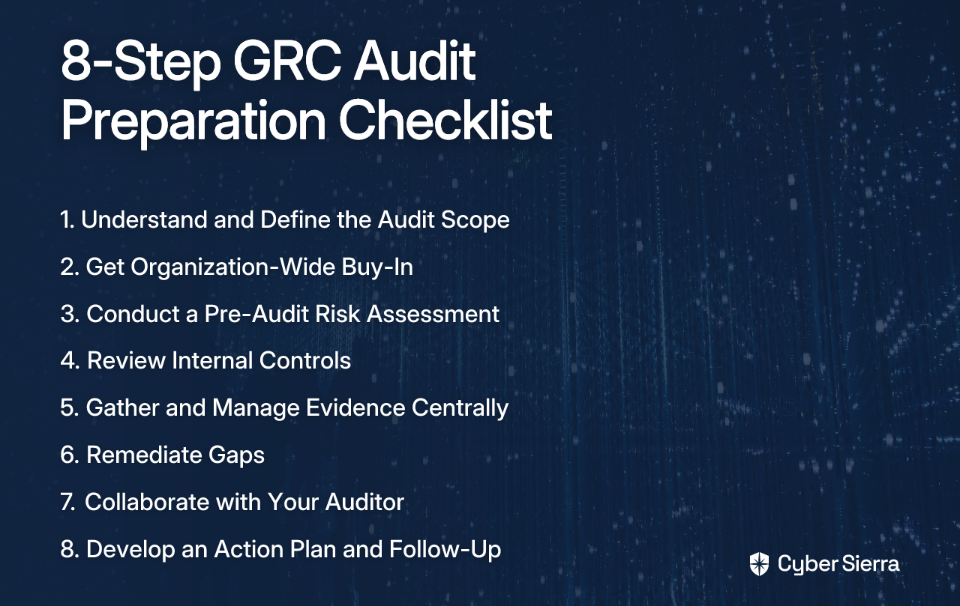
- Understand and Define the Audit Scope: Before jumping into evidence collection, clarify exactly what's being audited and which frameworks apply. This prevents over-collection and focuses your efforts.
- Get Organization-Wide Buy-In: Secure executive sponsorship and educate control owners about their responsibilities. Compliance is everyone's job, not just the GRC team's.
- Conduct a Pre-Audit Risk Assessment: Identify potential gaps early so you can address them before the auditor does.
- Review Internal Controls: Ensure controls are properly designed and operating effectively before collecting evidence.
- Gather and Manage Evidence Centrally: Use a centralized repository with consistent naming conventions and organization. This is where a well-implemented GRC tool adds tremendous value.
- Remediate Gaps: Address identified weaknesses promptly and document your remediation actions.
- Collaborate with Your Auditor: This is crucial—ask your auditor upfront what evidence format they prefer and what level of detail they require. Most will appreciate your proactivity.
- Develop an Action Plan and Follow-Up: Document lessons learned for continuous improvement.
2. From Snapshots to Cinema: Embracing Continuous Control Monitoring (CCM)
The ultimate solution to point-in-time evidence problems is to eliminate them entirely through Continuous Control Monitoring (CCM). Unlike traditional periodic assessments, CCM provides real-time visibility into control effectiveness.
With CCM:
- Controls are continuously evaluated, not just during audit preparation
- Exceptions are detected and addressed immediately
- Historical data creates a complete timeline of compliance
- Auditors can see not just that controls are effective now, but that they've been consistently effective
This is where platforms like Cyber Sierra's Continuous Control Monitoring module excel. By building a central controls repository with near real-time updates and automating control testing, CCM transforms security from periodic checks to an ongoing state of audit-readiness. When an auditor requests evidence, you can provide a comprehensive view of control effectiveness over time, not just a point-in-time snapshot.
3. Choosing the Right Partner: What to Look for in a Modern GRC Platform
Not all GRC tools are created equal, and many are simply adding "AI" to their marketing without addressing fundamental evidence issues. When evaluating platforms, look for these essential features:

- Unified Data & Centralized Repository: A single source of truth that breaks down silos and ensures consistency.
- True, Configurable Automation: Automation that works for your specific environment, not just a "cookie cutter" setup. The system should allow you to customize checks while maintaining transparency into the testing logic.
- Native Integrations: Seamless connections to your existing security tools and IT systems to minimize manual data collection.
- An Auditor Interface: A dedicated, secure portal where auditors can directly access properly formatted evidence, reducing back-and-forth and ensuring they get exactly what they need.
Cyber Sierra's Governance, Risk & Compliance solution is designed around these principles, automating data collection across multiple frameworks (like SOC 2, ISO 27001) while maintaining the context and integrity auditors demand. This makes enterprises audit-ready faster while reducing the manual burden that frustrates both GRC teams and auditors.
Transforming Audits from an Obligation to an Opportunity
The tension between GRC teams and auditors isn't inevitable. By understanding why auditors reject certain types of evidence and addressing both the technological and organizational gaps, you can transform your audit experience.
Remember: A smooth audit is not the goal—it's a byproduct of a strong, continuous compliance program. When you implement the right technology, mature your processes, and facilitate open communication with auditors, you don't just pass audits—you build trust with customers, partners, and stakeholders.
This strategic approach to compliance doesn't just satisfy auditors; it becomes a competitive advantage in a world where security and trust are increasingly differentiators.
Frequently Asked Questions
Why do auditors often reject evidence from GRC tools?
Auditors often reject evidence from GRC tools because it lacks the necessary verifiability, context, and integrity. Standard GRC exports, like CSV files, are typically just raw data removed from their original environment. Auditors need to confirm that the evidence is authentic, unaltered, and provides a complete picture of a control's operation, including timestamps and system details, which are often missing from simple data exports.
Why do auditors prefer screenshots over CSV files?
Auditors prefer screenshots because they provide immutable, contextual evidence of a control operating within its native environment. A screenshot captures a moment-in-time view that includes crucial details like system timestamps, user interfaces, and specific configuration settings. This visual proof is harder to alter than a CSV file and gives the auditor confidence that they are seeing an authentic representation of the control's status.
Is buying a GRC tool enough to ensure a smooth audit?
No, a GRC tool by itself is not enough to ensure a smooth audit. A GRC platform is a powerful asset, but it cannot replace a solid compliance strategy and mature internal processes. Organizations must first establish well-defined control frameworks and clear policies. The tool automates and streamlines these existing processes; it cannot create them from scratch.
What is Continuous Control Monitoring (CCM) and how does it help with audits?
Continuous Control Monitoring (CCM) is an automated process that provides real-time visibility into the effectiveness of your security controls, moving beyond periodic checks to ongoing evaluation. CCM helps with audits by creating a historical record of compliance, proving that controls have been consistently effective over time, not just at the moment a sample was taken. This ensures you are always audit-ready with comprehensive evidence that auditors trust.
How can I improve communication with my auditor about evidence requirements?
The most effective way to improve communication is to collaborate with your auditor proactively before the audit begins. Schedule a pre-audit meeting to discuss the scope and ask them directly what evidence formats they prefer and what level of detail they need to see. This simple step builds a collaborative relationship and ensures your team spends time collecting evidence that will actually be accepted.
Ready to make your next audit your smoothest one yet? Discover how Cyber Sierra's AI-enabled cybersecurity platform simplifies and automates security compliance while producing the high-quality, contextual evidence auditors actually want to see.
