



How to Automate GRC Evidence Collection and Cut Audit Prep by 70%

Join thousands of professionals and get the latest insight on Compliance & Cybersecurity.
Summary
- Security teams spend up to 60% of their time on manual audit evidence collection, but automation can cut this preparation time by up to 70%.
- The goal is to move from a stressful, periodic "audit scramble" to a state of continuous readiness where evidence is always current.
- A successful automation strategy involves four key steps: automated asset discovery, intelligent control mapping, continuous control monitoring, and automated reporting.
- Cybersierra's GRC platform helps organizations automate this entire workflow, achieving continuous audit readiness and eliminating manual prep work.
Ask any compliance manager what the worst part of their job is, and you'll hear the same answer: the weeks before an audit. The long calls with engineers who may or may not speak Governance, Risk, and Compliance (GRC). The hope that someone remembers where the config lives and can take a timestamped screenshot. The inbox archaeology, hunting through months of emails for a single approval record.
It's not a process problem. It's a structural one.
According to AuditBoard's research, security teams spend over 200 hours manually gathering evidence for a single audit cycle. Separately, ZenGRC estimates that Chief Information Security Officers (CISOs) and compliance teams can burn up to 60% of their time on manual evidence tasks. That's not audit preparation — that's organizational drag.
The good news: organizations that automate this process report cutting audit prep time by up to 70%. This article walks through how to get there.
The True Cost of the "Annual Scramble"
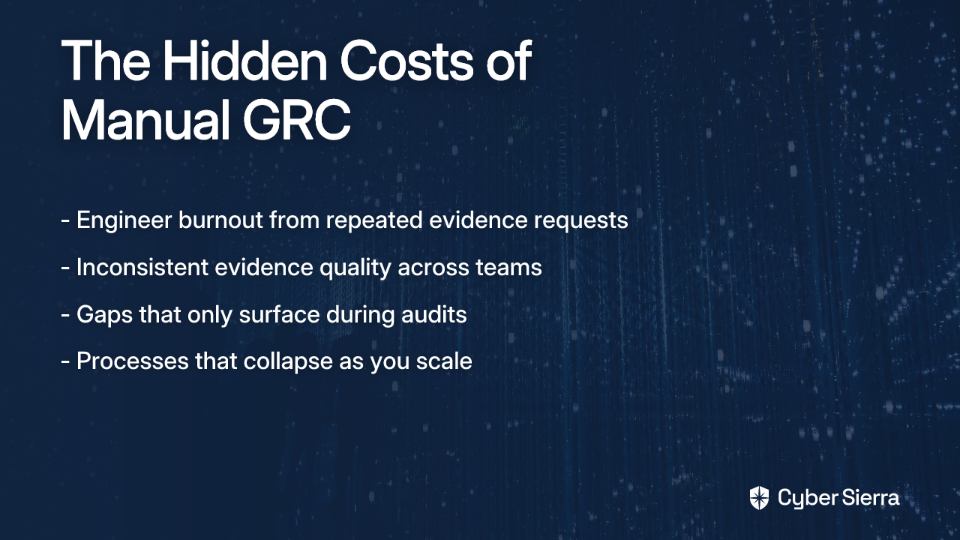
The time drain is real, but it's only part of the picture. Manual GRC evidence collection carries a set of downstream risks that don't always show up on a spreadsheet.
Burnout and degraded quality. When engineers are repeatedly pulled away from patching and infrastructure work to hunt down screenshots and config exports, they start cutting corners — not out of negligence, but survival. Responses become quick and approximate. Evidence quality suffers. As one compliance professional put it on Reddit: "The real cost isn't just the annual scramble; it's the hundreds of hours spent bugging engineers for screenshots and hunting through emails for approvals."
Inconsistency that auditors notice. Without a unified system, evidence collection varies by team, by quarter, and by whoever remembered to check the shared drive. Hyperproof's research identifies irregular collection cadences, poor labeling, and disparate storage as the primary triggers for auditor follow-up requests. And auditors are increasingly skeptical of screenshot-heavy control evidence, particularly for access reviews, logging configurations, and backup verification.
Gaps that surface at the worst moment. Manual processes hide latent failures. An expired certificate. A configuration that drifted after a cloud update. As one GRC practitioner noted: "The real issue is what happens when something small gets missed. You usually do not find out until someone asks for it." That someone is usually your auditor, on day one of fieldwork.
The scaling wall. What works for a 50-person startup breaks entirely at 500. Reddit's GRC community is clear on this: "Manual evidence collection can become critical when you scale and have fast-growth environments with frequent control changes." The process doesn't grow with the organization — it collapses under it.
A Four-Step Framework for GRC Automation
Automating evidence collection isn't a single tool purchase. It's a shift in how your compliance program operates. The following framework breaks that shift into four concrete steps, each building on the last.
Step 1: Automated Asset Discovery
The first step in any GRC automation effort is knowing what you're governing.
Manual asset inventories are outdated the moment they're finished. Cloud environments spin up new instances, SaaS applications get connected by individual teams, and infrastructure changes outpace any quarterly review cycle. Before you can collect evidence, you need a real-time picture of your asset landscape — every cloud workload, database, endpoint, and integrated service that falls within your compliance scope.
Automated asset discovery tools continuously scan your environment and maintain a living inventory, automatically flagging new assets and assessing their compliance status against your active frameworks. This eliminates the "unknown assets" problem and ensures your control coverage doesn't have blind spots.
Key outputs from this step:
- A continuously updated asset register tied to your compliance frameworks
- Scope clarity for each audit (SOC 2, ISO 27001, HIPAA, etc.)
- Immediate visibility into newly provisioned infrastructure that hasn't been assessed yet
Step 2: Intelligent Control Mapping
Once your assets are cataloged, the next step is mapping your controls — and doing it once across all your frameworks.
This is where most manual programs hemorrhage time. A single control like Multi-Factor Authentication (MFA) enforcement might appear as a requirement in SOC 2 Trust Services Criteria, ISO/IEC 27001:2022 Annex A, HIPAA technical safeguards, and PCI DSS v4.0. Without a mapping layer, your team collects and documents the same evidence four separate times.
Intelligent control mapping eliminates that duplication. A modern GRC platform with pre-built framework templates and crosswalk capabilities links a single piece of evidence to every framework requirement it satisfies. Document MFA enforcement once — the system maps it everywhere it applies.
Hyperproof's compliance research identifies this as one of the highest-leverage improvements a compliance team can make: reducing redundant collection while simultaneously improving coverage across overlapping frameworks.
Step 3: Continuous Control Monitoring
This is the structural shift that separates automated compliance programs from manual ones.
Continuous Control Monitoring (CCM) is the automated, near real-time tracking of whether your security controls are actually operating as intended. Instead of verifying controls once a year during pre-audit prep, CCM verifies them constantly — and alerts your team the moment something drifts out of compliance.
According to the Cloud Security Alliance's overview of CCM, common use cases include risk quantification, control gap identification, and exception detection — all of which previously required manual sampling and periodic reviews. With CCM, that work happens in the background, continuously.
Practically, CCM works by integrating directly with your tech stack — cloud providers like AWS and Azure, identity platforms, code repositories, ticketing systems — and running automated tests against defined control objectives. For example:
- Is MFA enforced for all privileged user accounts? ✓ or ✗, checked continuously
- Are all S3 buckets encrypted at rest? ✓ or ✗, checked continuously
- Have access reviews been completed within the required window? ✓ or ✗, tracked automatically
This directly addresses the auditor pushback on screenshot-heavy controls. Reddit's compliance community notes, auditors are increasingly unwilling to treat static screenshots of access reviews or logging configurations as evidence of continuous operation. Live, timestamped, system-generated data is far more credible — and far less labor-intensive to produce.
Cyber Sierra's Continuous Control Monitoring module is built around this model. It integrates with your existing tech stack to automate control testing and validation, detect exceptions in near real-time, and maintain a central controls repository that's always current — not just current as of last quarter's audit prep sprint.
To implement CCM effectively, work through these four stages:
- Identify Key Controls. Use your last audit's evidence requests as a starting point. The controls that took the most time to evidence manually are your highest automation priority.
- Define Control Objectives. Align each control objective to the specific framework requirements it satisfies (SOC 2 CC6.1, ISO 27001 A.9.4, etc.).
- Configure Automated Tests. Set up pass/fail tests within your GRC platform that run against integrated data sources — not manual inputs.
- Monitor via Dashboards. Track Key Risk Indicators (KRIs) continuously and configure alerts for any control that fails or drifts outside acceptable thresholds.
Step 4: Automated Reporting and Evidence Generation
The final step is packaging what you've collected into something auditors can actually use.
Without automation, this step involves pulling logs from five different systems, reformatting them for the auditor's template, tracking down the version of the policy that was in effect during the relevant period, and attaching everything to a shared folder you'll spend two weeks managing. It's the part of audit prep that makes compliance managers consider alternative careers.
Automated reporting flips this entirely. A GRC platform that's been running continuous monitoring already has everything it needs: control test results, exception logs, policy versions, asset changes, access review completions. At audit time — or any time — it generates a comprehensive, organized evidence package on demand.
The key benefits:
- Auditor-ready evidence packages. Evidence is categorized by control, timestamped by the system, and tied directly to framework requirements — no manual assembly required.
- Real-time executive dashboards. CISOs and board-level stakeholders get live visibility into compliance posture without waiting for a quarterly report to be manually compiled.
- Audit trail integrity. System-generated evidence is harder to dispute and easier to defend than manually collected screenshots.
Cyber Sierra's GRC module combines automated data collection, continuous control monitoring, and on-demand report generation across SOC 2, ISO 27001, HIPAA, PCI DSS, GDPR, and custom frameworks — giving compliance managers a single source of truth for every evidence request.
Your GRC Automation Starter Checklist
You don't need to automate everything at once. Start here — these six actions can be completed within the next two weeks and will deliver immediate visibility into your compliance posture.
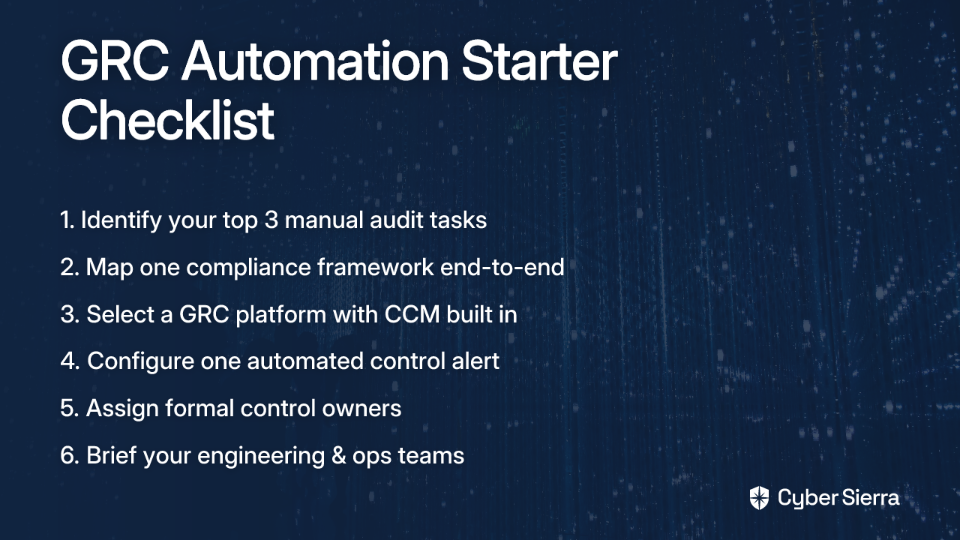
- Identify your top three manual tasks. Review your last audit's evidence log and pinpoint which requests consumed the most time. User access reviews, vulnerability scan reports, and backup verification logs are common offenders. Automate those first.
- Map one framework end-to-end. Choose your most pressing compliance requirement — SOC 2, ISO 27001, or HIPAA — and document your current controls against it. This surfaces gaps and redundancies before your auditor does.
- Select a GRC platform with CCM built in. Look for a tool that integrates with your existing stack, supports your active frameworks, and provides continuous — not periodic — control testing. Point-in-time tools recreate the same manual problem in a slightly shinier interface.
- Configure one automated alert. Connect your GRC platform to a single data source (your cloud provider is a good start) and set a pass/fail alert for one critical control — public storage bucket exposure, MFA status for admin accounts, or similar. The first automated alert is the proof of concept your leadership needs.
- Assign formal control owners. Designate a named individual responsible for each key control. Use the platform to manage evidence requests and review schedules, so compliance coordination moves out of email and into a trackable system. Hyperproof's evidence collection guidance identifies undefined ownership as one of the primary causes of evidence gaps during audits.
- Brief your engineering and operations teams. Automation doesn't eliminate the need for human involvement — it eliminates the need for emergency human involvement. Show your teams how the new process reduces the number of "urgent" Slack messages they receive before every audit window.
From Audit Prep to Audit Ready
Moving away from the annual audit scramble isn't about working harder; it's about building a smarter, automated compliance system. The goal is to shift from periodic fire drills to a state of continuous readiness, where your evidence is always current and your controls are verifiably effective.
This transition hinges on two key takeaways:
- Map controls once, apply everywhere. Stop collecting the same evidence for SOC 2, ISO 27001, and HIPAA. A unified control framework eliminates redundant work.
- Monitor continuously, not periodically. Replace last-minute screenshot hunts with a live, system-generated audit trail that proves your controls are working 24/7.
Your next step today is simple: Pinpoint the single most time-consuming evidence request from your last audit. That’s your first automation target.
When you're ready to see how a GRC platform automates that process and gives you back hundreds of hours, book a personalized demo with our team. We'll show you how to make "always audit-ready" your new normal.
Frequently Asked Questions
What is GRC evidence collection automation?
GRC automation uses software to automatically gather, manage, and report on evidence for compliance audits. This replaces manual tasks like taking screenshots and tracking approvals, connecting directly to your systems to prove controls are operating effectively and continuously.
Why is manual GRC evidence collection inefficient?
Manual evidence collection is inefficient because it consumes hundreds of hours, leads to engineer burnout, and creates inconsistent, error-prone evidence. This "annual scramble" often results in gaps that surface only during an audit, and the entire process fails to scale with company growth.
How does GRC automation handle multiple compliance frameworks?
GRC automation uses intelligent control mapping. You document evidence for a control (like MFA) once, and the platform automatically applies it to every framework that requires it, such as SOC 2, ISO 27001, and HIPAA. This eliminates redundant work and ensures consistency across all audits.
What is Continuous Control Monitoring (CCM)?
Continuous Control Monitoring (CCM) is an automated process that constantly checks if your security controls are working as intended. Instead of a yearly spot-check, CCM integrates with your systems to provide real-time validation and alerts your team instantly if a control fails or drifts.
What is the first step to automating GRC processes?
The first step is automated asset discovery to get a complete, real-time inventory of all systems in your compliance scope. From there, identify your top three most time-consuming manual audit tasks and focus on automating the evidence collection for those specific controls first.
Does GRC automation replace the need for compliance professionals?
No, GRC automation empowers compliance professionals by eliminating repetitive, low-value manual tasks. This frees up compliance teams to focus on strategic risk management, program improvement, and addressing complex security challenges, rather than just chasing screenshots for audits.
