



How to Automate User Access Reviews: A Complete Guide for Enterprise Security Teams


Join thousands of professionals and get the latest insight on Compliance & Cybersecurity.
- Manual user access reviews are dangerously slow and incomplete, with cycles taking up to 149 days while leaving 80-90% of access rights unchecked.
- This manual process fails to mitigate critical risks like privilege creep and orphaned accounts, leaving organizations vulnerable to breaches and non-compliance with frameworks like ISO 27001 and PCI DSS.
- Effective automation provides 100% coverage by centralizing access data, providing reviewers with context to prevent "rubber-stamping," and creating a complete, audit-ready evidence trail.
- Transition to a continuous compliance model with an automated solution like Cyber Sierra's GRC platform to monitor access risks in real-time and maintain audit readiness.
Your security team just kicked off another quarterly access review. Someone has exported 40,000 rows from Active Directory into a spreadsheet, another person is chasing business managers across three time zones for certifications, and the clock is ticking toward a PCI DSS audit. This is the reality of manual user access reviews at enterprise scale, and user access review automation is the only way out. The process is slow, error-prone, and leaves critical gaps that regulators and attackers alike can exploit.
For organizations with 1,000-plus users, multiple HR systems spanning different countries, and a mix of on-prem databases and cloud applications, the math simply does not work. A manual review cycle can drag on for up to 149 days, often relying on 10-20% sampling of total access rights. That means 80-90% of your access entitlements never get reviewed before you sign off on compliance.
This guide walks through what enterprise-grade UAR automation looks like end-to-end, which capabilities actually matter at scale, and how to build a business case that gets budget approved.
What Is a User Access Review and Why It Matters
A User Access Review (also called an access certification or entitlement review) is a formal process to evaluate whether every user's access rights match their current role and responsibilities. The governing principle is Least Privilege: users should hold only the access they need to do their jobs, nothing more.
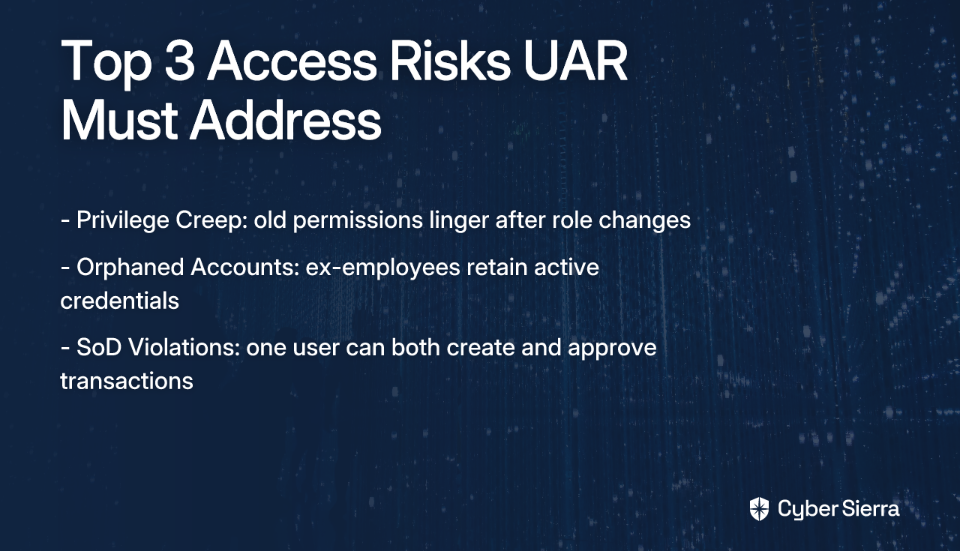
For enterprise security, compliance, and IAM teams, UARs directly address three high-severity risk categories:
- Privilege creep. Employees accumulate permissions across role changes and projects without old access being removed.
- Orphaned accounts. Former employees or contractors retain active credentials after offboarding. These are prime targets for attackers.
- Segregation of Duties (SoD) violations. A single user holds conflicting permissions, such as the ability to both create and approve a purchase order.
Regulatory Mandates That Require UAR
The regulatory pressure is real and spans multiple frameworks. If your organization operates in banking, insurance, or financial services, you are likely subject to several of these simultaneously:
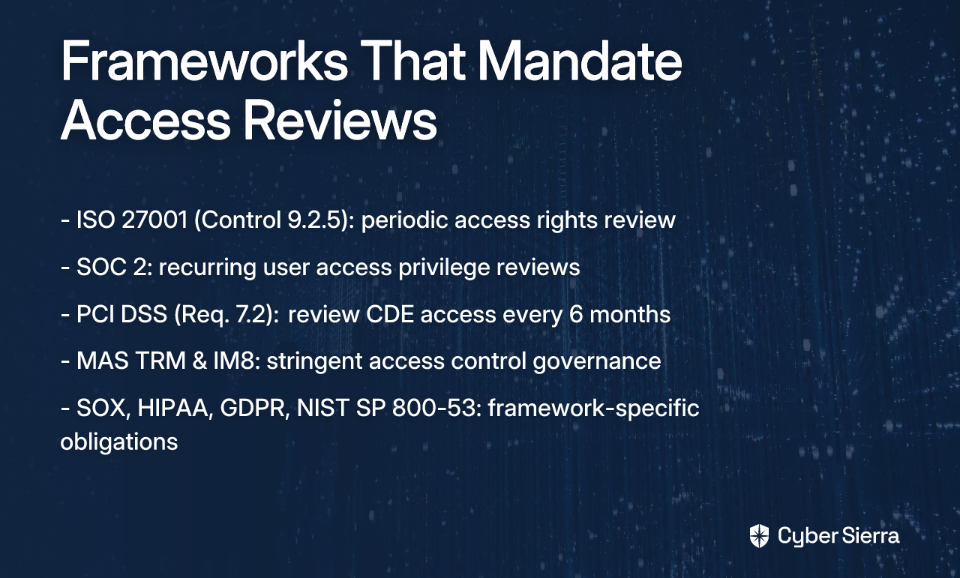
- ISO 27001 (Control 9.2.5). Requires access rights to be reviewed at planned intervals.
- SOC 2. Mandates recurring reviews of user access privileges to protect customer data.
- PCI DSS (Requirement 7.2). Requires reviews of access to the cardholder data environment at least every six months.
- MAS TRM and IM8. Singapore's Monetary Authority directives place stringent requirements on access control governance for financial institutions.
- SOX, HIPAA, GDPR, and NIST SP 800-53. Each framework carries its own access review obligations, from financial integrity controls to healthcare data access audits.
Missing a review cycle or producing incomplete evidence is not a minor finding. It can result in audit failures, regulatory fines, and reputational damage with customers and partners.
Why Manual UARs Break Down at Enterprise Scale
Enterprise security teams running manual review cycles know the pain well. The process typically starts with a bulk data export, moves into a spreadsheet distribution phase, and then enters a weeks-long chase to get managers to respond. Here is where it systematically fails.
Time and resource drain. A manual review cycle averages six weeks at minimum, and can stretch to 149 days when you factor in data gathering, reviewer follow-ups, and report compilation. Every cycle pulls IT, security, and business managers away from higher-value work.
Rubber-stamping and reviewer fatigue. When a manager receives a spreadsheet listing 200 cryptic permission names across eight systems, they often approve everything. There is no context, no usage data, and no clear description of what each permission actually does.
This lack of context is a widely reported complaint in the identity and access management community. Practitioners note that reviewers often cannot make informed decisions, leading to ineffective reviews.
Incomplete coverage. Due to the sheer volume, most enterprise teams rely on sampling, reviewing only 10-20% of actual access rights. That leaves the majority of entitlements unchecked between cycles.
Audit trail fragmentation. When auditors ask for evidence, the answer should not be "let me find the right version of that spreadsheet." Generating a defensible, cohesive audit trail from email threads and disconnected Excel files is nearly impossible. Teams that have faced this situation know exactly how uncomfortable that conversation with an auditor can be.

What Automated UAR Looks Like End-to-End
Automating access reviews is not just about replacing spreadsheets with a portal. A well-implemented automated UAR workflow covers the full lifecycle, from data ingestion to audit evidence generation. Here is how each step works in an enterprise context.
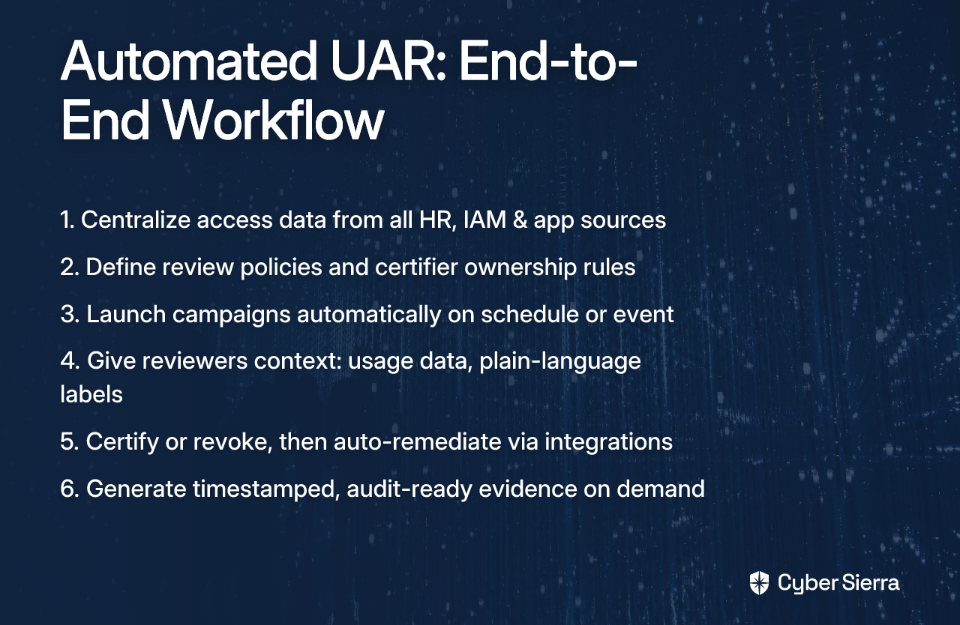
Step 1: Centralize access data from all sources. The foundation is a single source of truth. The platform connects to your HR systems (Workday, SAP) for identity and employment status data, your IAM infrastructure (Active Directory, Azure AD, Okta) for group memberships, and your target applications, both cloud SaaS and on-prem systems, via direct connectors or APIs. For multi-country organizations, this means pulling data from regional HR instances simultaneously.
Step 2: Define review policies and ownership rules. Not every reviewer is a manager. Automated UAR platforms allow you to assign certifiers based on custom criteria: application owners, data owners, or regional department heads. This directly resolves one of the most common complaints from enterprise IAM teams, where default manager-based routing misses the people with actual authority over specific systems.
Step 3: Launch campaigns automatically. Review cycles trigger on a schedule (quarterly, semi-annual) or on an event, such as a role change, a department transfer, or a contractor's contract renewal. Automated reminders go out to reviewers, with escalation paths for non-responsive certifiers so campaigns close on time.
Step 4: Give reviewers context, not just data. Each reviewer gets a consolidated dashboard showing a user's access across all connected systems in a single session. Permissions are labeled with plain-language descriptions, last-login dates, and usage frequency. This is the difference between informed certification and blind rubber-stamping.
Step 5: Certify or revoke, then track remediation. Reviewers approve or revoke access in the platform. Revocations trigger de-provisioning workflows through integrations with IAM or ticketing systems like ServiceNow. This helps ensure actions are tracked and not dropped.
Step 6: Generate audit-ready evidence on demand. Every action in the workflow is logged: campaign launch, reviewer assignments, certification decisions, and remediation actions. Auditors can receive a complete, timestamped evidence package in minutes, not weeks.
Key Capabilities for Enterprise-Grade UAR Automation
Not all platforms are built for the complexity of a large regulated organization. When evaluating solutions, these are the capabilities that separate enterprise-grade tools from lightweight options.
Multi-System Integration at Scale
The platform must connect to all authoritative data sources in your environment, including legacy on-prem applications, regional HR databases, cloud SaaS, and custom internal tools. Gaps in data coverage mean gaps in your review, and auditors will find them.
Continuous Monitoring vs. Periodic Snapshots
Periodic automated reviews are a significant improvement over manual cycles. But the real standard is continuous monitoring, where the platform detects inappropriate access changes in near real-time and flags them without waiting for the next scheduled campaign. Continuous automated access management is a key differentiator between compliance-driven tooling and genuine security governance.
Automated SoD Conflict Detection
The system must analyze entitlements across applications to identify Segregation of Duties violations automatically. An employee who can both initiate and approve a financial transaction is a control failure that manual reviewers frequently miss when working across disconnected spreadsheets.

Audit-Ready Evidence Generation
Look for platforms that produce secure, timestamped, immutable evidence trails and can generate framework-specific reports for ISO 27001, PCI DSS, MAS TRM, and SOC 2 audits. The ability to demonstrate a complete, documented review to an auditor on short notice is worth significant operational value.
Escalation and Certification Workflow Management
The platform must handle the full campaign lifecycle: automated reminders, escalation to backup reviewers when primary certifiers are unresponsive, and delegation controls. Campaigns that expire without completion are a compliance finding waiting to happen.
Continuous Compliance with Cyber Sierra
Cyber Sierra's platform helps teams move from periodic campaigns to continuous compliance monitoring. By integrating with multiple data sources, the platform provides near-real-time visibility into access controls and potential risks.
The key is continuous reconciliation. Rather than taking a quarterly snapshot of access rights that is already outdated the moment it is produced, Cyber Sierra's Governance, Risk and Compliance (GRC) module continuously compares user access across connected systems against HR data, role definitions, and access policies. It does not wait for a campaign to be launched.
A practical example: An employee at your Singapore office moves from the Finance team to the Operations team. Their HR record updates in your Workday instance. The platform can detect the discrepancy between their active role and their lingering access to financial reporting systems, flagging it as a risk that may require remediation. This allows teams to address access creep as it happens, not just during a scheduled review.
The platform is built to operate across complex global environments, reconciling access across multiple countries and disparate HR systems simultaneously. For organizations subject to MAS TRM and IM8 in Singapore, ISO 27001 globally, and PCI DSS for their cardholder environments, this single continuous view of access risk is a significant operational advantage.
The outcome is a state of improved audit readiness. Evidence generation is not a six-week project assembled from spreadsheet exports. It is an on-demand report that reflects a complete, continuously maintained record of access governance. You can explore how this connects to broader compliance and controls management within the Cyber Sierra platform.
Common Mistakes in UAR Automation Implementation
Getting the tooling right is only part of the challenge. Implementation failures often have nothing to do with the platform itself.
Underestimating integration complexity. Every enterprise has legacy or custom-built applications that do not have out-of-the-box connectors. Teams that skip a thorough data source inventory before selecting a platform find themselves with an automated UAR process that covers 70% of their environment and leaves the riskiest systems out of scope.
Automating a broken policy. If your role definitions are ambiguous and your access policies are not clearly documented, automation will enforce those bad rules faster and at greater scale. This mirrors a common practitioner complaint about confusion stemming from undefined access policies. Use the implementation project as a forcing function to clean up governance frameworks first.
Neglecting reviewer change management. An automated platform changes how business managers interact with access decisions. Teams that skip training and communication find adoption rates are low and rubber-stamping continues in the new system. Reviewers need to understand why their certification matters and how to use the contextual tools provided.
Skipping a pilot phase. A full enterprise rollout across hundreds of applications in a single wave creates too many variables to troubleshoot effectively. Start with two or three high-risk applications or a single business unit. Prove the value, identify workflow gaps, and build internal champions before expanding.
How to Build the Business Case for UAR Automation
Getting budget approved requires translating security outcomes into language that resonates with finance and executive leadership. Here is how to frame the argument.
Quantify the current cost. Calculate the hours spent per review cycle by your security team, IT administrators, and business line managers who act as certifiers. Multiply by fully-loaded headcount costs. In most large enterprises, this figure runs into hundreds of thousands of dollars annually for a process that still only covers a fraction of total access.
Research indicates that automating access reviews can reduce manual workload by 70-90%, which translates directly to headcount hours recovered.
Frame the risk exposure. Contrast the 10-20% coverage of a manual sampling approach with the full coverage of a continuous automated system. Every unchecked entitlement is a potential orphaned account, a dormant privileged credential, or an undetected SoD violation. The cost of a single access-related breach or audit failure far exceeds the investment in automation.
Lead with audit outcomes. For regulated industries, the ability to pass a MAS TRM, PCI DSS, or ISO 27001 audit without a six-week fire drill is a compelling argument. Audit failures, remediation costs, and reputational damage are concrete financial risks. An automated, continuously maintained UAR process eliminates the scenario where an auditor is not satisfied with your compliance evidence.
Your Path to Audit-Ready Access Governance
Relying on spreadsheets and manual follow-ups for user access reviews is not just slow. It can become a critical compliance failure. The core takeaways are simple: manual sampling leaves 80-90% of your access rights unreviewed, while effective automation can provide 100% coverage, give reviewers the context they need, and create a defensible audit trail.
Your first step today? Pick one high-risk application and calculate the hours your team spends on its manual review process. Quantifying that pain is the foundation for building a better system.
When you are ready to replace manual effort with continuous monitoring, see how Cyber Sierra's platform provides a centralized view of access risk. Book a personalized demo to learn how our platform helps you prepare for audits and maintain readiness.
Frequently Asked Questions
What is a user access review (UAR)?
A user access review (UAR) is a security process to verify that users only have the access rights they need for their jobs. This enforces the Principle of Least Privilege, preventing risks like privilege creep, and supports compliance with regulations like ISO 27001 and PCI DSS.
Why should enterprises automate user access reviews?
Automation is necessary because manual reviews at enterprise scale are slow, error-prone, and provide incomplete coverage. Automated systems can reduce manual work by up to 90%, help review 100% of entitlements, and create a centralized, audit-ready trail for compliance.
How often should user access reviews be conducted?
The frequency depends on the system's sensitivity and regulatory rules, but quarterly or semi-annual reviews are common. PCI DSS, for example, requires reviews of the cardholder data environment every six months. High-risk systems may require more frequent, event-triggered reviews.
What is the difference between periodic and continuous access reviews?
Periodic reviews are scheduled campaigns (e.g., quarterly), while continuous reviews monitor access changes in near real-time. Continuous monitoring provides a higher level of security by detecting and flagging inappropriate access or policy violations as they happen, not just during a campaign.
Who should be responsible for certifying access in a UAR?
Certifiers are those with the best knowledge of a user's role, such as their direct manager, the application owner, or a data owner. Modern UAR platforms can route certification requests to the most appropriate person based on defined ownership rules, improving accuracy.
How does UAR automation help with compliance audits?
Automation provides auditors with a complete, timestamped, and immutable evidence trail of every access review campaign, decision, and remediation action. This allows organizations to generate audit-ready reports on demand, demonstrating consistent enforcement of access policies.
