



Top 10 Tools to Monitor 200+ Security Controls Automatically


Join thousands of professionals and get the latest insight on Compliance & Cybersecurity.
Summary
- Managing 200+ security controls manually leads to audit fatigue; Continuous Control Monitoring (CCM) automates this process for real-time oversight.
- Key benefits of CCM include an improved compliance posture, early risk detection, and a significant reduction in manual evidence collection for audits.
- This article compares 10 top CCM tools to help you select the best fit based on framework support, integration capabilities, and scalability.
- Cyber Sierra's CCM platform automates control monitoring across frameworks like NIST and ISO 27001 to keep you perpetually audit-ready.
You've just been tasked with ensuring your organization maintains compliance with multiple security frameworks. The spreadsheets are growing unwieldy, your team is drowning in manual checks, and you're constantly worried about missing critical controls. Sound familiar?
"Coordinating compliance checks across different roles and disciplines is a nightmare," admits one security professional on Reddit. "We need a better way to track tasks systematically across multiple teams."
The solution? Continuous Control Monitoring (CCM) - the modern approach that transforms security compliance from periodic, manual "pencil whipping" exercises into automated, real-time oversight. By implementing a robust CCM strategy, organizations can continuously validate hundreds of security controls while significantly reducing manual effort.
This article explores the top 10 tools designed to automate the monitoring of 200+ security controls across various frameworks, helping you maintain a strong security posture and stay perpetually audit-ready.
The Challenge of Manual Control Monitoring: Why Automation is Essential
If you're still tracking compliance using spreadsheets or struggling with basic GRC tools, you're likely experiencing what the industry calls "audit fatigue" - the exhaustion that comes from repeatedly gathering evidence, validating controls, and preparing for audits manually.
Manual compliance management is fundamentally unsustainable when dealing with hundreds of controls across multiple frameworks. Security professionals on Reddit highlight the "complexity in managing review frequency for compliance assessments" and the "need for accountability and visibility of compliance tasks" as major pain points.
Implementing an automated CCM solution delivers several critical benefits:
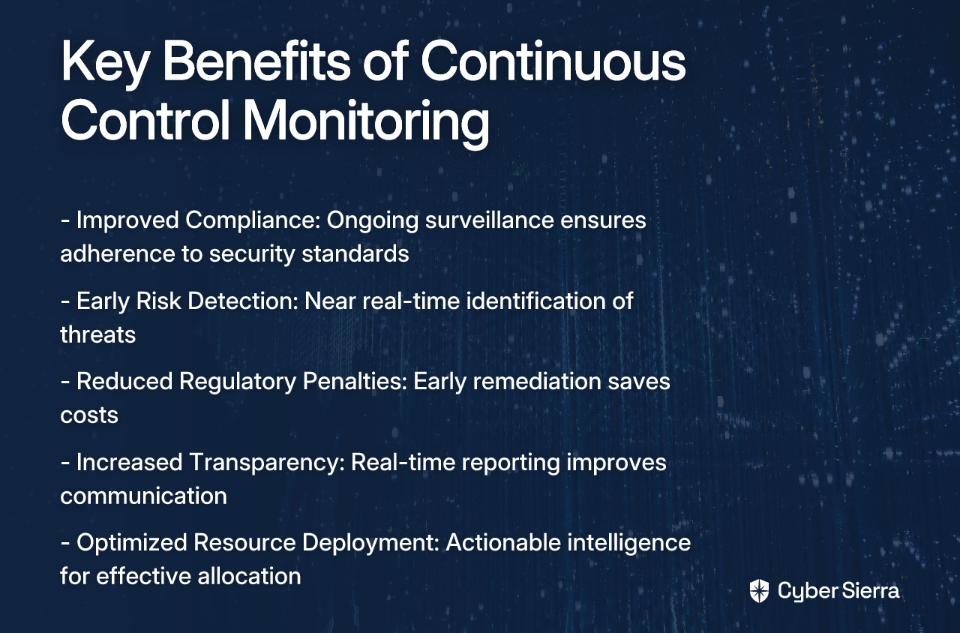
- Improved Compliance: Ongoing surveillance ensures adherence to standards like NIST 800-53, ISO 27001, PCI DSS, and GDPR.
- Early Risk Detection: Near real-time monitoring allows for immediate identification and remediation of threats.
- Reduced Regulatory Penalties: A holistic view facilitates early remediation of compliance issues, saving costs.
- Increased Transparency: Near real-time reporting fosters improved communication and accountability.
- Optimized Resource Deployment: Actionable intelligence helps strategically allocate resources effectively.
Let's explore the top tools that can help you achieve these benefits.
Top 10 Tools for Automated Security Control Monitoring
1. Cyber Sierra
Description: Cyber Sierra provides an AI-enabled cybersecurity platform designed to simplify and automate security compliance for enterprises. It moves organizations away from periodic, manual checks towards proactive, near real-time risk management.
Key Features:
- Continuous Control Monitoring (CCM): Builds a central controls repository with near real-time updates, automates control testing, and detects exceptions for frameworks like NIST, ISO 27001, and PCI DSS.
- Governance, Risk & Compliance (GRC): Automates data collection, risk assessments, and reporting for frameworks like SOC2, ISO 27001, and HIPAA.
- Third-Party Risk Management (TPRM): Simplifies vendor risk assessment, onboarding, and continuous monitoring.
- Additional Modules: Includes Threat Intelligence, Employee Security Training, and Cyber Insurance management.
Best for: CISOs, Compliance Managers, and IT leaders in regulated industries who need a unified platform to manage multiple compliance frameworks and gain a single source of truth for their security posture.
Learn more about Cyber Sierra CCM
2. CyberStrong
Description: CyberStrong by CyberSaint automates the risk management process by providing real-time compliance monitoring and automating control scoring. It excels at translating technical data into business-level insights.
Key Features:
- Dynamic Monitoring: Continuously assesses security controls against evolving threats.
- Executive Dashboards: Provides powerful visualizations that translate technical data into actionable insights for leadership.
- AI-Powered Crosswalking: Leverages AI to solve compliance mapping challenges across various frameworks.
Best for: Organizations focused on quantifying cyber risk in financial terms and providing clear, executive-level reporting.
3. Secureframe
Description: A compliance automation platform that helps companies get and stay compliant with frameworks like SOC 2, ISO 27001, PCI DSS, HIPAA, and GDPR. It focuses heavily on streamlining the audit process through integrations and automation.
Key Features:
- Automated Evidence Collection: Integrates with 100+ cloud services (AWS, GCP, Azure, etc.) to automatically collect evidence.
- Continuous Monitoring: Uses automated tools to check compliance status in real-time.
- Control Mapping: Consolidates efforts by mapping controls across multiple frameworks to avoid redundant work.
Best for: Startups and tech companies looking to achieve and maintain compliance certifications quickly and efficiently.
Learn more about multi-framework compliance with Secureframe
4. Splunk
Description: A powerful, unified security and observability platform renowned for its ability to ingest, search, and analyze massive volumes of machine-generated data from across the IT infrastructure.
Key Features:
- Log Management & SIEM: Captures and analyzes log data in real-time for security monitoring and threat detection.
- Customizable Dashboards: Allows for the creation of detailed dashboards for monitoring specific security controls.
- Security Alerts Automation: Automates alerting based on predefined correlation rules to identify suspicious activities.
Best for: Organizations with large, complex IT environments that need to manage vast volumes of log data for security and compliance insights.
Learn more about Splunk and other CSM tools
5. Bitsight
Description: A leading Third-Party Risk Management (TPRM) tool that provides data-driven security ratings to help organizations assess and continuously monitor the security posture of their vendors.
Key Features:
- Security Ratings: Generates daily, objective security ratings (like a credit score) for vendors based on externally observable data.
- Continuous Monitoring: Provides real-time alerts on changes in a vendor's security posture.
- Risk Scoring and Benchmarking: Allows companies to benchmark vendor performance against industry standards.
Best for: Enterprises with extensive supply chains that need to automate and scale their vendor risk management programs.
Learn more about Bitsight's TPRM tools
6. Nagios
Description: A widely-used, open-source IT infrastructure monitoring tool. While not a dedicated GRC platform, it is highly effective for monitoring foundational technical controls related to server, network, and application availability.
Key Features:
- Server and Network Monitoring: Continuously checks the health of servers, switches, and applications.
- Alerting: Sends notifications via email or SMS when critical infrastructure components fail.
- Extendable Architecture: Highly customizable with thousands of plugins to monitor virtually any system or control.
Best for: Organizations with strong in-house technical teams looking for a flexible and cost-effective solution for monitoring core IT infrastructure controls.
Explore Nagios and other monitoring tools
7. Syxsense
Description: A security and IT management solution that combines endpoint management, vulnerability scanning, and patch management in a single console, providing deep visibility and control over endpoints.
Key Features:
- Real-time Monitoring: Provides continuous visibility into the state of all endpoints.
- Automated Vulnerability Remediation: Scans for vulnerabilities and can automatically deploy patches.
- Patch Management: Automates the patching of operating systems and third-party applications.
Best for: IT and security teams that need to automate endpoint security, vulnerability scanning, and patch management at scale as part of their vuln management process.
8. SecurityScorecard
Description: A security ratings platform that continuously monitors and rates the security posture of any organization globally using non-intrusive methods.
Key Features:
- Easy-to-understand A-F Scores: Grades companies on ten risk factors, providing a clear snapshot of their security posture.
- Third-Party Risk Management: Allows for continuous monitoring of vendors and business partners.
- Integration with Security Software: Connects with other tools for a more comprehensive analysis.
Best for: Organizations looking for an intuitive platform for TPRM and for benchmarking their own security posture against peers.
Learn more about SecurityScorecard and similar tools
9. AuditBoard
Description: A cloud-based platform designed for audit, risk, and compliance management. It helps teams manage GRC activities, including internal audits, risk assessments, and compliance with frameworks like SOX.
Key Features:
- Centralized GRC Platform: Connects risk, compliance, and audit data in one place.
- Pre-built Templates: Offers templates for vendor risk assessments and various compliance frameworks.
- Workflow Automation: Streamlines the process of collecting evidence, tracking issues, and reporting.
Best for: Internal audit, risk, and compliance teams looking to move away from spreadsheets and collaborate more effectively on GRC activities.
10. Jit
Description: An open DevSecOps orchestration platform that helps developers build security into their CI/CD pipeline from day one. It automates the implementation of security controls across the entire software development lifecycle.
Key Features:
- Continuous Scanning: Scans code, dependencies, containers, and cloud infrastructure for vulnerabilities.
- Prioritized Alerts: Helps developers focus on the most critical security issues first.
- Developer-First Adoption: Designed to be easily adopted by development teams without slowing them down.
Best for: Modern engineering teams that want to implement a "shift-left" security strategy and automate security controls within their development process.
Explore Jit and other CSM tools
How to Choose the Right Tool for Your Organization
Choosing the right tool for your organization isn't a one-size-fits-all decision. Here's a checklist to help you evaluate which solution best fits your specific needs:
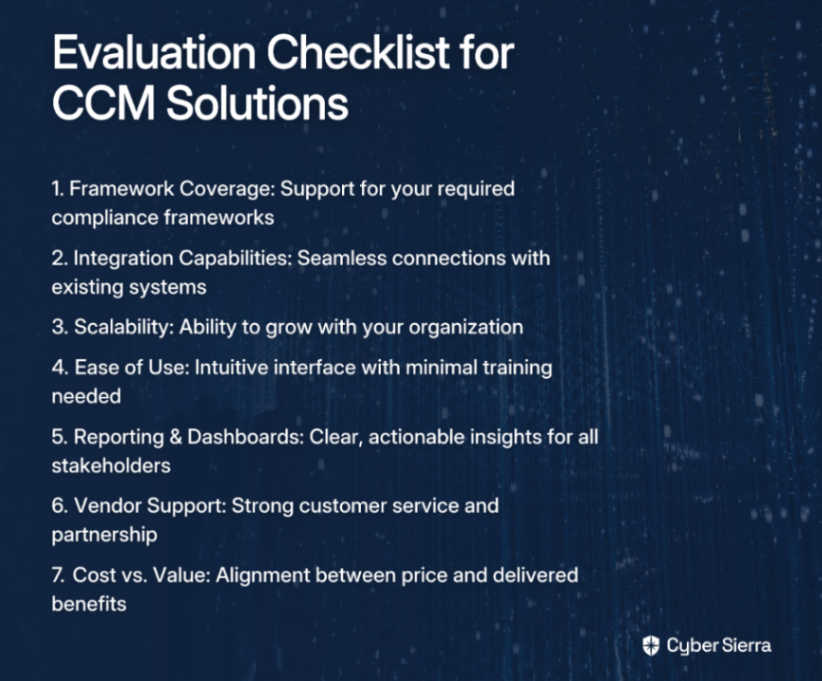
- Framework Coverage: Does the tool support the specific frameworks you need to comply with (e.g., NIST 800-53, ISO 27001, SOC 2)?
- Integration with Existing Systems: Can it connect seamlessly with your existing tech stack (cloud providers, identity providers, ticketing systems)? This addresses the user need for streamlined workflows.
- Scalability: Will the platform grow with your organization as you add more assets, employees, and compliance requirements?
- Ease of Use: Is the interface intuitive? How much training will be required for your team to adopt it effectively?
- Reporting & Dashboards: Does it provide clear, actionable reporting for both technical teams and executive leadership?
- Vendor Support: Does the vendor offer strong customer support, training, and act as a true partner in your compliance journey?
- Cost vs. Value: Does the price align with the value it provides in terms of time saved, risk reduction, and audit readiness?
Conclusion
The days of manual compliance management through spreadsheets and periodic checks are over. To effectively monitor hundreds of security controls across multiple frameworks, automation through a Continuous Control Monitoring (CCM) platform is no longer optional—it's essential.
The tools highlighted in this article address the key pain points security professionals face: the difficulty in coordinating compliance across teams, the complexity of managing review frequencies, and the need for accountability and visibility in compliance tasks.
By implementing one of these solutions, you can transform your security and compliance posture from a periodic, reactive exercise into a continuous, proactive advantage. Your organization will benefit from improved compliance, early risk detection, reduced regulatory penalties, increased transparency, and optimized resource deployment.
It's time to evaluate your current continuous monitoring program and explore how automation can help you stay ahead of risks while reducing the burden on your security and compliance teams.
Frequently Asked Questions
What is Continuous Control Monitoring (CCM)?
Continuous Control Monitoring (CCM) is an automated approach to security compliance that continuously validates and tests security controls in near real-time. Unlike traditional, periodic audits that provide a point-in-time snapshot, CCM uses technology to constantly gather evidence and detect control failures as they happen, ensuring your organization remains perpetually compliant and secure.
Why is automating security control monitoring important?
Automating security control monitoring is important because it replaces inefficient, error-prone manual processes with a streamlined, reliable system. Automation significantly reduces "audit fatigue," provides real-time visibility into your security posture, enables early detection of risks, and ensures consistent enforcement of controls across multiple frameworks, saving time and reducing the risk of costly compliance penalties.
How do I choose the right CCM tool for my organization?
To choose the right CCM tool, you should evaluate solutions based on several key criteria that match your specific needs. Key factors include the tool's support for your required compliance frameworks (like NIST, ISO 27001, or SOC 2), its ability to integrate with your existing tech stack, its scalability to grow with your business, its ease of use for your team, and the quality of its reporting and dashboards for all stakeholders.
What security frameworks can be monitored with CCM tools?
CCM tools are designed to monitor controls across a wide range of local and international security frameworks. Most leading platforms provide out-of-the-box support for common standards such as SOC 2, ISO 27001, PCI DSS, HIPAA, GDPR, and NIST (including 800-53 and CSF), allowing you to map and test controls for multiple frameworks simultaneously.
What is the difference between GRC and CCM tools?
The main difference is that GRC (Governance, Risk, and Compliance) platforms are broad tools for managing overall risk strategy and policy, while CCM (Continuous Control Monitoring) tools are specifically focused on the automated, technical testing of security controls. Modern GRC platforms often include CCM as a core feature, where CCM provides the automated evidence and data that feeds into the broader GRC framework for risk management and reporting.
Who benefits most from implementing a CCM platform?
Multiple roles and the organization as a whole benefit from a CCM platform. CISOs and security leaders gain a real-time, high-level view of the organization's risk posture. Compliance managers and security analysts save hundreds of hours by automating evidence collection. IT teams can identify and remediate misconfigurations faster, and the entire organization benefits from a stronger, more resilient security posture and a smoother audit process.
Which tool will you choose to automate your security control monitoring?
