



3-Tier AWS Network Architecture: Your Security Foundation Blueprint


Join thousands of professionals and get the latest insight on Compliance & Cybersecurity.
You've spent weeks building your AWS environment, carefully configuring services and deploying applications. Then it happens – a security breach through a single compromised application, and suddenly your entire infrastructure is at risk. All those hours of work, potentially undermined by one vulnerability.
This scenario keeps AWS engineers awake at night, and for good reason. The potential for a single application compromise to undermine extensive security efforts is real, and the constantly evolving threat landscape means security practices can never feel truly complete.
What if there was a foundational architecture pattern that could drastically reduce this risk?
Enter the 3-tier network architecture – a time-tested blueprint for building secure, scalable, and resilient applications on AWS. This isn't just another architecture pattern; it's a comprehensive security strategy that enforces separation of concerns through network design.
In this highly technical guide, we'll provide a detailed walkthrough of designing and implementing this architecture. You'll learn about VPC design patterns, service placement, security group configurations, and how to automate the entire setup using AWS CloudFormation templates.
The "Why": 3-Tier Architecture as a Security Strategy
At its core, the 3-tier architecture is about separation of concerns – dividing your application into three distinct layers:
- Presentation Layer (Web Tier): The user-facing component handling UI and user interaction. In AWS, this typically consists of Amazon EC2 instances in an Auto Scaling Group behind an Application Load Balancer (ALB).
- Application Layer (Logic Tier): The brains of the operation containing business logic and data processing. This layer is hosted on EC2 instances, often communicating via an internal load balancer.
- Data Layer (Database Tier): The secure storage layer utilizing services like Amazon RDS or DynamoDB, completely isolated from direct public access.
This separation creates inherent security benefits:
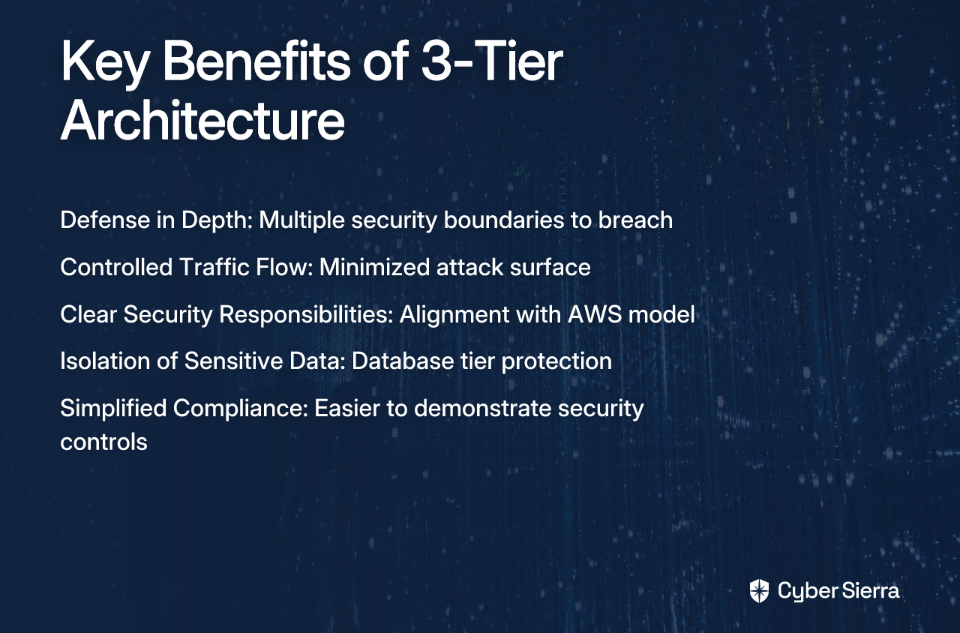
Defense in Depth
By isolating each tier, you implement a defense-in-depth strategy. A breach in the web tier doesn't grant immediate access to your database. The attacker would need to breach multiple security boundaries to reach your most sensitive data.
Controlled Traffic Flow
With a 3-tier design, each layer only communicates with adjacent layers through strictly defined rules. This minimizes your attack surface by ensuring components only talk to what they absolutely need to.
Alignment with AWS Shared Responsibility Model
Remember that AWS operates under a shared responsibility model. While AWS secures the cloud infrastructure, you're responsible for security in the cloud. The 3-tier architecture helps you fulfill your part of this responsibility with a proven, structured approach.
The Foundation: Designing a Secure VPC Blueprint
Your Amazon Virtual Private Cloud (VPC) serves as your private datacenter in the AWS cloud. It's the cornerstone that encapsulates your resources in a controlled, isolated environment.
IP Addressing with CIDR
When designing your VPC, start by choosing an appropriate IP address range using CIDR notation. A typical approach is to use a /16 CIDR block (e.g., 10.0.0.0/16), which provides 65,536 IP addresses. This gives you plenty of room for growth while subnets within the VPC use smaller ranges like /24 (256 IPs) for specific tiers.
The Public and Private Subnet Strategy
This is perhaps the most critical design pattern in your security foundation:
Public Subnets
Purpose: To host resources that need direct internet accessibility, such as your Application Load Balancer.
Configuration: These subnets have a route table with a default route (0.0.0.0/0) pointing to an Internet Gateway (IGW).
Private Subnets
Purpose: To host backend resources that should never be directly exposed to the internet, like application servers and databases.
Configuration: These subnets do not have a route to the IGW.
For resources in private subnets that need to make outbound internet calls (for updates, API calls, etc.), you'll need NAT Gateways. These reside in public subnets and allow outbound traffic while blocking inbound connections. For high availability, deploy at least two NAT Gateways across different Availability Zones.
Security Groups as Stateful Firewalls
Security Groups are your primary tool for controlling traffic between tiers at the instance level. The key principle here is Least Privilege – only allow what is absolutely necessary.
Avoid overly permissive rules like allowing 0.0.0.0/0 for anything other than public web traffic to a load balancer. According to Stratus10, this is one of the most common security misconfigurations in AWS environments.
Building the Tiers: AWS Services and Security Configurations
Now let's get practical with a step-by-step configuration guide for each tier:
Tier 1: Presentation (Web) Layer
Services: Application Load Balancer (ALB), EC2 instances (e.g., Nginx web servers) in an Auto Scaling Group.
Placement: ALB in public subnets, EC2 instances preferably in private subnets (with the ALB as the only public-facing component).
Security Group (Web-SG):
- Inbound: Allow TCP ports 443 (HTTPS) and 80 (HTTP) only from
0.0.0.0/0. - Outbound: Allow all.
ALB Security Group (ALB-SG):
- Inbound: Allow TCP 443/80 from
0.0.0.0/0. - Outbound: Allow traffic to the
App-SGon the application port only.
Tier 2: Application (Logic) Layer
Services: Internal Load Balancer, EC2 instances (e.g., Node.js application) in an Auto Scaling Group.
Placement: Private subnets only.
Security Group (App-SG):
- Inbound: Allow traffic on the application port (e.g., TCP 3000) only from the
Web-SGorALB-SG. This is a critical security rule. - Outbound: Allow traffic to the
DB-SGon the database port only.
Tier 3: Data Layer
Services: Amazon RDS (e.g., Aurora MySQL) with Multi-AZ deployment for high availability.
Placement: Dedicated private subnets for maximum isolation.
Security Group (DB-SG):
- Inbound: Allow traffic on the database port (e.g., TCP 3306) only from the
App-SG. Deny all other traffic. - Outbound: Generally, no outbound rules are needed.
Automating the Blueprint: Infrastructure as Code with CloudFormation
Manually creating this infrastructure would be time-consuming and error-prone. Instead, use AWS CloudFormation to define and provision your entire architecture as code, enabling repeatable, automated, and version-controlled deployments.
CloudFormation Best Practices & Tools
- Use YAML: It's more human-readable than JSON. Templates should have a
.yamlsuffix. - Validate Before Deploying: Use the CloudFormation Linter (cfn-lint) to validate templates against AWS standards.
- Installation:
pip install cfn-lint - Usage:
cfn-lint template.yaml
- Installation:
- Enhance Your Workflow: Consider using CloudFormation Rain, a CLI tool that improves the authoring and deployment experience.
- Installation:
brew install rain(macOS) or check the rain GitHub repository for other platforms
- Installation:
- Embrace Least Privilege IAM: Any IAM resources defined in your templates must follow the principle of least privilege.
Example CloudFormation Snippet
Here's a conceptual snippet for a 3-tier architecture:
Resources:
  VPC:
    Type: AWS::EC2::VPC
    Properties:
      CidrBlock: 10.0.0.0/16
      EnableDnsSupport: true
      EnableDnsHostnames: true
      Tags:
        - Key: Name
          Value: Three-Tier-VPC

  PublicSubnet1:
    Type: AWS::EC2::Subnet
    Properties:
      VpcId: !Ref VPC
      CidrBlock: 10.0.1.0/24
      AvailabilityZone: !Select [0, !GetAZs ""]
      MapPublicIpOnLaunch: true

  PrivateSubnet1:
    Type: AWS::EC2::Subnet
    Properties:
      VpcId: !Ref VPC
      CidrBlock: 10.0.101.0/24
      AvailabilityZone: !Select [0, !GetAZs ""]

  AppServerSecurityGroup:
    Type: AWS::EC2::SecurityGroup
    Properties:
      GroupDescription: "Allow traffic from Web Tier"
      VpcId: !Ref VPC
      SecurityGroupIngress:
        - IpProtocol: tcp
          FromPort: 3000
          ToPort: 3000
          SourceSecurityGroupId: !Ref WebServerSecurityGroup
For a complete, production-ready template, check out the AWS Three-Tier Web Architecture Workshop which provides detailed CloudFormation templates you can adapt for your needs.
From Blueprint to Production-Ready
We've covered the foundational aspects of a 3-tier AWS network architecture:
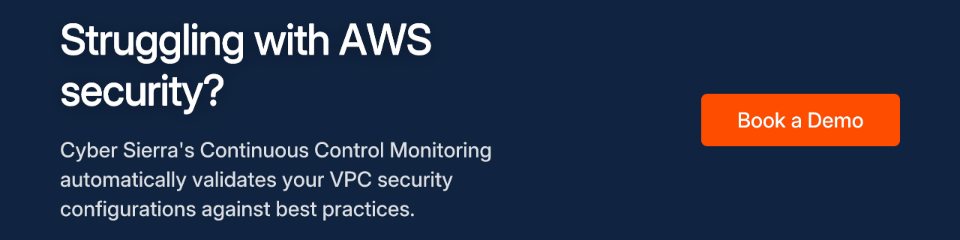
- The 3-tier model provides security through isolation
- A well-designed VPC with public/private subnets is your foundation
- Granular security groups enforce your security boundaries
- CloudFormation makes it all manageable and repeatable
Beyond the Blueprint - Next Steps
To address common pain points identified in user discussions on AWS security:
Monitoring & Threat Detection: Implement AWS CloudWatch for performance monitoring, GuardDuty for intelligent threat detection, and Security Hub for a centralized view of security posture.
Patch Management: To address the pain of unpatched instances, use AWS Systems Manager Patch Manager for automated patching of EC2 fleets.
Secure Access: Implement AWS Systems Manager Session Manager for secure, auditable shell access to private instances, eliminating the need for bastion hosts and open SSH ports.
Conclusion
The 3-tier architecture isn't just an application design pattern – it's a security foundation that helps mitigate one of the biggest fears AWS engineers face: the cascading impact of a single compromise.
By implementing these patterns, you're not just following best practices; you're building resilience into your infrastructure from the ground up. The security landscape will continue to evolve, but a solid foundation gives you the best chance to adapt and respond effectively.
For a deeper dive, start with the security pillar of the AWS Well-Architected Framework, and for a hands-on experience building this architecture, follow the official AWS Three-Tier Web Architecture Workshop.
Remember, security is a journey, not a destination – but the 3-tier architecture gives you a solid place to start that journey.
Frequently Asked Questions
What is a 3-tier architecture in AWS?
A 3-tier architecture in AWS is a design pattern that separates an application into three logical and physical computing tiers: the presentation tier (web servers), the application tier (business logic), and the data tier (database). This structure enhances security and scalability by isolating each layer. The presentation tier handles user interaction, the application tier processes data, and the data tier stores information, with strict network rules controlling communication between them.
Why is a 3-tier architecture important for security?
A 3-tier architecture is crucial for security because it implements a "defense-in-depth" strategy, creating multiple security layers that an attacker must breach to access sensitive data. By isolating the web, application, and database layers into separate subnets with strict security group rules, you minimize the attack surface. A compromise in the public-facing web tier does not grant immediate access to the application logic or the database, significantly reducing risk.
How do the different tiers communicate securely in AWS?
Secure communication between tiers is enforced using AWS Security Groups, which act as stateful firewalls at the instance level. Each tier is assigned its own security group, and rules are configured to only allow traffic from the security group of the adjacent tier on specific ports. For example, the database tier's security group (DB-SG) is configured to only accept traffic on the database port (e.g., 3306) from the application tier's security group (App-SG).
What is the difference between a public and private subnet?
The key difference is that a public subnet has a route to an Internet Gateway (IGW), allowing resources within it to be directly accessible from the internet, while a private subnet does not. In a 3-tier design, public-facing resources like load balancers are placed in public subnets. Application servers and databases are placed in private subnets to protect them from direct internet exposure. Private subnets can still access the internet for outbound requests (like software updates) via a NAT Gateway located in a public subnet.
How can I automate the deployment of a 3-tier architecture?
The best way to automate the deployment of a 3-tier architecture is by using Infrastructure as Code (IaC) tools, with AWS CloudFormation being the native and recommended service. CloudFormation allows you to define your entire VPC, subnets, security groups, instances, and other resources in a YAML or JSON template file. This ensures your deployments are repeatable, consistent, and version-controlled, which drastically reduces manual errors and simplifies management.
How do I access EC2 instances in a private subnet for maintenance?
The most secure and modern method for accessing private EC2 instances is through AWS Systems Manager Session Manager, which eliminates the need for bastion hosts or opening SSH ports. Session Manager provides secure, browser-based shell access or CLI access to your instances through an encrypted tunnel. This approach is more secure than traditional methods because it doesn't require inbound ports to be opened in your security groups and all sessions can be logged and audited through AWS CloudTrail.
