



How to Implement Continuous Control Monitoring in 5 Steps


Join thousands of professionals and get the latest insight on Compliance & Cybersecurity.
Summary
- Data breaches cost an average of $4.45 million, and 70% of organizations suffer significant financial loss from audit failures due to manual, point-in-time compliance checks.
- Continuous Control Monitoring (CCM) shifts compliance from a reactive, periodic task to a proactive, automated process that continuously tests security controls.
- Implementing a successful CCM program involves mapping your controls, defining monitoring scope, automating evidence collection, and establishing clear remediation workflows.
- A dedicated platform like Cyber Sierra's Continuous Control Monitoring can automate this entire process, providing near real-time visibility and keeping you audit-ready 365 days a year.
Every audit starts with the same uncomfortable question: does what we're actually doing match what we say we're doing? For many security and compliance teams, the honest answer is "we're not entirely sure" — and that uncertainty is expensive.
According to the 2023 IBM Data Breach Report, the average data breach now costs organisations $4.45 million. Meanwhile, other industry research finds that 70% of organisations face significant financial impact from audit failures or control gaps, averaging $1.5 million per incident. Layer on the regulatory side of the equation — hefty GDPR fines can reach €20 million or 4% of annual global turnover — and the case for doing nothing becomes very difficult to defend.
Yet most teams are still stuck in a reactive cycle: scrambling to gather evidence before an audit, manually testing controls on a quarterly basis, and "duct-taping" tools together to get a picture of their compliance posture that's already out of date by the time it's assembled. As one practitioner put it in a community discussion on compliance automation: "Everyone's still duct-taping for ongoing monitoring."
Continuous control monitoring (CCM) is the structural fix. Rather than treating compliance as a series of point-in-time audits, CCM turns it into an always-on process — automatically testing controls, surfacing exceptions, and maintaining an audit-ready evidence trail every single day. The result is less fire-fighting, less exposure, and a security program that actually keeps pace with risk.
Here's how to implement it in five concrete steps.
Step 1: Map Your Control Inventory
You can't monitor what you haven't defined. The first step in any continuous control monitoring implementation is building a complete, centralised inventory of every security and compliance control your organisation relies on.
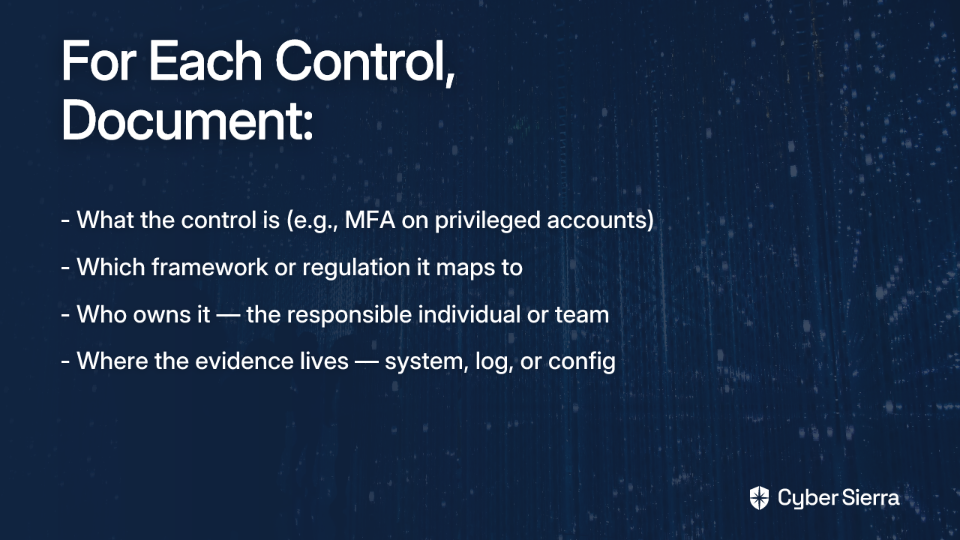
Start by pulling together evidence from past audits, existing policy documentation, and established frameworks relevant to your industry — ISO 27001, NIST CSF, PCI DSS, and HIPAA are common starting points. For each control, document:
- What the control is (e.g., MFA enforcement on privileged accounts)
- Which framework or regulation it maps to
- Who owns it — the individual or team responsible for keeping it operational
- Where the evidence lives — the system, log, or configuration that proves it's working
Once documented, group controls by regulatory requirement and risk level. High-risk, high-frequency controls (like access management or encryption) should be flagged for more intensive monitoring. Lower-stakes administrative controls can be monitored less frequently.
The goal of this step is a single source of truth — not a spreadsheet shared across three departments, but a centralised repository that reflects the current state of your control environment. This baseline is what makes everything else in CCM possible.
Step 2: Define Monitoring Frequency and Scope
Not every control carries the same risk if it fails. A lapsed access review for a deprovisioned employee is a problem; an unmonitored admin account with unrestricted cloud access is a crisis. Your monitoring programme needs to reflect that difference.
For each control in your inventory, define two things:
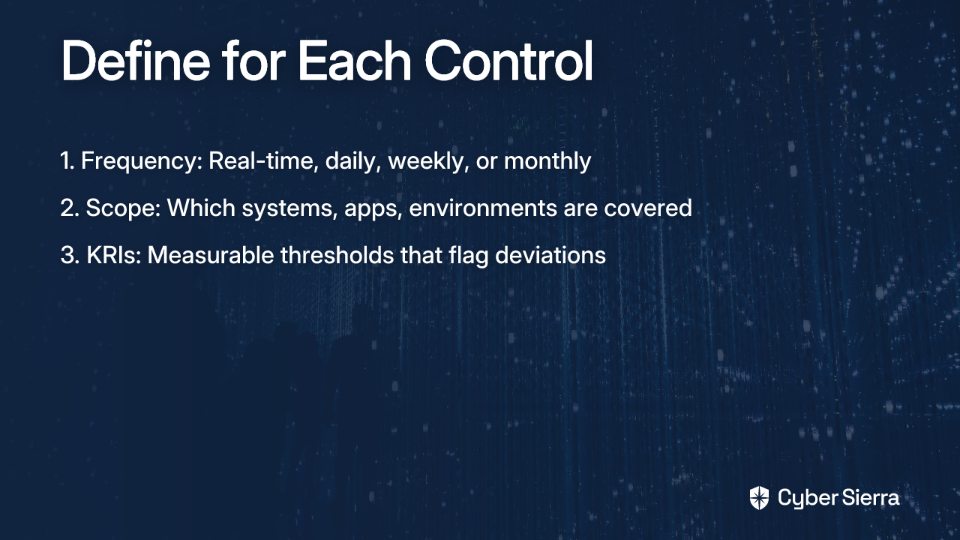
Once frequency and scope are defined, establish your Key Risk Indicators (KRIs) — the measurable thresholds that separate "operating normally" from "requires immediate attention." For example, a KRI might flag any admin account that has not been reviewed in 30 days, or any cloud storage bucket with public read permissions. KRIs are what transform monitoring from passive data collection into actionable intelligence.
This step is often underestimated, but it's where your CCM programme gets its teeth. Without clearly defined frequency and KRIs, you'll either over-monitor (generating noise) or under-monitor (missing real failures).
Step 3: Select and Integrate Your CCM Platform
With your control inventory mapped and monitoring parameters defined, you need technology that can execute at scale. Manually running checks — even well-defined ones — doesn't scale, introduces human error, and will eventually revert to the same last-minute audit scramble you're trying to escape.
When evaluating a CCM platform, look for these non-negotiables:
- Broad integrations with your existing tech stack (AWS, Azure, GCP, GitHub, Okta, HRIS systems, etc.) so controls can be tested against live data without manual exports
- Automated control testing that delivers pass/fail results on a defined schedule without human intervention
- Multi-framework mapping so a single control change doesn't require manual updates across six different compliance spreadsheets
- Anomaly and exception detection that alerts the right people when a deviation occurs — not three weeks later during the next review cycle
- A unified dashboard that gives your CISO, compliance team, and auditors a single, accurate view of your control environment
Cyber Sierra's Continuous Control Monitoring platform is built specifically to meet these requirements. It replaces the fragmented, evidence-chasing workflow that compliance teams dread with a centralised, automated system that monitors controls continuously and keeps your audit trail current without any manual effort.
Key capabilities that matter at this stage:
- Automated control testing and evidence collection — Cyber Sierra connects to your integrated systems and automatically pulls the evidence needed to validate each control, directly addressing the "evidence-chasing" pain point that compliance practitioners consistently cite as their biggest bottleneck
- Central controls repository with near real-time updates — a single source of truth that reflects your live security posture, not a snapshot from last quarter
- Multi-framework mapping — manage controls across NIST, ISO 27001, PCI DSS, GDPR, SOC 2, and HIPAA from one platform, eliminating redundant work when requirements overlap
- Real-time anomaly detection — actionable alerts surface the moment a control drifts out of bounds, enabling remediation before a gap becomes a finding
The integration phase is also where many CCM programmes stall. Teams underestimate how long it takes to connect source systems and validate that automated tests are pulling accurate data. Budget time for this step and prioritise your highest-risk integrations first.

Step 4: Automate Evidence Collection and Testing
Once your platform is connected to your source systems, the real work of continuous control monitoring begins: replacing manual evidence gathering with automated, always-on validation.
Configure your platform to run automated tests for each control at the frequency you defined in Step 2. Each test should produce a clear pass/fail result against the criteria you established. Examples of what this looks like in practice:
- MFA enforcement: Query your identity provider to confirm MFA is active for all admin accounts. Fail if any are non-compliant.
- Data encryption: Check cloud storage configurations for any unencrypted buckets or databases. Flag immediately if found.
- Access reviews: Confirm that quarterly access reviews have been completed on schedule by pulling completion records from your HRIS or IAM platform.
- Patch status: Scan endpoints against your defined patching SLA. Identify any devices outside the acceptable window.
The output of this step is a continuous, automatically updated audit trail — logs, screenshots, configuration exports, and test results that map directly to specific controls and the frameworks they satisfy. When an auditor asks for evidence, you retrieve it from the system rather than assembling it from scratch.
This is where CCM delivers its most visible ROI. Teams that previously spent weeks preparing evidence packages for annual audits reduce that effort to hours. The evidence already exists; it just needs to be surfaced.
Step 5: Set Up Exception Alerting and Remediation Workflows
Identifying a control failure is only valuable if it triggers a fast, accountable response. Step 5 closes the loop by connecting your monitoring output to structured remediation workflows.
Start with your alerting configuration. For each KRI defined in Step 2, set up alerts that fire the moment a threshold is breached. Effective alerts are:
- Specific — they identify exactly which control failed, on which system, and what the expected state was
- Routed correctly — they reach the control owner or responsible team, not a generic inbox that no one monitors
- Prioritised — critical failures (e.g., an admin account without MFA) escalate differently than low-risk deviations
Next, build remediation playbooks for your most common failure scenarios. A playbook defines: who is responsible for resolving the issue, what steps they should follow, and what the acceptable resolution timeline is. This removes ambiguity and prevents the "someone else's problem" dynamic that lets findings linger.
Finally, integrate your CCM platform with your existing ticketing system — Jira, ServiceNow, or similar — so that a control failure automatically generates a tracked, assignable ticket. This creates accountability, enables trend analysis, and ensures nothing falls through the cracks between an alert firing and a fix being applied.
A closed-loop remediation system is what separates a CCM programme that genuinely reduces risk from one that just surfaces problems without acting on them.
Common Pitfalls (And How to Avoid Them)
Even well-planned CCM implementations run into friction. Here are the most common failure points — and how to get ahead of them.
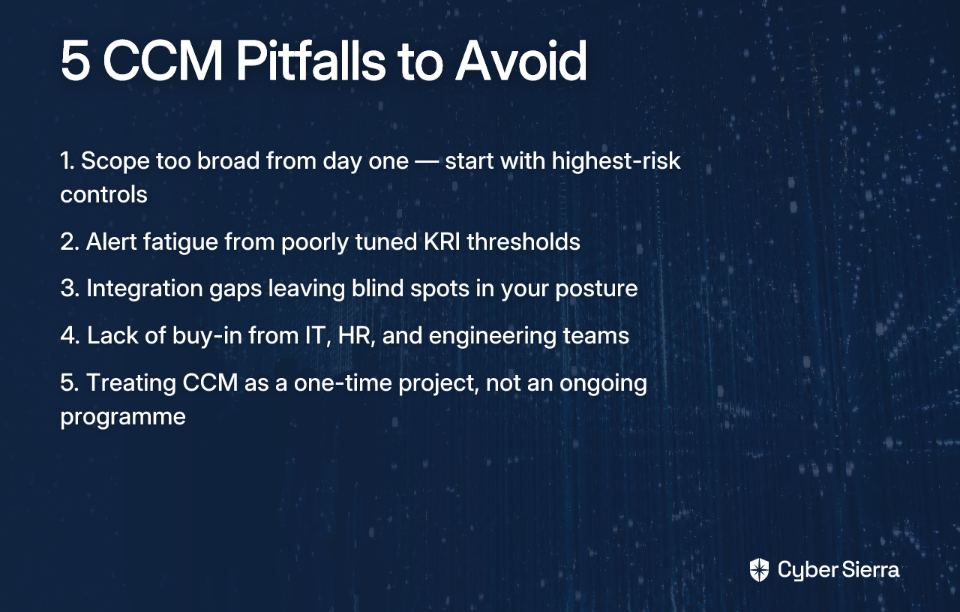
Knowing these challenges upfront allows you to design a CCM program that is resilient, scalable, and earns the trust of stakeholders across the business.
Make Audit Prep Obsolete
The days of scrambling for audit evidence are numbered. Shifting to a continuous control monitoring model isn't about adding more work; it's about making your existing work smarter and more effective.
The key is to start small and be strategic. Here’s what matters most:
- Map your highest-risk controls first. You can't monitor everything at once. Focus on what keeps your CISO up at night, like privileged access or data encryption.
- Automate evidence collection. This is the core of CCM. It replaces the manual scramble with an always-on, audit-ready trail that proves your controls are working.
Ready for a first step? Pick one critical control you currently check manually every quarter. Today, sketch out how you would automate its validation. What system holds the proof? Who needs to see the result?
When you’re ready to see how a dedicated platform automates this entire process, explore how Cyber Sierra's Continuous Control Monitoring module centralises controls and automates evidence collection to keep you audit-ready.
Frequently Asked Questions
What is continuous control monitoring (CCM)?
Continuous control monitoring (CCM) is an automated process that continuously tests security and compliance controls. Unlike periodic audits, it provides a near real-time view of your compliance posture, identifies gaps as they happen, and maintains an always-on, audit-ready evidence trail.
How does CCM reduce the cost of compliance?
CCM reduces costs by automating manual evidence collection, which cuts audit preparation from weeks to hours. It also helps prevent expensive data breaches, audit failures, and regulatory fines by identifying and remediating control gaps before they can be exploited or discovered by an auditor.
What is the first step to implementing a CCM program?
The first step is to create a complete, centralised inventory of every security and compliance control. This involves documenting what each control is, which framework it maps to, who owns it, and where the evidence for its operation lives. This inventory is the foundation for monitoring.
What is the difference between continuous control monitoring and traditional audits?
The key difference is timing. Traditional audits are point-in-time assessments done periodically (e.g., annually), providing a snapshot of compliance. CCM is an ongoing, automated process that monitors controls in near real-time, offering a continuous view of your security posture.
What should I look for in a CCM tool?
A strong CCM tool must have broad integrations with your tech stack (e.g., AWS, Okta), automated control testing, multi-framework mapping, and real-time alerting. A unified dashboard is also crucial for providing a single, accurate view of your entire control environment.
How does CCM prevent audit fatigue?
CCM prevents audit fatigue by eliminating the last-minute scramble to gather evidence. Since evidence is collected and controls are tested automatically and continuously, your organisation is perpetually audit-ready. This transforms audits from a disruptive event into a routine validation exercise.
