



HIPAA-Compliant Scheduling Tools: Top Picks for 2025


Join thousands of professionals and get the latest insight on Compliance & Cybersecurity.
You've just launched your healthcare practice or maybe you're looking to upgrade your existing systems. You pull up search results for scheduling software and immediately feel overwhelmed by the options. Even worse, you're not sure which ones truly protect patient information while being user-friendly and affordable. With potential HIPAA violations costing thousands in fines, making the wrong choice isn't just frustrating—it could be financially devastating.
Healthcare providers across the country share this struggle. As one practitioner noted on Reddit, "I'm looking for the best HIPAA-compliant scheduling software. If you're in healthcare or deal with patient info, you know how important it is to keep data secure while staying organized." Another added, "With all the options out there, it's tough to figure out what's actually worth it."
The good news? There are solutions designed specifically to address these challenges, ensuring you can maintain compliance while improving efficiency and patient experience. In this guide, we'll explore the top HIPAA-compliant scheduling tools for 2025 that balance security, functionality, and value.
Understanding HIPAA Compliance in Scheduling Software
Before diving into specific tools, it's essential to understand what makes scheduling software HIPAA-compliant.
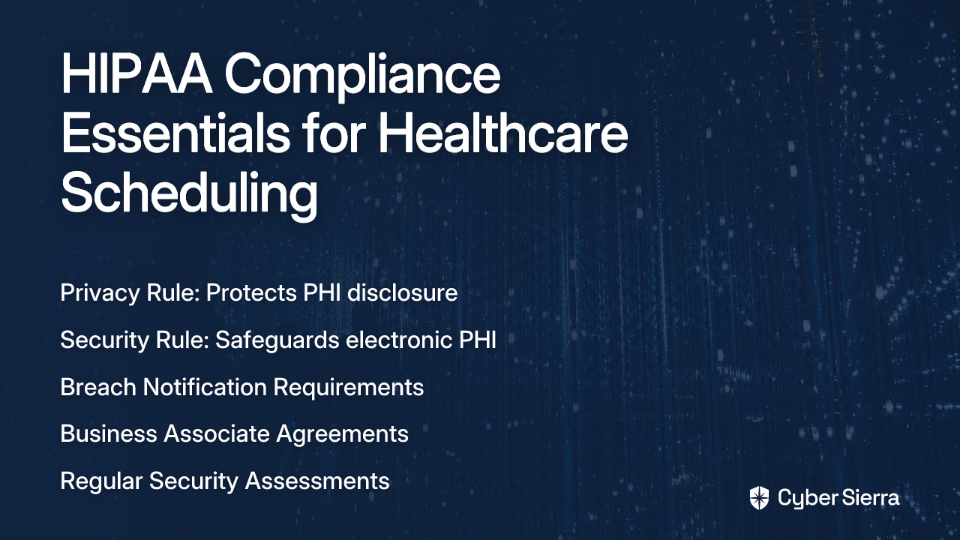
HIPAA (Health Insurance Portability and Accountability Act) establishes standards for protecting sensitive patient health information. When it comes to scheduling tools, compliance means implementing specific safeguards:
- Privacy Rule: Controls how Protected Health Information (PHI) is disclosed
- Security Rule: Sets standards for securing electronic PHI
- Breach Notification Rule: Requires notifications to patients in case of data breaches
According to the Digital Guardian, "HIPAA compliance isn't just a checkbox—it's an ongoing commitment to protecting patient privacy through comprehensive security measures."
Key Features to Look for in HIPAA-Compliant Scheduling Tools
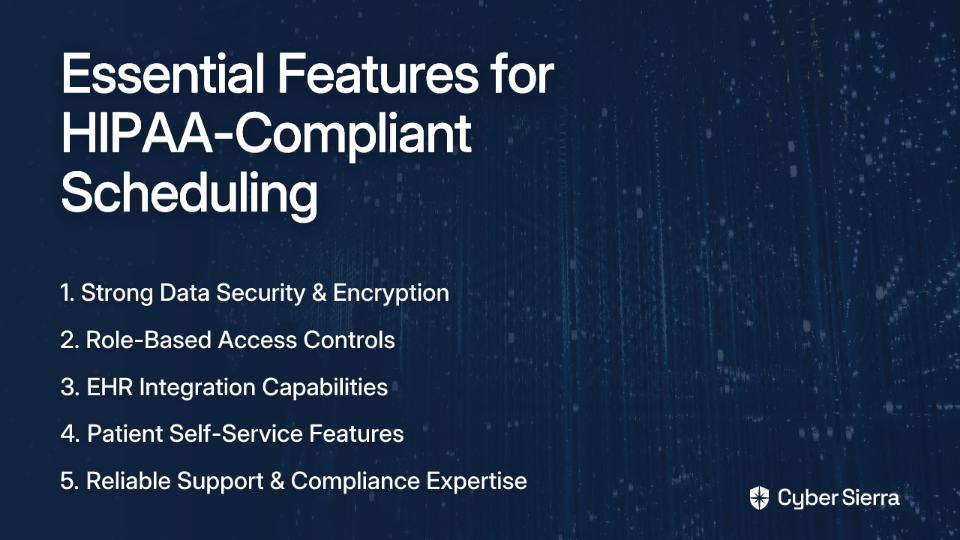
When evaluating scheduling tools, consider these essential features that ensure both compliance and usability:
1. Data Security Measures
- End-to-end encryption for all patient data
- Secure data storage and transmission
- Regular security updates and patches
2. Access Controls
- Role-based permissions to limit who can view sensitive information
- Multi-factor authentication to verify user identity
- Detailed audit trails tracking who accessed what information and when
3. Integration Capabilities
- Seamless connection with Electronic Health Records (EHR) systems
- API availability for custom integrations
- Compatibility with billing and practice management software
4. Patient-Focused Features
- Self-scheduling options that maintain compliance
- Automated appointment reminders (text/email)
- Secure messaging for patient communications
- HIPAA-compliant intake forms
5. Reliability and Support
- Minimal downtime and technical issues
- Dedicated support for compliance-related questions
- Regular backups and disaster recovery protocols
One healthcare administrator complained on Reddit, "I've had many problems with online booking. I get a few calls a week from clients saying the scheduler is giving them error messages and won't let them book." This highlights why reliability should be a top consideration.
Top HIPAA-Compliant Scheduling Tools for 2025
Based on user feedback, feature sets, and compliance standards, these are the standout scheduling tools for healthcare providers in 2025:
1. SimplePractice
Key Features:
- Client portal with secure messaging
- Customizable intake forms
- Telehealth integration
- Mobile app for on-the-go scheduling
- Automatic appointment reminders
What Users Love: SimplePractice consistently receives praise for its intuitive interface and comprehensive feature set. As one user mentioned, "I'd recommend looking into SimplePractice for its ease of use, security features, and how well it integrates with existing systems."
Pricing: Starting at $39/month for individual providers, with tiered plans for group practices.
2. JaneApp
Key Features:
- Integrated EHR functionality
- Online booking with customizable availability
- Patient reminders via email and text
- Secure document storage and sharing
- Practice management tools
What Users Love: "We've been very happy with JaneApp for our EHR," noted one Reddit user. The platform is particularly popular for its all-in-one approach that combines scheduling with comprehensive EHR features.
Pricing: Plans begin at $74/month for solo practitioners, with options for growing practices.
3. Kareo
Key Features:
- Comprehensive practice management platform
- Patient self-scheduling portal
- Automated appointment reminders
- Integrated billing solutions
- HIPAA-compliant messaging
What Users Love: Kareo stands out for its strong billing integration and practice management capabilities. "Kareo offers excellent support and training resources, making it easier for staff to adapt to the platform," according to user feedback.
Pricing: Custom pricing based on practice size and needs.
4. PracticeQ
Key Features:
- All-inclusive pricing model
- HIPAA-compliant intake forms
- Multi-practitioner scheduling
- Patient self-booking
- Secure payment processing
What Users Love: Small practices appreciate PracticeQ's straightforward pricing. One massage therapist recommended it on Reddit saying, "PracticeQ for intakes and scheduling all in one, no tiers of pricing, all included for $80/month, all HIPAA compliant."
Pricing: $80/month flat rate with all features included.
5. MakeShift
Key Features:
- Healthcare-specific scheduling tools
- Staff scheduling optimization
- Mobile access for providers
- Emergency staffing alerts
- Compliance tracking
What Users Love: MakeShift specializes in staff scheduling rather than patient appointments, making it ideal for hospitals and large practices. According to MakeShift's healthcare blog, users report "up to 70% reduction in scheduling time" after implementing the platform.
Pricing: Custom pricing based on organization size.
6. Zocdoc
Key Features:
- Patient-facing marketplace
- Insurance verification
- Real-time availability updates
- Patient reviews and ratings
- Telehealth scheduling
What Users Love: Zocdoc differs from other options by functioning as both a scheduling tool and a patient acquisition platform. Practices appreciate the dual benefit of streamlining operations while potentially attracting new patients.
Pricing: Subscription-based with per-booking fees.
Common Pitfalls to Avoid
When selecting a HIPAA-compliant scheduling tool, watch out for these potential issues:
- Overlooking Business Associate Agreements (BAAs): Ensure your software provider offers a signed BAA, which is legally required under HIPAA.
- Prioritizing Features Over Security: Don't sacrifice compliance for convenience. As one healthcare administrator warned, "The system assumes that patients are more informed about how to get appropriate, timely care than they actually are." Make sure security guardrails are in place.
- Neglecting Staff Training: Even the most secure system can be compromised by improper use. Invest in comprehensive training for all team members.
- Ignoring Scalability: Your practice may grow, so choose a solution that can scale with you without requiring a complete system change later.
- Focusing Solely on Price: As one practice owner noted, "Cost is a concern, especially for smaller practices," but the cheapest option may lead to hidden costs through compliance issues or inefficiency.
Making the Right Choice for Your Practice
The ideal HIPAA-compliant scheduling tool depends on your specific needs. Consider these factors when making your decision:
- Practice Size: Solo practitioners have different needs than large medical groups
- Specialty: Mental health, physical therapy, and primary care each have unique scheduling requirements
- Integration Needs: What existing systems must your scheduling tool work with?
- Budget Constraints: Balance cost with necessary features and compliance
Remember that HIPAA compliance is non-negotiable, but within that requirement, you have flexibility to find a solution that works for your specific practice model.
By selecting a tool that balances security, usability, and appropriate features, you can ensure your practice maintains compliance while enhancing operational efficiency and patient satisfaction.
For more information on HIPAA regulations and compliance, visit the official HHS.gov HIPAA site.
Frequently Asked Questions
What makes scheduling software HIPAA-compliant?
HIPAA-compliant scheduling software incorporates specific safeguards to protect patient health information (PHI) as mandated by the Health Insurance Portability and Accountability Act. This includes adherence to the Privacy Rule (controlling PHI disclosure), the Security Rule (setting standards for electronic PHI security), and the Breach Notification Rule (requiring patient notification of data breaches). Key features often include end-to-end encryption, secure data storage, access controls like role-based permissions and multi-factor authentication, and the provision of a Business Associate Agreement (BAA).
Why is a Business Associate Agreement (BAA) crucial for HIPAA-compliant scheduling software?
A Business Associate Agreement (BAA) is crucial because it is a legally binding contract required by HIPAA between a healthcare provider (covered entity) and a third-party vendor (business associate) that will handle PHI. This agreement outlines the vendor's responsibilities in protecting patient data according to HIPAA standards. Without a signed BAA from your software provider, you are not fully compliant, potentially exposing your practice to significant fines and legal issues if a data breach occurs involving the vendor's software.
How can I ensure my staff uses HIPAA-compliant scheduling software correctly?
Ensuring correct usage by staff involves comprehensive training, establishing clear policies, and utilizing the software's security features. Proper training should cover HIPAA regulations, the specific functionalities of the chosen software, and best practices for handling PHI. Implementing role-based access controls to limit data exposure and regularly reviewing audit trails can also help monitor and enforce correct usage, minimizing the risk of human error leading to compliance violations.
What are the most important features to look for in HIPAA-compliant scheduling software?
The most important features include robust data security measures (like end-to-end encryption and secure storage), strict access controls (such as multi-factor authentication and audit trails), and patient-focused features that maintain compliance (like secure self-scheduling and encrypted messaging). Additionally, consider integration capabilities with EHR systems, reliability, dedicated support for compliance questions, and the vendor's willingness to sign a Business Associate Agreement (BAA).
Can I use general-purpose or free scheduling tools for my healthcare practice?
Generally, no, you should not use general-purpose or free scheduling tools unless they explicitly state HIPAA compliance and are willing to sign a Business Associate Agreement (BAA). Most standard scheduling tools are not built with the necessary security features like encryption, access controls, and audit trails required to protect PHI according to HIPAA regulations. Using non-compliant tools can lead to significant data security risks and legal penalties.
How do I choose the right HIPAA-compliant scheduling software for my specific practice?
To choose the right software, assess your practice's specific needs, including its size, specialty, integration requirements with existing systems (like EHRs), and budget. Consider whether you need features like telehealth integration, automated reminders, or staff scheduling. Always prioritize robust security features and ensure the vendor provides a BAA. Review user feedback and, if possible, opt for a trial period to evaluate usability before committing.
