



Why Microsoft 365 Email Security Falls Short (And What to Do About It)



Join thousands of professionals and get the latest insight on Compliance & Cybersecurity.
You've invested in Microsoft 365 for your organization, trusting that a platform used by over one million companies worldwide would provide robust protection against email threats. But week after week, you're still dealing with phishing emails slipping through, suspicious attachments reaching your team's inboxes, and that constant worry about which malicious message might finally trick even your most vigilant employee.
It's not just you. Cybersecurity professionals across industries are increasingly vocal about their frustration, with many bluntly stating that "The MS 365 email security is atrocious" and that "no matter what policies and rules I configure, Defender will only just be 'good enough' regarding email security."
The stakes couldn't be higher. With the global average cost of a data breach now reaching a staggering $4.88 million and 70% of organizations facing significant disruptions from security incidents, relying on inadequate protection is a risk few can afford to take.
This article examines the specific limitations of Microsoft 365's native security offerings (Exchange Online Protection, Defender for Office 365, and ATP) based on real-world testing data, and provides a clear roadmap for strengthening your email security posture.
The Hard Data: Where Microsoft 365 Security Fails the Test
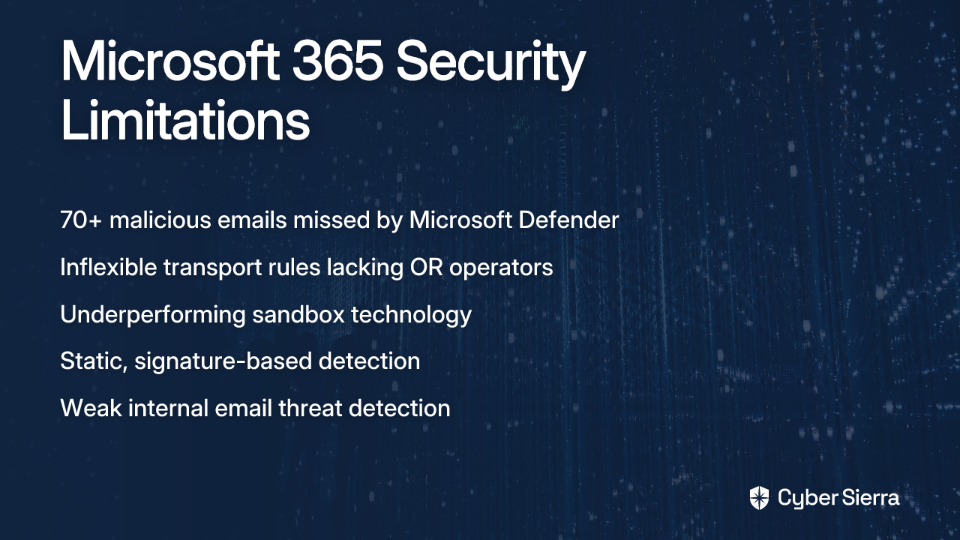
The evidence is clear and concerning: in head-to-head testing, Microsoft's Defender for Office 365 consistently underperforms compared to specialized email security solutions. Real-world tests reveal that Microsoft Defender missed over 70 malicious emails that made it to inboxes, while a specialized solution like Check Point caught all but 9 of the same threats.
This isn't just about annoying spam or obvious scams. The failures involve sophisticated spear phishing attempts, business email compromise (BEC) attacks, and zero-day malware that can devastate an organization. Many of these threats employ advanced evasion techniques specifically designed to bypass Microsoft's detection systems.
As one IT administrator reported, "too much gets through," forcing many organizations to implement third-party solutions like Abnormal AI, which users describe as "a game changer" with "zero false positives in 3 months of use."
Deconstructing the Gaps: Why Microsoft's Protection Falls Short
Gap 1: Inflexible Transport Rules - The "OR" Operator Problem
One of the most frustrating limitations for security administrators is Microsoft 365's rigid transport rules structure. The Exchange Online mail flow rules use AND logic, meaning all conditions in a single rule must be met for the rule to take effect. Critically, there is no support for OR operators within a single rule.
This might sound like a minor technical detail, but in practice, it severely hampers your ability to create nuanced security policies. If you want to create a rule that applies to emails containing specific keywords OR specific attachment types, you simply cannot. Instead, you're forced to create multiple separate rules, which complicates management, increases the chance of misconfiguration, and creates potential security blindspots.
Gap 2: Underperforming Sandbox Technology
While Microsoft offers sandboxing to analyze attachments and links in a virtual environment, its performance is consistently subpar compared to specialized solutions. Microsoft's sandbox often fails to detect advanced evasion techniques used by modern malware.
Users regularly report that Defender is "not super strong on malware analysis" and lacks robust "link sandboxing." By contrast, competitors utilize more advanced sandboxing technology and add crucial capabilities like Content Disarm and Reconstruction (CDR), which strips potentially malicious content from files before they reach users—a feature Microsoft 365 lacks entirely.
Gap 3: Static, Single-Layered Defense
The foundation of Microsoft 365's email security, Exchange Online Protection (EOP), relies heavily on signature-based detection. This approach is fundamentally retrospective—it can only detect threats that have been previously identified and cataloged.
This creates a critical vulnerability against zero-day threats and sophisticated attacks that haven't been seen before. Additionally, the homogeneous architecture means that once an attacker develops a method to bypass Microsoft 365 security, they can reuse that technique to target millions of users across thousands of companies simultaneously.
Gap 4: The Internal Threat Blind Spot
Perhaps most concerning is Microsoft Defender's struggle to effectively filter phishing emails that originate from within your own network. When an attacker compromises an account within your organization, they can send malicious emails to colleagues that often bypass detection due to Microsoft's implicit trust of internal communications.
This vulnerability is especially dangerous with Business Email Compromise (BEC) attacks, where legitimate accounts are taken over and used to request fund transfers, credential sharing, or to distribute malware. As one security professional noted, even specialized solutions like Abnormal AI are particularly valued because they are "amazing at detecting business email compromise - emails from legit contacts that have been compromised"—a critical capability Microsoft struggles with.
The Solution - Adopting a Defense-in-Depth Strategy
Recognizing these limitations, cybersecurity professionals overwhelmingly recommend a layered approach to email security. As one expert put it, "You will absolutely need an email security solution such as Checkpoint, Darktrace, Mimecast or something similar."
What to Look For in a Third-Party Solution
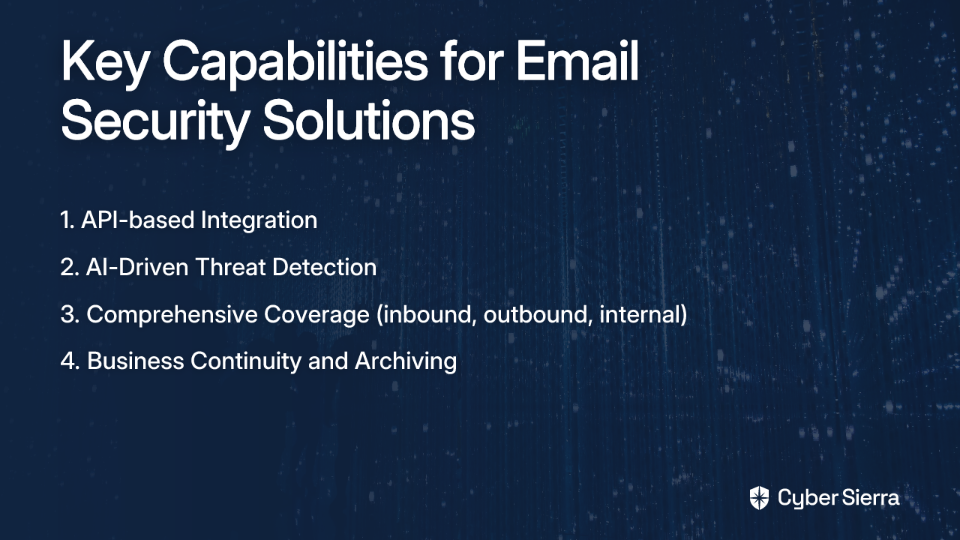
When evaluating supplemental email security solutions to strengthen Microsoft 365's defenses, prioritize these key capabilities:
1. API-based Integration: Modern solutions like Avanan (a Check Point company) use APIs to integrate directly into the email flow after Microsoft's default filters. This provides a last line of defense to catch threats Microsoft misses and avoids the vulnerabilities of legacy Secure Email Gateway (SEG) solutions that rely on changing MX records.
2. AI-Driven Threat Detection: Solutions like Darktrace use artificial intelligence to learn normal communication patterns within your organization and can automatically flag and respond to anomalies indicative of a compromise. This extends protection beyond just email to Teams, SharePoint, and other collaboration tools where threats can spread.
3. Comprehensive Coverage: Look for protection across all vectors: inbound, outbound, and most critically, internal email communications where Microsoft's protection is weakest.
4. Business Continuity and Archiving: Fill the native gaps Microsoft 365 leaves, such as the lack of email spooling during an outage, which solutions like Proofpoint Essentials offer.
Top Alternatives to Microsoft Defender
Based on industry feedback and performance testing, here are the leading solutions to supplement Microsoft 365's email security:
Check Point (Avanan): Leverages API integration and is claimed to be 44x more effective at catching phishing than legacy gateways. Their system adopts a unique approach by scanning emails after Microsoft's filters, providing a crucial second layer of protection.
Mimecast: A powerful SEG known for robust email filtering, advanced sandboxing, and highly customizable policy management. It's particularly strong for organizations with complex compliance requirements.
Darktrace: Employs self-learning AI to detect and respond to threats across email and other Microsoft 365 apps. It's especially effective at identifying unusual behavior patterns that indicate account compromise.
Abnormal Security: Praised for its high accuracy and low false-positive rate, with special strength in detecting sophisticated Business Email Compromise (BEC) attacks that Microsoft often misses.
Proofpoint Essentials: A strong choice for SMBs looking for effective protection against advanced threats, with excellent email continuity features.
Beyond Technology - The Critical Human Layer
While implementing a specialized email security solution is essential, technology alone cannot provide complete protection. As users in the field constantly emphasize, "No software will help if the end user doesn't understand why clicking on the invoices.zip link is a bad idea."
The human element remains crucial, especially as threats evolve. The recent surge in QR code phishing, for instance, has made both IT professionals and users "twitchy" because Microsoft's tools struggle to detect these threats, and many users aren't trained to recognize them.

Effective security requires going beyond basic awareness. As one security expert emphasized, we need to "TRAIN users, don't just test them. Teach them how to spot and how to report phishing." This means providing comprehensive education that:
- Teaches employees to recognize the signs of sophisticated phishing attempts, including urgency cues, unusual senders, suspicious attachments, and newer threats like embedded QR codes
- Establishes a clear, simple process for reporting suspicious emails to your IT or SOC team
- Provides regular updates on emerging threats and tactics
Security awareness training platforms like KnowB4 offer phishing simulations and educational content that can dramatically improve your human firewall. One organization reported reducing their phishing test click rate "from 25% to less than 1%" through comprehensive training.
When combined with technical safeguards like Fido2 keys, Windows Hello, or other passwordless authentication methods, user training creates a powerful defense against even the most sophisticated phishing attempts.
Strengthening Your Email Security Posture: A Multi-Layered Approach

To effectively protect your organization from modern email threats, implement these key recommendations:
- Augment Microsoft 365 with a specialized security solution: Choose a third-party tool like Avanan, Mimecast, or Darktrace that addresses the specific gaps in Microsoft's protection.
- Implement robust authentication: Deploy MFA across your organization and consider passwordless options like MS authentication with Windows Hello or Fido2 keys to minimize the risk of credential theft.
- Configure email authentication protocols: Properly set up SPF, DKIM, and DMARC to prevent email spoofing and improve deliverability of legitimate messages.
- Invest in user training: Implement ongoing security awareness training that teaches users to recognize and report phishing attempts, not just avoid clicking on them.
- Establish clear incident response procedures: Ensure your SOC team has protocols in place for quickly analyzing and responding to reported phishing attempts.
Conclusion
Microsoft 365 provides a foundational layer of security, but as the data clearly shows, it's insufficient to protect against today's sophisticated email threats. The limitations in transport rules, inadequate sandboxing capabilities, static defenses, and blind spots for internal threats create dangerous vulnerabilities that attackers are actively exploiting.
With the global average cost of a data breach approaching $5 million, relying solely on Microsoft Defender and ATP is a risk most organizations cannot afford to take. By adopting a defense-in-depth strategy that combines a specialized email security solution with comprehensive user training, you can significantly enhance your protection against the full spectrum of email threats, including the rising challenge of AI-generated phishing attacks.
The most effective approach combines multiple layers of technical controls with a well-trained workforce that serves as your last line of defense. As one security professional aptly summarized: "You can get defence in depth by having tech that limits the attacks that can work, procedures that limit the chances and impacts of attacks, and trained people who will spot it and stop it."
Your email security is only as strong as its weakest link—don't let that be Microsoft 365's native protection.
