



From One Click to Ransomware: A Hacker's Playbook



Join thousands of professionals and get the latest insight on Compliance & Cybersecurity.
You've just settled in for Monday morning with a fresh cup of coffee when you notice an email from a client you recognize. It contains a password-protected PDF attachment. Your spidey sense tingles briefly, but you see the client's name in your CRM and their website checks out. Plus, your boss is fanatical about leaving on time today, so you quickly enter the password and open the attachment.
Suddenly, your screen blinks. Nothing seems to happen immediately, but you've just unwittingly set in motion a chain of events that could cripple your entire organization.
This is how a sophisticated ransomware attack begins - with a single, seemingly innocent click.
In 2023, ransomware was involved in 20% of all cyberattacks, with the average cost of a ransomware incident reaching $5.68 million - not including the ransom itself, which can reach up to $80 million. But how does one click spiral into such catastrophic damage?
This article will walk you through a hacker's playbook, showing exactly how cybercriminals transform a single moment of inattention into a company-wide crisis. By understanding this process, you'll be better equipped to become your organization's human firewall.
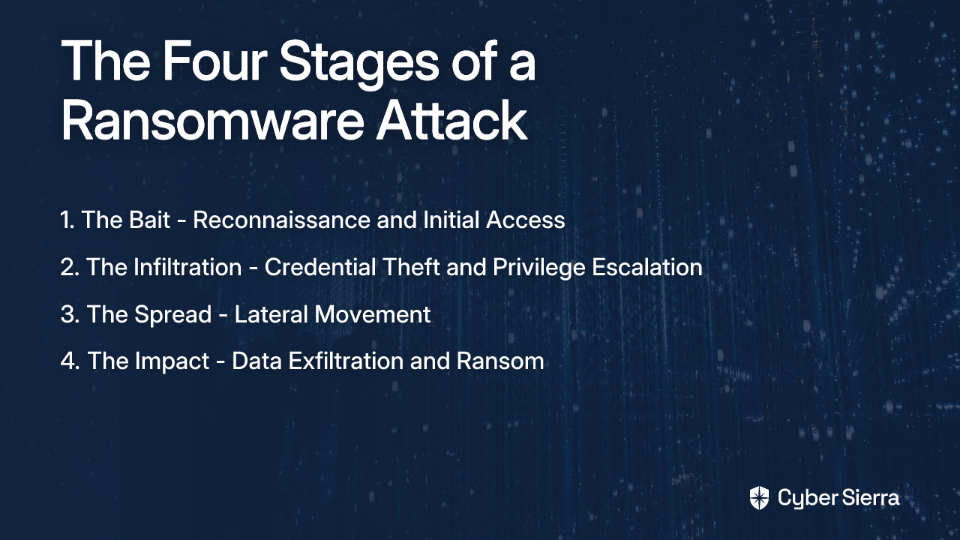
Stage 1: The Bait - Reconnaissance and Initial Access
Before you even see that malicious email, hackers have done their homework.
The Hacker's Homework: Reconnaissance
Modern attackers aren't firing blindly. They're researching your company, colleagues, and clients through:
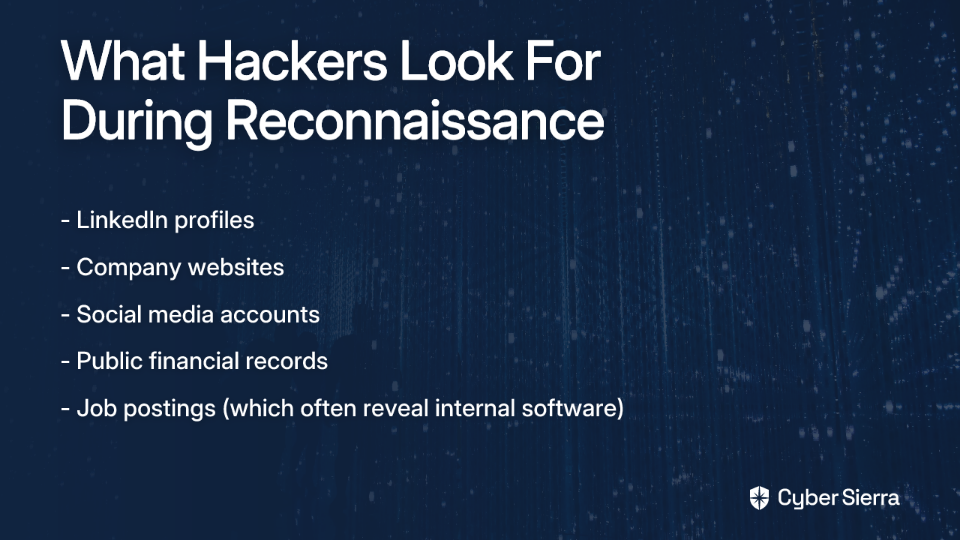
- LinkedIn profiles
- Company websites
- Social media accounts
- Public financial records
- Job postings (which often reveal internal software)
This intelligence gathering, or OSINT (Open Source Intelligence), allows them to craft phishing emails so convincing that they sail past technical defenses and human skepticism alike.
The First Click: Initial Access
Phishing remains the entry point for approximately 80% of cyberattacks. When you click that malicious link or open that attachment, several things can happen:
- The Trojan Horse: That password-protected PDF might contain a hidden script that silently installs an infostealer or RAT (Remote Access Trojan) on your computer.
- The Fake Login: You might be redirected to a convincing but fake Microsoft 365 or Google Workspace login page. When you enter your credentials, they're sent directly to the attacker while you're redirected to the legitimate site - leaving you none the wiser.
- The Silent Download: Some attacks require no further interaction beyond the initial click. They exploit browser or document reader vulnerabilities to silently download malware.
What happens after your click? The initial malware (often called a "loader") establishes a persistent connection between your computer and the hacker's Command and Control (C&C) server. This gives them a backdoor into your network, allowing them to operate silently while evading detection.
In the cybersecurity world, this is known as establishing a "beachhead" - a small but critical foothold from which they'll launch the rest of their attack.
Stage 2: The Infiltration - Credential Theft and Privilege Escalation
Once inside your network, the attacker's goal is to gain wider access and higher privileges.
The Crown Jewels: Credential Theft
Modern cybersecurity defenses increasingly rely on identity verification rather than network perimeters. This makes stealing credentials the master key to bypassing security.
The malware deployed in the first stage often includes specialized tools for credential theft:
- Keystroke Loggers: These record everything you type, capturing passwords as you enter them.
- Token Theft: Instead of stealing your password, these tools steal the authentication tokens that keep you logged in to applications.
- Memory Scrapers: Tools like Mimikatz can extract passwords and authentication data directly from your computer's memory.
The attacker may also use more sophisticated techniques like "Pass the Hash" or "Pass the Ticket," which bypass the need for your actual password by stealing authentication hashes or Kerberos tickets.
During this phase, attackers might also set up email forwarding rules to silently receive copies of your emails, giving them insight into company communications and the ability to initiate convincing BEC (Business Email Compromise) attacks.
Climbing the Ladder: Privilege Escalation
Regular user accounts have limited access, so attackers work to become administrators. They might:
- Exploit unpatched software vulnerabilities
- Use stolen credentials from IT staff
- Hijack scheduled tasks or services
- Exploit misconfigured permissions
Attackers particularly target password reset capabilities and MFA (Multi-Factor Authentication) administration, as these allow them to create backdoors and maintain persistence even if detected.
Stage 3: The Spread - Lateral Movement
At this point, the attackers have compromised one machine and gained some elevated privileges. But their goal is much broader - to move laterally through your network until they control enough systems to deliver a devastating blow.
The Clock is Ticking: Breakout Time
The average time from initial compromise to lateral movement is just 1 hour and 58 minutes. This "breakout time" is the critical window when your SOC (Security Operations Center) and EDR (Endpoint Detection and Response) solutions have the best chance of detecting and stopping the attack before it spreads.

Mapping Your Network: Internal Reconnaissance
Once inside, attackers map your network using common administrative tools that won't trigger security alerts:
Netstat: To identify active network connectionsIPConfig: To understand network configuration- PowerShell commands to identify accessible systems
They're looking for high-value targets: domain controllers, file servers, backup systems, and databases.
The Spread: Lateral Movement Techniques
With administrator credentials in hand, attackers use legitimate tools to spread across the network:
- PsExec: A Microsoft tool for executing processes on other systems
- WinRM: Windows Remote Management service
- RDP: Remote Desktop Protocol to gain interactive access
- Exploiting SMB vulnerabilities: Like the infamous EternalBlue exploit
As one system administrator bluntly put it: "If your user account can write to local or networked storage, then so can the ransomware." The attackers exploit your legitimate access rights to spread their malware.
During this phase, attackers are carefully searching for and collecting IOCs (Indicators of Compromise) to help them understand your security posture and avoid detection.
Stage 4: The Impact - Data Exfiltration and Ransom
With widespread access to your network, the attackers are ready to execute their final, devastating moves.
The Double Extortion: Data Theft Before Encryption
Modern ransomware attacks don't just encrypt your data - they steal it first. This "double extortion" tactic means that even if you have good backups, the attackers can still threaten to publish your sensitive information unless you pay.
Some groups even employ "triple extortion" by threatening to contact your customers or partners directly about the breach, adding reputation damage to your concerns.
The Coup de Grâce: Encryption and Destruction
The final ransomware payload is deployed across all compromised systems simultaneously. It systematically encrypts files, making them inaccessible. The encryption is nearly impossible to break without the decryption key, which only the attackers possess.
Before encrypting, attackers specifically target and destroy:
- Backup systems
- Shadow copies
- System restore points
- Any other recovery mechanisms
This ensures you cannot easily recover without paying the ransom.
The Ransom Note
Finally, you're presented with the ransom note explaining how to pay (usually in cryptocurrency) to get the decryption key. While ransom demands are high, fewer organizations are paying - in 2023, only 37% of victims paid, down from 70% in 2020.
Breaking the Chain: Your Role as a Human Firewall
Understanding the attack lifecycle reveals several critical intervention points where you can help break the chain:
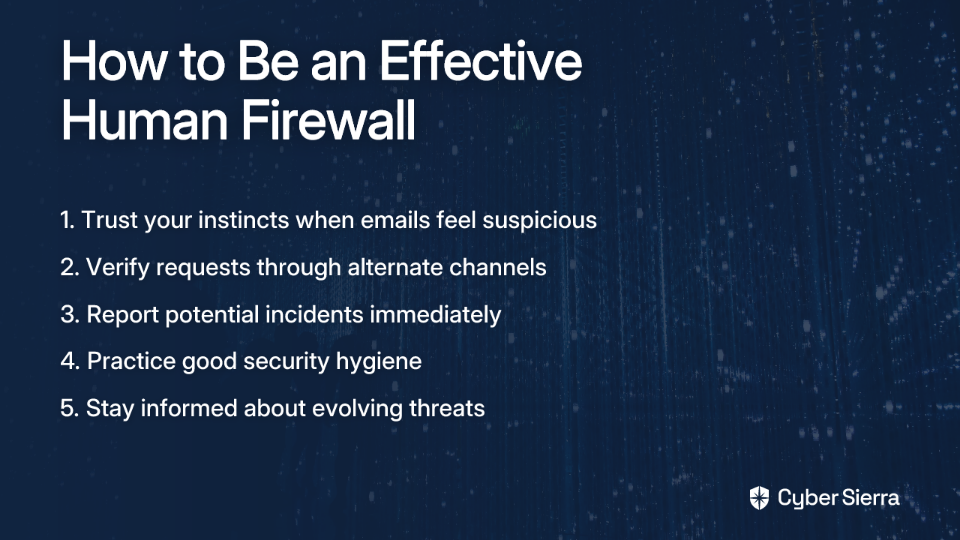
Trust Your Spidey Sense
If an email feels off - even slightly - it probably is. Don't let pressure to be efficient override your caution. Verify unexpected requests through a different channel:
- Call the client using the number in your CRM, not from the email
- Message a colleague on your internal chat platform
- Check with IT about unusual requests
Report, Report, Report
The single most important action you can take if you suspect you've clicked something malicious is to immediately report it to your IT/security team.
Don't wait until tomorrow. Don't worry about looking foolish. Don't just turn off your computer and hope for the best. The faster you report, the better chance your security team has of containing the threat before it spreads.
Organizations aim for the "1-10-60 rule": Detect threats in 1 minute, investigate in 10, and remediate in 60. Your prompt reporting makes this possible.
Practice Good Security Hygiene
- Use strong, unique passwords for every service
- Enable MFA wherever available
- Apply updates promptly - many attacks exploit known vulnerabilities that have been patched
- Be skeptical of unexpected attachments, even from known contacts
Final Thoughts
A single click can indeed lead to ransomware, but now you understand the complex chain of events that must occur between that click and company-wide encryption. By being vigilant, trusting your instincts, and knowing the critical role you play in breaking this chain, you become an essential part of your organization's defense strategy.
Remember: cybersecurity is a team sport. The most sophisticated technical defenses can be bypassed by one moment of human error - but likewise, alert and informed employees can be the crucial factor that prevents a catastrophic breach.
The next time your spidey sense tingles about an unexpected email, you'll know exactly what could be at stake - and what to do about it.
Frequently Asked Questions
What is a ransomware attack?
A ransomware attack is a type of cyberattack where criminals encrypt an organization's files, making them inaccessible, and then demand a payment (a "ransom") to restore access. Modern attacks often go further, employing "double extortion" tactics where attackers also steal sensitive data before encrypting it. They then threaten to release this data publicly if the ransom isn't paid, putting pressure on the organization even if they have backups.
How does a single click lead to a company-wide ransomware incident?
A single click on a malicious link or attachment can install initial malware, giving hackers a foothold in the network. From there, they move silently through the system to gain control before launching the main attack. This process involves several stages. After gaining initial access, attackers steal credentials, escalate their user privileges to become administrators, and then move laterally across the network to compromise critical systems like file servers and backups. Only after they have widespread control do they deploy the final encryption payload.
What is the first thing I should do if I suspect I've clicked on something malicious?
If you suspect you have clicked on a malicious link or attachment, you must immediately report it to your company's IT or cybersecurity department. Time is critical. Security teams often aim to contain threats within an hour, and your prompt report is the crucial first step that enables them to act quickly and stop the attack before it spreads from your computer to the rest of the network.
Why do hackers steal data before they encrypt it?
Hackers steal data before encrypting it as part of a "double extortion" strategy, which gives them leverage to demand a ransom payment even if the victim has reliable backups. By stealing sensitive corporate data, customer information, or intellectual property, attackers can threaten to leak it publicly. This adds immense pressure, as a data leak can lead to severe reputational damage, regulatory fines, and loss of customer trust.
Can't my company's antivirus software stop ransomware?
While security software is essential, it cannot stop all threats, especially sophisticated ones that exploit human behavior. Attackers constantly evolve their techniques to evade technical defenses, often using social engineering to trick users into bypassing security measures. Furthermore, once inside a network, they frequently use legitimate administrative tools to move around without triggering alerts. This is why an alert employee acting as a "human firewall" is a critical layer of defense.
Is paying the ransom a good idea?
Generally, cybersecurity experts and law enforcement agencies advise against paying the ransom. Paying does not guarantee the return of your data, it confirms to criminals that your organization is a willing target, and it funds further criminal activity. The best strategy is focusing on prevention and maintaining robust, tested backup and recovery plans that allow you to restore operations without giving in to demands.
