



Frontend vs Backend Security: What React Developers Actually Control



Join thousands of professionals and get the latest insight on Compliance & Cybersecurity.
You've probably heard a common refrain in development circles: "frontend is never safe." This statement, while grounded in some truth, oversimplifies the complex reality of web application security. As a React developer, you have significant control over your application's security posture—it's just a matter of understanding what falls within your domain.
This article aims to debunk the misconception that frontend security is futile, and instead clarify what security measures React developers can and should implement versus what truly belongs on the backend.
The Truth About Frontend Security
Frontend security isn't about creating an impenetrable fortress—it's about establishing a critical first line of defense that works in tandem with your backend protections. Let's explore what security measures actually fall within a React developer's control.
Input Validation: Your First Line of Defense
Input validation on the frontend serves two crucial purposes:
- It improves user experience by providing immediate feedback
- It serves as an initial security filter, reducing the attack surface
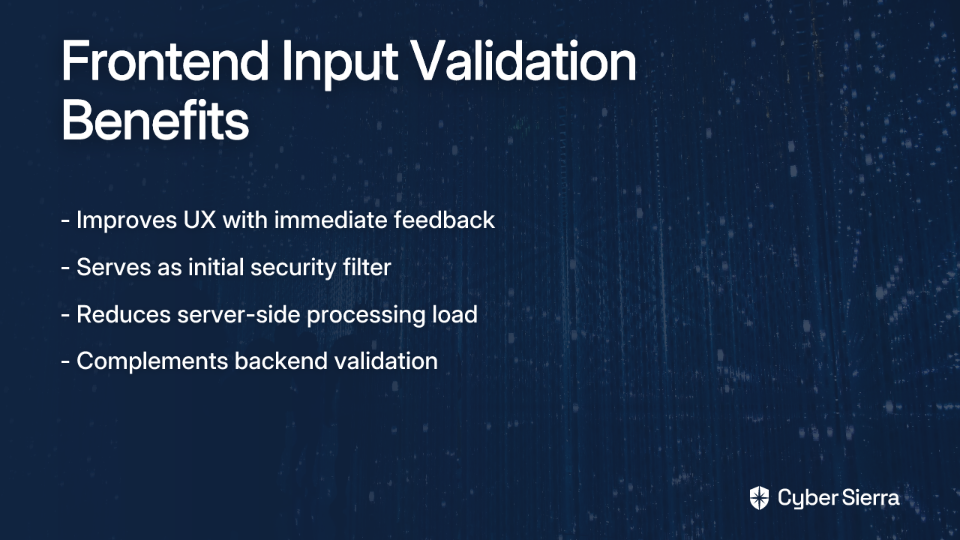
While you'll often hear the mantra "USER INPUT SHOULD NEVER BE TRUSTED" (and this is absolutely correct), that doesn't mean frontend validation is worthless. Consider it complementary to backend validation—not a replacement.
// Example of frontend validation for an email field
const validateEmail = (email) => {
  const emailRegex = /^[^\s@]+@[^\s@]+\.[^\s@]+$/;
  if (!emailRegex.test(email)) {
    setError('Please enter a valid email address');
    return false;
  }
  return true;
};

const handleSubmit = (e) => {
  e.preventDefault();
  if (validateEmail(email)) {
    // Proceed with form submission
    submitForm({ email });
  }
};
Remember: This validation enhances UX, but your backend must still validate everything. A malicious user can bypass frontend checks by sending requests directly to your API.
Preventing XSS: React's Built-in Protections and Common Pitfalls
Cross-Site Scripting (XSS) ranks consistently high on the OWASP Top Ten list of web application vulnerabilities. Here's the good news: React provides powerful default protections against XSS attacks.
By default, React escapes any values rendered in JSX with curly braces ({}), automatically converting potentially dangerous HTML entities into safe strings:
const userInput = "<script>alert('XSS Attack!')</script>";
// React automatically escapes this to render it as plain text, not executable code
return <div>{userInput}</div>;
However, React also provides escape hatches that can expose your application to XSS vulnerabilities if misused. The most notorious example is dangerouslySetInnerHTML.
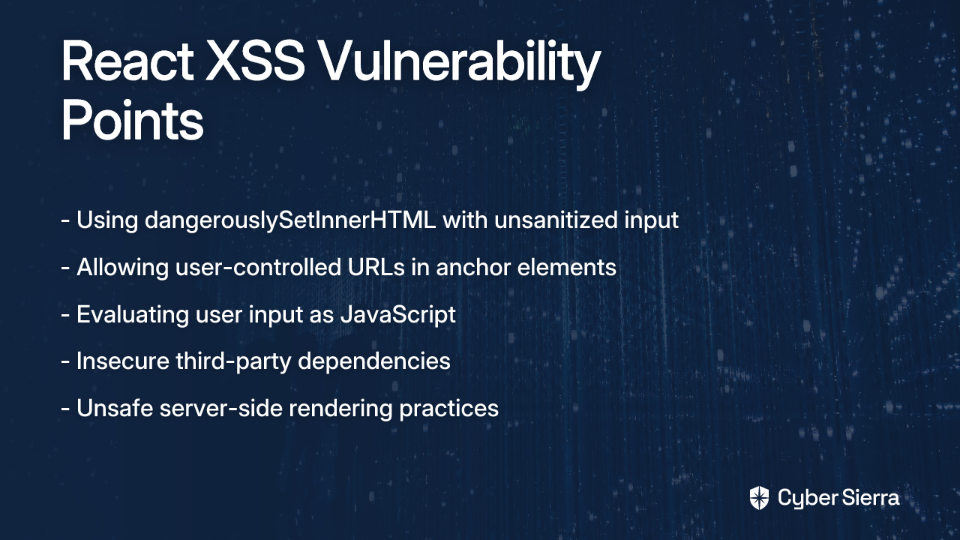
As one developer bluntly put it: "React security boils down to not thinking dangerouslySetInnerHTML is safe." While this is an oversimplification, it highlights a critical vulnerability point.
The Danger of dangerouslySetInnerHTML
This aptly-named React feature allows you to directly set HTML content, bypassing React's automatic escaping. It's necessary for certain scenarios, like implementing a WYSIWYG editor, but it should be used with extreme caution.
Never use dangerouslySetInnerHTML with unsanitized user input. Always sanitize HTML first using a library like DOMPurify:
import DOMPurify from 'dompurify';

const UserGeneratedContent = ({ htmlContent }) => {
  const sanitizedContent = DOMPurify.sanitize(htmlContent);

  return <div dangerouslySetInnerHTML={{ __html: sanitizedContent }} />;
};
Secure URL Handling
Another common XSS vector is user-controlled URLs, especially in anchor (<a>) elements. As one developer warned: "Don't allow user to control href in links. User could put javascript: there to run malicious code."
Always validate URLs before rendering them:
function isSafeUrl(url) {
  try {
    const parsedUrl = new URL(url);
    return ['http:', 'https:', 'mailto:'].includes(parsedUrl.protocol);
  } catch (error) {
    return false;
  }
}

// Usage
const UserProvidedLink = ({ url, children }) => {
  return isSafeUrl(url)
    ? <a href={url}>{children}</a>
    : <span>{children}</span>;
};
Content Security Policy: Browser-Level Protection
Content Security Policy (CSP) is a powerful security feature that provides an additional layer of protection against XSS and other injection attacks. It works by telling the browser which sources of content are legitimate, effectively blocking script execution from unauthorized sources.
While CSP headers are technically sent from the server, React developers should understand how to implement and test them. In a Next.js application, for example, you can configure CSP headers like this:
// next.config.js
const nextConfig = {
  async headers() {
    return [
      {
        source: '/(.*)',
        headers: [
          {
            key: 'Content-Security-Policy',
            value: "default-src 'self'; script-src 'self'; style-src 'self' 'unsafe-inline'; img-src 'self' data:; connect-src 'self';"
          }
        ]
      }
    ]
  }
}

module.exports = nextConfig;
This policy restricts scripts to load only from your own domain, preventing attackers from injecting scripts from external sources.
CSP implementation can be challenging in modern React applications, especially those using CSS-in-JS libraries or inline scripts. You may need to use nonces or hashes to allow specific inline scripts. However, the security benefits are substantial, particularly as a defense-in-depth measure that can mitigate damage even if other protections fail.
Proactive Security Hygiene
Beyond the explicit security measures above, React developers should practice these security hygiene habits:
1. Regularly Scan Dependencies
Third-party packages can introduce vulnerabilities into your application. Use tools like Snyk or npm audit to regularly check for known vulnerabilities:
# Check for vulnerabilities in dependencies
npm audit

# Fix automatically when possible
npm audit fix
2. Use Security-Focused Linters
Integrate ESLint configurations like eslint-config-react-security to automatically flag potential security issues during development:
npm install --save-dev eslint-config-react-security
Then extend this configuration in your .eslintrc:
{
  "extends": ["react-app", "react-security"]
}
3. Prevent JSON Injection in Server-Side Rendering
When serializing state for server-side rendering, escape HTML characters to prevent JSON injection:
// Unsafe
window.__PRELOADED_STATE__ = ${JSON.stringify(preloadedState)};

// Safe
window.__PRELOADED_STATE__ = ${JSON.stringify(preloadedState).replace(/</g, '\\u003c')};

What Belongs on the Backend: The Ultimate Authority
While frontend security is essential, certain responsibilities firmly belong to the backend. Understanding this boundary is crucial for maintaining a secure application.
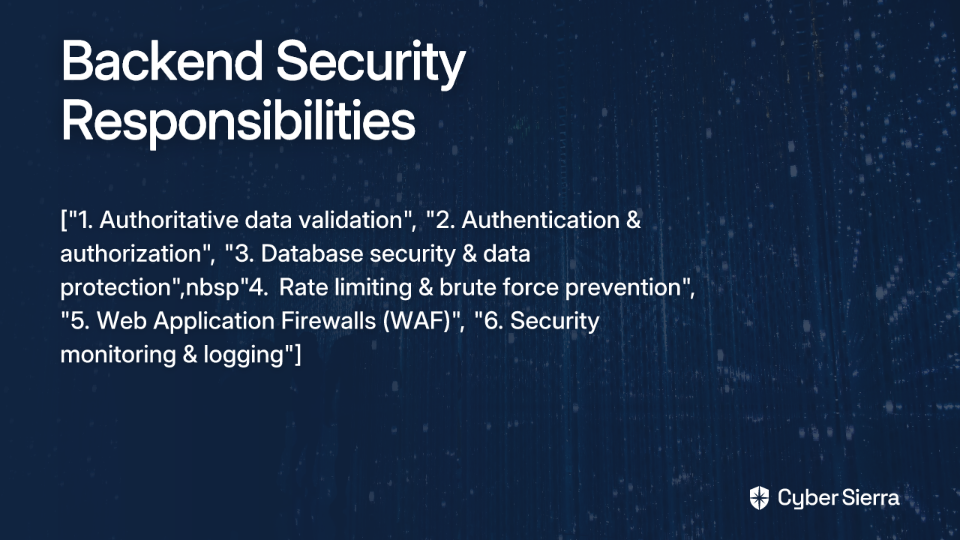
Authoritative Input Validation
The backend must validate all incoming data, regardless of frontend validation. As emphasized in developer forums: "USER INPUT SHOULD NEVER BE TRUSTED." This prevents attackers from bypassing frontend checks by sending requests directly to your API.
// Server-side validation example (Node.js/Express)
app.post('/api/user', (req, res) => {
  const { email } = req.body;

  // Validate email on server, regardless of frontend validation
  if (!isValidEmail(email)) {
    return res.status(400).json({ error: 'Invalid email format' });
  }

  // Proceed with data processing
});
Authentication and Authorization
Managing user identity, sessions, and permissions is strictly a backend function. This includes:
- Implementation of secure authentication flows (OAuth, JWT tokens)
- Management of session cookies/tokens
- Enforcement of access control rules
// Example of backend authentication verification (Express middleware)
const authenticateToken = (req, res, next) => {
  const token = req.headers['authorization']?.split(' ')[1];

  if (!token) return res.status(401).send('Access denied');

  jwt.verify(token, process.env.ACCESS_TOKEN_SECRET, (err, user) => {
    if (err) return res.status(403).send('Invalid token');
    req.user = user;
    next();
  });
};

// Protect routes
app.get('/api/protected-resource', authenticateToken, (req, res) => {
  // Only authorized users reach this point
});
Never store API keys, secrets, or credentials in your frontend code. These should be securely managed on the server, using environment variables and secure vaults.
Database Security and Data Protection
The backend is responsible for:
- Preventing SQL injection through parameterized queries or ORMs
- Encryption at rest for sensitive data
- Implementing proper database access controls
Advanced Security Measures
The backend should also handle:
- Rate limiting to prevent brute force attacks
- Implementation of Web Application Firewalls (WAF)
- Multi-factor authentication
- Monitoring and logging of suspicious activities
Bridging the Gap: How Frontend and Backend Security Work Together
The most secure applications are built when frontend and backend developers collaborate effectively. Here's how to ensure your security efforts are coordinated:
Consistent Error Handling
The backend should provide clear, non-revealing error messages that the frontend can translate into user-friendly feedback:
// Backend: Non-revealing error
return res.status(401).json({ error: 'Authentication failed' });

// Instead of:
return res.status(401).json({ error: 'User not found in database' });
Secure Data Transmission
Always use SSL/TLS to encrypt data in transit between client and server. For sensitive operations, use HTTP POST requests with data in the request body, not in URL parameters.
CORS Configuration
Configure Cross-Origin Resource Sharing (CORS) policies on your backend to control which domains can access your API:
// Express.js CORS configuration
const cors = require('cors');

// Allow only specific origins
const corsOptions = {
  origin: 'https://yourtrustedapp.com',
  methods: ['GET', 'POST'],
  credentials: true
};

app.use(cors(corsOptions));
Coordinated Security Testing
Implement end-to-end security testing that validates both frontend and backend security measures working in tandem.
Conclusion: Security as a Shared Responsibility
The notion that "frontend is never safe" misses the point. Frontend security is not about being impenetrable—it's about creating a vital first line of defense that works in coordination with backend security measures.
As a React developer, you control significant security aspects through input validation, XSS prevention, Content Security Policy implementation, and dependency management. These measures don't replace backend security—they complement it.
Rather than viewing frontend security as futile, understand it as part of a defense-in-depth strategy. Each layer, from the browser's CSP enforcement to React's automatic escaping to your backend's input validation, builds upon the others to create a robust security posture.
By clearly understanding what falls within your control as a React developer—and what belongs on the backend—you can build applications that are both secure and provide an excellent user experience. Remember: security is never absolute, but a well-coordinated frontend and backend security strategy can effectively mitigate the vast majority of threats your application will face.
Frequently Asked Questions
Why is frontend validation important if the backend validates everything?
Frontend validation is crucial for two main reasons: it provides immediate feedback to improve user experience and acts as an initial security filter. While the backend must always perform authoritative validation because frontend checks can be bypassed, client-side validation prevents malformed data from ever reaching the server, reducing the server's workload and providing a faster, more interactive experience for the user.
How does React protect against Cross-Site Scripting (XSS) attacks?
React helps prevent XSS attacks by automatically escaping any dynamic content rendered within JSX curly braces {}. This process converts potentially malicious code, like <script> tags, into plain text, rendering it harmless. However, developers must still be cautious with features like dangerouslySetInnerHTML, which bypass this protection and require manual sanitization of any user-provided HTML.
Where should sensitive data like API keys be stored?
Sensitive data like API keys, database credentials, or secret tokens must never be stored on the frontend. This information should always be kept on the backend server and managed securely using environment variables or a secrets management service. The frontend should interact with protected resources by sending authenticated requests to the backend, which then uses the stored keys to communicate with other services.
What is a Content Security Policy (CSP)?
A Content Security Policy (CSP) is an added layer of security that helps detect and mitigate certain types of attacks, including Cross-Site Scripting (XSS) and data injection. It is a set of rules, delivered via an HTTP header from the server, that tells the browser which sources of content (like scripts, styles, and images) are trusted and can be loaded. By restricting executable scripts to only whitelisted sources, a CSP can prevent the browser from running malicious code injected by an attacker.
What are the most important security responsibilities for the backend?
The backend serves as the ultimate authority for security. Its key responsibilities include performing authoritative input validation on all data received, managing secure user authentication and authorization, protecting the database from attacks like SQL injection, and securely storing all secrets and sensitive data. The backend is responsible for enforcing access control and ensuring that no unauthorized actions can be performed, regardless of what the frontend requests.
