



Cure Alert Fatigue: How to Tame Your Security Scanner


Join thousands of professionals and get the latest insight on Compliance & Cybersecurity.
You've been there: staring blankly at your screen as notification #487 pops up from your security scanner. "Critical vulnerability detected!" it screams, joining the chorus of hundreds of other "critical" alerts that have bombarded you this week. You feel your shoulders tense as you wonder: Is this one actually important, or just another false alarm? And where do I even start when there are 3,000 more waiting in the queue?
"The alert fatigue is real and I'm tired of the vulnerability," as one security professional put it. You're not alone in this struggle.
The High Cost of Noise: Why Alert Fatigue is More Than Just an Annoyance
Alert fatigue occurs when security teams become desensitized to an overwhelming flood of alerts, many of which are low-priority or false positives. This isn't just annoying—it's dangerous. According to recent studies, 62% of organizations report that alert fatigue contributes directly to employee turnover, while 60% experience internal team conflicts due to alert overload.
The consequences extend far beyond workplace friction:
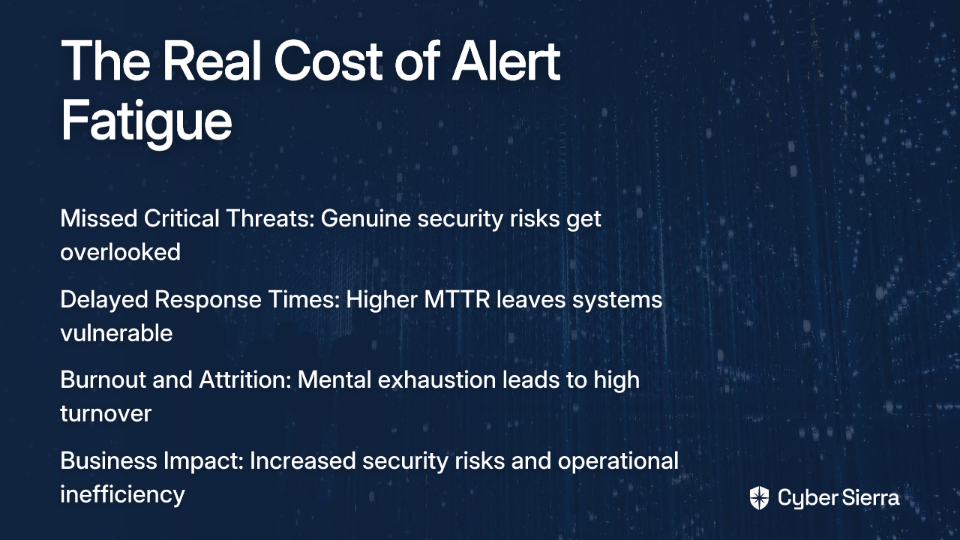
- Missed Critical Threats: When everything is "critical," nothing is. Security teams become numb to alerts, increasing the risk of overlooking genuine threats like RCE vulnerabilities that could be catastrophic.
- Delayed Response Times: Teams struggling with alert overload show significantly higher mean time to respond (MTTR), leaving systems vulnerable longer.
- Burnout and Attrition: The constant pressure to triage endless CVE notifications leads to mental exhaustion and high turnover rates among security professionals.
In one sobering healthcare example, alert fatigue led clinicians to ignore system warnings, resulting in a patient receiving a 39-fold medication overdose. While the stakes might differ in cybersecurity, the pattern is the same: when humans are overwhelmed with alerts, they begin to ignore them all—even the ones that truly matter.
Drowning in Data: The Root Causes of Scanner Overload
As one astute security engineer observed, "People are looking at the output side, but there is still the input side to look at." To truly solve alert fatigue, we need to understand what's causing it:
- Overreliance on CVSS Scores: CVSS scores can be misleading indicators of actual risk. As one professional noted, "a 'critical' vulnerability that's not reachable is way less important than a 'medium' one that's actively being hit by traffic."
- Context-Free Scanning: Modern scanners like Tenable excel at finding vulnerabilities but often lack critical context. "Congrats scanner, you found a critical CVE in some random dependency that's been sitting there for 6 months, but is anything even calling that code? Your guess is as good as mine."
- Tool Sprawl and Siloed Data: Multiple security tools generating alerts independently create redundant noise without correlation. Your vulnerability management system, SIEM, and CI/CD security gates all scream about the same issues from different perspectives.
- Shift-Left Limitations: While "the whole shift-left thing helps catch stuff in CI/CD," it "doesn't solve the core issue of having way too many alerts and zero context about what's actually dangerous in prod. Half these CVEs are in code paths that never even execute."
A Practical Guide to Taming Your Security Scanner
Triage with Intelligence - Achieve Quick Wins by Focusing on What Matters
Stop treating all alerts as equal. A smarter approach to prioritization can immediately reduce noise and stress:
- Move Beyond Basic CVSS Scores: While CVSS provides a starting point, it's insufficient alone. A critical RCE vulnerability with a high CVSS score might pose minimal risk if it's in an isolated test environment.
- Adopt a Context-Driven Framework: For each alert, ask:
- Exploitability: Is there a known exploitation method? Is it actively being exploited in the wild?
- Exposure: Is the vulnerable component externally accessible or protected by multiple security layers?
- Business Impact: What data or systems would be compromised if exploited?
- Remediation Complexity: Is there a simple patch, or does it require major refactoring?
- Embrace Bulk Fixes for Quick Wins: Look for patterns across vulnerabilities. Often, hundreds of alerts stem from a single root cause:
- Updating one outdated library can resolve dozens of CVEs at once
- Applying a configuration standard across multiple servers can eliminate whole categories of findings
- Implementing a WAF rule might mitigate exploitation risk while you plan permanent fixes
As one security practitioner advised: "When you've got 3,000 'urgent' findings, where do you even start? It's not like I can just rm -rf vulnerabilities and call it a day." The key is to identify those high-impact, low-effort fixes that can rapidly reduce your vulnerability count.
Tune the Engine - Fine-Tuning Your Tools and Processes
Your security scanners should work for you, not against you. Here's how to optimize them:
- Customize Scanner Configurations:
- Configure Tenable or similar tools to filter out false positives based on your environment
- Set appropriate severity thresholds based on asset criticality
- Exclude test environments or air-gapped systems from production reporting
- Implement Smart Grouping and Deduplication:
- Configure your vulnerability management system to group related findings
- Integrate with ServiceNow to consolidate multiple occurrences of the same CVE into a single ticket
- Implement auto-closing for false positives once verified
- Validate Findings with Additional Context:
- Use authenticated scans to improve accuracy and eliminate surface-level false positives
- Correlate vulnerability data with network traffic analysis to identify truly exposed weaknesses
- Implement runtime application monitoring to confirm if vulnerable code paths are actually executed
As one security engineer put it, "If an alert is not actionable then it should not be created." Your goal should be high-fidelity alerts that represent genuine, fixable problems.
Automate the Grunt Work - Your AI and SOAR Co-pilots
Automation is your strongest ally in the battle against alert fatigue. Here's how to leverage it effectively:
- Implement SOAR for Routine Tasks:
- Use Security Orchestration, Automation, and Response (SOAR) platforms to handle repetitive investigation steps
- Create playbooks that automatically enrich alerts with additional context before they reach your team
- Automate common remediation workflows for known vulnerability types
- Leverage AI for Intelligent Triage:
- Use machine learning to identify patterns in alerts that have historically been false positives
- Implement predictive analytics to prioritize vulnerabilities based on exploitation likelihood
- Deploy natural language processing to extract relevant context from vulnerability descriptions
- Build Custom Integration Scripts:
- Develop Python scripts to bridge gaps between your security tools
- Automate the correlation of data from multiple sources (e.g., combining Tenable findings with traffic logs)
- Create custom filtering rules based on your organization's unique environment
One security team reduced their daily alert volume by 87% by implementing an automated triage system that enriched each finding with exploitation context and actual system exposure data before routing it to analysts.
Build Bridges, Not Silos - The Power of SecOps and Collaboration
Alert fatigue isn't just a technical problem—it's an organizational one. Breaking down silos between security and operations teams is crucial:
- Establish Clear Response Protocols:
- Define what actions must be taken for each alert category
- Document who is responsible for different types of vulnerabilities
- Set realistic SLAs based on severity and business impact
As one practitioner wisely observed: "A lot of people create alerts, but have no written process on what to do when one goes off. So no one acts." The solution is to "define what level of alerts you want, where you want them, what the expectations are (e.g., PagerDuty = immediate response; an alert sent to a specific Slack channel should be checked daily or 2x daily, etc.)"
- Create Collaborative Workflows:
- Integrate vulnerability management into DevOps processes
- Establish joint security and operations teams responsible for vulnerability remediation
- Implement shared dashboards that give visibility to both security and IT operations
- Foster Feedback Loops:
- Regularly review alert effectiveness with both security and operations teams
- Track false positive rates and adjust scanner configurations accordingly
- Celebrate successful vulnerability remediations to build positive reinforcement

Reclaiming Control and Sanity
Taming your security scanner isn't a one-time project—it's an ongoing process of refinement. By implementing these strategies, you can transform your vulnerability management from an overwhelming flood of alerts to a streamlined, prioritized workflow focused on what truly matters.
Remember these key principles:
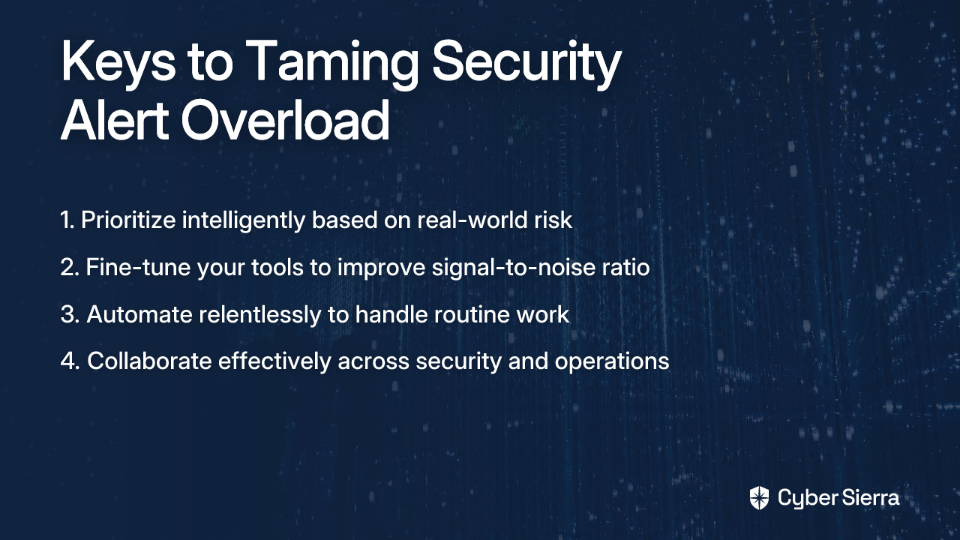
- Prioritize intelligently based on real-world risk, not just CVSS scores
- Fine-tune your tools to improve signal-to-noise ratio
- Automate relentlessly to handle the routine work
- Collaborate effectively across security and operations teams
With this approach, you'll not only reduce alert fatigue and prevent burnout, but you'll also build a more effective security program that focuses human expertise where it matters most—addressing the vulnerabilities that pose genuine risk to your organization.
The next time your scanner flags a critical CVE, instead of feeling overwhelmed, you'll know exactly how to assess its importance, who should address it, and whether it requires immediate action or can be prioritized within your established workflow. That's what it means to truly tame your security scanner.
Frequently Asked Questions (FAQ)
What is alert fatigue in cybersecurity?
Alert fatigue in cybersecurity is a state of desensitization experienced by security teams when they are overwhelmed by a high volume of security alerts, many of which are false positives or low-priority. This constant flood of notifications can lead to serious consequences, including missed critical threats, delayed response times, and professional burnout. It happens when everything is flagged as "critical," making it impossible for teams to distinguish genuine dangers from background noise.
Why is relying only on CVSS scores a bad idea for prioritizing vulnerabilities?
Relying solely on CVSS (Common Vulnerability Scoring System) scores is a bad idea because they often lack the business and environmental context needed to determine a vulnerability's true risk. A "critical" CVSS score might be assigned to a vulnerability in an isolated, internal-only test system, posing little to no actual threat. Conversely, a "medium" vulnerability on a public-facing, mission-critical server could be far more dangerous. Effective prioritization requires looking beyond the score to consider factors like exploitability, exposure, and business impact.
How can I reduce the number of false positives from my security scanner?
You can reduce false positives by fine-tuning your scanner's configuration, validating findings with additional context, and implementing smart grouping. Start by customizing scanner settings to align with your specific environment, such as excluding test servers from production reports. Use authenticated scans for greater accuracy and correlate vulnerability data with network traffic or runtime analysis to confirm if a vulnerability is truly exploitable. Finally, configure your tools to group related findings and automatically close known false positives to clean up your queue.
What are the first steps to take when facing thousands of "critical" alerts?
The first step is to stop treating all alerts as equal and begin triaging them intelligently based on real-world risk, not just their labels. Instead of tackling them one by one, look for patterns. Focus on "bulk fixes," like updating a single shared library that may resolve hundreds of alerts at once. Then, prioritize the remaining alerts using a context-driven framework: assess the actual exploitability, the exposure of the affected system, and the potential business impact. This helps you focus your efforts on the vulnerabilities that pose the greatest immediate threat.
How does automation help with vulnerability management?
Automation helps by handling the repetitive, low-level tasks involved in vulnerability management, allowing security professionals to focus on high-impact strategic work. Tools like SOAR (Security Orchestration, Automation, and Response) can automatically enrich alerts with context, run initial investigation steps, and even handle common remediation workflows. AI and machine learning can further enhance this by predicting which vulnerabilities are most likely to be exploited and identifying patterns that indicate false positives, significantly reducing manual triage efforts and speeding up response times.
Who is responsible for fixing vulnerabilities found by a scanner?
The responsibility for fixing vulnerabilities is typically shared between security and IT/operations teams, often within a collaborative framework known as SecOps. While the security team is responsible for identifying, validating, and prioritizing vulnerabilities, the operations or development teams are usually responsible for applying the patches or code fixes. To make this process work, it is crucial to establish clear response protocols, define ownership for different types of assets, and set realistic Service Level Agreements (SLAs). This collaborative approach breaks down silos and ensures vulnerabilities are remediated efficiently.
