Build Your GRC Controls Library in Spreadsheets



Join thousands of professionals and get the latest insight on Compliance & Cybersecurity.
You've joined a company with immature GRC processes. Policies and standards exist, but they're scattered across multiple documents. Your executives want NIST CSF 2.0 implementation without a clear understanding of the problems they're trying to solve. You need a centralized controls library, but ServiceNow implementation is months away. Sound familiar?
If you're nodding along, you're not alone. This is the reality for many GRC professionals tasked with bringing order to compliance chaos without sophisticated tools at their disposal.
Why a Spreadsheet Should Be Your First Move (Not a GRC Tool)
When building a controls library, many organizations immediately look to expensive GRC platforms. While these tools offer robust capabilities, they're often overkill for immature programs and can create more problems than they solve during early implementation.
A well-structured spreadsheet offers several immediate advantages:
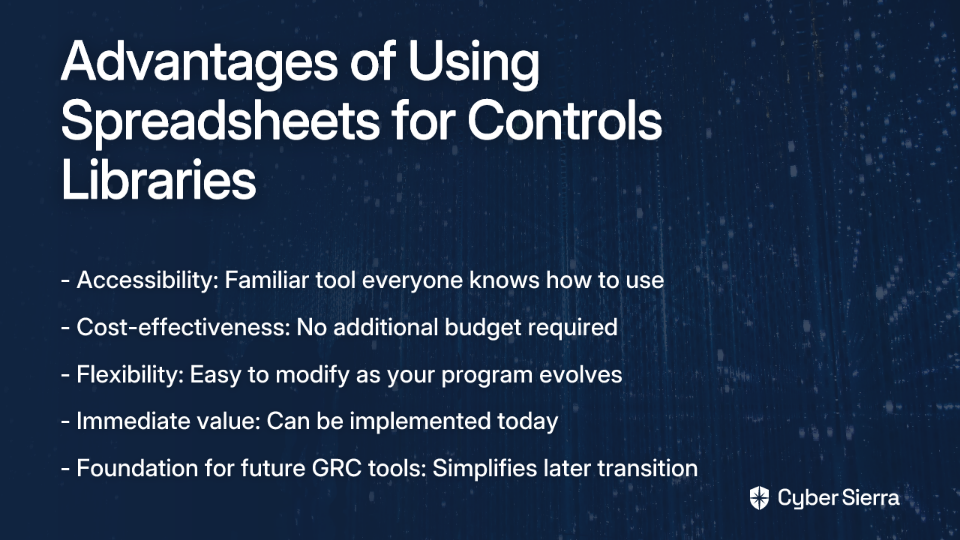
- Accessibility: Everyone in your organization already knows how to use a spreadsheet
- Cost-effectiveness: No additional budget required
- Flexibility: Easy to modify as your understanding evolves
- Immediate value: Can be implemented today, not after a 6-month deployment
- Focus on fundamentals: Forces clarity around control objectives before getting lost in complex features
Most importantly, a spreadsheet serves as the perfect foundation for future GRC maturity. When you eventually implement ServiceNow or another platform, your well-organized spreadsheet becomes the baseline for uploading into your new system—dramatically simplifying the transition.
What is a Controls Library?
Before diving into implementation, let's clarify what we're building. A controls library is a centralized repository that documents all security and compliance controls within your organization. It serves as a single source of truth that:
- Catalogs all controls in one location
- Standardizes control documentation
- Maps controls to relevant compliance frameworks (NIST CSF 2.0, ISO 27001, etc.)
- Provides clear implementation guidance
- Links to evidence demonstrating control effectiveness
For organizations with immature GRC programs, a central control library delivers several critical benefits:
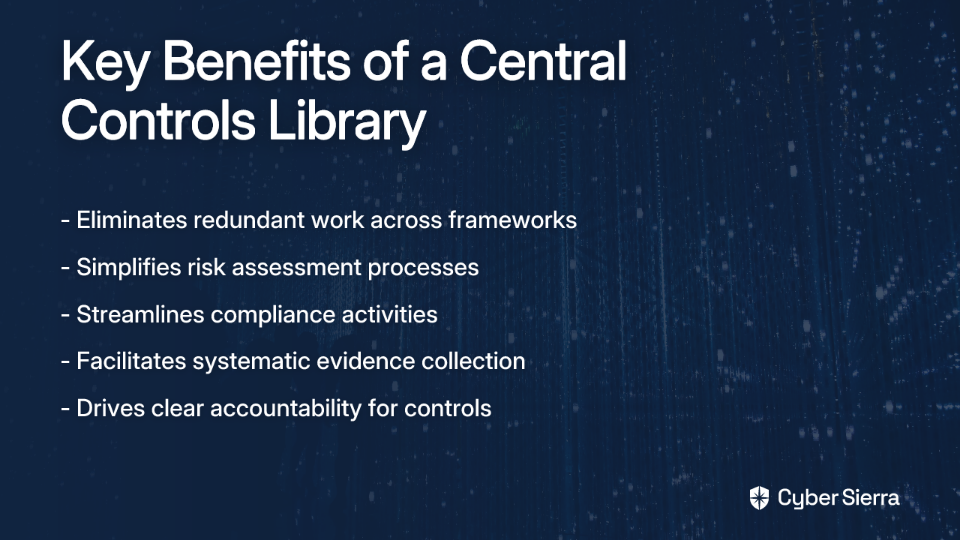
- Eliminates redundant work: Stop "trawling through loads of different standards docs" to find controls
- Simplifies risk assessments: Provides a baseline for evaluating security posture
- Streamlines compliance: Clearly shows how one control satisfies multiple framework requirements
- Facilitates evidence collection: Establishes where compliance evidence lives for each control
- Drives accountability: Clarifies control ownership and implementation responsibilities
Let's now build this essential resource step-by-step.
Building Your Controls Library: A Step-by-Step Guide
Step 1: Start With "Why?" - Define Your Objective
Before creating a single cell in your spreadsheet, answer this critical question: "What are you trying to accomplish?"
Are you:
- Preparing for a SOC 2 audit?
- Implementing NIST CSF 2.0 to satisfy executive requirements?
- Building a foundation for ISO 27001 certification?
- Creating a baseline for PSPF or ISM compliance?
Your objective determines which frameworks to focus on and the scope of your initial library. Without this clarity, you risk creating a theoretical exercise rather than a practical tool.
Step 2: Gather Your Source Materials
Don't reinvent the wheel. Several resources can jumpstart your controls library:
- Download framework controls: "You can download the controls in a spreadsheet from NIST for CSF and 800-53," as one GRC professional notes. This is the perfect low hanging fruit to begin with.
- Collect existing policies: Gather your organization's security policies, standards, and procedures.
- Identify configuration standards: Document existing technical standards for systems and applications.
Step 3: Structure Your Spreadsheet - Essential Columns
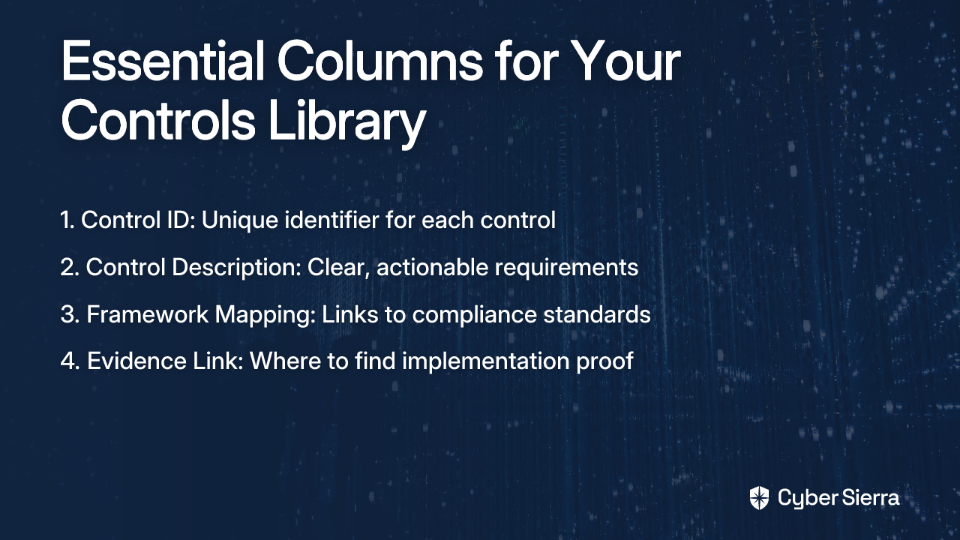
Now, let's create the structure of your controls library. At minimum, your spreadsheet should include these four essential columns:
Column A: Control ID
Each control needs a unique identifier. Use a simple, logical naming convention:
- AC-01, AC-02: For access control-related controls
- RM-01, RM-02: For risk management controls
- IAM-01, IAM-02: For identity management controls
This ID becomes the reference point for your control in all documentation, making it easy to discuss specific controls across teams.
Column B: Control Description
This is the most critical column in your library. The description must be clear, concise, and actionable for the control owner. A common mistake is writing descriptions focused on problems rather than solutions.
As one experienced GRC professional explains: "They don't do so well if you tell them all the problems (framework references, risk references) as opposed to the solution (control) they're responsible for."
Poor control description example: "Implement appropriate authentication mechanisms."
Effective control description example: "All user accounts must be configured with a minimum password length of 16 characters. Multi-Factor Authentication (MFA) must be enabled for all administrative accounts and remote access."
The difference is significant. The poor description leaves room for interpretation, while the effective one provides clear, measurable requirements.
Column C: Framework Mapping
This column (or set of sub-columns) maps your internal controls to relevant compliance frameworks. This is where the real efficiency of a controls library shines.
Create sub-columns for each framework relevant to your organization:
- NIST CSF 2.0
- ISO 27001
- PCI DSS
- SOX
- PSPF
- ISM
In each cell, list the specific control identifier from the framework that your internal control satisfies. For example, your password control might map to:
- NIST CSF 2.0: PR.AC-1
- ISO 27001: A.9.4.3
- PCI DSS: 8.2.5
This mapping instantly shows how one internal control satisfies multiple compliance requirements, eliminating duplicate work during audits and assessments.
Column D: Evidence Link
This often-overlooked column is a game-changer for compliance work. For each control, include a hyperlink to where evidence demonstrating control implementation can be found.
"If you can show where the evidence lives for each control, it makes assessments (and tool migrations) way smoother later on," notes an experienced compliance professional.
This could be a link to:
- A screenshot in SharePoint showing password policy configuration
- A change management ticket in your ticketing system
- A report from your vulnerability scanning tool
- A document in your wiki showing procedure details
Centralizing evidence links saves countless hours during risk assessments and audits as you won't need to hunt for documentation across systems.
Step 4: Additional Columns for Enhanced Value
While the four columns above form the core of your controls library, consider adding these additional columns as your program matures:
Control Owner
Identify the specific individual (by role, not name) responsible for implementing and maintaining the control. This clarifies accountability and provides a point of contact for questions.
Implementation Status
Track whether controls are:
- Implemented
- Partially implemented
- Not implemented
- Not applicable
This gives visibility into your compliance posture at a glance and helps prioritize remediation efforts.
Last Assessment Date
Document when each control was last tested or assessed. This helps ensure no controls fall through the cracks during your assessment cycle.
Risk Rating
For controls not fully implemented, include a risk rating to help prioritize implementation efforts based on potential impact.
Step 5: Populate Your Library
With your structure in place, it's time to populate your controls library. Follow this process:
- Start with your baseline controls: Begin with fundamental controls that should exist in any organization (password policies, access management, etc.).
- Add framework-specific controls: Incorporate additional controls required by specific frameworks relevant to your organization.
- Map existing documentation: Link each control to existing policies, procedures, or standards that define the requirements in detail.
- Identify control gaps: Note areas where controls are missing or inadequately documented.
- Prioritize remediation: Create an action plan to address gaps based on risk and compliance deadlines.
Step 6: Using Your Controls Library Effectively
A controls library is only valuable if it's actually used. Here's how to maximize its impact:
For Risk Assessments
Use your library as the foundation for risk assessments by:
- Reviewing control implementation status
- Identifying control gaps
- Evaluating control effectiveness
- Documenting remediation plans
For Compliance Mapping
When facing a new compliance requirement:
- Review the new framework requirements
- Map existing controls to new requirements
- Identify gaps specific to the new framework
- Implement only the delta controls needed
For Audits and Assessments
When preparing for audits:
- Filter controls by relevant framework
- Verify evidence links are current
- Conduct pre-audit testing of key controls
- Use the library to quickly respond to auditor requests
Best Practices for Long-Term Success
Establish Clear Ownership
While the compliance team may maintain the controls library, operational teams (IT, Security, HR, etc.) must own their respective controls. This ensures the library reflects actual practices rather than theoretical controls.
Implement Version Control
Use cloud-based spreadsheets (Google Sheets, Office 365) to ensure everyone works from the same version. Include a change log to track modifications over time.
Schedule Regular Reviews
A controls library is a living document. Schedule quarterly reviews to ensure it remains current as your organization and compliance requirements evolve.
Change Your Language
Instead of referring to "SOX controls" or "PCI controls," call them "security controls" or "data protection controls." This shift in terminology helps emphasize their importance beyond compliance checkboxes.
Link to Automated Testing When Possible
Where feasible, link to automated testing results rather than manual evidence. This reduces the maintenance burden and increases reliability.
Common Pitfalls to Avoid
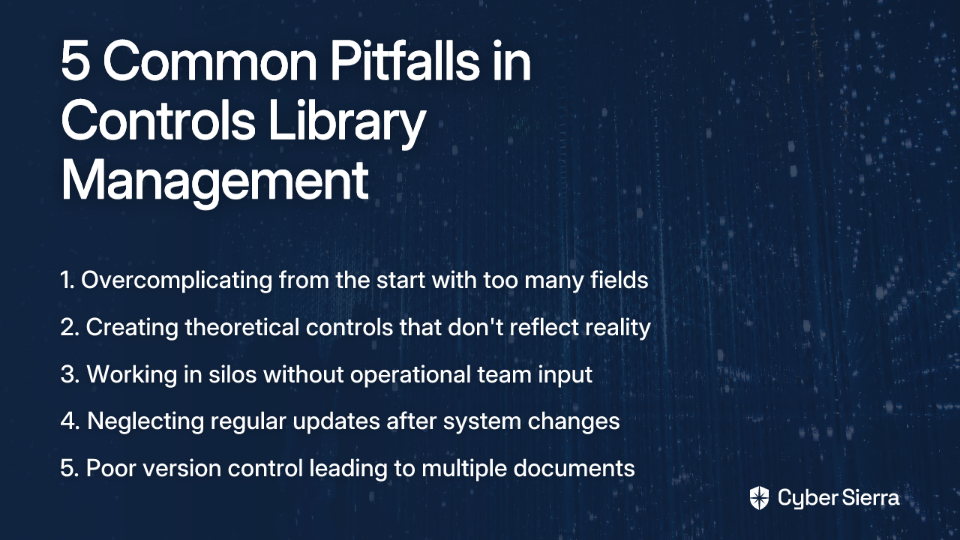
Overcomplicating from the Start
Keep your initial library simple. Focus on the four essential columns before adding complexity. You can always expand as your program matures.
Creating Theoretical Controls
Ensure controls reflect actual practices, not aspirational ones. A control that exists only on paper provides a false sense of security and can create audit issues.
Working in Silos
Involve IT, Security, HR, and other operational teams in building and maintaining the library. Their input ensures controls are practical and accurately documented.
Neglecting Updates
An outdated control library quickly loses value. Establish a process for regular updates, especially after system changes or new policy implementations.
Poor Version Control
Multiple versions of your controls library floating around leads to confusion. Use cloud-based tools with version history to maintain a single source of truth.
When to Graduate to a GRC Tool
While a spreadsheet is the perfect starting point, organizations typically outgrow this approach as their GRC program matures. Consider transitioning to a dedicated GRC platform like ServiceNow when:
- Your control count exceeds 100-150 controls
- You need workflow automation for assessments
- Multiple teams require simultaneous access
- You need advanced reporting capabilities
- Integration with other security tools becomes essential
When that time comes, your well-structured spreadsheet will serve as the perfect foundation for migrating to a more sophisticated solution. The effort invested now will pay dividends during that transition.
Conclusion: Start Simple, Scale Gradually
Building a controls library on a spreadsheet is not a sign of GRC immaturity—it's a strategic approach that delivers immediate value while establishing the foundation for future maturity. By starting with a simple, focused approach, you can:
- Create a central repository for all compliance controls
- Eliminate redundant work across frameworks
- Provide clear documentation for control owners
- Streamline evidence collection and audit preparation
- Build a foundation for more sophisticated GRC tools
In the words of one GRC professional: "You're better off starting light: define your core controls in a clear, scalable spreadsheet." This approach delivers immediate value while positioning you for future success.
Remember, the most effective GRC programs focus on solving real business problems, not implementing frameworks for their own sake. Your controls library should reflect this philosophy—practical, focused, and aligned with your organization's specific needs and risks.
Start building your spreadsheet-based controls library today, and you'll quickly move from compliance chaos to GRC clarity.
Frequently Asked Questions
What is a GRC controls library?
A GRC controls library is a centralized, single source of truth that documents all of your organization's security and compliance controls. It standardizes control descriptions, maps them to various compliance frameworks (like NIST CSF 2.0 or ISO 27001), and links to evidence, which eliminates redundant work and streamlines audits.
Why use a spreadsheet for a controls library instead of a GRC tool?
A spreadsheet is the ideal starting point for organizations with immature GRC processes because it is accessible, cost-effective, and flexible. It forces you to focus on the fundamentals—defining clear, actionable controls—before investing in a complex and expensive GRC platform. This foundational work in a spreadsheet dramatically simplifies a future migration to a tool like ServiceNow.
How do you write an effective control description?
An effective control description is clear, concise, and actionable for the control owner. Instead of stating a problem (e.g., "Implement authentication"), it should specify the solution and measurable requirements (e.g., "All user accounts must be configured with a minimum password length of 16 characters and MFA must be enabled for all administrative accounts.").
How does a controls library help with multiple compliance frameworks like NIST and ISO?
A controls library helps by mapping a single internal control to multiple framework requirements. For example, your one password policy control can satisfy requirements from NIST CSF 2.0, ISO 27001, and PCI DSS simultaneously. This mapping, done in a dedicated column, clearly demonstrates compliance across different standards without duplicating effort.
Who should own the controls in the library?
While the GRC or compliance team typically maintains the library itself, the individual controls must be owned by the operational teams responsible for their implementation. For instance, the IT department would own controls related to network security, while HR might own controls related to employee onboarding and offboarding. This distributed ownership ensures the library reflects actual practices.
When should my organization switch from a spreadsheet to a dedicated GRC tool?
You should consider switching from a spreadsheet to a GRC tool when your program's complexity outgrows the spreadsheet's capabilities. Key triggers include managing over 100-150 controls, needing automated workflows for assessments and evidence collection, requiring advanced reporting for leadership, or needing to integrate with other security systems.