How to Build a Startup Security Stack on a $500 Monthly Budget


Join thousands of professionals and get the latest insight on Compliance & Cybersecurity.
You've built an amazing product. Your team is growing. Investors are interested. But there's that nagging voice in your head: "What about security?"
You know you need it, but your budget is tight. Every dollar counts, and those enterprise security solutions with their eye-watering price tags are simply out of reach. Meanwhile, you're juggling a chaotic mix of personal MacBooks, company-issued Windows laptops, and everyone's smartphones.
The stakes couldn't be higher. According to the U.S. National Cyber Security Alliance, 60% of small companies can't sustain operations over six months after a cyber attack. The average cost of a security breach for small businesses? A staggering $2.7 million according to the Ponemon Institute.
But here's the good news: You don't need a Fortune 500 security budget to protect your startup. This guide will show you exactly how to build a robust security stack for a 10-person team for under $500 per month.
The Startup Security Mindset: From Blocker to Business Enabler
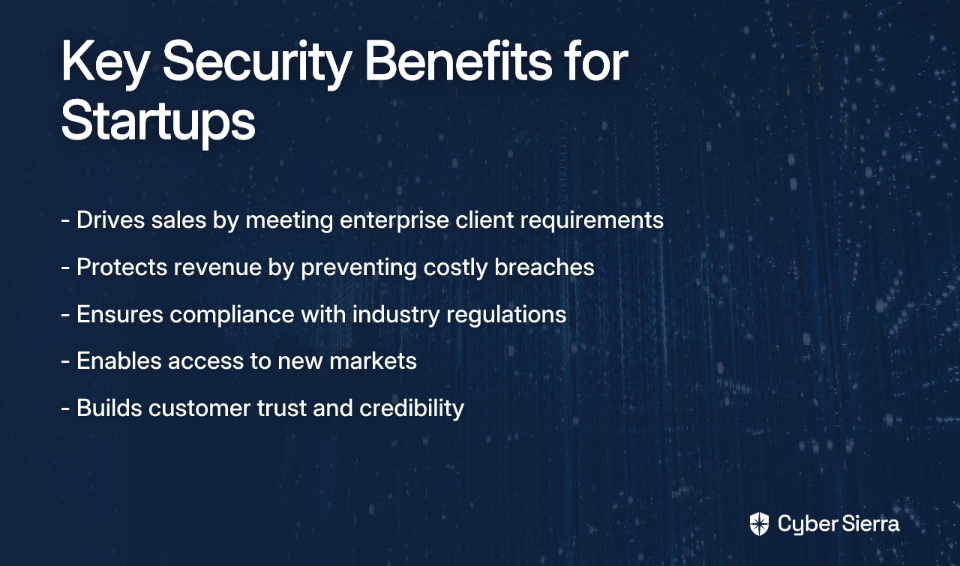
First, let's reframe how you think about security. It's not just a cost center or a technical requirement—it's a business enabler that can:
- Drive sales: Many enterprise clients won't even consider your product without adequate security measures
- Protect revenue: Prevent costly downtime and data breaches
- Ensure compliance: Meet regulatory requirements that open new markets
As one security professional advises in a Reddit discussion, "Most startups die from business reasons, not hacks, so focus on preventing catastrophic security events without creating friction that kills productivity."
The key is finding that sweet spot between protection and productivity.
Create a Simple Risk Register
Before spending a dollar, create a basic risk register—a document that tracks potential security threats to your business and prioritizes them based on likelihood and impact. Meet with your leadership monthly to discuss which risks need immediate attention and which can wait.
This approach, recommended by security professionals, helps you make strategic decisions about where to allocate your limited security budget.
Adopt a "Zero Trust" Philosophy
Zero Trust means assuming that threats can come from both outside and inside your network, so you verify everything and trust nothing by default. This mindset is particularly important for startups with remote teams and BYOD policies.
The Foundational Layer: High-Impact Security for $0
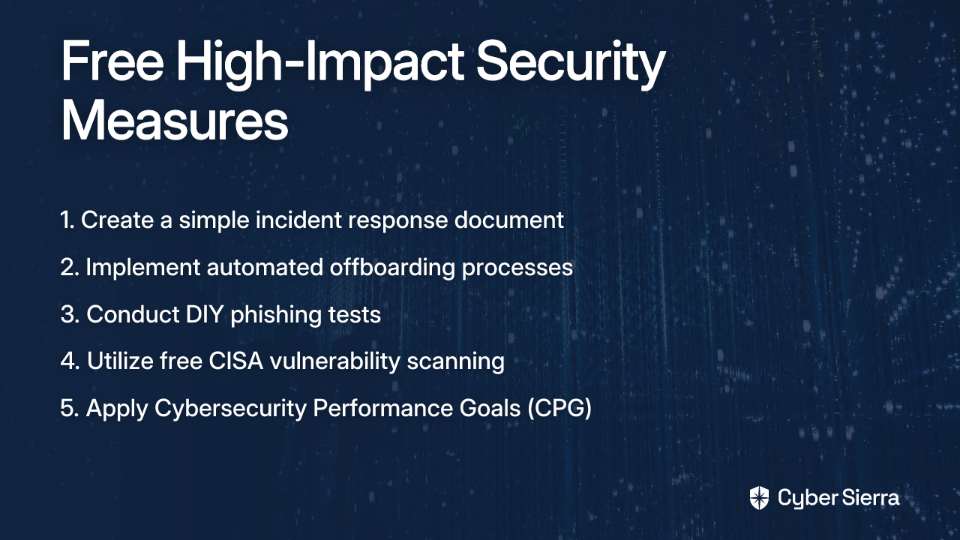
Before spending a penny, implement these free, high-impact security measures:
1. People & Policies
- Create a "dead-simple" incident response document that clearly outlines what employees should do if they suspect a security breach. Keep it brief and practical.
- Implement an automated offboarding process to immediately revoke access when someone leaves the company. This is frequently cited as critical for startups.
- Conduct DIY phishing tests by sending fake phishing emails to your team and tracking who clicks. Use this as a teaching opportunity, not a "gotcha" moment.
2. Free Government & Community Resources
The Cybersecurity and Infrastructure Security Agency (CISA) offers several free services:
- Connect with your Regional Cybersecurity Advisor through one of CISA's 10 regional offices
- Sign up for free vulnerability scanning by emailing [email protected]
- Use the Cybersecurity Performance Goal (CPG) Assessment, a checklist of essential security actions for small businesses available at CISA CPGs
Additionally, check out Security4Startups, an open-source guide created by investors and CISOs specifically for early-stage companies.
Building Your Stack: A Practical Shopping List for a 10-Person Team
Now let's build your actual security stack, focusing on the highest-impact areas first.
1. Identity & Access Management (IAM): The Core of Your Defense
Multi-Factor Authentication (MFA): This is non-negotiable. Requiring a second verification method beyond passwords dramatically reduces account compromise risks.
- Cost: $0 when using authenticator apps like Google Authenticator or Microsoft Authenticator
- Implementation: Enable MFA on all critical services (email, cloud storage, development environments)
Password Manager: Centralize and strengthen your password security.
- Recommendation: Bitwarden Teams ($3/user/month = $30 for 10 users)
- Implementation: Require all employees to use it for work accounts and enforce strong password policies
Identity Provider (SSO): Use your core productivity suite as your central identity provider.
- Cost: Included in your Google Workspace or Microsoft 365 subscription
- Implementation: Connect all possible third-party apps to your IdP for centralized access management
2. Endpoint Security: Protecting Your Devices
As one security professional advises, "limit yourself to one major OS: either MacOS or Windows" to simplify management. If you must support both, be prepared for additional complexity.
Endpoint Detection and Response (EDR) / Antivirus:
- Windows option: Microsoft Defender (included in Windows)
- Mac option: The free tier of Avast or Bitdefender
- Implementation: Ensure automatic updates are enabled
Device Compliance & Management:
- Recommendation: Kolide ($6/device/month = $60 for 10 devices)
- Value: Kolide not only monitors device compliance but educates users about security issues rather than just blocking them, which security professionals highlight as important for productivity
Regular Patching:
- Cost: $0
- Implementation: Create a policy requiring weekly updates for all devices and applications
3. Network & Cloud Security: Your Digital Perimeter
Web Filtering & VPN:
- Recommendation: Cloudflare Zero Trust (Free tier)
- Implementation: Block malicious websites and secure remote connections
Cloud Security Features:
- Cost: $0 (use built-in security features from your cloud providers)
- Implementation: Enable AWS Shield, Google Cloud Armor, or similar services depending on your infrastructure
4. Data Protection & Recovery: Your Safety Net
Implement the 3-2-1 backup rule:
- 3 copies of your data
- On 2 different types of storage
- With 1 copy stored off-site
- Cost: Use your existing Google Drive or OneDrive storage from your productivity suite
- Implementation: Create automated backups for critical business data and test restoration regularly
Putting It All Together: Sample Stacks & Budget Breakdown
Here are two concrete examples of security stacks that fit within a $500 monthly budget for a 10-person team:
Example 1: The Google Workspace Startup
| Solution | Purpose | Monthly Cost |
|---|---|---|
| Google Workspace Business Standard | IdP, email security, Drive for backups | $12/user × 10 = $120 |
| Bitwarden Teams | Password management | $3/user × 10 = $30 |
| Kolide | Device compliance for 10 devices | $6/device × 10 = $60 |
| Cloudflare Zero Trust | Web filtering/VPN | $0 (Free Tier) |
| TOTAL | $210/month |
Example 2: The Microsoft 365 Startup
| Solution | Purpose | Monthly Cost |
|---|---|---|
| Microsoft 365 Business Premium | IdP, Intune for device management, Defender for Business EDR, OneDrive | $22/user × 10 = $220 |
| Bitwarden Teams | Password management | $3/user × 10 = $30 |
| TOTAL | $250/month |
Both options provide comprehensive security coverage while staying well under your $500 budget. The Microsoft option costs slightly more but includes more integrated security features, while the Google option allows for more flexibility in choosing your security tools.
Beyond the Tools: Maturing Your Security Program
Once your basic security stack is in place, consider these next steps:
1. Cybersecurity Insurance
Investigate cybersecurity insurance policies. As one security professional notes, "most insurance companies offer both pre and post breach services to help address gaps and holes in their Cyber posture." This can be a cost-effective way to access additional security resources.
2. Regular Audits
Use free tools like Qualys Community Edition or OpenVAS to conduct periodic vulnerability scans of your systems. Schedule quarterly reviews of your security posture.
3. Future Budgeting
As your startup grows, plan to increase your security budget proportionally. Security professionals emphasize making "security a high priority, especially for future budgeting."
Your First Steps to a Secure Startup
Building a robust security stack doesn't require a massive budget—it requires smart prioritization and a focus on the basics. Start with:
- Implementing MFA everywhere
- Deploying a team password manager
- Establishing clear security policies
- Utilizing free government resources
- Choosing cost-effective tools that provide the most security benefit per dollar
By following this guide, you've taken the critical first steps toward protecting your startup from cybersecurity threats without breaking the bank.
Remember that security is a journey, not a destination. As your company grows and evolves, so should your security program. But with these foundational elements in place, you'll be well-positioned to scale your security efforts alongside your business.
Frequently Asked Questions (FAQ)
What is the single most important security measure a startup can take?
The single most important security measure is implementing Multi-Factor Authentication (MFA) across all critical services. MFA adds a crucial layer of defense beyond just a password, dramatically reducing the risk of account takeovers. As outlined in this guide, you can enable MFA for free using authenticator apps on services like your email, cloud storage, and development environments. It's the highest-impact, lowest-cost action you can take.
How can a startup with no dedicated security expert implement these tools?
Startups without a dedicated security expert can successfully implement these tools by choosing user-friendly, cloud-based solutions designed for small businesses. The tools recommended, such as Bitwarden, Kolide, and Cloudflare's free tier, are known for their straightforward setup and management. Most of your core security can be managed through the admin consoles of Google Workspace or Microsoft 365, which are designed for general IT administrators, not just security specialists.
Why is a "Zero Trust" philosophy important for a small startup?
A "Zero Trust" philosophy is important because it protects startups from both external and internal threats by assuming no user or device is automatically trustworthy. For a modern startup with remote employees, personal devices (BYOD), and reliance on cloud services, the traditional idea of a secure "network perimeter" no longer exists. Zero Trust—verifying every access request—ensures that even if one account or device is compromised, the damage is contained.
What should a startup do if it has a mix of Mac and Windows devices?
If your startup supports both Mac and Windows devices, you should use security tools that work across both platforms to ensure consistent protection. While standardizing on one OS simplifies management, it's not always practical. Tools like Kolide for device compliance and Bitwarden for password management work seamlessly on both operating systems. For antivirus, you can use the built-in Microsoft Defender for Windows and a reputable free option like Avast for Macs, ensuring all endpoints are covered.
When should a startup hire its first security person?
A startup should consider hiring its first security person or consultant when it begins handling highly sensitive customer data, needs to meet specific compliance requirements (like SOC 2 or HIPAA), or when the technical team can no longer manage security tasks part-time. Initially, a technically-inclined founder or engineer can manage the foundational stack outlined here. As you scale, grow your customer base, or enter regulated industries, the complexity and risk increase, making professional expertise a critical investment.
Disclaimer: This article provides general information and does not constitute legal or professional advice. Consult with qualified security professionals for guidance specific to your organization's needs.