



Tuning DLP to Reduce False Positives


Join thousands of professionals and get the latest insight on Compliance & Cybersecurity.
You've invested heavily in a Data Loss Prevention (DLP) solution to protect your organization's sensitive data. But instead of targeting actual threats, your DLP system has become a productivity killer - flagging innocent emails, blocking legitimate file transfers, and flooding your security team with alerts. Your users are frustrated, constantly requesting exceptions, and your security analysts are drowning in false positives.
"DLP is hard and takes a lot of processes and work to implement correctly," as cybersecurity professionals frequently lament in forums. The reality? Most DLP implementations start with good intentions but quickly devolve into noisy, overly-restrictive systems that block everything and protect nothing effectively.
The False Positive Crisis in DLP
A DLP false positive occurs when your system mistakenly flags a legitimate, harmless action as a potential data leak or security threat. These aren't just minor annoyances—they create serious operational problems:
- Decreased productivity when employees can't share necessary files to do their jobs
- Alert fatigue among security analysts who become desensitized to warnings
- Erosion of trust in security tools across the organization
- Increased security risks as users find workarounds to bypass overly restrictive systems
As one security professional noted, many organizations are "very risk averse, so we tend to be a bit stricter and fail DLP policies if we think it might be bad." This defensive mindset, while understandable, often creates more problems than it solves.
Why Your DLP System Has Gone Haywire: Root Causes
Understanding why your DLP system is generating excessive false positives is the first step toward fixing it. Here are the most common culprits:
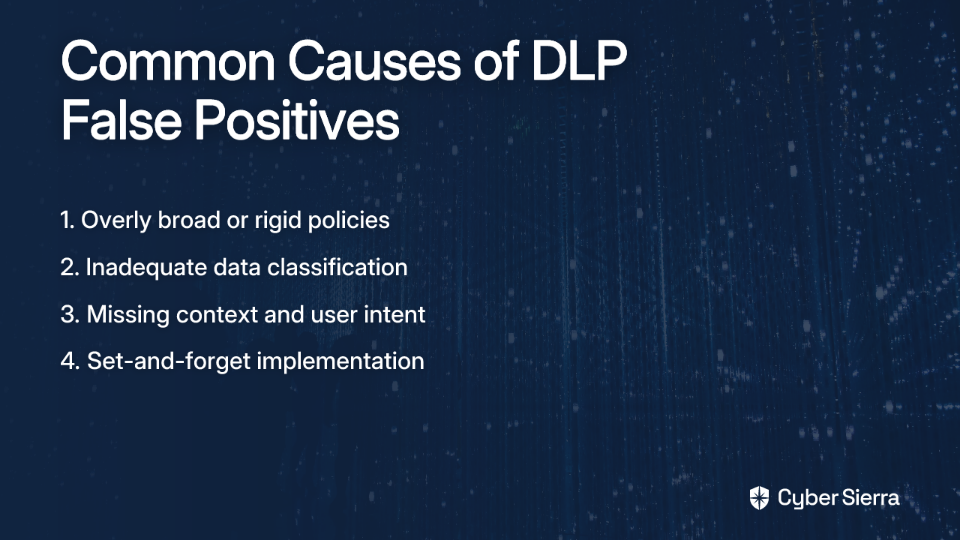
1. Overly Broad or Rigid Policies
The most frequent cause of false positives is implementing blanket policies without nuance. For example, blocking any document containing a credit card number, regardless of context or business need, will inevitably disrupt legitimate work.
2. Inadequate Data Classification
"Classifying data is the key to successful DLP," according to experienced practitioners. Without proper classification, your DLP system doesn't know what's truly sensitive and what's not. It's trying to protect everything, which means it effectively protects nothing.
3. Missing Context and User Intent
Legacy DLP systems often lack the intelligence to understand context. They can't distinguish between an employee sending a confidential file to an approved business partner (legitimate) versus the same employee uploading that file to a personal cloud storage account (potentially malicious).
4. Set-and-Forget Implementation
Many organizations deploy DLP with default settings and never tune them based on actual results. As one professional admitted, "Do we get things wrong? Yeah, we do," highlighting the need for continuous refinement.
The Strategic Blueprint: From Blocking Everything to Intelligent Protection
Fixing a noisy DLP system requires a strategic, phased approach—not random tweaks. Here's how to transform your DLP from a roadblock into an intelligent guardian:
Phase 1: Go Back to Basics - Planning & Discovery
Before touching any policy settings, you need to understand what you're protecting and why.
Step 1: Identify Stakeholders and Requirements
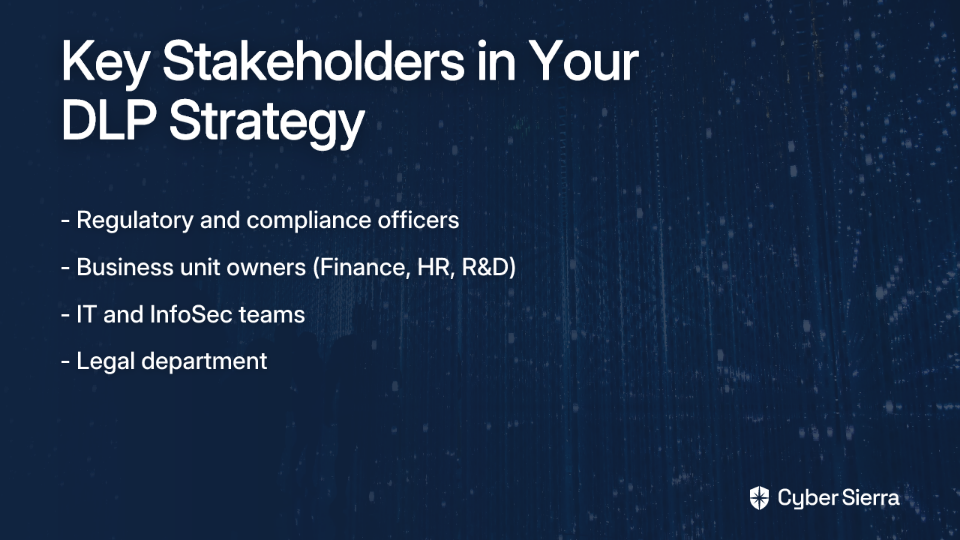
Your DLP strategy can't live in an IT silo. Engage with:
- Regulatory and compliance officers
- Business unit owners (Finance, HR, R&D)
- IT and InfoSec teams
- Legal department
This collaborative approach helps you understand the goals and risks from each perspective. Remember, "at least 85% of DLP needs are regulatory (like GDPR, HIPAA, PCI DSS), while 15% is about protecting intellectual property," according to Microsoft's DLP planning guidelines.
Step 2: Categorize Your Sensitive Information (The Most Critical Step)
"If you do not have classification, it is practically impossible to have a mature DLP," notes one security expert. Define what information is sensitive to your organization:
- Financial Data: Credit card numbers, bank accounts
- Medical & Health Information: Protected Health Information (PHI) under HIPAA
- Personally Identifiable Information (PII): Social Security numbers, driver's license numbers
- Intellectual Property: Proprietary source code, design documents, business strategies
Many organizations find that using tools like Microsoft Information Protection (MIP) or Azure Information Protection (AIP) for creating sensitivity labels provides a "massive win" for standardizing classification across the enterprise.
Step 3: Discover Where Your Sensitive Data Lives
Before enforcing rules, you need visibility. Deploy your DLP in simulation or audit-only mode to report on where sensitive items are being stored and shared withoutblocking any user activity. Monitor data across all three states:
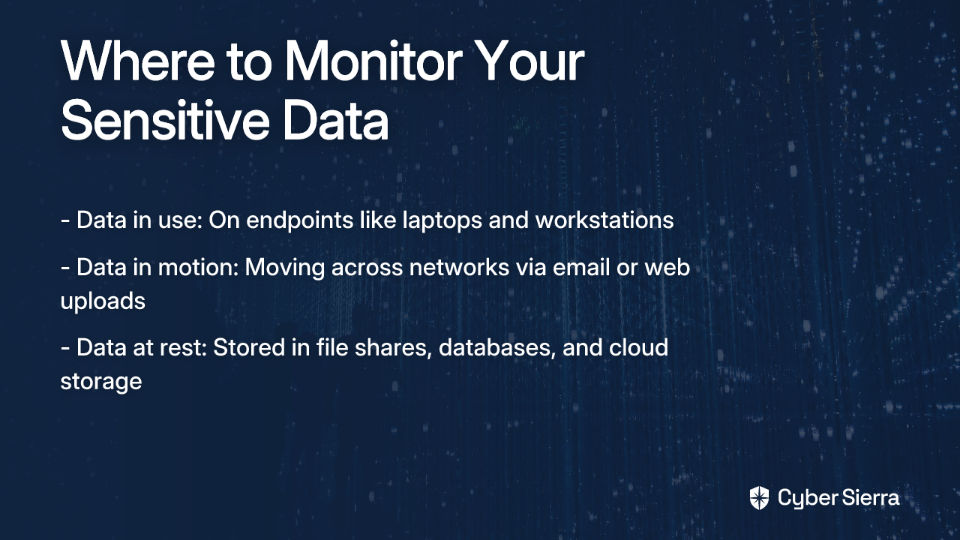
- Data in use: On endpoints like laptops and workstations
- Data in motion: Moving across the network via email or web uploads
- Data at rest: Stored in file shares, databases, and cloud storage
Phase 2: The Art of Tuning - From "Block" to "Intelligent Nudge"
Now that you understand what you're protecting and where it lives, it's time to refine your policies.
Step 1: Start in a Non-Blocking Mode
Never go straight to "block and enforce." Follow Microsoft's gradual deployment strategy:
- Simulation Mode: Run policies silently to assess impact and gather data
- Notification Mode: Enforce policies but show users a policy tip with an override option
- Full Enforcement: Only move to full blocking once you're confident the policy is well-tuned
"You can never completely eliminate exfil," reminds one security professional. The goal isn't perfect prevention but thoughtful, contextual protection that balances security with business needs.
Step 2: Refine Policy Definitions and Conditions
Be specific in your rules. Forcepoint recommends these tuning steps:
- Review Policy Definitions: Narrow the types of data being protected based on your classification
- Adjust Sensitivity Settings: Instead of flagging a single instance of a keyword like "confidential," require multiple instances or combinations with other data types
- Implement Whitelisting: Create explicit "allow" lists for trusted users, domains, or applications
For example, rather than blocking any document with PII, create exceptions for your HR team to share employee information with approved benefits providers.
Step 3: Implement an Intelligent Feedback Loop
Empower your users to be part of the solution. Modern DLP solutions should have a mechanism for users to flag a block as a false positive (e.g., a "thumbs down" feature). This feedback should be logged and analyzed to improve the system's accuracy over time.
As one DLP administrator noted, "the path to do so appropriately needs to be communicated to those that need to do so," emphasizing the importance of clear user guidance.
Step 4: Leverage Context and Machine Learning
The future of DLP is contextual. Look for solutions that employ machine learning to build a baseline of normal user behavior. This helps the system differentiate between benign anomalies and true threats.
Long-Term Success: Maintaining a Healthy DLP Ecosystem
DLP tuning is not a one-time project; it's a continuous process of refinement and adaptation.
Regular Audits and Reviews
Periodically review DLP policies, incident logs, and user overrides to identify new patterns and areas for improvement. Align these reviews with changes in business processes or regulatory requirements.
Continuous User Education
Your users are your first line of defense:
- Use policy tips and notifications to provide in-the-moment training
- Communicate clearly why policies exist and what the proper procedures are for handling sensitive data
Manage SaaS Sprawl
Many security professionals have observed "massive growth in users self-adopting SaaS solutions outside of the standard procurement flows." This creates data security blind spots. Use a Cloud Access Security Broker (CASB) to discover and manage unauthorized SaaS apps, focusing your DLP efforts on approved platforms.
From Gatekeeper to Enabler: The Path Forward
An overactive DLP system that blocks everything is not a sign of strong security; it's a sign of an untuned, immature strategy. By shifting from a reactive, block-first approach to a proactive, strategic one, you can transform your DLP from a source of frustration into a powerful and precise data protection tool.
The journey involves meticulous planning, deep understanding of your data, gradual deployment, and a commitment to continuous refinement. While you can "never completely eliminate exfil," a well-tuned DLP program can drastically reduce risk, minimize false positives, and enable your business to operate securely and efficiently.
Remember that successful DLP is as much about people and process as it is about technology. By engaging stakeholders, classifying data properly, and tuning policies based on real-world feedback, you can achieve that elusive balance between security and productivity—protecting what matters without blocking everything else.
Frequently Asked Questions
What is a DLP false positive?
A DLP false positive occurs when a Data Loss Prevention system incorrectly identifies a legitimate, harmless user action as a potential data leak. For example, the system might block an HR employee from emailing a benefits document to an approved vendor because it contains employee PII, even though the action is part of a standard business process. These errors happen when DLP policies are too broad and lack the context to understand user intent.
Why are too many DLP false positives a serious problem?
Excessive DLP false positives are a serious problem because they disrupt productivity, create alert fatigue for security teams, and cause users to find risky workarounds to bypass security controls. When legitimate work is constantly blocked, employees become frustrated. Simultaneously, security analysts become desensitized to the constant stream of alerts, increasing the chance that a real threat will be missed.
What is the most common reason for a DLP system to generate false positives?
The most common reason for excessive false positives is the implementation of overly broad or rigid policies that lack the necessary nuance and context. Many organizations start with blanket rules, such as "block all documents containing a credit card number," without considering the business context. Without proper data classification, the DLP system cannot distinguish between sensitive data used for valid business purposes and data that is truly at risk.
How can you start tuning a DLP system without disrupting business operations?
The best way to begin tuning a DLP system is to run it in a non-blocking "simulation" or "audit-only" mode first. This approach allows you to gather data on how the policies would affect users without actually blocking any activity. By analyzing the reports from simulation mode, you can identify which rules are generating the most false positives and refine them before moving to a notification or full-blocking mode.
What is the role of data classification in an effective DLP strategy?
Data classification is the foundation of an effective DLP strategy because it tells the system what information is truly sensitive and requires protection. Without classifying your data (e.g., labeling files as Public, Confidential, or Restricted), your DLP system has to treat all data as equally important. A proper classification scheme allows you to create precise policies that protect what matters most without interfering with routine work.
How do you maintain a DLP system after the initial setup?
Maintaining a DLP system is an ongoing process that requires regular audits, policy reviews, and continuous user education, not a one-time setup. It's crucial to periodically review DLP incident logs and user feedback to identify new patterns or areas for improvement. Policies should be updated to reflect new business processes or regulatory requirements, ensuring the system remains effective over time.
*[DLP]: Data Loss Prevention *[PII]: Personally Identifiable Information *[PHI]: Protected Health Information *[MIP]: Microsoft Information Protection *[AIP]: Azure Information Protection *[CASB]: Cloud Access Security Broker *[SaaS]: Software as a Service
