NIST CSF Maturity Assessment Software Buyers Guide for Enterprises


Join thousands of professionals and get the latest insight on Compliance & Cybersecurity.
Summary
- Relying on spreadsheets for NIST CSF assessments creates subjective, indefensible maturity scores that pose a significant compliance risk for enterprises.
- The most critical feature in modern assessment software is Continuous Control Monitoring (CCM), which provides a near real-time view of security posture, unlike static, point-in-time snapshots.
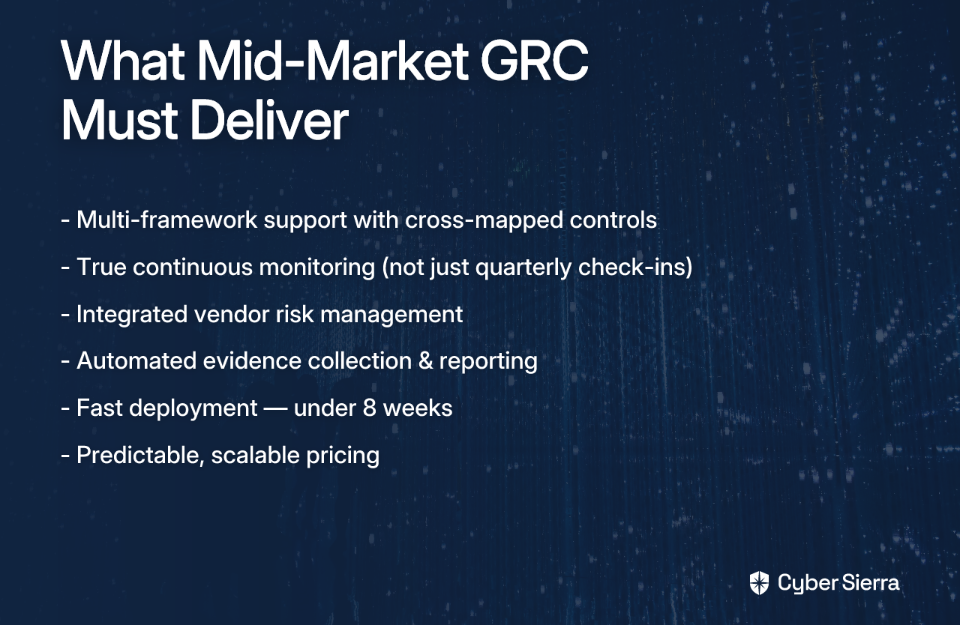
- When selecting a platform, prioritize five criteria: full NIST CSF 2.0 support, continuous monitoring, automated evidence collection, multi-framework mapping, and audit-ready reporting.
- Cyber Sierra's GRC platform automates NIST CSF assessments with Continuous Control Monitoring, providing a live, defensible, and audit-ready view of your security posture.
The board wants your NIST CSF maturity score. Can you defend it?
Not just recite it — but defend it under pressure from an auditor, a regulator, or a skeptical board member who wants to know exactly how you arrived at that number?
If your answer relies on a spreadsheet last updated three months ago, a best guess from your team's collective memory, or a free template with hidden pivot tabs and hardcoded VLOOKUPs, then you're operating on borrowed time. That kind of inconsistency is exactly what auditors and regulators will exploit.
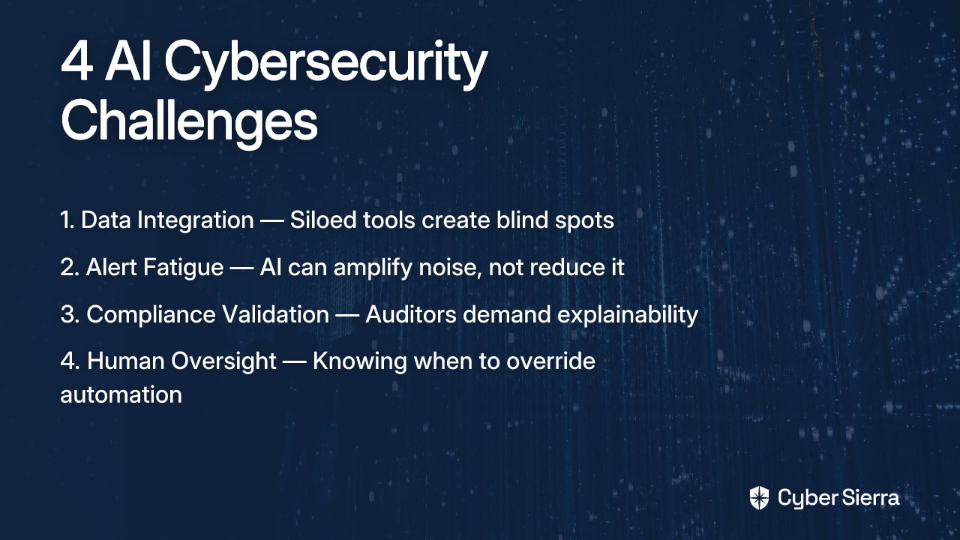
The uncomfortable truth is this: without a structured, software-driven NIST CSF maturity assessment, CISOs are presenting subjective, indefensible posture scores to the people who matter most. And in regulated industries — BFSI, HealthTech, manufacturing — that's not just a credibility problem. It's a compliance liability.
This guide is written for enterprise buyers who are ready to move beyond point-in-time snapshots and invest in a platform that delivers continuous, defensible, audit-ready cybersecurity assessments. We'll walk through five critical criteria you must pressure-test before signing any contract.
Why Your Excel Template Is a Ticking Time Bomb
Free templates — like the popular NIST CSF 2.0 Template — are a legitimate starting point. They're a great way to get familiar with the framework's structure across its core functions:
- Identify
- Protect
- Detect
- Respond
- Recover
- Govern (new in CSF 2.0)
But at the enterprise level, they become a liability fast.
A quick look at community feedback around these templates reveals exactly where they break down:
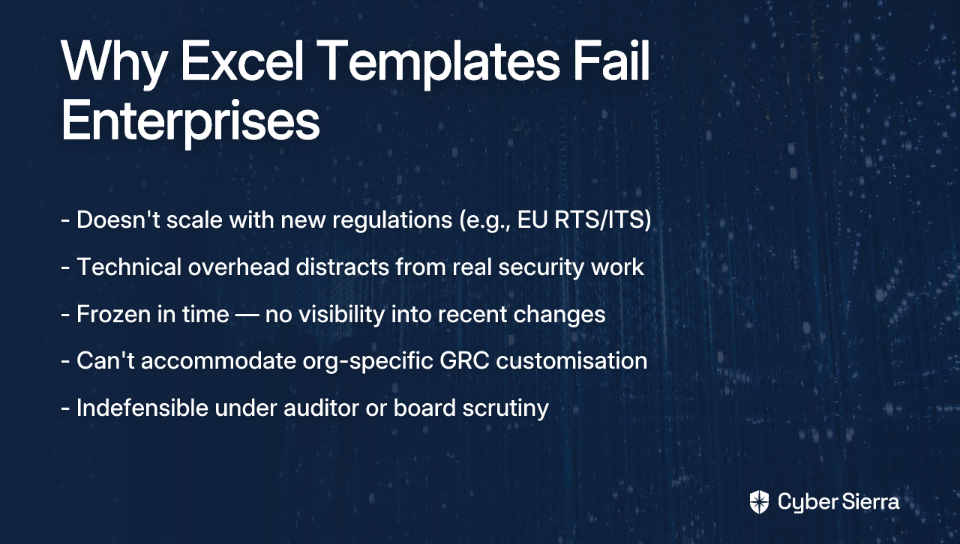
- They don't scale with regulation. As one user noted, "The template does not contain RTS and ITS that EU released." No enterprise can afford a compliance gap because their assessment tool was last updated six months ago.
- They demand technical overhead that distracts from security work. Users reported confusion over VLOOKUP configurations just to get their dashboard working — time that should be spent on actual risk management.
- They're frozen in time. A template reflects your posture on the day you filled it out. It offers zero visibility into what changed last week, or last night.
- They resist customization at scale. Spreadsheets can't accommodate org-specific needs. As one practitioner on Reddit observed, "every org is different and handles GRC in ways that are very tailored to their needs" — something a static template can never fully accommodate.
For teams doing their first assessment, templates are fine. For enterprises presenting to boards and regulators, they're a ticking time bomb.
The good news? There's a better way. And it starts with knowing exactly what to look for in a dedicated NIST CSF maturity assessment software platform.
The 5 Core Criteria for Evaluating NIST CSF Maturity Assessment Software
When evaluating software, the goal is to find a platform that provides a defensible, real-time, and efficient way to manage your NIST CSF program. Use these five criteria to pressure-test any vendor's claims.
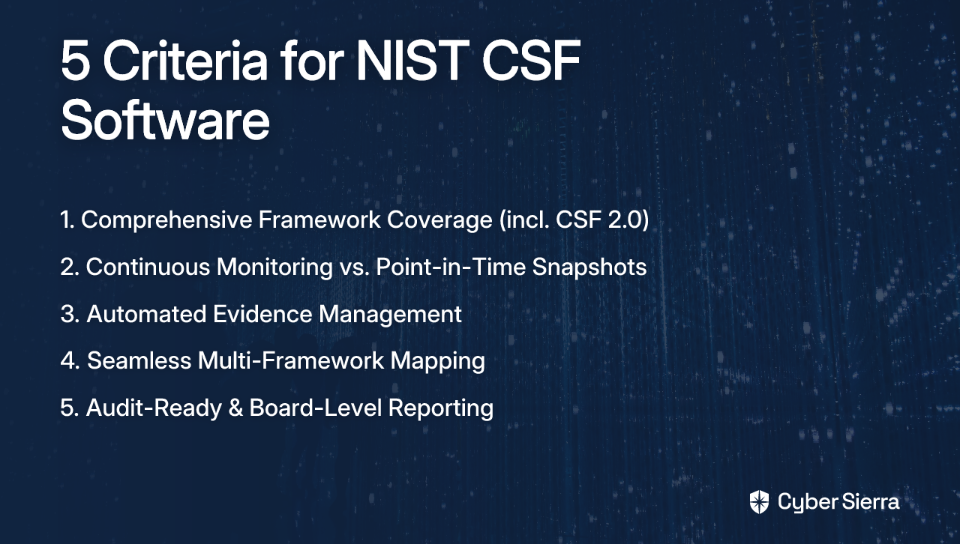
Criterion 1: Comprehensive Framework Coverage — Including CSF 2.0
The first question to ask any vendor: does your platform support NIST CSF 2.0 in full — including the new Govern function?
CSF 2.0 significantly expanded the original framework's scope, placing organizational governance, supply chain risk, and accountability at the center of cybersecurity strategy. Any nist csf maturity assessment software that still maps only to the original five functions is already behind.
Beyond that, look for tools that also structure assessments around the NIST Implementation Tiers — from Partial (Tier 1) through Adaptive (Tier 4) — rather than just presenting a binary pass/fail control status. A mature platform helps you understand where you are on the maturity curve and what it takes to advance.
What to demand: Full CSF 2.0 coverage with category-level granularity, Implementation Tier mapping, and a versioning mechanism that keeps the framework current as NIST releases updates.
Criterion 2: Continuous Monitoring vs. Point-in-Time Snapshots
This is arguably the most important differentiator in the market.
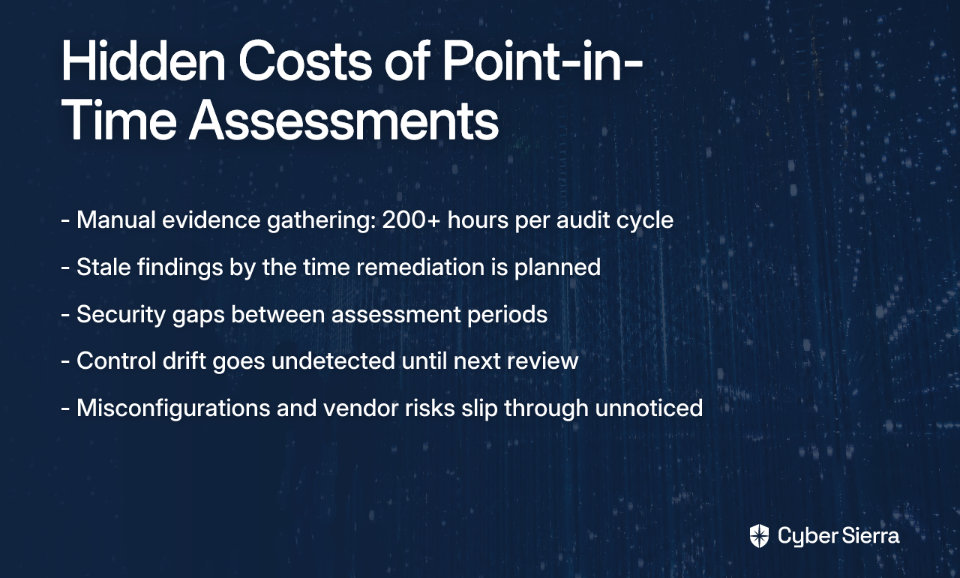
Most legacy tools — and all spreadsheets — are point-in-time instruments. They tell you where you stood when the assessment was conducted. But threats don't wait for your annual review cycle. A misconfiguration, a newly exposed endpoint, or a lapsed control can open a critical gap the day after your assessment closes.
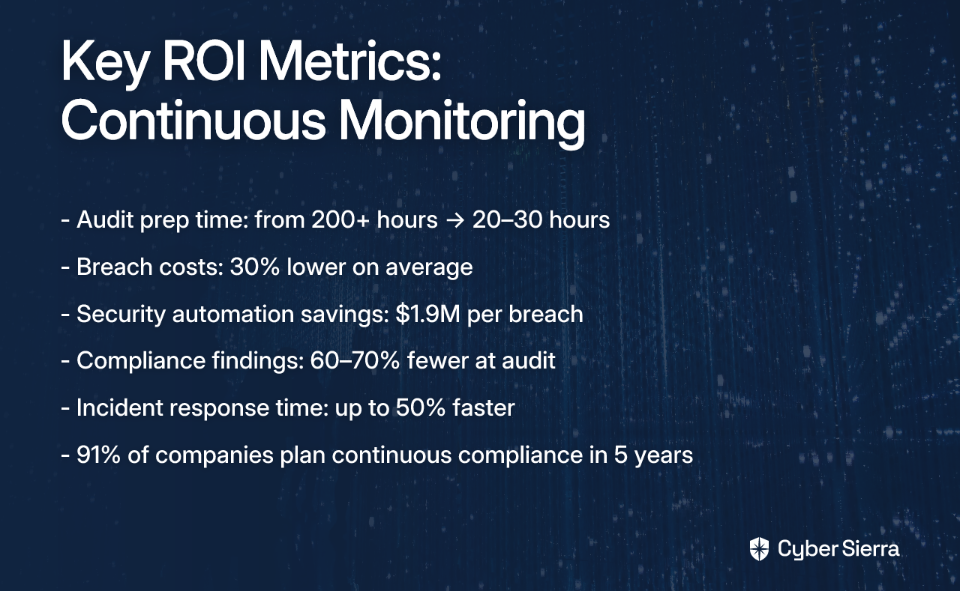
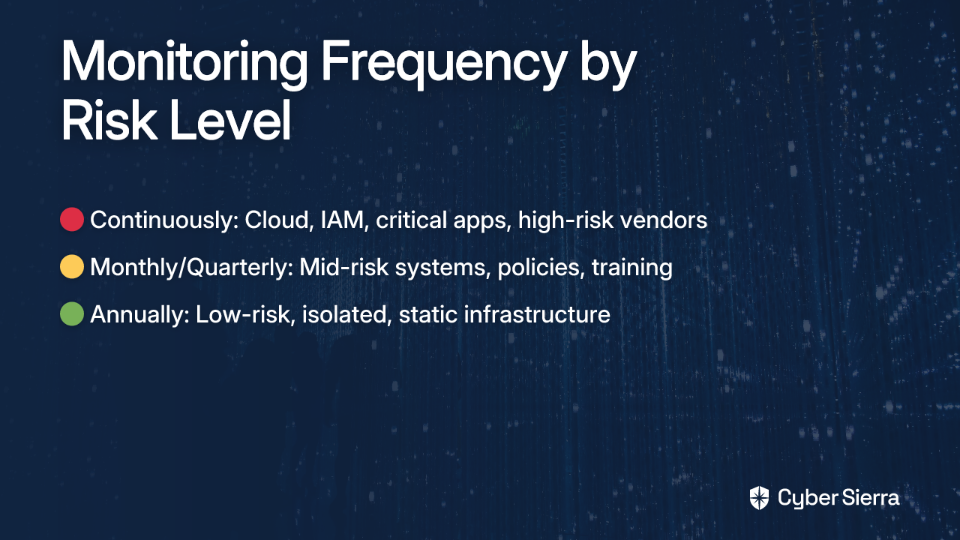
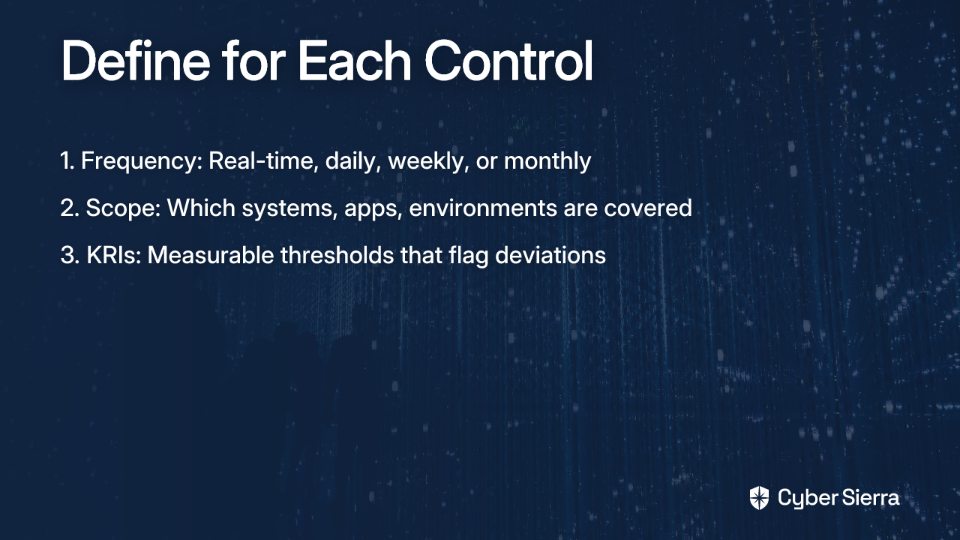
Continuous Control Monitoring (CCM) changes that dynamic entirely. Rather than conducting a one-off assessment, a CCM-enabled platform provides near real-time visibility into whether your controls are operating as intended — detecting exceptions and anomalies as they emerge, not six months later.

What to demand: A central controls repository with real-time status updates, automated control testing and validation, and actionable risk intelligence that enables data-driven remediation prioritization.
Criterion 3: Automated Evidence Management
Manual evidence gathering is where compliance programs go to die. Ask any compliance manager who's spent weeks chasing screenshots, config exports, and access logs across a dozen different systems — the process is exhausting, error-prone, and deeply inefficient.
One community thread captured this perfectly, noting that a key missing feature is "rights management around evidence sharing." This pain is real — and it points to exactly what sophisticated platforms need to solve.
A strong NIST CSF maturity assessment software platform will integrate directly with your cloud environment, identity providers, security tooling, and HR systems to pull evidence automatically. It collects, tags, and stores evidence once — then reuses it across controls and frameworks without the manual re-collection cycle.
What to demand: Deep native integrations with your existing tech stack, a tamper-evident audit trail, role-based rights management for evidence access, and the ability to link a single piece of evidence to multiple controls simultaneously.
Criterion 4: Seamless Multi-Framework Mapping
No enterprise operates under a single compliance obligation. A HealthTech company might simultaneously need to satisfy NIST CSF, HIPAA, and ISO 27001. A BFSI organization may layer in PCI DSS and SOC 2 on top of that.
Without intelligent multi-framework mapping, your team ends up testing the same firewall configuration four times under four different framework labels. That's redundant effort — the kind that creates compliance fatigue and drives talented practitioners out the door.
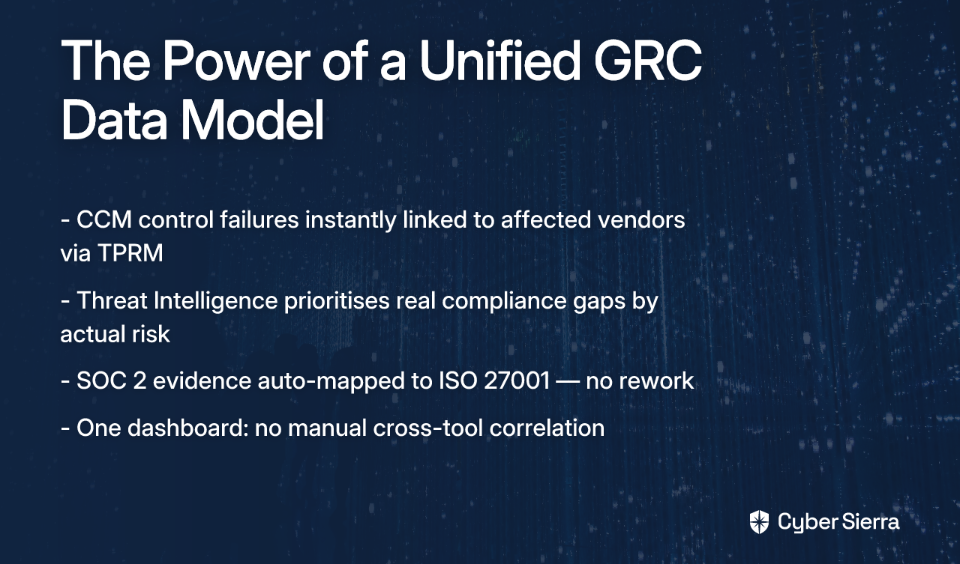
The gold standard is what's often called the "assess once, comply many" principle: test a control, attach the evidence, and let the platform automatically satisfy mapped requirements across every applicable framework. As noted in Clearwater's assessment methodology, the goal is to shift from reactive, siloed assessments to an integrated, proactive compliance posture.
What to demand: Automated cross-framework control mapping, support for NIST CSF + ISO 27001 + HIPAA + PCI DSS + SOC 2 out of the box, and the ability to add custom controls for internal policies.
Criterion 5: Audit-Ready and Board-Level Reporting
Gathering data is only half the job. The other half is communicating it — clearly, credibly, and to very different audiences.
Your security analysts need granular control-level dashboards. Your board needs a one-page risk summary that translates posture into business impact. Your auditors need a complete, exportable package with every control, every evidence artifact, and every assessment decision documented and timestamped.
Tools like Kovrr's NIST assessment tool highlight this explicitly — one of the key benefits they promote is the ability to "convey cybersecurity risk and progress to boards and non-technical stakeholders in a clear and understandable manner." That's table stakes for enterprise buyers.
What to demand: Customizable dashboards by audience (executive, technical, auditor), visual maturity gap analysis by function and category, one-click exportable audit packages, and scheduled reporting delivery.
NIST CSF Assessment Software Comparison Matrix
Not all tools are built equal. Here's how the major categories of solutions stack up against the five criteria above:
| Evaluation Criteria | Spreadsheet Templates | Point-in-Time Tools | Legacy GRC Platforms | Cyber Sierra (CCM + GRC) |
|---|---|---|---|---|
| Framework Coverage (CSF 2.0) | ❌ Manual Update | ⚠️ Often Lagging | ⚠️ Inconsistent | ✅ Always Current |
| Continuous Monitoring | ❌ None | ❌ None | ⚠️ Limited / Add-on | ✅ Core Feature |
| Evidence Automation | ❌ Fully Manual | ⚠️ Limited | ⚠️ Basic | ✅ Deep Integrations |
| Multi-Framework Mapping | ❌ Manual & Error-Prone | ⚠️ Clunky / Manual | ⚠️ Partial | ✅ Automated & Seamless |
| Audit-Ready Reporting | ⚠️ Basic Charts | ⚠️ Canned Reports | ⚠️ Complex Setup | ✅ Customizable & Role-Based |

Achieve Adaptive Cybersecurity with Cyber Sierra
For enterprises in regulated verticals — BFSI, HealthTech, manufacturing — the five criteria above aren't a wish list. They're the minimum standard for operating with defensible cybersecurity governance.
Cyber Sierra's integrated platform is purpose-built to meet all five, without the implementation complexity of legacy GRC systems or the blind spots of point-in-time tools.
Continuous Control Monitoring (CCM) transforms your NIST CSF maturity assessment from a static exercise into a live view of your security posture. The platform builds a central controls repository with near real-time updates, automates control testing and validation, and surfaces actionable risk intelligence so your team is always working on the right priorities — not last quarter's gaps. For CISOs who need to present a defensible posture score at any given moment, CCM provides the continuous visibility that no spreadsheet or annual assessment can match.
Governance, Risk & Compliance (GRC) handles the multi-framework complexity that enterprise compliance demands. It automates data collection and risk assessments across NIST CSF, ISO 27001, HIPAA, PCI DSS, SOC 2, and custom control sets — and generates the comprehensive, audit-ready reports your auditors, regulators, and board require. One set of controls. One evidence repository. Zero duplication.
Together, these two modules address what Cyber Sierra's NIST CSF assessment guide identifies as the core risk of manual approaches: subjective scoring that fails under scrutiny. When your CISO presents a maturity score backed by real-time data, logged evidence, and a timestamped audit trail, that score is no longer an opinion — it's a defensible position.
For enterprises where a compliance failure isn't just embarrassing but carries regulatory, financial, and reputational consequences, this distinction is everything.
Your Next Move: From Snapshot to Strategy
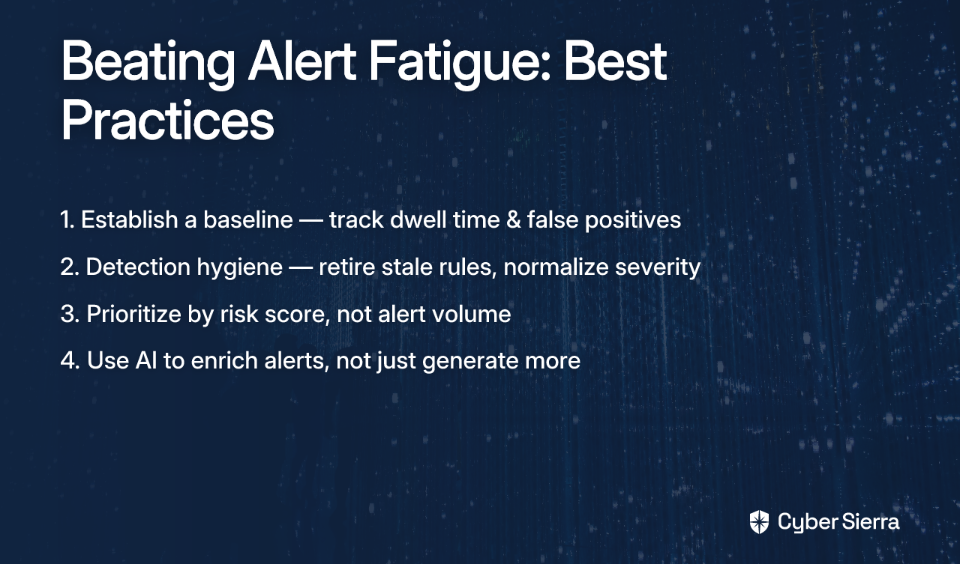
Your NIST CSF maturity score is only as strong as the evidence behind it. If you're still relying on spreadsheets, you're presenting a static snapshot that can't withstand auditor scrutiny. The key to a defensible program is shifting from point-in-time guesses to a live, automated view of your security posture.
This means prioritizing two non-negotiable capabilities in any assessment platform:
- Continuous Control Monitoring (CCM): Get a real-time feed of your control status, not a report that’s already outdated.
- Automated Evidence Collection: Eliminate the manual scramble for proof by integrating directly with your tech stack.
Your next step is simple: hold your current assessment process against the five criteria outlined in this guide. Where do the gaps appear? When you're ready to see how a purpose-built platform closes those gaps and turns compliance into a strategic advantage, book your personalized demo. We’ll show you how to build a NIST CSF program that’s always audit-ready.
Frequently Asked Questions
Why are spreadsheets bad for NIST CSF maturity assessments?
Spreadsheets are unsuitable because they are static, error-prone, and cannot provide the real-time, defensible data that auditors and boards require. They lack continuous monitoring, automated evidence collection, and the ability to scale with changing regulations, making them a significant compliance risk.
What is the difference between a point-in-time assessment and continuous monitoring?
A point-in-time assessment is a snapshot of your posture on a specific day, while continuous monitoring provides a live, ongoing view. Continuous monitoring platforms automatically track control effectiveness, offering real-time visibility into gaps and ensuring your posture is always current and defensible.
How does NIST CSF 2.0 impact maturity assessments?
NIST CSF 2.0 impacts assessments by introducing the 'Govern' function, which centralizes cybersecurity strategy and risk management. A comprehensive assessment must now measure maturity across all six functions—Govern, Identify, Protect, Detect, Respond, and Recover—to be considered complete.
What are the key features to look for in NIST CSF assessment software?
The key features are full NIST CSF 2.0 coverage, continuous control monitoring, automated evidence collection, seamless multi-framework mapping, and audit-ready reporting. These capabilities ensure your assessments are efficient, accurate, defensible, and scalable for enterprise compliance needs.
How does a platform simplify compliance with multiple frameworks like NIST and ISO 27001?
A platform simplifies multi-framework compliance by mapping controls across different standards. You "assess once, comply many." Evidence collected for a NIST control is automatically reused for its equivalent in ISO 27001 or SOC 2, eliminating redundant work and ensuring consistency across audits.