What Happens When Your Cloud Provider Terminates Your Account


Join thousands of professionals and get the latest insight on Compliance & Cybersecurity.
You've built your entire infrastructure on a cloud provider, trusting them with your applications, data, and business operations. Then one morning, you wake up to find everything gone—your virtual machines, databases, storage buckets, even your logs. The dreaded account suspension email sits in your inbox, citing vague terms of service violations. Panic sets in as you realize you've lost access to everything you've been working on—your project, business data, and potentially thousands of dollars in infrastructure investment.
"The situation is currently quite chaotic and somewhat alarming. It's causing a sense of panic," described one victim of a Google Cloud Platform (GCP) suspension. This nightmare scenario isn't hypothetical—it's happening to businesses of all sizes, often due to automated systems making catastrophic mistakes with little human oversight.
Relying on a single cloud provider without a solid Disaster Recovery (DR) plan is, as one IT professional put it, "a bit like expecting a British summer to be reliably sunny." It's a dangerous gamble that puts your entire business at risk.
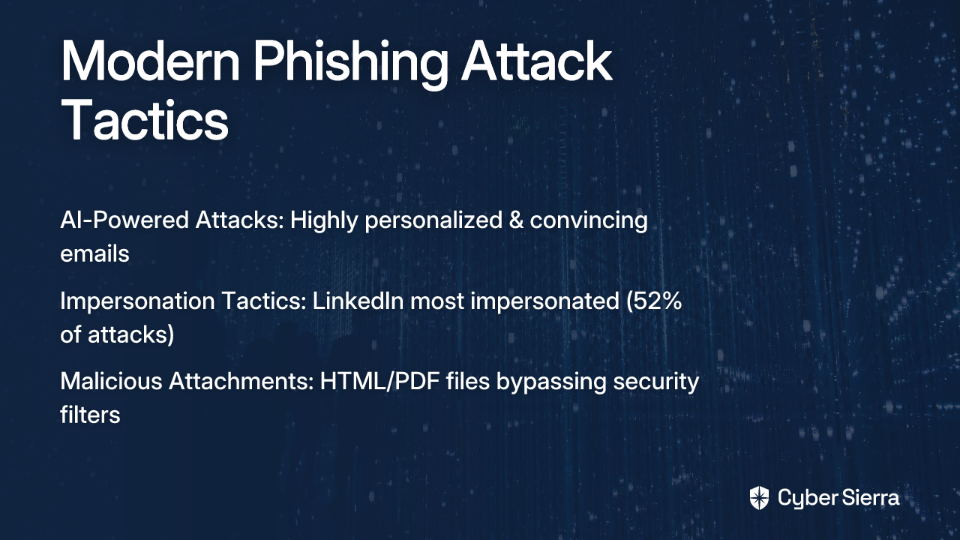
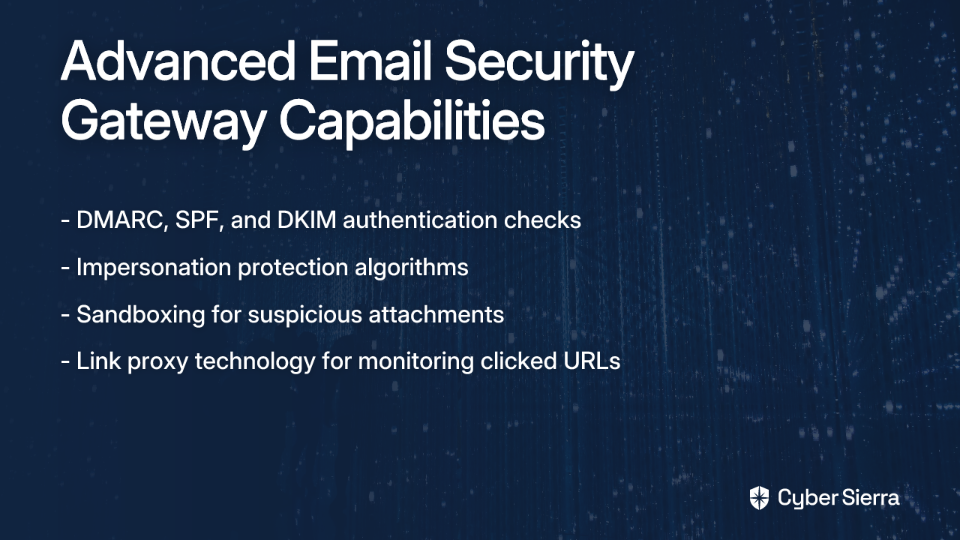
This article will provide you with a comprehensive survival guide to prepare for and respond to cloud account termination, including emergency response strategies, robust backup approaches, and architectural patterns that minimize vendor lock-in and enable rapid migration between providers.
The Digital Nightmare: Real-World Account Termination Stories
The GCP False Positive Incident
In a particularly alarming case documented on Reddit, a company's Google Cloud Platform account was suddenly suspended for alleged cryptocurrency mining activities—despite the fact they were running standard WordPress and Drupal websites with no mining operations whatsoever.
"We have no access to the instances and the logs to review on our end," the affected user reported. The situation quickly escalated into a business-threatening crisis. Their appeal was met with automated responses, and they found "there is no way to reach out to any support channel." Even as Google representatives provided suggestions in the Reddit thread, the affected customer couldn't implement them because they had already lost all access to their cloud resources.
This case highlights a critical vulnerability in cloud dependence: automated systems can make catastrophic mistakes, and without robust DR planning, you're completely at the mercy of often unresponsive support systems.
The Oracle Cloud "Scam"
In another documented incident, a user's Oracle Cloud account was unexpectedly terminated without explanation during the development of a client project worth $50,000. The user labeled the experience a "potential scam" and was only able to get their account restored after five hours—not through official support channels, but through community escalation on Reddit.
What's particularly concerning about this case is that it reveals a potentially systemic issue. The Reddit thread contains numerous reports of similar experiences, suggesting these terminations are not isolated incidents but rather a pattern of automated enforcement gone wrong.
Building Your Fortress: A Proactive Defense Playbook
Foundational Disaster Recovery Concepts
Before diving into specific strategies, let's establish some fundamental DR terminology that will guide your planning:
- Recovery Time Objective (RTO): The maximum acceptable downtime for your system after a disaster. How long can your business afford to be offline?
- Recovery Point Objective (RPO): The maximum acceptable amount of data loss, measured in time. How much data can you afford to lose?
Based on these metrics, DR strategies typically fall into three categories:
- Cold Recovery: The cheapest option, where you rebuild everything from scratch using backups. RTO is measured in days.
- Warm Recovery: A scaled-down version of your infrastructure is running, ready to be scaled up. RTO is measured in hours.
- Hot Recovery: A fully redundant, live replica of your production environment. RTO is measured in minutes or seconds, but it's the most expensive.
Unbreakable Backup Strategies
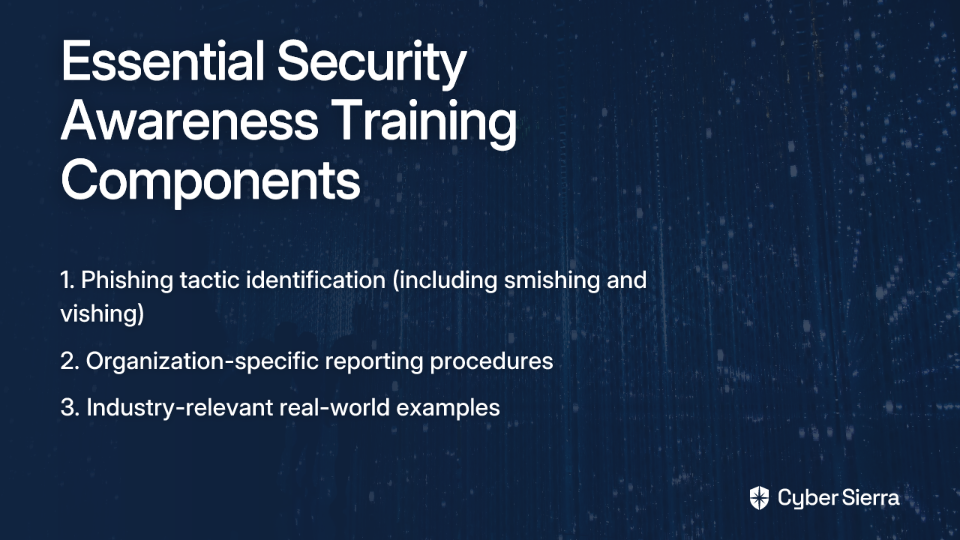
The golden rule of cloud backups is simple yet often overlooked: "untested backups are useless backups." But even more critical when facing account termination is this: backups must exist outside your primary cloud provider.

If all your backups are stored in S3 buckets within the same AWS account that gets terminated, those backups become instantly inaccessible—rendering them completely useless when you need them most.
Here's how to implement truly unbreakable backup strategies:
- Identify all critical data: Databases, application code, user-generated content, configuration files, and Infrastructure as Code (IaC) templates.
- Implement multi-vendor backups: Automate regular backups to a separate cloud provider or dedicated backup SaaS solution. For example, if your primary infrastructure is on AWS, store backups on Azure Blob Storage or Google Cloud Storage.
- Backup your communication tools: Ensure you have backups for essential tools like email and phone systems. During a crisis, communication becomes critical, and if these systems are hosted on the same terminated cloud account, coordination becomes nearly impossible.
- Automate regular testing: Schedule automated restoration tests to verify backup integrity. An untested backup might as well not exist.
Architecting for Freedom: Multi-Cloud and Cloud-Agnostic Patterns
The most effective defense against vendor lock-in is a well-designed multi-cloud strategy that distributes workloads and reduces the impact of a single provider's failure.
Infrastructure as Code (IaC)
Tools like Terraform allow you to define your infrastructure in configuration files that can be version-controlled, shared, and reused. This approach offers several advantages:
- Your infrastructure becomes reproducible with a few commands
- You maintain a complete inventory of all cloud resources
- You can rapidly provision your entire infrastructure on a new cloud provider with minimal manual intervention
When disaster strikes, having your infrastructure defined as code dramatically reduces your RTO from days or weeks to potentially hours.
Containerization with Kubernetes
Packaging applications into containers using Docker and orchestrating them with Kubernetes provides a layer of abstraction from the underlying infrastructure:
- A containerized application can run on any cloud that offers Kubernetes services (GKE on Google, EKS on AWS, or AKS on Azure)
- Container images can be stored in platform-agnostic registries
- Service definitions and deployments can be easily ported between providers
By standardizing on Kubernetes, you create a consistent platform layer that makes your applications cloud-agnostic, enabling much faster migration between IaaS providers when necessary.

Leverage Provider-Specific DR Tools Cautiously
While tools like AWS Elastic Disaster Recovery (AWS DRS) offer powerful capabilities with RPOs of seconds and RTOs of minutes, they typically only work within the same provider's ecosystem. They're valuable for region-to-region recovery but won't help during account termination.
For true resilience, complement these tools with cross-provider strategies. VP Bank, for example, achieved 48% cost savings using AWS DRS, but they maintain additional safeguards for provider-level failures.
Practice Makes Permanent: DR Drills and Human Readiness
A disaster recovery plan is just a theory until tested. Yes, "a full DR drill is a substantial undertaking," but it's also an essential investment in business continuity.
Your DR preparation should include:
- Regular disaster recovery drills: Schedule quarterly exercises where you simulate a complete loss of access to your primary cloud provider.
- Clear documentation: Develop step-by-step instructions with exact commands to run, leaving no room for interpretation during a high-stress event.
- Team training: Ensure your technical staff knows how to access DR environments and execute their roles efficiently.
- Pre-established communication lines: Build relationships with your cloud provider's account managers before an incident occurs. Having a direct contact can dramatically speed up resolution.
Code Red: Your Immediate Response Plan
When the unthinkable happens and you receive that termination notice, follow these critical first steps:
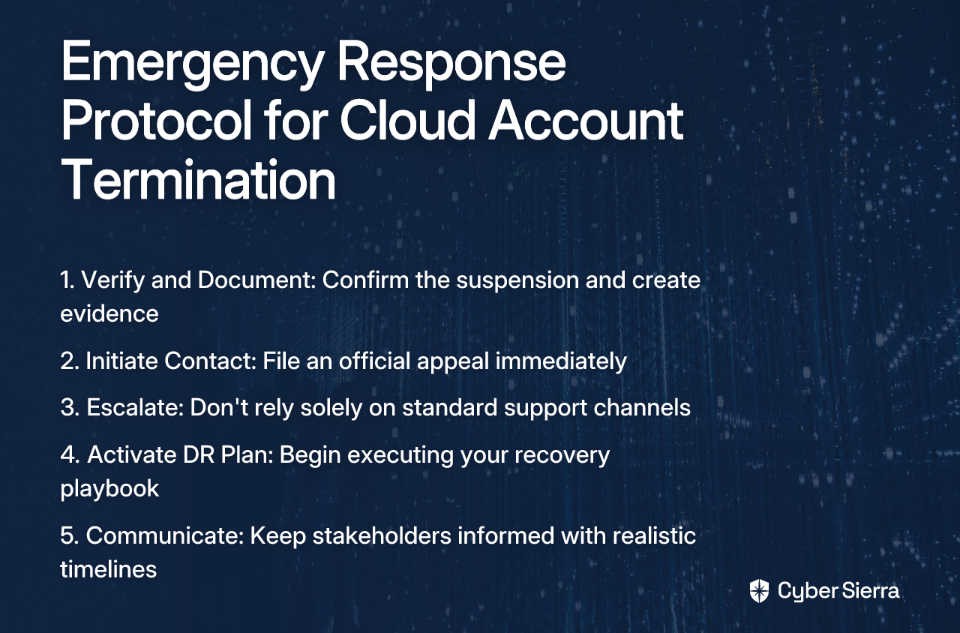
Step 1: Verify and Document Confirm the suspension is real (check for phishing). Take screenshots of all notices, emails, and console messages. Start a timeline of events for potential legal action.
Step 2: Initiate Contact Immediately file an appeal through the official process. Even if you expect an automated response, this is a required first step. Document the case number.
Step 3: Escalate Don't rely solely on the standard support channels. Use social media (Twitter, LinkedIn, Reddit), tagging official accounts and community managers. In the Oracle case mentioned earlier, public escalation yielded results when official channels failed.
Step 4: Activate Your DR Plan Don't wait for the provider to respond. The clock is ticking on your RTO. Declare a disaster internally and begin executing your pre-defined DR playbook immediately.
Step 5: Communicate with Stakeholders Inform clients, users, and internal teams about the outage. Be transparent about the situation and your recovery efforts. Set realistic expectations about resolution timelines.
Building Cloud Resilience Through Architectural Best Practices
Beyond backups and disaster recovery planning, your overall architectural approach can significantly reduce your vulnerability to account termination. Here are key patterns to implement:
Embrace a True Multi-Cloud Strategy
According to Flexera's 2024 State of the Cloud Report, 87% of enterprises now have a multi-cloud strategy. This isn't just about using multiple SaaS providers—it means strategically distributing your workloads across multiple IaaS platforms.
Consider these approaches:
- Active-Active Distribution: Run your application simultaneously across multiple cloud providers, with load balancing between them. This is the most resilient but also the most complex and expensive option.
- PaaS-Level Abstraction: Utilize platform services that exist across providers or have direct equivalents, making transitions smoother. For example, managed Kubernetes services (GKE, EKS, AKS) provide similar functionality with provider-specific implementations.
- CI/CD Pipeline Adaptation: Configure your CI/CD pipelines to deploy to multiple clouds, even if one is only used for disaster recovery purposes. This ensures your deployment processes are cloud-agnostic and regularly tested.
Minimize Database Migration Challenges
Database migration is often the most complex part of moving between cloud providers due to differences in managed database services and the potential for high DB costs during transitions.
Mitigate this by:
- Using Database Abstraction Layers: ORMs and other abstraction tools can shield your application from database-specific implementations.
- Considering Open Source Database Options: MySQL, PostgreSQL, and MongoDB have consistent implementations across major cloud providers, making migrations simpler compared to proprietary databases.
- Implementing Continuous Database Replication: Maintain real-time or near-real-time replicas of your databases in secondary cloud environments to minimize data loss during transitions.
Content Delivery Networks as Resilience Tools
CDNs can serve as buffer zones during cloud transitions:
- Provider-Agnostic CDN Configuration: Use CDNs that can pull content from multiple origin servers across different cloud providers.
- Edge Computing for Critical Functions: Distribute essential application logic to edge locations through your CDN, reducing dependency on your main cloud infrastructure.
Conclusion: Preparing for the Inevitable
The threat of sudden account termination is not theoretical—it's a real risk that businesses face daily. The cases from GCP and Oracle we've examined aren't isolated incidents but warnings of the inherent fragility in cloud provider relationships.
The solution isn't to avoid cloud computing, but rather to approach it with clear-eyed recognition of the risks. A comprehensive strategy combining:
- Offsite, multi-vendor backups
- Cloud-agnostic architecture built on IaC and containerization
- Well-rehearsed disaster recovery procedures
- Strategic use of multi-cloud deployments
...transforms a potentially business-ending catastrophe into a manageable, albeit stressful, incident.
Don't wait for the suspension email to land in your inbox. Review your current DR strategy today. Ask yourself: If my cloud provider disappeared right now, what would happen? If the answer is anything less than "we'd be back online on another provider within our RTO," it's time to get to work.
The cloud offers tremendous power and flexibility, but remember: the responsibility for business continuity ultimately rests with you, not your cloud provider.

Frequently Asked Questions
What is cloud account termination?
Cloud account termination is the sudden and often irreversible suspension or deletion of your cloud provider account (like AWS, GCP, or Azure), which results in losing access to all your hosted applications, data, and infrastructure. This can happen unexpectedly, often triggered by automated systems that mistakenly flag an account for violating terms of service.
Why do cloud providers suspend user accounts?
Cloud providers typically suspend accounts for violations of their Terms of Service (ToS). Common reasons include suspected illegal activities, security vulnerabilities, or billing issues. However, as highlighted in the article, these suspensions are often triggered by automated systems that can make mistakes, such as falsely identifying standard web traffic as cryptocurrency mining or other malicious activity.
What is the most critical step to survive an account suspension?
The single most critical step is to maintain regular, automated backups of all critical data and store them with a completely separate cloud provider. If your backups are stored in the same account that gets suspended, they become useless. Storing backups offsite ensures you can restore your services on a new platform and meet your Recovery Point Objective (RPO).
How can I reduce my dependence on a single cloud provider?
You can reduce dependence, or "vendor lock-in," by adopting a cloud-agnostic architecture. Key strategies include using Infrastructure as Code (IaC) tools like Terraform to define your infrastructure, and packaging applications in containers with Kubernetes. This approach allows you to quickly redeploy your entire environment to a different cloud provider, significantly reducing your recovery time.
What are the first steps to take if my cloud account is suspended?
If your account is suspended, you must act quickly. First, verify the suspension is legitimate and document everything. Immediately file an official appeal, but don't wait for a response. Simultaneously, escalate the issue on public platforms like Twitter or Reddit and, most importantly, activate your disaster recovery (DR) plan to begin migrating to your backup infrastructure.
How often should I test my disaster recovery plan?
A disaster recovery plan should be tested regularly to ensure it works as expected. It is recommended to conduct DR drills, such as simulating a full provider outage, at least quarterly. Regular testing verifies your backups, confirms your documentation is accurate, and ensures your team is prepared to execute the recovery process efficiently under pressure.