How to Get MSP Clients to Actually Care About Cybersecurity Warnings


Join thousands of professionals and get the latest insight on Compliance & Cybersecurity.
You've just sent a critical cybersecurity advisory about a new ransomware strain to your client list. The responses trickle in: a few "ok thanks," but mostly silence. Meanwhile, you know one of your clients is still using "iloveyou!" as their cloud password. Sound familiar?
As an MSP, you're caught in the classic IT paradox: "When everything's smooth, we're 'not doing anything.' When there's a hiccup, it's 'why aren't you doing anything?'" You're preventing disasters daily, yet clients rarely see or appreciate this invisible shield you've built around their business.
Here's the truth: the communication gap with your clients isn't just about their ignorance of cybersecurity. It's about strategy. Most clients aren't willfully negligent—they're responding to how security information is presented to them. This article will provide actionable communication and psychological tactics to transform client apathy into active security partnership, shifting the conversation from a technical cost center to a critical business investment.
The Psychology of "Cybersecurity Apathy"
Before you can change client behavior, you need to understand why they tune out your warnings in the first place.
According to Verizon's 2023 Data Breach Investigations Report, 74% of data breaches involve human elements. Yet most cybersecurity communication fails to account for basic human psychology.
Several key psychological factors are at play:
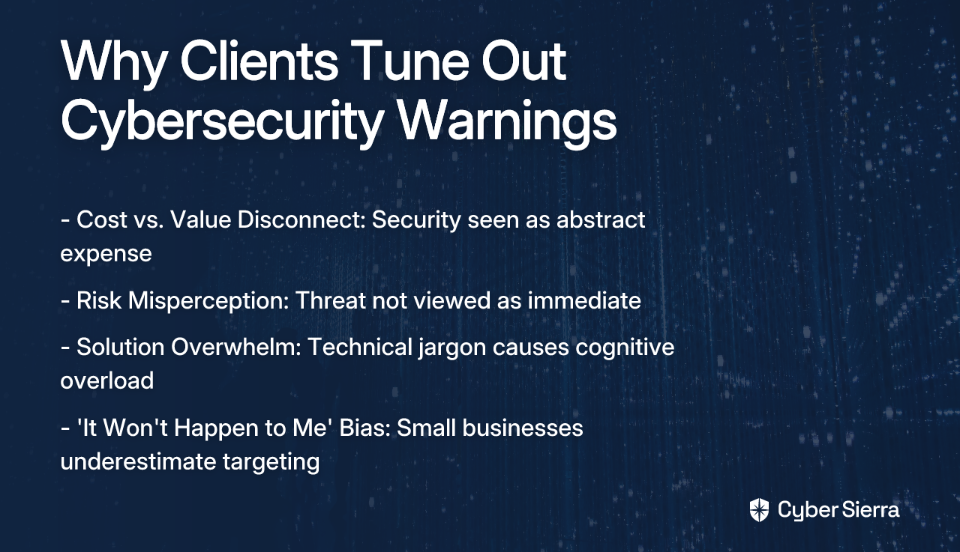
The Cost vs. Value Disconnect: Clients see cybersecurity as an abstract expense rather than a tangible investment. They're writing checks for threats they've never experienced and protection they can't "see" working.
Risk Misperception: A University of Maryland study highlighted that security decisions are complex and depend on perceived risk, data value, and security costs. Most SMB owners simply don't perceive the risk as immediate or personal until it's too late.
Solution Overwhelm: When presented with technical jargon and complex solutions, many clients experience cognitive overload and default to the status quo.
The "It Won't Happen to Me" Bias: Smaller businesses often believe they're too small to be targeted, despite data showing that 43% of cyber attacks target small businesses.
Importantly, research suggests that fear-based messaging is counterproductive. As cybersecurity expert Dr. Victoria Baines notes, the goal should be to foster responsibility, not anxiety. Simply scaring clients rarely leads to meaningful action.
Re-framing the Conversation: From Tech Specs to Business Impact
The first step to getting clients to care is changing how you communicate about security. Stop talking about technical specifications and start focusing on business outcomes.
Translate Technical Features into Business Benefits
Instead of saying: "We need to implement MFA and a new firewall."
Say: "Let's put a system in place to protect your client data and ensure you can keep processing orders, even during an attack."
Quantify Risk in Financial Terms
This is the most critical shift. Ask the powerful question highlighted by N-able: "How much would it cost your business to be down for an hour, a day, or a week?"
Frame security investments against:
- Potential revenue loss during downtime
- Data recovery costs
- Regulatory fines (HIPAA, PCI-DSS, GDPR)
- Legal expenses
- Reputational damage
When a client balks at a $200 monthly security add-on, ask if they could afford $50,000 in ransomware recovery costs or $10,000 per day in lost business during an outage.
Use Relatable Analogies
Complex security concepts become clearer with simple analogies:
- Multi-factor authentication is like having both a key and a security code for your house
- Data backups are like insurance policies
- Phishing awareness training is like teaching staff not to let strangers tailgate through a secure door
Actionable Strategies to Make Your Value Visible and Drive Engagement
Now let's explore specific, implementable tactics to transform how your clients perceive and engage with cybersecurity:
Strategy 1: "Show, Don't Tell" with Tangible Reporting
As one MSP on Reddit aptly noted, "Clients feel like they're getting taken advantage of without seeing something." The solution? Make the invisible visible.
Implement visual, easy-to-understand reports during Quarterly Business Reviews (QBRs) that demonstrate your security services' tangible impact. Instead of technical logs, show business-centric results.
Effective Reporting Elements:
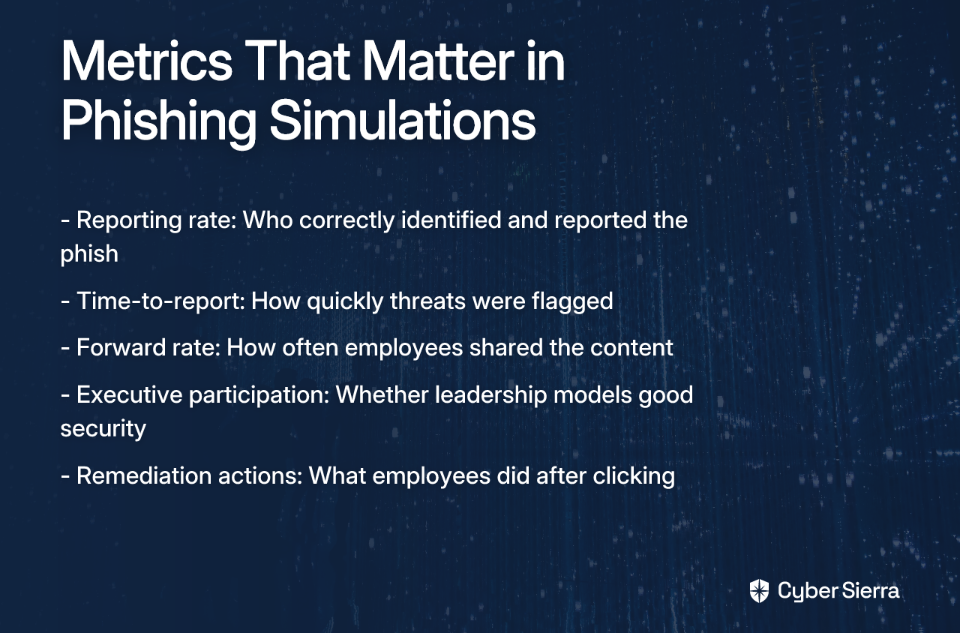
- Number of phishing/spear-phishing emails blocked (especially those targeting executives)
- Brute-force credential attacks prevented
- Critical vulnerabilities patched (like Log4j)
- Malicious files quarantined
As one MSP shared: "Clients don't care about the tech jargon, but show them a phishing attempt blocked before it reached their CFO or an EXE that never got the chance to run, and suddenly it clicks."
Consider creating a "Security Scorecard" for each client that visually represents their security posture compared to industry benchmarks. This adds a competitive element while highlighting areas that need improvement.
Strategy 2: Personalize and Contextualize Threats
Generic warnings get ignored. Personalized, industry-specific information gets attention.
Tailor your communications to each client's specific industry, size, and pain points:
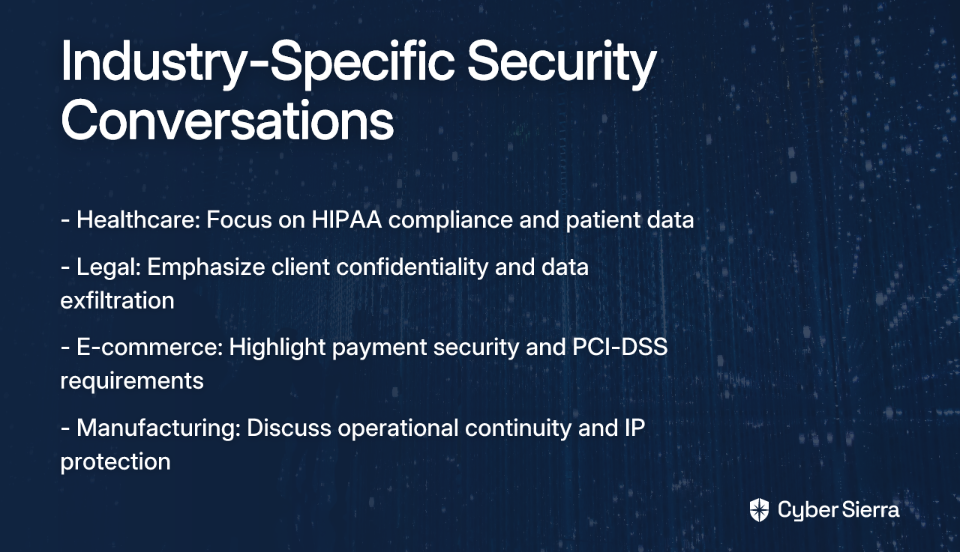
- For a healthcare client, discuss ransomware in the context of HIPAA compliance and patient data protection
- For a law firm, focus on data exfiltration risks and client confidentiality
- For an e-commerce business, emphasize payment data security and PCI-DSS requirements
Use real-world, local examples whenever possible: "A manufacturing plant in our region was hit with ransomware last month through an unsecured RDP port, causing $200K in downtime. We've verified all your RDP access points are secure."
This approach transforms abstract threats into concrete, relatable scenarios that connect directly to their business operations and bottom line.
Strategy 3: Implement Structured, Proactive Communication
Don't limit security discussions to emergencies. Establish a clear communication rhythm that builds ongoing security awareness:
Regular Updates: Send monthly newsletters highlighting emerging threats relevant to your clients' industries. Keep them brief and action-oriented.
Incident Alerts: Develop clear, non-technical templates for different severity levels of security incidents.
Policy Communications: Whenever regulations change (like GDPR updates), explain the business impact in plain language.
Feedback Sessions: Create channels for clients to ask questions about security without feeling judged. Consider running "Security Office Hours" where clients can drop in with concerns.
Strategy 4: Make Security Awareness Training Engaging
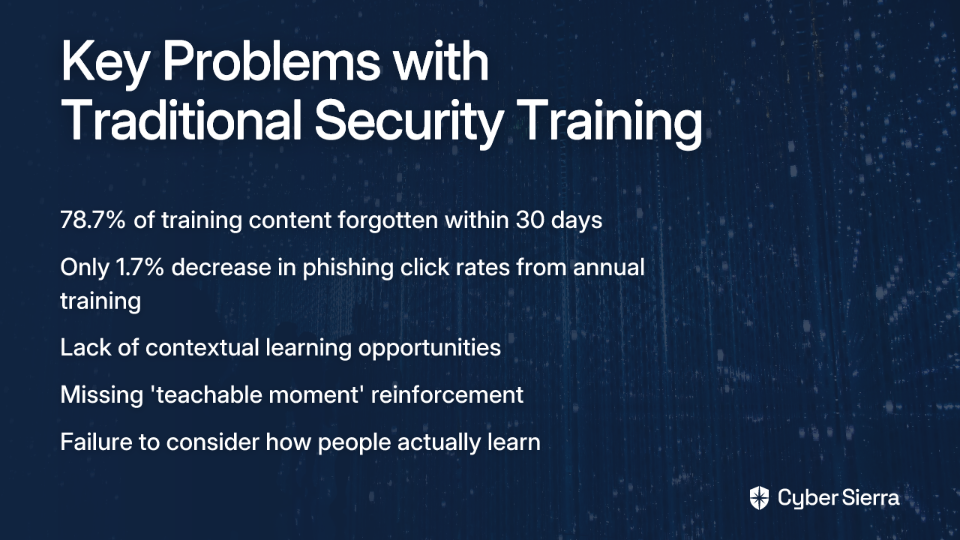
Traditional security training is often ineffective because it's boring and disconnected from employees' daily work. Leverage psychology to dramatically improve engagement:
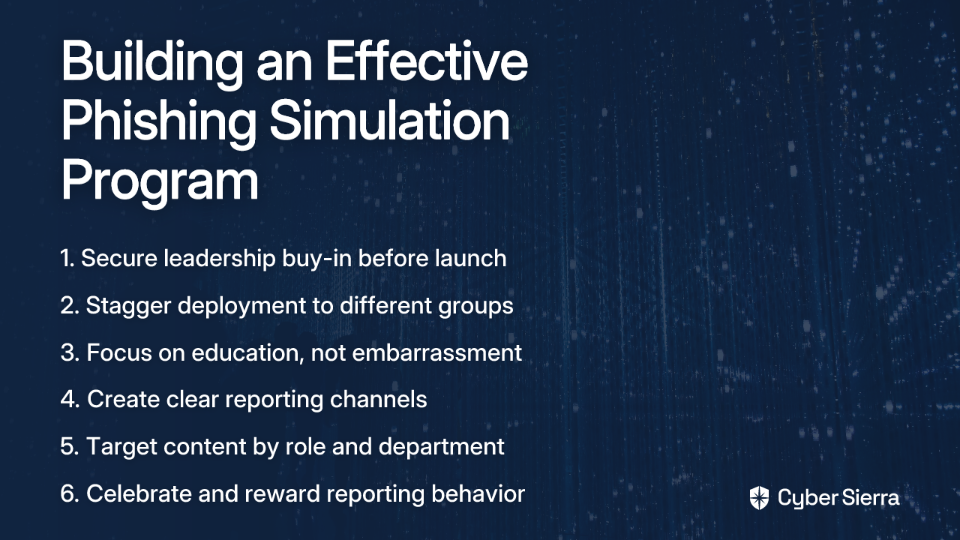
Apply Nudge Theory: Design security awareness programs that make secure behaviors easy, attractive, social, and timely. For example, gamify phishing awareness by recognizing and rewarding employees who correctly identify and report test phishing emails.
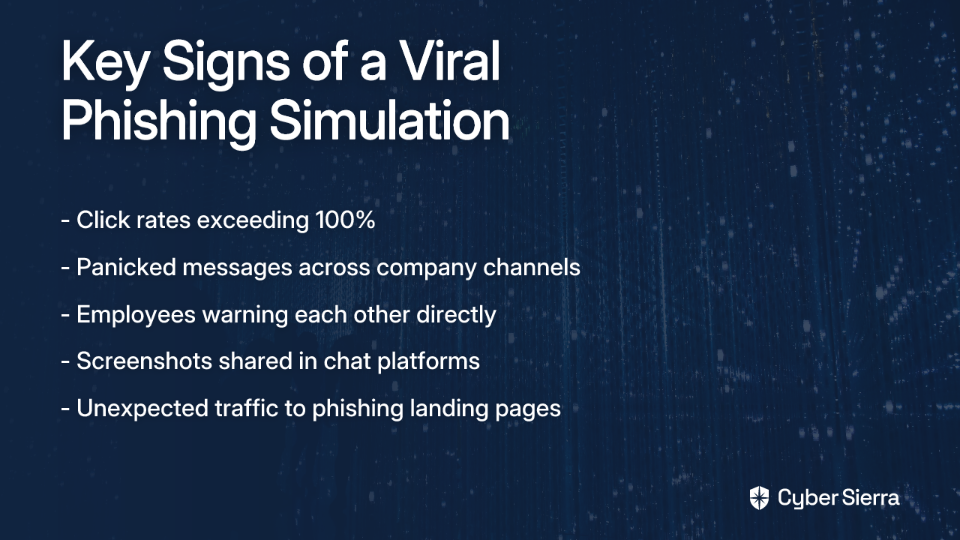
Use Interactive Elements: Replace passive PowerPoint sessions with interactive workshops, simulations, and hands-on exercises. Consider tools that simulate phishing attacks or ransomware scenarios in a safe environment.
Provide Practical Resources: Create a one-page "Cybersecurity Cheat Sheet" summarizing key do's and don'ts for different roles within an organization. This becomes a quick reference guide that employees will actually use.
One MSP found success by creating industry-specific "Security Incident Response Playbooks" for clients, outlining exactly what to do when they suspect a breach. This practical approach transformed security from abstract to actionable.
Building a Culture of Shared Responsibility
The ultimate goal isn't just to get clients to listen to your warnings—it's to cultivate a culture where cybersecurity becomes a shared responsibility rather than something they've "outsourced" to you.
Successful MSPs position themselves as strategic partners in business continuity, not just technical service providers. This means:
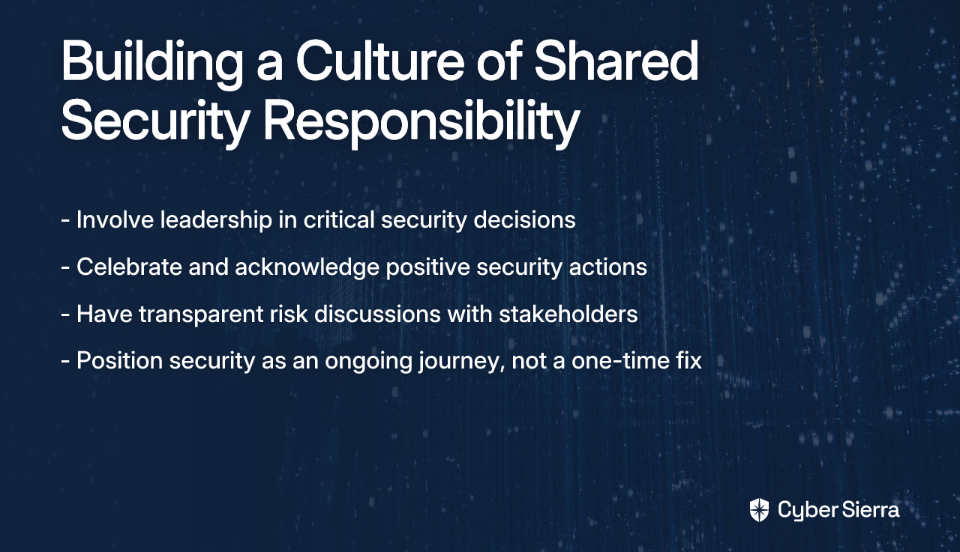
- Involving leadership in security decisions: Ensure executives understand their role in setting the security tone for the organization
- Celebrating security wins: Acknowledge when clients take positive security actions, reinforcing the behavior
- Transparent risk discussions: Have honest conversations about security trade-offs, empowering clients to make informed decisions
- Continuous improvement: Position security as an ongoing journey rather than a one-time fix
As one MSP discovered after their client suffered a breach: "They wouldn't buy the tools we wanted or lock things down. Got owned by Chinese state-sponsored threat actors and they were crying like babies about their reputation and client risk." The lesson? Proactive communication could have prevented both the breach and the blame game.
Your Next Step: Make One Change This Week
The strategies in this article won't work if they remain theoretical.
Challenge yourself to implement just one tactic from this article in the coming week:
- Create a simple "Security Success" report showing blocked threats for your next client QBR
- Rewrite one technical security recommendation using business impact language
- Share a relevant, industry-specific breach example with a client who's been resistant to security upgrades
- Develop a one-page security cheat sheet for your clients' employees
When clients see you as an essential business partner invested in their continuity and resilience—not just an IT provider—they will start to care about the warnings you send. The goal isn't just compliance; it's creating true security partners who understand that in today's threat landscape, cybersecurity isn't optional—it's essential to their survival and success.
FAQs
What is the most effective way to communicate the value of cybersecurity to a client?
The most effective method is to frame cybersecurity in terms of business impact and financial risk, not technical specifications. Instead of listing tools, quantify the cost of downtime, data loss, or regulatory fines. For example, ask your client, "How much revenue would you lose if your operations were down for a day?" This shifts the conversation from an abstract IT cost to a tangible business continuity investment.
How can MSPs convince small business clients they are targets for cyberattacks?
To convince small business clients they are targets, you should use data and personalized examples. Remind them that 43% of all cyberattacks target small businesses because they are often seen as easier targets. Then, contextualize the threat by sharing real-world examples of breaches at similar businesses in their industry or geographic region. This makes the abstract risk feel concrete and immediate.
What key metrics should be included in a client security report?
A non-technical client security report should focus on business-centric outcomes, not technical jargon. Include visual metrics like the number of phishing emails blocked, brute-force attacks prevented, critical vulnerabilities patched, and malicious files quarantined. A "Security Scorecard" comparing their posture to industry benchmarks can also be highly effective at demonstrating value and areas for improvement.
Why is fear-based messaging ineffective for cybersecurity communication?
Fear-based messaging is often ineffective because it can lead to anxiety, paralysis, or avoidance rather than proactive behavior. While it's important to be honest about risks, the primary goal is to foster a sense of shared responsibility and empowerment. Constantly scaring clients can cause them to tune out. Instead, focus on positive, actionable steps they can take to become more resilient.
How can I make cybersecurity awareness training more engaging for my clients?
You can make training more engaging by making it interactive, relevant, and rewarding. Replace passive presentations with gamified phishing simulations where employees are rewarded for identifying threats. Use hands-on workshops and provide practical, easy-to-use resources like a one-page "Cybersecurity Cheat Sheet." Tailoring scenarios to their specific industry and job roles also dramatically increases relevance and retention.
How do I justify cybersecurity costs to clients with tight budgets?
Justify cybersecurity costs by framing them as an investment against a much larger potential loss. Use the "cost of inaction" approach. Compare the monthly fee for a security service (e.g., $200/month for advanced endpoint protection) to the potential cost of a single incident, which could include tens of thousands of dollars in ransomware recovery, lost revenue, and reputational damage. This reframes the cost as a form of essential business insurance.