How to Build a Defense-in-Depth Email Security Strategy


Join thousands of professionals and get the latest insight on Compliance & Cybersecurity.
You've implemented Microsoft 365's security features, trained your employees on phishing awareness, and even configured some basic email authentication. Yet somehow, your company still experienced a successful phishing attack last quarter that led to credential theft and a frantic weekend for your security team.
Sound familiar? You're not alone.
"The MS 365 email security is atrocious," laments one frustrated security professional on Reddit. Another points out a harsh truth we all know: "Even the most experienced get phished."
The reality is that no single solution can protect your organization from today's sophisticated email threats. Attackers are constantly evolving their tactics, from AI-generated phishing emails that bypass traditional filters to exploiting trusted security products against each other.
Why You Need Defense-in-Depth
A defense-in-depth strategy is the only approach that consistently works against modern email threats. This methodology creates multiple security layers so that if one fails, others stand ready to protect you.
When properly implemented, organizations have reported reducing phishing click rates from a concerning 25% to less than 1%—effectively eliminating successful email attacks as a common incident.
The most robust email security strategies rest on three essential pillars:
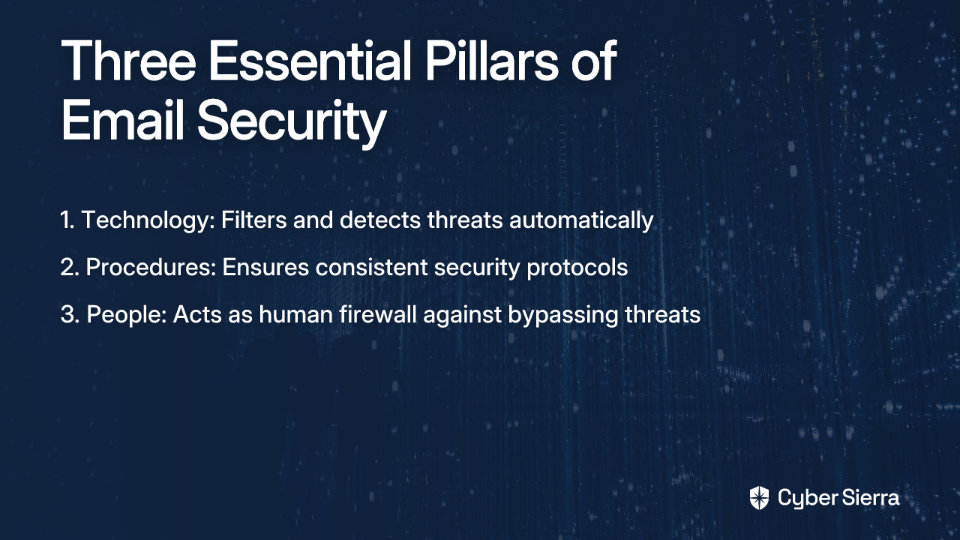
- Technology: The automated systems that filter and analyze threats
- Procedures: The documented protocols that ensure consistent security practices
- People: The human firewall that can identify threats that bypass technical controls
Let's explore how to build and integrate these three pillars into a comprehensive strategy that dramatically reduces your risk exposure.
Pillar 1: Technology — Your Automated First Line of Defense
The Evolving Role of Secure Email Gateways (SEGs)
Traditional SEGs still form the foundation of most email security architectures, but they're increasingly being outwitted by sophisticated attackers. According to Cofense research, threat actors are now using their own SEGs to encode malicious URLs, making them appear legitimate to the target's SEG.
For example:
- VIPRE Email Security URLs are being used in campaigns with subjects like "Review & Sign: Partnership_Investment_Proposal.DOCX"
- BitDefender LinkScan encodes links with
lsems.gravityzone.bitdefender.com - Barracuda Email Gateway Defense encodes links with
linkprotect.cudasvc.com
This highlights why relying on a single technological layer is insufficient.
Advanced Threat Protection: The Critical Second Layer
As one cybersecurity expert emphasizes, "You absolutely need link proxy." Link proxying examines URLs in real-time when they're clicked, providing protection against delayed or weaponized payloads that initially appear benign.
Microsoft Defender for Office 365 (formerly O365 ATP) offers crucial protective features:
- Safe Links: Rewrites and scans every URL at the time of click, protecting users even if the destination becomes malicious after email delivery
- Safe Attachments: Detonates attachments in a sandboxed environment to identify zero-day threats that signature-based scanning would miss
Mimecast vs. O365 Defender: Making the Right Choice
When comparing email security solutions, consider your specific organizational needs:
Microsoft Defender for Office 365 (E5 security):
- Deep integration with the Microsoft 365 ecosystem
- Simplified administration and licensing
- Cost-effective at approximately $2/user/month for the ATP add-on
- Increasingly robust AI-powered detection capabilities
Third-party solutions (Mimecast, Avanan, etc.):
- Often provide more granular control and advanced reporting
- May offer superior threat intelligence networks
- Mimecast particularly excels in engaging security awareness training
Foundation Technical Controls
Regardless of which email security solutions you choose, certain technical controls are non-negotiable:
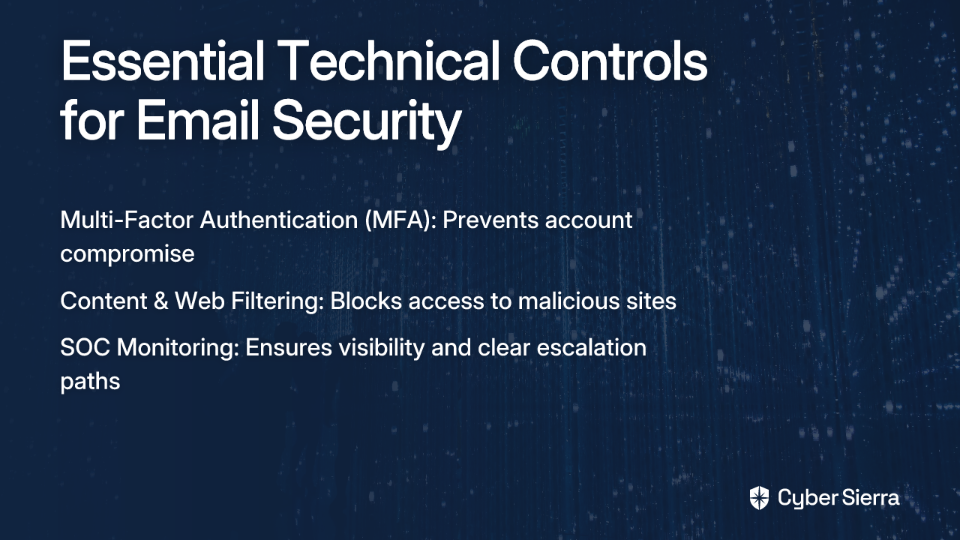
- Multi-Factor Authentication (MFA): The single most effective control to prevent account compromise. As one security professional advises: "MFA (but never SMS)" - prioritize app-based authenticators, Fido2 keys, or Windows Hello for passwordless authentication.
- Content & Web Filtering: Block access to known malicious websites at the network level.
- SOC Monitoring: Ensure your Security Operations Center has visibility into email-based threats and clear escalation paths.
Pillar 2: Procedures — Hardening Your Domain and Defining Your Response
The Unskippable Trio: SPF, DKIM, and DMARC
Email authentication protocols form the backbone of domain protection against spoofing and phishing. According to Dmarcly, these three protocols work together to verify sender legitimacy:
- SPF (Sender Policy Framework): A DNS TXT record that lists which IP addresses are authorized to send email on behalf of your domain. Example Record:
v=spf1 ip4:192.168.0.1 -all - DKIM (DomainKeys Identified Mail): Adds a digital signature to outgoing emails, allowing the receiver to verify the message hasn't been tampered with in transit. Best Practice: Use keys of at least 1024 bits and rotate them regularly.
- DMARC (Domain-based Message Authentication, Reporting & Conformance): Unifies SPF and DKIM, providing receiving mail servers instructions on handling messages that fail authentication.
Step-by-Step DMARC Implementation
- Set Up SPF: Create and publish your SPF record in DNS.
- Set Up DKIM: Generate keys for all your sending services and publish the public keys in DNS.
- Publish DMARC Record (Start in Monitor Mode): Begin with a
p=nonepolicy to generate reports without affecting mail flow. Example Starter Record:v=DMARC1; p=none; rua=mailto:[email protected]; - Analyze DMARC Reports: Parse the XML reports to identify all legitimate email sources for your domain.
- Rectify Email Streams: Ensure all legitimate sending services are properly configured with SPF and/or DKIM.
- Transition Policies: Gradually move your policy from
p=nonetop=quarantine, and finally top=rejectonce legitimate mail is authenticating correctly.
Creating Effective Incident Response Playbooks
When a phishing email evades your defenses, time is of the essence. Well-documented playbooks ensure consistent and rapid response:
- Define Escalation Paths: Establish clear reporting structures for suspected phishing.
- Document Containment Procedures: Include steps to isolate compromised accounts, reset credentials, and revoke sessions.
- Establish Communication Protocols: Determine who communicates what to whom during an incident.
- Create Recovery Procedures: Document the steps to restore normal operations after containment.
Organizations with practiced playbooks report significantly faster incident resolution times and reduced impact from successful phishing attempts.
Pillar 3: People — Transforming Employees into a Human Firewall
The human element remains both your greatest vulnerability and your strongest defense. As one security professional aptly puts it, "No software will help if the end user doesn't understand why clicking on the invoices.zip link is a bad idea."
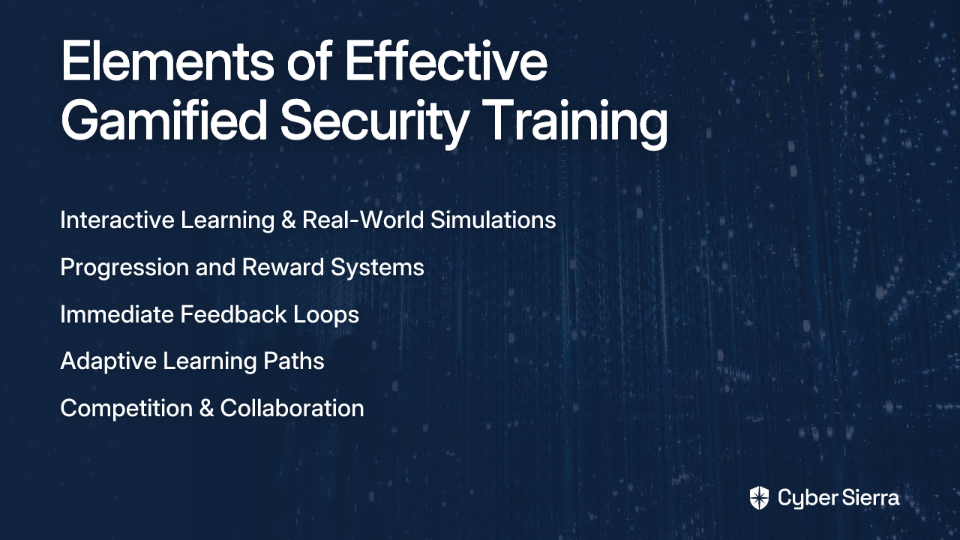
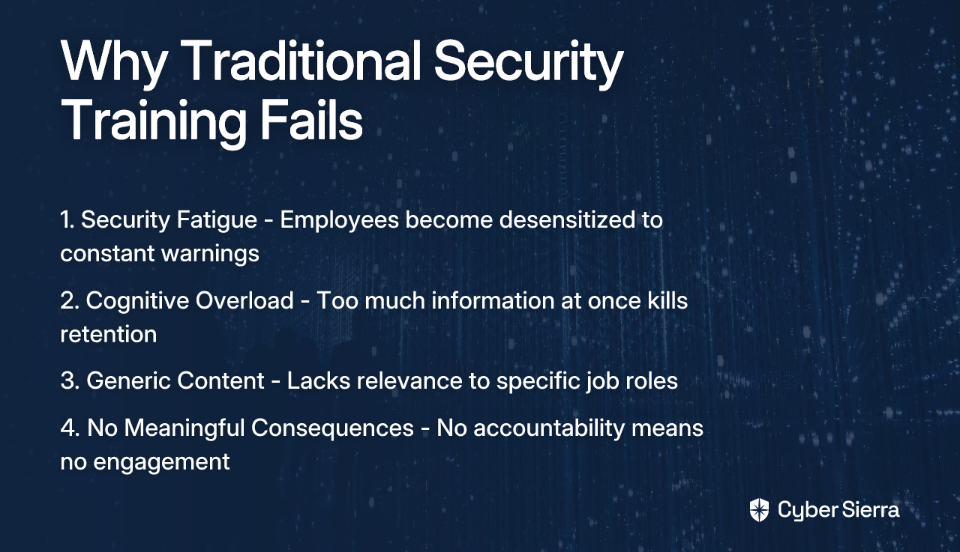
Why Traditional Security Training Falls Short
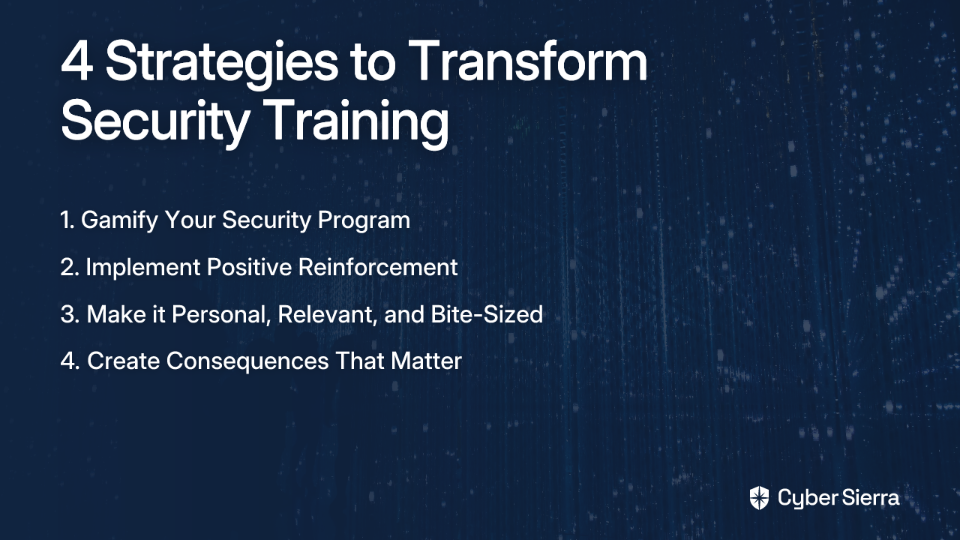
Despite billions spent on security awareness, data breaches continue to rise. Traditional training often fails because it's:
- Too infrequent (annual compliance exercises)
- Too lengthy (causing information overload)
- Too boring (leading to poor retention)
- Focused on testing rather than teaching
Building an Effective Security Awareness Program
Successful programs follow these principles:
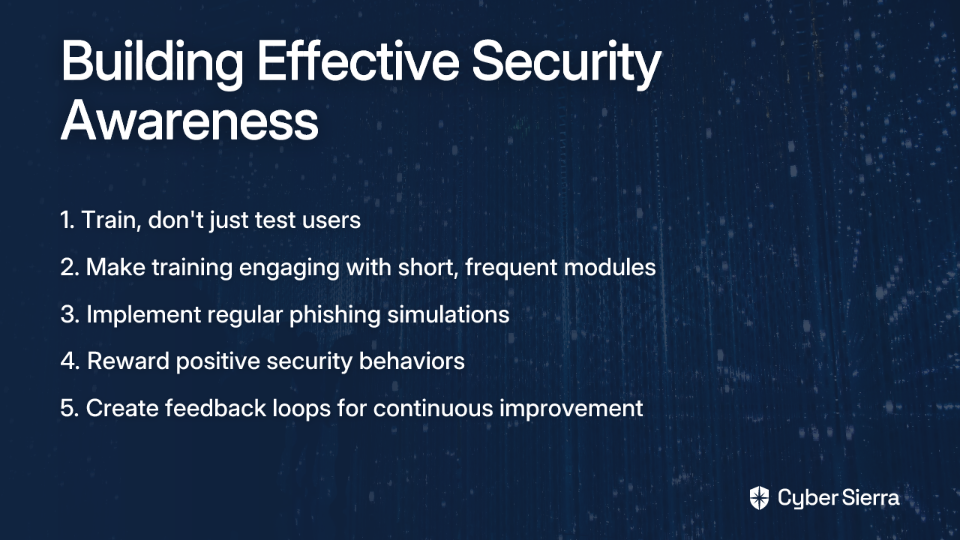
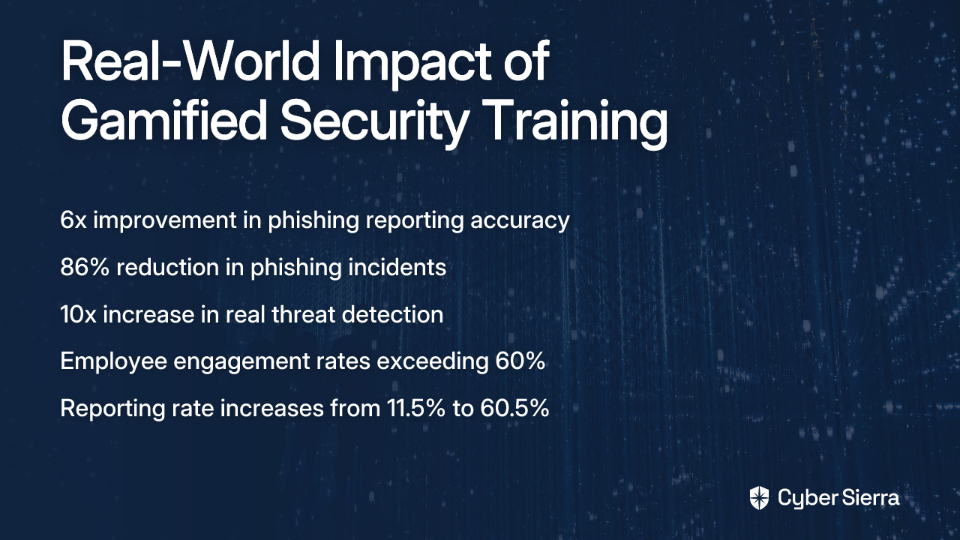
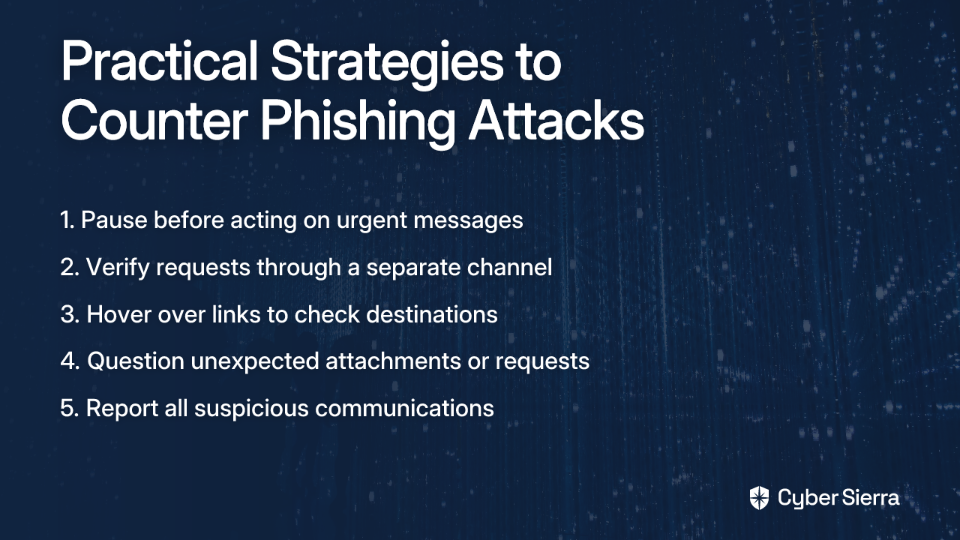
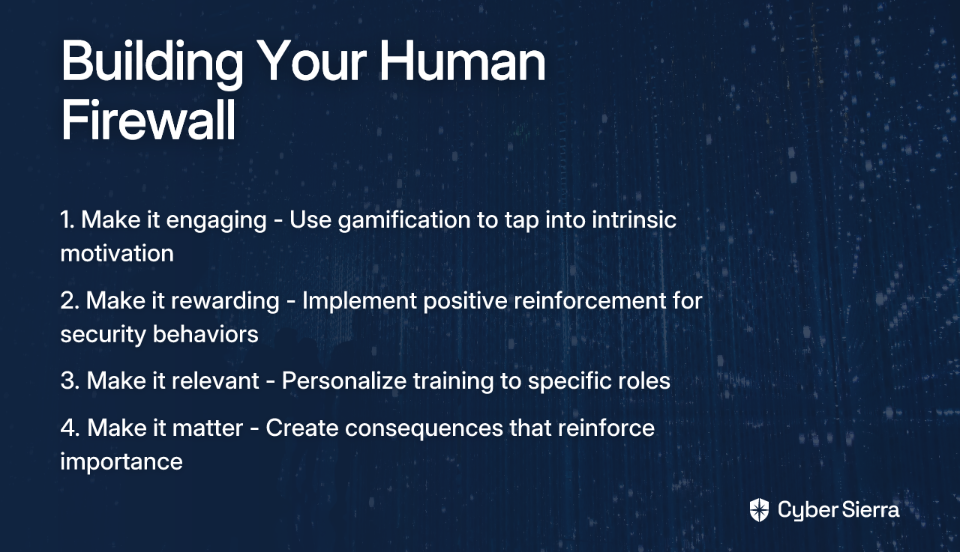
- Train, Don't Just Test: As emphasized by security experts, "TRAIN users, don't just test them. Teach them how to spot and how to report phishing." KnowB4's platform excels at providing both educational content and realistic simulations.
- Make It Engaging: Use short (3-5 minute), frequent training modules with professional, even humorous content to increase engagement and retention.
- Implement Regular Phishing Simulations: Start with obvious phishing attempts and gradually increase difficulty. Use these as teachable moments, not "gotcha" tests.
- Reward Positive Behavior: One organization found success with a simple approach: "If they successfully report a phishing link, their manager comes by and tells them 'Great Job' and lets them choose a piece of candy out of the candy bowl."
- Create a Feedback Loop: Have SOC analysts follow up with users who report emails to understand what triggered their suspicion. This reinforces good behavior while providing valuable intelligence about user awareness levels.
Bringing It All Together: Implementation Timeline and Measuring Success
Phased Implementation Approach
Phase 1 (Months 1-3): Technical Foundation
- Deploy/configure O365 Defender ATP or third-party SEG
- Start DMARC in
p=nonemode - Roll out MFA organization-wide
Phase 2 (Months 3-6): Policy and Initial Training
- Finalize and communicate acceptable use and incident response playbooks
- Launch the first wave of security awareness training and phishing simulations
- Move DMARC to
p=quarantine
Phase 3 (Ongoing): Mature and Optimize
- Continue monthly micro-trainings
- Analyze DMARC reports and move to
p=reject - Refine technical controls based on threat intelligence and AI Email Phishing Attack trends
Key Metrics to Track Your Progress
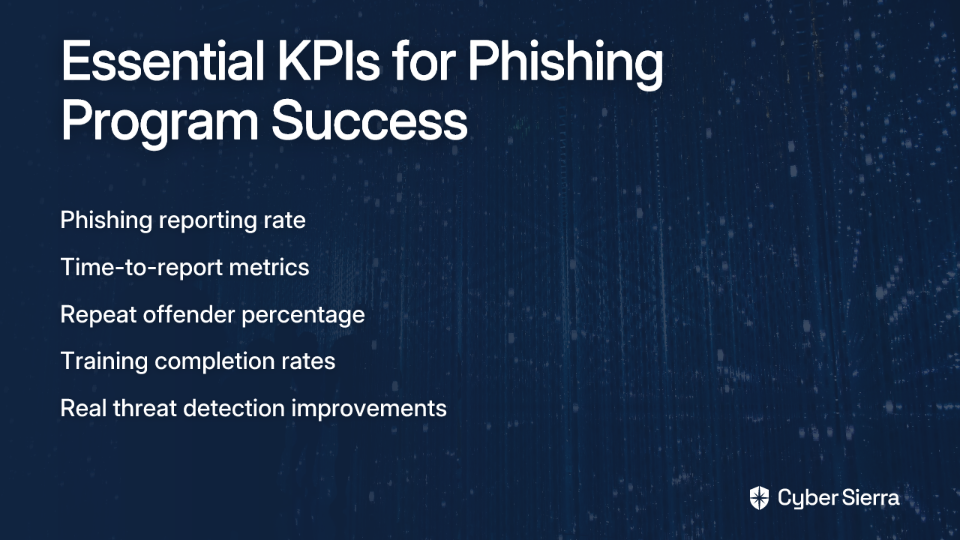
- Phish-Prone Percentage (PPP): The percentage of users who click on simulated phishing links—your primary training effectiveness metric.
- Malicious Email Click Rate: The ultimate success metric—aim to drive this from the industry average of 25% down to under 1%.
- User Reporting Rate: An increase in users reporting suspicious emails indicates an engaged security culture.
- Mean Time to Detect (MTTD) & Respond (MTTR): For incidents that do occur, track how quickly your team identifies and contains them.
Conclusion: Security is a Continuous Process
Email threats continually evolve, and your defense-in-depth strategy must evolve with them. The most successful organizations view email security not as a project with an end date, but as an ongoing program requiring continuous attention and improvement.
By building robust technical defenses, establishing clear procedures, and cultivating a vigilant workforce, you can dramatically reduce your vulnerability to email-based attacks. As one security professional who implemented this approach noted: "We went from a 25% test click rate to less than 1%, with no IR tickets related to emails."
Begin by auditing your current email security posture against these three pillars and prioritize addressing your most significant vulnerabilities. Remember that defense-in-depth isn't about implementing every possible security control—it's about strategically layering complementary defenses that work together to protect your organization's most valuable assets.
The phishing war will continue, but with this comprehensive approach, you'll be positioned to win the battles that matter most.
Frequently Asked Questions
What is the most effective way to protect against email phishing attacks?
The single most effective way to protect against email phishing is to implement a defense-in-depth strategy. This approach creates multiple layers of security, ensuring that if one control fails, others are in place to stop an attack. It combines technology (like advanced threat protection), procedures (like DMARC email authentication), and people (through continuous security awareness training) to build a resilient defense.
Why is Multi-Factor Authentication (MFA) so important for email security?
Multi-Factor Authentication (MFA) is the most critical control for preventing account takeovers. Even if an attacker successfully steals a user's password through a phishing attack, MFA prevents them from accessing the account without a second verification factor, such as a code from an authenticator app or a physical security key. This effectively neutralizes the primary goal of most credential phishing campaigns.
Is Microsoft Defender for Office 365 enough to protect my organization?
Microsoft Defender for Office 365 provides a strong foundation for email security with powerful features like Safe Links and Safe Attachments. For many organizations, it is a significant improvement and a cost-effective solution. However, no single product is a silver bullet. A true defense-in-depth strategy may involve supplementing it with third-party tools for specialized needs like advanced reporting, granular policy control, or more engaging user training modules.
How do I start implementing DMARC without blocking legitimate emails?
You can start implementing DMARC safely by using a "monitor-only" policy. Begin by publishing a DMARC record with the policy set to p=none. This setting instructs mail servers to send you reports on emails sent from your domain without quarantining or rejecting them. These reports allow you to identify all your legitimate sending services so you can ensure they are properly authenticated before gradually transitioning to a p=quarantine and then a p=reject policy.
What makes security awareness training effective?
Effective security awareness training is frequent, engaging, and focuses on teaching rather than just testing. Instead of annual, lengthy sessions, successful programs use short (3-5 minute) micro-trainings, regular phishing simulations that serve as teachable moments, and positive reinforcement for employees who correctly report suspicious emails. The goal is to build a positive security culture, not to punish users for mistakes.
How can a small business with a limited budget improve email security?
A small business can significantly improve email security by focusing on foundational, high-impact controls that are often low-cost or free. The top priorities should be enforcing non-SMS MFA across all accounts, correctly configuring email authentication protocols (SPF, DKIM, and DMARC), and leveraging the built-in security features of your existing email platform, such as Microsoft 365's Safe Links.