7 Ways to Identify Package Delivery Text Scams (Before You Click)

Join thousands of professionals and get the latest insight on Compliance & Cybersecurity.
Summary
- Package delivery text scams ("smishing") use urgent alerts about fake deliveries to steal your personal information or install malware.
- Key warning signs include suspicious links, urgent language, poor grammar, and unexpected requests for fees or personal data.
- Never click links in suspicious texts; always verify a delivery's status by going directly to the official carrier's website.
- Organizations can build a stronger defense by educating their teams. Cyber Sierra's Employee Security Training helps create a resilient "human firewall" through simulated phishing campaigns and interactive modules.
Have you ever received an urgent text about a package you never ordered? You're not alone. Reddit forums are filled with users sharing their experiences with these confusing and often alarming messages: "I've been noticing a lot of text messages about packages that are unable to be delivered to me even though I have not paid for any." (Source: Reddit)
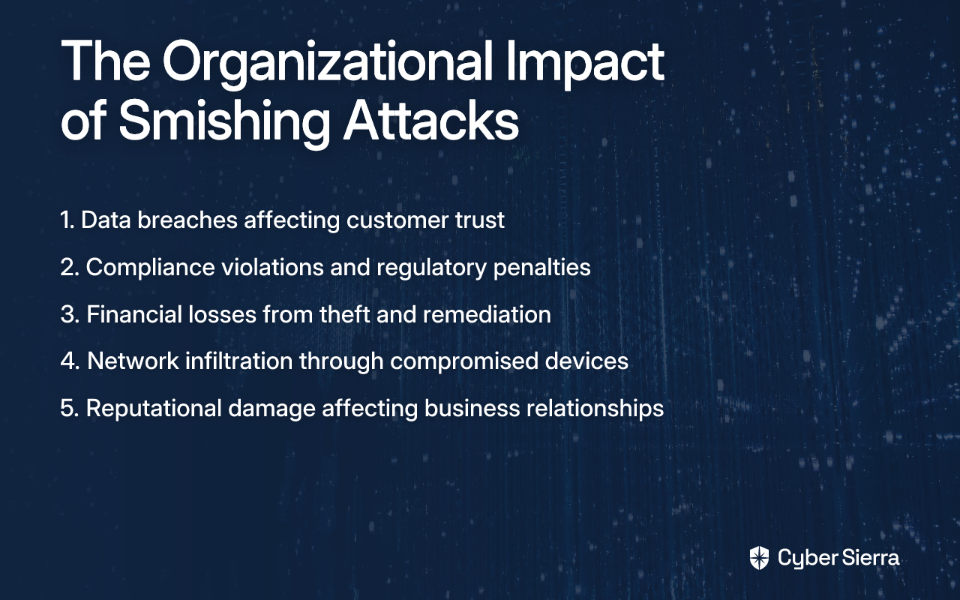
These fraudulent text messages, known as "smishing" (a blend of SMS and phishing), are designed to trick you into giving up sensitive information or installing malware on your device. Package delivery text scams prey on the anticipation of receiving something you ordered—or the confusion of being told about a package you didn't order.
In this guide, we'll break down 7 clear ways to spot these scams, comparing legitimate delivery notifications with fraudulent ones, so you can protect your personal information before you ever click that suspicious link.
7 Ways to Spot a Package Delivery Text Scam
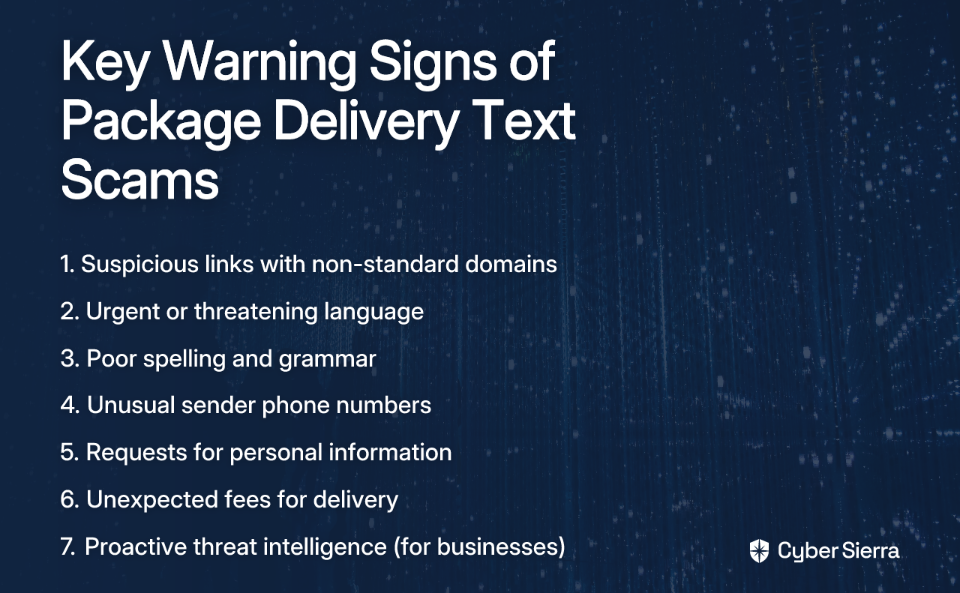
1. For Businesses: Proactively Defend with Continuous Threat Intelligence
While individuals must stay vigilant, organizations can't rely solely on employee discretion to avoid these scams. The most effective defense is stopping threats before they reach employees' devices.
Cyber Sierra's Continuous Threat Intelligence platform helps organizations get ahead of these threats by providing an "outside-in" view of the attack surface. This proactive approach identifies vulnerabilities before they can be exploited by phishing campaigns.
The platform offers:
- Comprehensive security scorecards for holistic posture insights
- Network vulnerability scanning to identify potential weak points
- Cloud infrastructure scanning for misconfigurations
- Proactive threat detection to help prepare defenses and educate employees
For individuals and employees without enterprise-level protection, the defense starts with learning to spot these red flags:
2. Inspect the Link for Suspicious Details
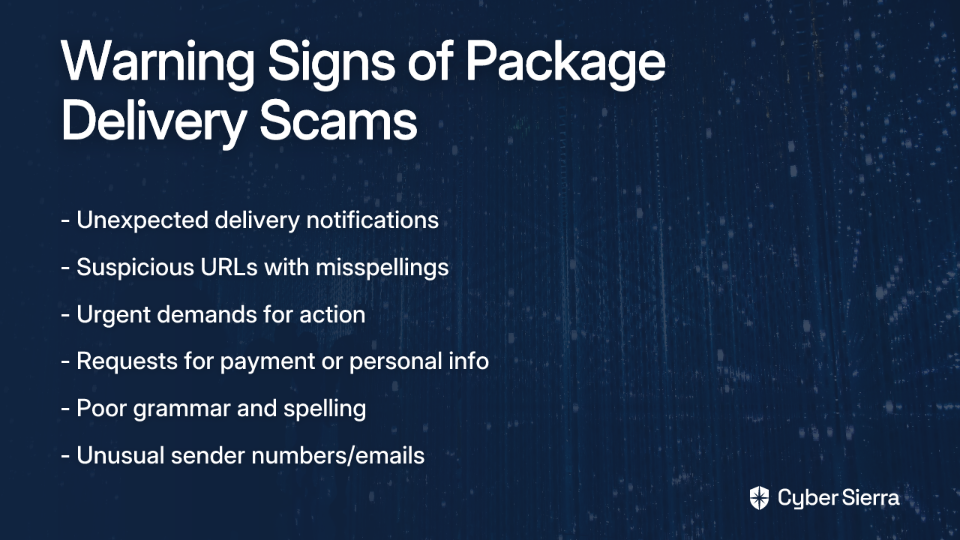
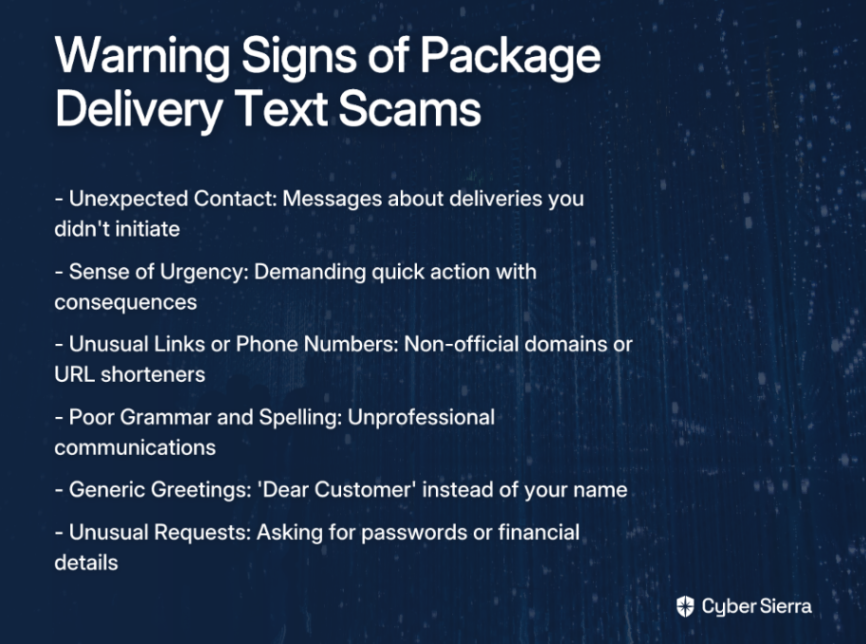
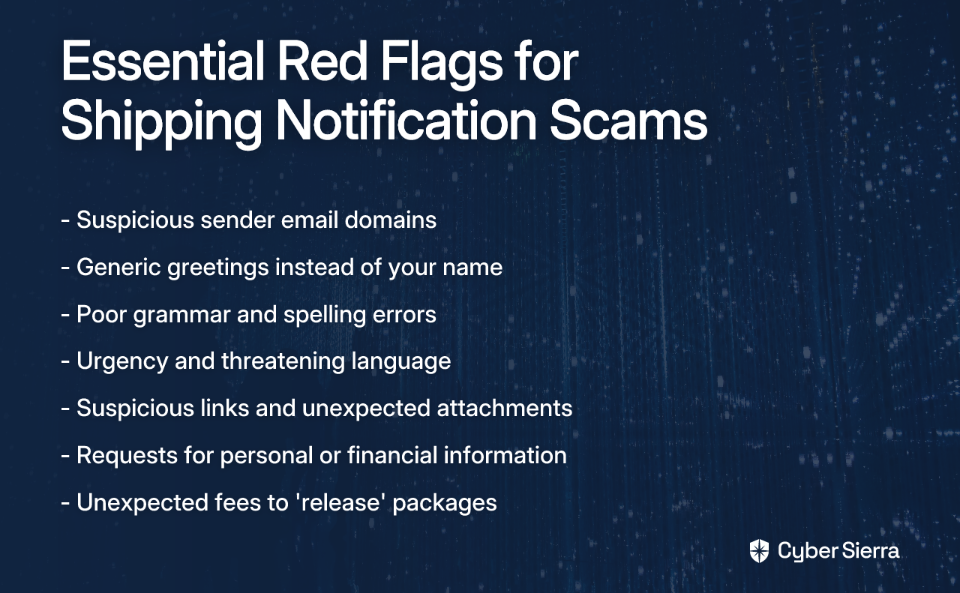
The link is the payload in most package delivery text scams. Scammers need you to click it, so always inspect it carefully.
Red Flags:
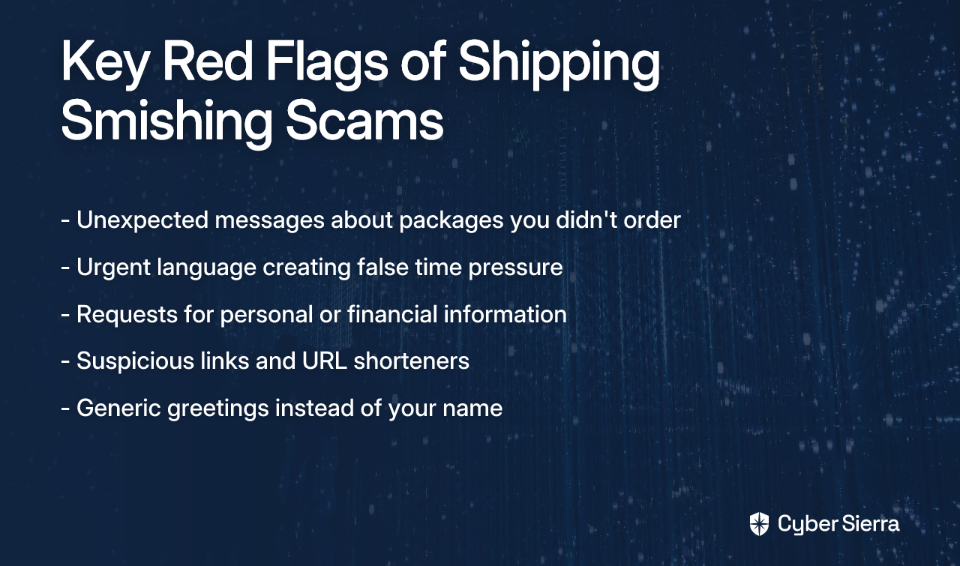
- Mismatched or Non-Standard Domains: Legitimate USPS links will be from
usps.com. Scammers use look-alike domains likeusps-delivery.comor random character strings. - Scam Example: "Hi, we are having issues releasing your package. Please update shipping directions:
ca.trcck.com/.1ebf9d" (Source: FCC.gov) - Lack of "https": A legitimate site asking for information should use
https://for a secure connection. - URL Shorteners: Scammers often use services like bit.ly to hide the true destination.
Actionable Tip: On a computer, hover your mouse over the link to see the actual URL. On a phone, long-press the link (without letting go) to preview the URL. Do not visit it.
3. Watch for Urgent and Threatening Language
Scammers create a false sense of urgency to make you act impulsively without thinking critically.
Red Flags:
- Phrases like "Action Required," "Delivery Pending," or "Your package will be returned"
- Threats of punitive action if you don't reply immediately (Source: Security.org)
- Time-limited demands requiring immediate response
Scam Example: "USPS - THE PACKAGE HAS ARRIVED AT THE WAREHOUSE AND CANNOT BE DELIVERED DUE TO INCOMPLETE ADDRESS INFORMATION. PLEASE CONFIRM YOUR ADDRESS IN THE LINK."
Legitimate Example: "USPS: Your package is out for delivery. Track it here: [official usps.com link]." (Note the neutral, informative tone)
As one Reddit user pointed out: "These scams are phishing for your personal information, financial information, or password for the mail service's website."
4. Check for Poor Spelling and Grammar
Legitimate companies have professional communication standards. Obvious errors are a big red flag in package delivery notifications.
Red Flags:
- Misspelled words (e.g., "deliverd," "adress")
- Missing words or awkward phrasing that sounds unnatural
- Inconsistent capitalization or excessive punctuation
Important Caveat: As noted by Consumer Reports, AI is making scam messages more sophisticated and grammatically correct, so this shouldn't be your only indicator (Source: ConsumerReports.org). Modern package delivery text scams may be much more polished than in the past.
5. Verify the Sender's Phone Number
Scammers often use unusual or spoofed numbers for their package delivery text scams.
Red Flags:
- 11-Digit Numbers: Be suspicious of messages from 11-digit numbers
- Email-to-Text: Messages that appear to come from an email address instead of a phone number
- Random Numbers: Messages from numbers with no apparent connection to shipping companies
Legitimate Practice: Official alerts often come from a "short code" (a 5- or 6-digit number). You can check the legitimacy of a short code at the U.S. Short Code Directory.
For example, authentic USPS text alerts come from short codes like 28777 or 2USPS. FedEx uses 48773, and UPS uses 69877. Messages from other numbers claiming to be these services should raise immediate suspicion.
6. Beware of Unexpected Requests for Information or Fees
This is the ultimate goal of the package delivery text scam: to get your data or money.
Red Flags:
- Requests for Personal Information (PII): A delivery service will never ask for your Social Security number, bank account details, credit card info, or passwords via an unsolicited text (Source: USPIS.gov)
- Unexpected Fees: Scammers often invent fees for "redelivery," "customs," or "holding"
- Small Charges: The text might say you need to pay a small fee ($1-$3) to release the package—this is a ploy to get your credit card details
One Reddit user described this frustration clearly: "The text or email tells you that you need to provide more information or customs fees to receive the package."
7. When in Doubt, Go Directly to the Source
The safest action is to ignore the message and verify independently.
Actionable Steps:
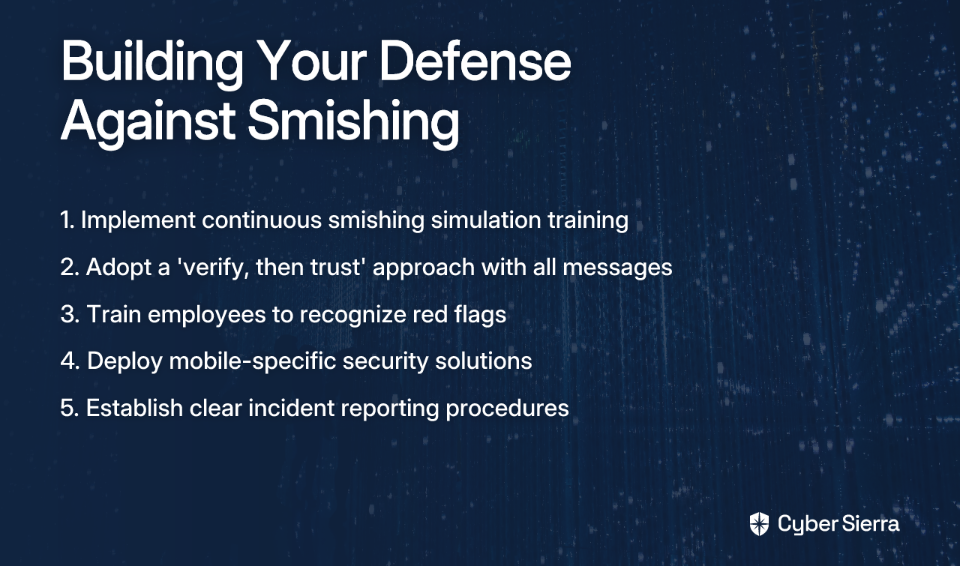
- Do not click the link in the text message
- Open a new browser window and type the official website address directly (e.g.,
usps.com,ups.com,fedex.com) - Use the official tracking number for your order (from your original purchase receipt) on the official website
- Alternatively, use the official mobile app for the delivery service
This aligns with the top recommendation from Reddit users: "Only enter your information when visiting the mail service's website directly."
What to Do if You Receive a Suspicious Text
If you've identified a package delivery text scam, take these steps:
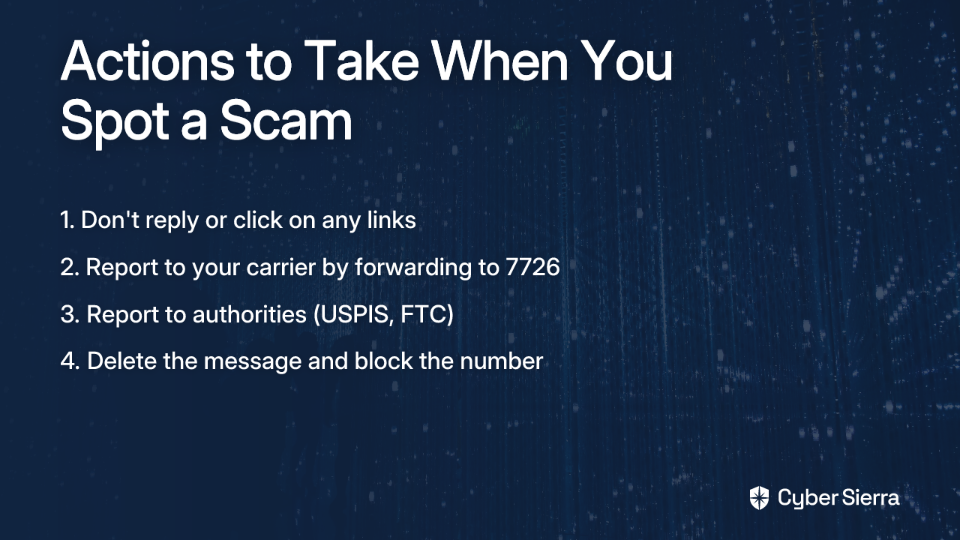
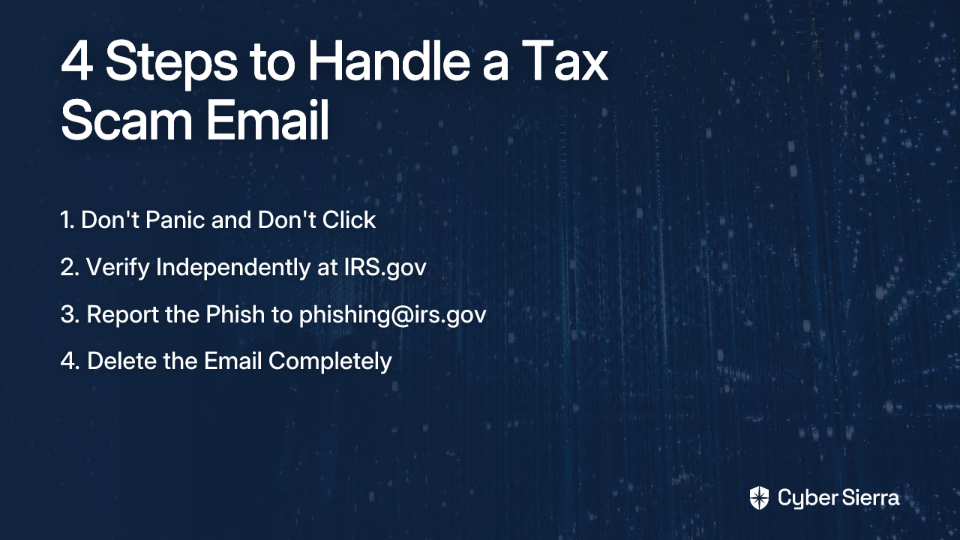
Step 1: Don't Reply and Don't Click. Replying confirms your number is active, which can lead to more scams. Clicking links could install malware or lead to phishing sites.
Step 2: Report the Message.
- To Your Carrier: Forward the entire suspicious text message to 7726 (which spells SPAM). This is a free service for most major carriers.
- To the Authorities:
- Report it to the U.S. Postal Inspection Service by emailing
[email protected](Source: USPIS.gov) - File a complaint with the Federal Trade Commission (FTC) at ReportFraud.ftc.gov
- If the scam involves a specific carrier, report it to them directly: FedEx or UPS
- Report it to the U.S. Postal Inspection Service by emailing
Step 3: Delete and Block. Once reported, delete the message and block the number to prevent future contact.
What If You Already Clicked or Gave Information?
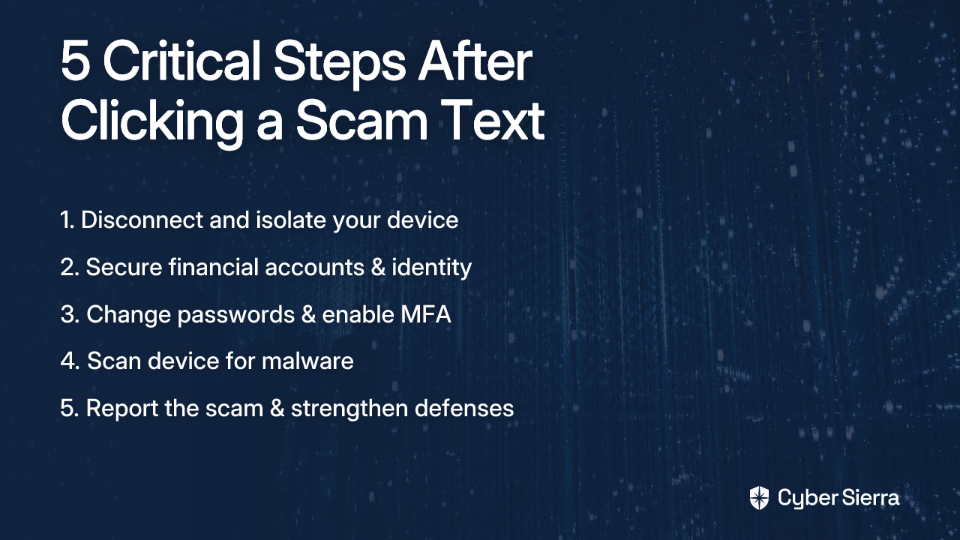
If you've fallen victim to a package delivery text scam, act immediately:
- If you entered password information, change your password on that site and any other site where you use the same one
- If you entered financial information, contact your bank or credit card company immediately to report the fraud, cancel the card, and monitor your statements
- Run antivirus/antimalware software on your device to check if anything malicious was installed
- Consider placing a fraud alert on your credit reports with Equifax, Experian, and TransUnion
Conclusion
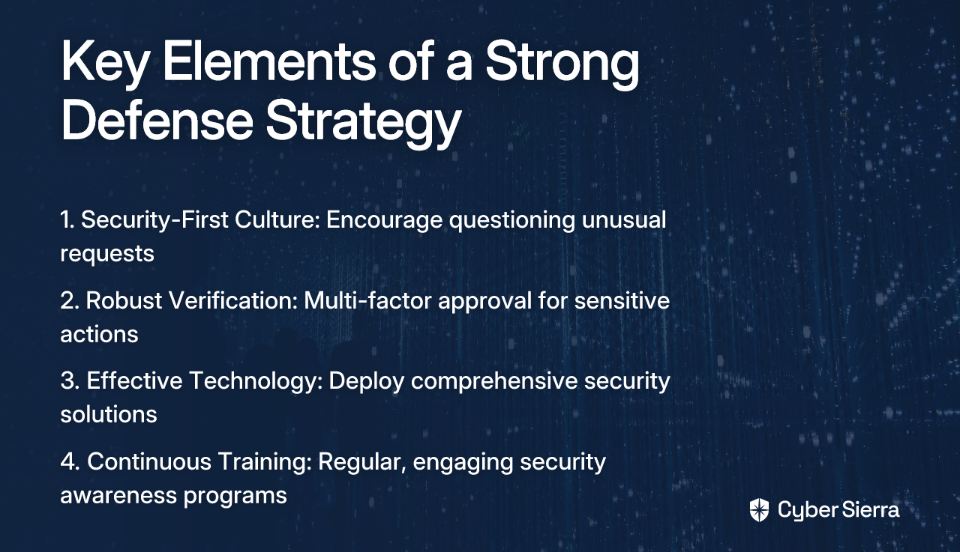
Package delivery text scams are becoming more common and sophisticated, but they rely on a few predictable tricks: urgency, suspicious links, and requests for information. By staying skeptical and always verifying directly with the source, you can keep your personal information safe.
For organizations, protecting against these threats requires a layered approach. The "human firewall" is your last line of defense, not your first.
Cyber Sierra's Employee Security Training empowers your team by educating them on the latest threats through interactive modules and simulated phishing campaigns. The platform features:
- Interactive training on security best practices including identifying package delivery text scams
- Simulated phishing campaigns to test awareness
- Ongoing learning resources to keep up with evolving threats
- Comprehensive dashboard to monitor your organization's security awareness
When you combine this training with the proactive monitoring of Cyber Sierra's Threat Intelligence platform, you create a robust security culture that protects both your employees and your organization from these increasingly sophisticated attacks.
Ready to move from reactive defense to proactive security? Learn more about Cyber Sierra's integrated cybersecurity platform and take the first step toward comprehensive protection against package delivery text scams and other cyber threats.
Frequently Asked Questions
What is a package delivery text scam?
A package delivery text scam is a fraudulent message (smishing) designed to trick you into clicking a malicious link. Scammers pretend to be from services like USPS or FedEx to steal your personal information, financial data, or install malware.
How can I tell if a delivery text is a scam?
Look for red flags like unofficial links, urgent language, requests for fees, and poor grammar. Real carriers use official domains (e.g., usps.com) and verified short codes (e.g., 28777 for USPS). Never click a suspicious link.
What should I do if I receive a suspicious delivery text?
Do not click any links or reply. Report the message by forwarding it to 7726 (SPAM), which alerts your mobile carrier. Afterward, delete the text and block the number to prevent future contact.
Why do scammers ask for a small fee for redelivery?
Scammers use small fees ($1-$3) as a pretext to steal your credit card information. Once they have your card details, they can use them for larger fraudulent purchases or sell them on the dark web. The small amount makes the request seem plausible.
How do scammers get my phone number?
Scammers acquire phone numbers from data breaches, public websites, social media profiles, or by using automated software that generates and texts random numbers until it finds an active one.
Can you get a virus from opening a scam text message?
No, you cannot get a virus just from opening and reading a text. The risk comes from clicking a malicious link or downloading an attachment in the message, which can lead to malware infection or a phishing website.