7 Vendor Risk Management Steps to Meet PDPA Compliance


Join thousands of professionals and get the latest insight on Compliance & Cybersecurity.
Summary
- Under Singapore's Personal Data Protection Act (PDPA), your organization is legally accountable for data breaches caused by your third-party vendors.
- This article provides a 7-step framework to manage vendor risk, covering everything from building a vendor inventory and tiering risks to automating assessments and tracking remediation.
- Moving from manual spreadsheets to an automated platform is crucial for scalable compliance. Cyber Sierra's TPRM platform automates this entire framework to help you stay audit-ready.
Here's a regulatory reality that many Singapore businesses learn the hard way: under the Personal Data Protection Act (PDPA), your organization is legally accountable for how your vendors handle personal data — even if the breach happens entirely on their end.
That means a misconfigured server at your payroll processor, a phishing hit on your marketing agency, or a data leak at your cloud storage vendor can translate directly into enforcement action against you by the Personal Data Protection Commission (PDPC). The compliance obligation doesn't stop at your front door.
And yet, for most teams, managing vendor risk is already a nightmare of security questionnaires, compliance certifications, and risk assessments. If you've ever felt that this process is a massive operational bottleneck across dozens of vendors — you're not alone.
This article provides a straightforward checklist for PDPA compliance. Below is a 7-step vendor risk management framework that takes you from chaotic spreadsheets to a proactive, audit-ready program.
Step 1: Build a Centralized Vendor Inventory
You cannot protect what you don't know you have. The foundation of any vendor risk management (VRM) program is a comprehensive, up-to-date register of every third party that touches personal data on your behalf.
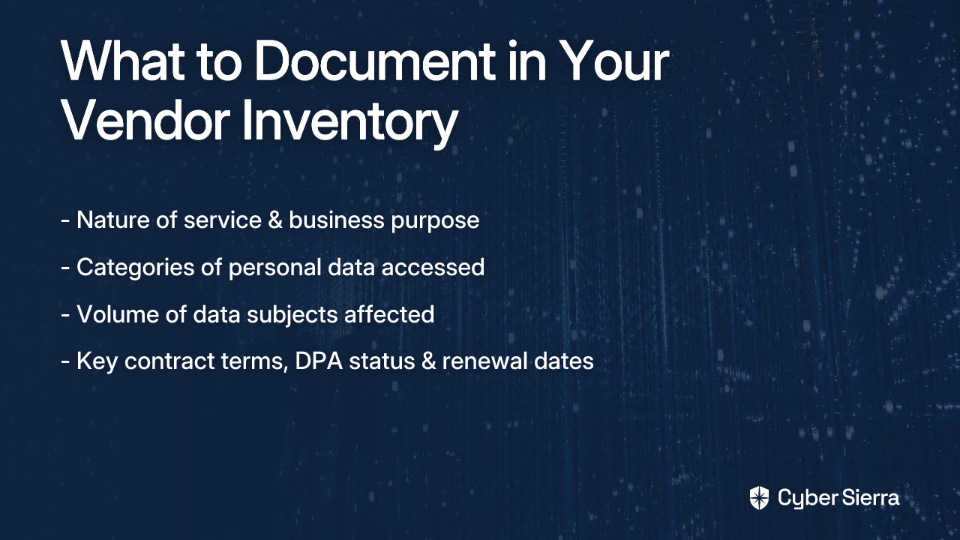
For each vendor, document:
- The nature of their service: and the business purpose behind the data sharing
- Categories of personal data: they access, process, or store (e.g., names, NRIC numbers, health records, financial data)
- Volume of data subjects: affected
- Key contract terms: DPA status, and renewal dates
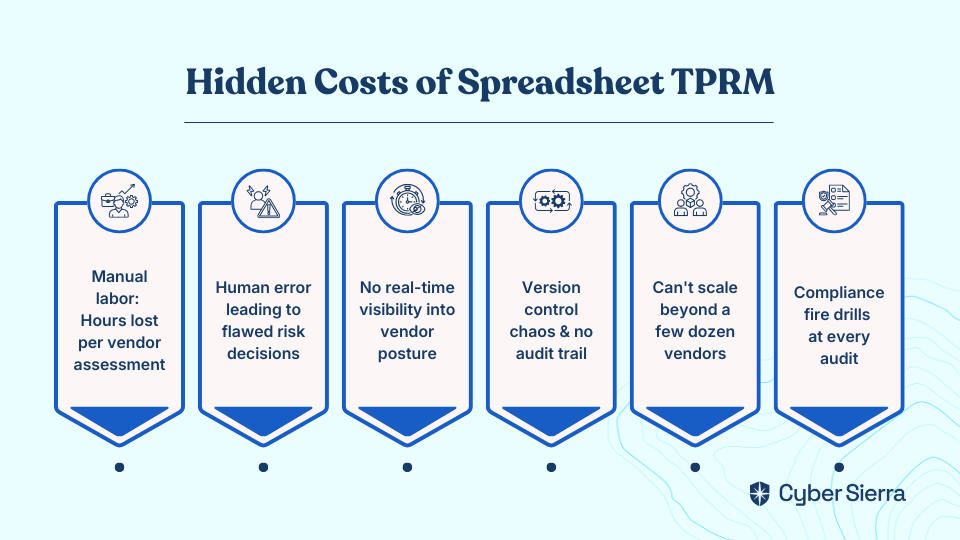
- The manual approach: Most teams start — and unfortunately stay — with spreadsheets. As one IT manager described it, the "certs, risk docs, and endless follow-ups" can become a full-time job. These sheets are updated sporadically, fall out of date, and create an unmanageable pile of risk hiding in plain sight.
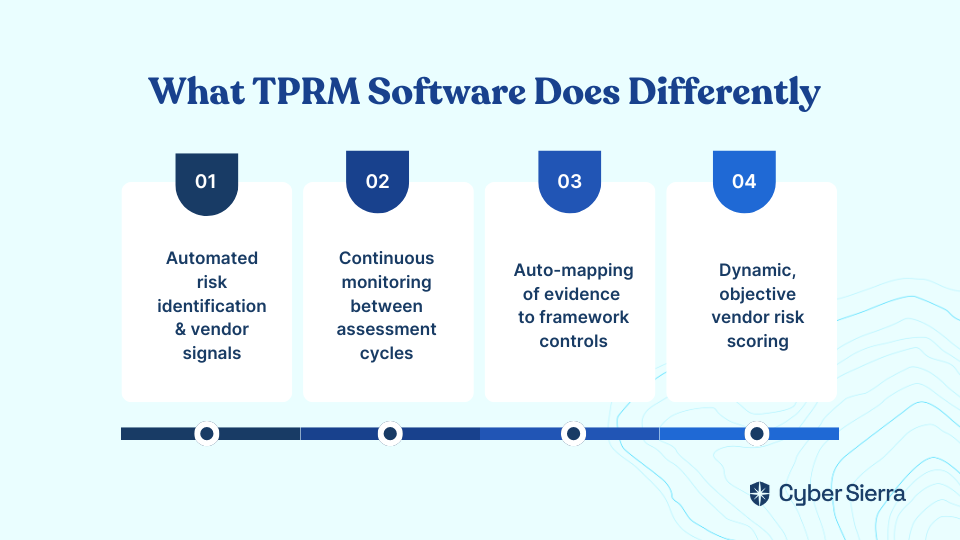
- The better approach: A dedicated TPRM platform creates a centralized, dynamic vendor register — a single source of truth that links each vendor to the specific data they access and the assets they touch, updated continuously.
📋 PDPA Obligation Mapping Accountability Obligation — Organizations must be responsible for personal data in their possession or under their control, which explicitly includes data handled by third-party vendors. A complete, maintained vendor inventory is your first proof of this control. (PDPC Guide to DPMP, Aug 2023)
Step 2: Tier Your Vendors by Risk Level
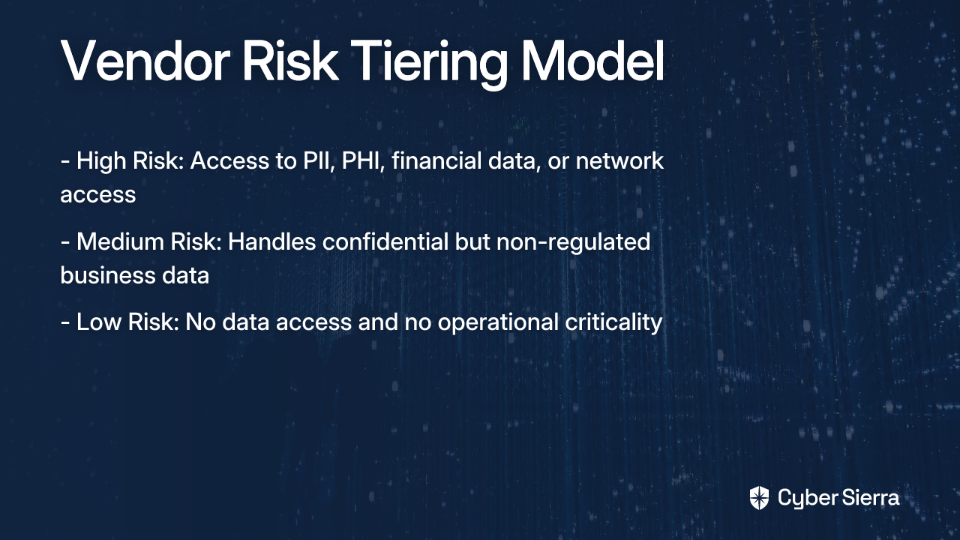
Not every vendor deserves the same level of scrutiny. A vendor with access to thousands of patient health records poses fundamentally different risk than your office supplies platform. Risk tiering lets you allocate your due diligence resources where they matter most.
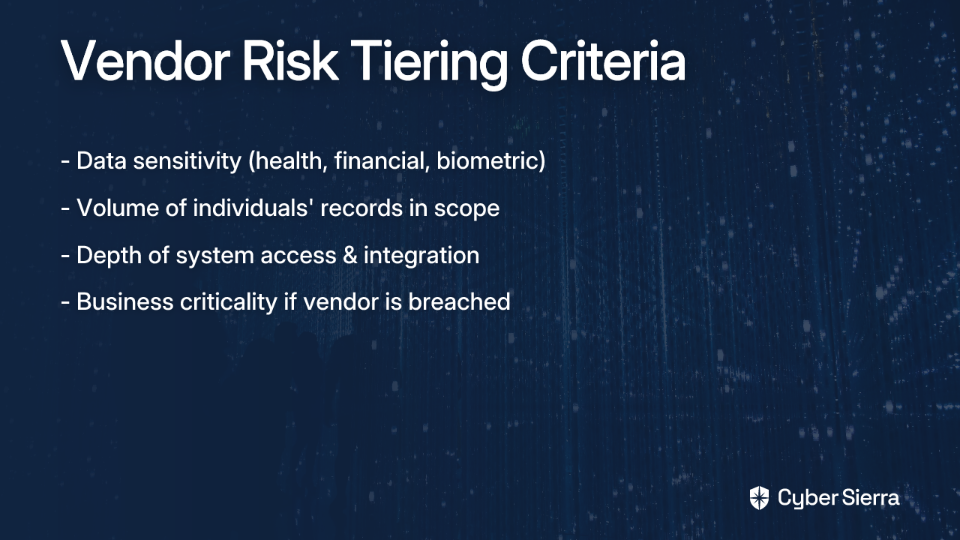
Classify vendors into High / Medium / Low tiers based on:
- Data sensitivity: Are they handling sensitive personal data like health, financial, or biometric info?
- Data volume: How many individuals' records are in scope?
- System access depth: Do they have deep integration into your critical infrastructure?
- Business criticality: What's the operational impact if this vendor goes down or is breached?
- The manual approach: Risk categorization is done by gut feel during initial onboarding and never revisited. High-risk vendors may not receive the scrutiny they warrant because the classification wasn't updated after the relationship evolved.
- The better approach: Automated risk scoring is based on predefined, objective criteria. Risk scores update dynamically as new information emerges — so a vendor that expands their data access or suffers a public breach is automatically re-tiered for review.
📋 PDPA Obligation Mapping Accountability Obligation — A risk-based approach to vendor management demonstrates that your organization has actively considered and is controlling the risks associated with third-party data processing, a clear expectation under the PDPC's advisory guidelines.
Step 3: Enforce Contractual Due Diligence with Robust DPAs
Contracts and Data Processing Agreements (DPAs) are your primary legal lever for enforcing PDPA compliance down the supply chain. A verbal commitment or a vendor's self-attestation is not sufficient — you need written, enforceable obligations.
Every DPA with a high-risk vendor should include:
- Scope and purpose limitation: Personal data may only be used for the specific, agreed purpose.
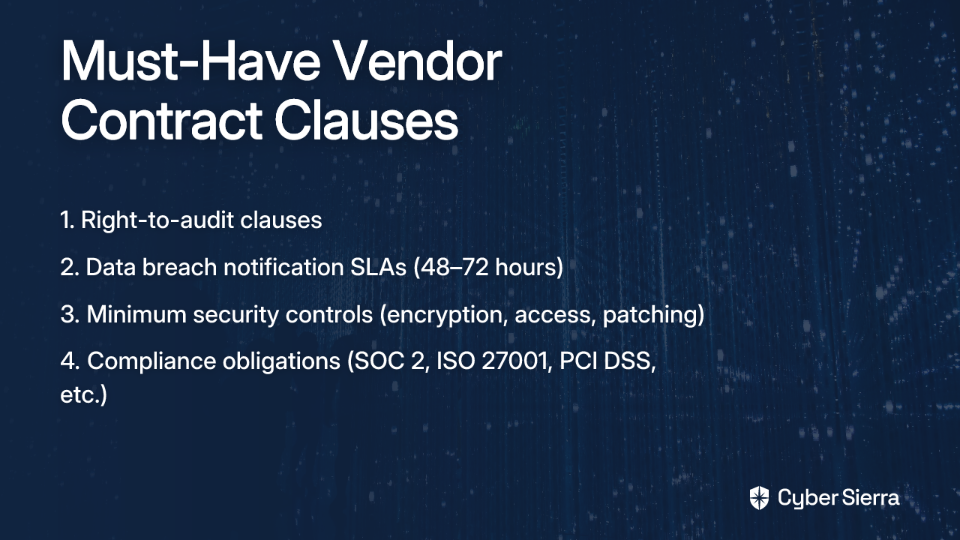
- Security requirements: Mandate technical controls (encryption, access management) and require evidence of certifications like ISO 27001 or SOC 2.
- Breach notification timelines: Define clear procedures so you can meet your own PDPA reporting obligations.
- Sub-processor controls: Require approval before your vendor engages their own vendors with your data.
- Audit rights: Reserve the right to review their security practices.
- Data handling on termination: Ensure secure deletion or return of personal data when the contract ends.
- The manual approach: Legal teams manually review contracts vendor by vendor. It's time-consuming, expensive, inconsistent, and easy to miss PDPA-specific clauses — especially when you're managing dozens of vendors simultaneously.
- The better approach: Compliance management tools with pre-built DPA templates and automated workflows that flag non-compliant or missing clauses, track contract renewal dates, and maintain an accessible central repository of all vendor agreements.
📋 PDPA Obligation Mapping Protection Obligation — The PDPC explicitly expects organizations to have written contractual arrangements ensuring vendors provide a comparable standard of data protection. A DPA is not optional; it is the regulatory baseline for any vendor handling personal data on your behalf.
Step 4: Automate Security Assessment Questionnaires
Before onboarding any vendor — and periodically throughout the relationship — you need to assess their security posture. Standardized security questionnaires are the primary tool for this. But as many teams find, if you've ever thought, "I wish there was a straightforward checklist for PDPA compliance," the manual process is where most programs grind to a halt.
- The manual approach: Building questionnaires from scratch, emailing them out, chasing responses via follow-up emails, and consolidating answers into yet another spreadsheet. This is the process security professionals describe as a "massive operational bottleneck." Some teams have resorted to building 180-question standardized questionnaires just to keep things consistent — and then still manage the responses by hand.
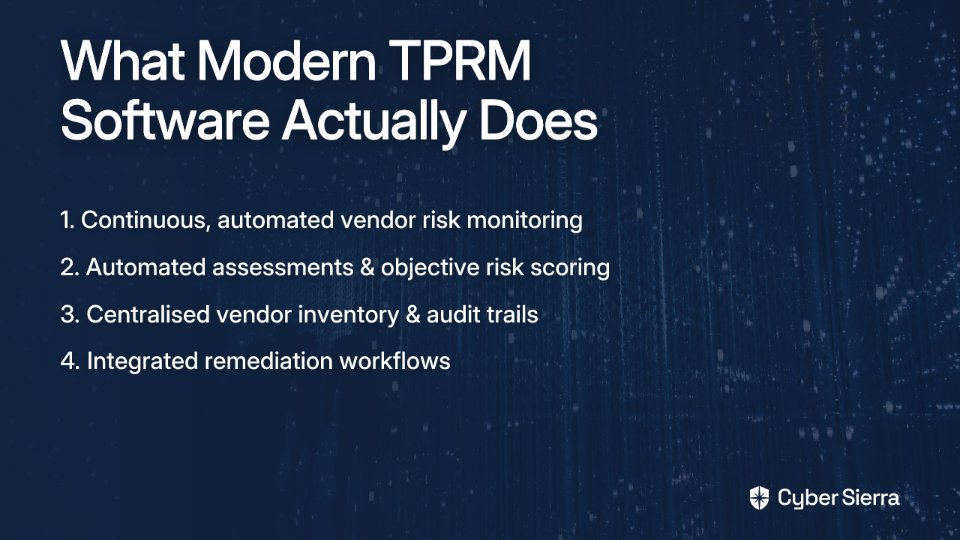
- The automated approach with Cyber Sierra: Cyber Sierra's TPRM platform automates the entire assessment lifecycle:
- Centralized distribution: Send questionnaires from a single platform with automated follow-up reminders — no more chasing vendors over email.
- Aggregated responses: Vendor answers are collected and analyzed in one place, making it easy to compare security postures across your portfolio.
- Automated risk flagging: The platform automatically identifies risky or non-compliant answers, surfacing the issues that need your attention without requiring manual review of every line.
- Scalable onboarding: As your vendor roster grows, the assessment process scales with it — without growing your headcount.
📋 PDPA Obligation Mapping Protection Obligation — Ongoing vendor security assessments are part of demonstrating that your organization has put in place "reasonable security arrangements" to protect personal data. PDPC enforcement cases have repeatedly shown that organizations cannot rely solely on a vendor's reputation or certifications; active due diligence is expected.
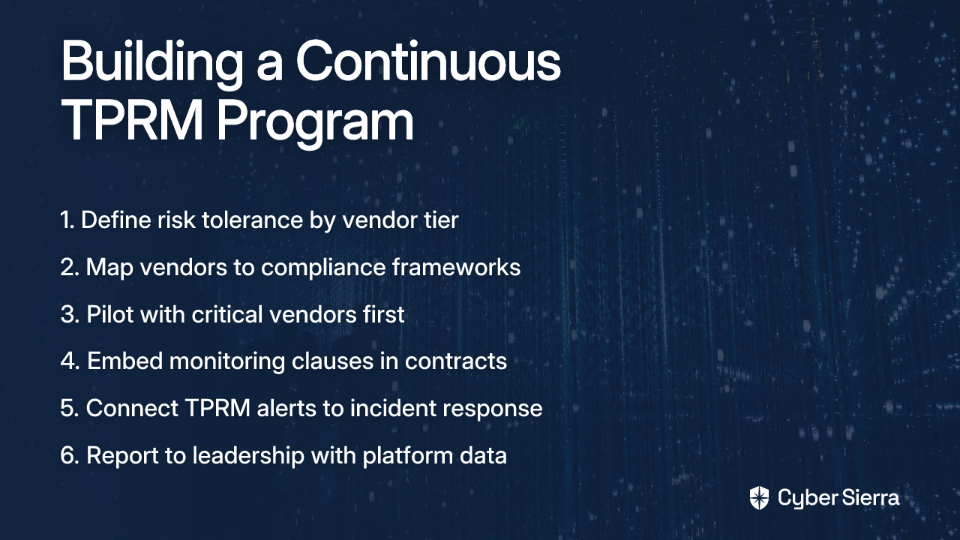
Step 5: Implement Continuous Vendor Monitoring
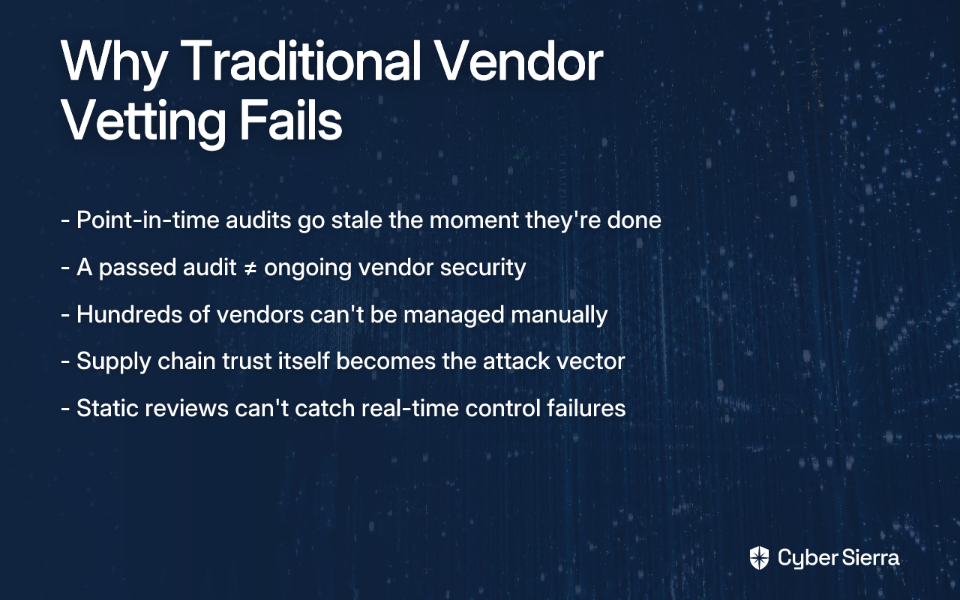
A vendor's security posture at the time of onboarding is not a guarantee of their posture six months later. Annual questionnaire reviews are effectively blind spots in disguise — any breach, misconfiguration, or new vulnerability that emerges between cycles goes completely undetected.
As one cybersecurity practitioner put it on Reddit, "Breach monitoring can be extremely valuable, especially if your vendor has a breach but doesn't tell you." That scenario — a vendor suffering a data incident and failing to notify you promptly — is exactly the kind of situation that compounds your own PDPA exposure.
- The manual approach: Relying on annual questionnaires and vendor self-attestations, supplemented by the occasional audit. Between those touchpoints, you are effectively flying blind.
- The automated approach with Cyber Sierra: Cyber Sierra's Continuous Control Monitoring (CCM) integrates with the TPRM module to provide near real-time visibility into your vendors' ongoing security compliance:
- 24/7 external monitoring: Continuously tracks vendor security posture and surface-level vulnerabilities.
- Proactive alerts: Automatically flags new security gaps, misconfigurations, or emerging risks, enabling your team to act before an incident occurs.
- Beyond static questionnaires: Moves from point-in-time snapshots to a living, continuously updated risk picture — providing the kind of actionable intelligence that static forms simply can't deliver.
📋 PDPA Obligation Mapping Protection Obligation (Ongoing) — The PDPC's guidance and enforcement history make clear that demonstrating "reasonable security arrangements" is a continuous obligation, not a one-time checkbox. Point-in-time assessments alone are insufficient evidence of due diligence.
Step 6: Formalize Remediation Tracking
Finding a risk is only half the work. Without a structured process to track and verify remediation, identified issues can linger indefinitely — and an unresolved risk is a liability waiting to materialize.
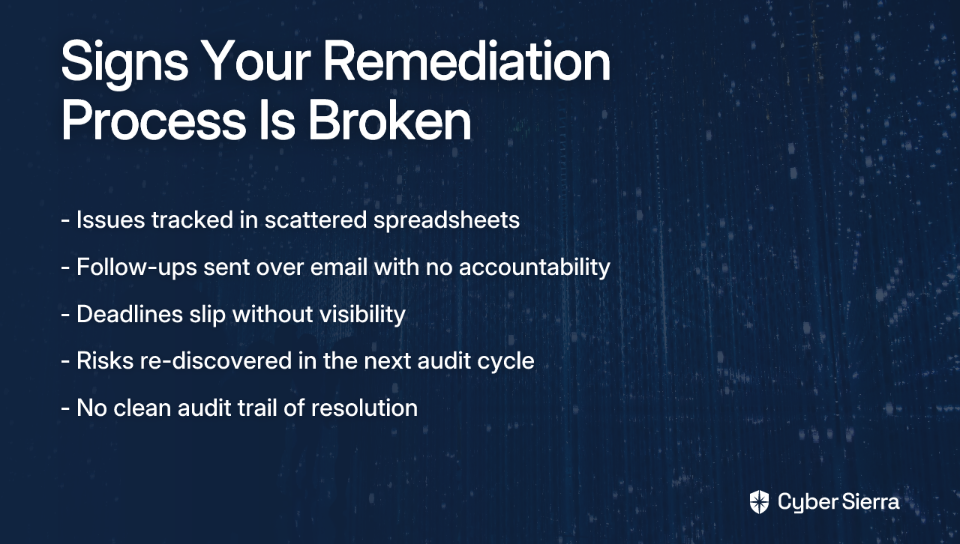
- The manual approach: Logging issues in a shared spreadsheet, sending follow-up emails, and hoping someone updates the status column. Deadlines slip, risks get re-discovered in the next assessment cycle, and there's no clean audit trail proving the issue was actually resolved.
- The automated approach with Cyber Sierra: Cyber Sierra's TPRM platform manages the full remediation lifecycle:
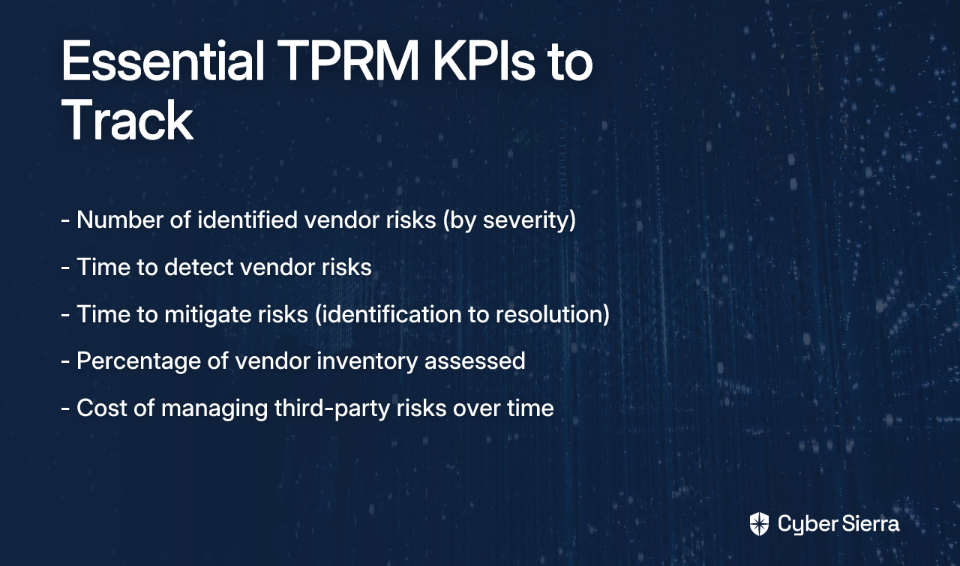
- Centralized risk register: Issues identified through assessments or continuous monitoring are automatically logged with severity ratings and context.
- Task assignment and deadlines: Remediation tasks are assigned to specific owners — internal team members or vendor contacts — with tracked deadlines.
- Real-time dashboards: Give leadership and compliance teams clear visibility into all open risks, their severity, and current remediation status at any given moment.
This transforms remediation from a fragmented email chain into an organized, transparent process with a clear audit trail.
📋 PDPA Obligation Mapping Accountability Obligation — Being able to demonstrate that your organization not only identified vendor risks but actively managed and remediated them is critical evidence of accountability. This is particularly important during a PDPC investigation following an incident.
Step 7: Maintain Audit-Ready Documentation
In compliance, the rule is simple: if it isn't documented, it didn't happen. Your entire vendor risk management program — every assessment, every identified risk, every remediation action, every contract — needs to be organized, accessible, and ready to present to auditors or regulators on short notice.
- The manual approach: Contracts sitting in email inboxes, assessment reports saved across different shared drives, and remediation evidence scattered in Slack threads. As one IT manager put it, "Trying to stay audit-ready in that mess was nearly impossible." When an auditor or the PDPC comes knocking, scrambling to reconstruct a paper trail is not a position you want to be in.
- The automated approach with Cyber Sierra: Cyber Sierra's GRC module serves as the system of record for your entire VRM program:
- Centralized repository: All vendor contracts, DPAs, assessment reports, security certifications, and remediation evidence stored in one organized, searchable location.
- Automated audit trails: An immutable, time-stamped log of every VRM activity — from the initial onboarding assessment through to final risk remediation — is maintained automatically.
- One-click reporting: Generate comprehensive reports for management reviews or regulator submissions in minutes, not days — dramatically reducing the stress and prep time associated with compliance audits.
📋 PDPA Obligation Mapping Accountability Obligation — The PDPC expects organizations to be able to demonstrate their data protection practices. Comprehensive, well-organized documentation of your vendor risk management program is your most powerful proof of compliance. Without it, even a perfectly run program offers little protection during an investigation.

Your Path to Audit-Ready Vendor Management
Managing vendor risk under Singapore's PDPA isn't just a best practice; it's a legal obligation. The core takeaway is simple: your organization is accountable for your vendors' security failures, and manual spreadsheets are no longer a viable tool for managing this complex, ongoing responsibility.
A structured, automated approach is the only way to stay compliant and secure at scale. This means moving from fragmented emails and out-of-date records to a centralized system that gives you real-time visibility into your supply chain risk.
Your first step today can be straightforward: start building your vendor inventory. Just list every third party with access to your data. This simple action is the foundation of your entire program and clarifies the scope of your risk.
When you’re ready to see how automation can transform this process from a manual burden into a strategic advantage, we can show you how Cyber Sierra streamlines everything from questionnaires to continuous monitoring. See TPRM automation in action and learn how you can build an audit-ready vendor risk program in a fraction of the time.
Frequently Asked Questions
What is vendor risk management under PDPA?
Vendor risk management under PDPA is the process of ensuring that third-party vendors who handle your customers' personal data do so in compliance with Singapore's data protection laws. This involves identifying, assessing, and mitigating risks posed by vendors to protect data and meet your legal duties.
Why is my business responsible for a vendor's data breach?
Your business is responsible because the PDPA's Accountability Obligation states that you are accountable for personal data "in your possession or under your control." This control extends to data you entrust to third-party vendors, making you liable for their security failures.
How often should I assess my vendors for PDPA compliance?
High-risk vendors should be assessed at least annually, with continuous monitoring for real-time threats. Lower-risk vendors can be assessed less frequently, such as every 18-24 months. The key is to adopt a risk-based approach, focusing your efforts where the potential for harm is greatest.
What is the most important first step in vendor risk management?
The most important first step is creating a centralized vendor inventory. You cannot manage or protect data handled by vendors if you don't have a complete, up-to-date record of who they are, what data they access, and the services they provide. This inventory is the foundation of your entire program.
What is a Data Processing Agreement (DPA) and why is it essential for PDPA?
A Data Processing Agreement (DPA) is a legally binding contract that defines how a vendor will handle personal data on your behalf. It is essential for PDPA compliance as it contractually enforces your data protection standards on the vendor, fulfilling a key part of the Protection Obligation.
How can I manage vendor risk without using spreadsheets?
You can manage vendor risk without spreadsheets by using a dedicated Third-Party Risk Management (TPRM) platform. These tools automate questionnaires, track remediation, provide continuous monitoring, and centralize all documentation, replacing manual, error-prone spreadsheet-based processes.