15 Cybersecurity Risk Register Templates for Different Industry Compliance Needs

Join thousands of professionals and get the latest insight on Compliance & Cybersecurity.
Summary
- Many companies rely on outdated spreadsheets for their risk registers, which are prone to errors and lack the real-time visibility needed to manage modern cybersecurity threats.
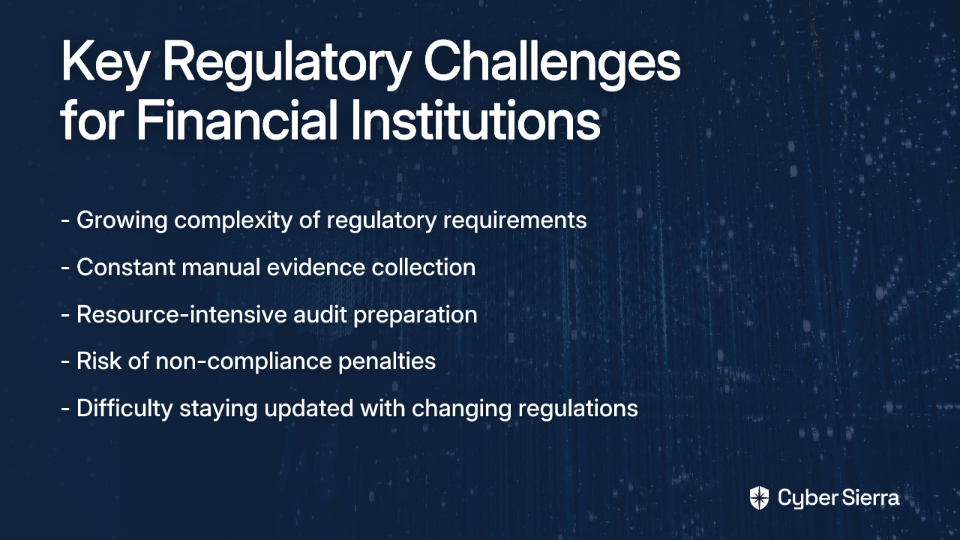
- This guide provides 15 free, downloadable risk register templates tailored to specific industries and compliance frameworks like HIPAA, PCI DSS, and SOC 2.
- To mature your security program, it's essential to move beyond static templates and adopt best practices such as risk prioritization and cross-functional collaboration.
- For a dynamic approach, consider an automated GRC platform like Cybersierra to gain real-time insights and streamline compliance through continuous control monitoring.
In the ever-evolving landscape of cybersecurity, maintaining an effective risk register is no longer optional—it's essential. Yet as one cybersecurity professional candidly shared on Reddit, "Never worked at a place that was high enough functioning to maintain a risk register," while another simply responded "Excel LOL" when asked about their risk management tool of choice.
Sound familiar? You're not alone.
Many organizations struggle with outdated, manual approaches to risk management that fail to deliver the real-time insights needed to stay ahead of threats. Whether you're relying on the ubiquitous "Excel LOL" approach or simply trying to find a template that senior stakeholders will actually use, this guide will provide practical, industry-specific solutions.
What is a Cybersecurity Risk Register?
A cybersecurity risk register is a centralized document that catalogs all identified cybersecurity risks, their potential impacts, and planned mitigation strategies. It serves as a living document in a constantly evolving threat landscape, providing:
- A tactical overview of vulnerabilities and attack vectors
- Guidance for smarter cybersecurity investments by highlighting high-risk areas
- Documented proof of proactive risk management for regulatory compliance
While templates provide an excellent starting point, the reality is that manual spreadsheets often become outdated, lack data integrity, and hinder collaboration. That's why we'll not only share 15 practical, industry-specific templates but also show you the path toward a more mature, automated risk management program.
Let's dive in!

15 Industry-Specific Risk Register Templates
1. The Dynamic Risk Register: Cyber Sierra's GRC Platform
While traditional templates serve as a starting point, spreadsheets ultimately fail where modern cybersecurity demands excel: real-time insights, collaboration, and automation. That's where Cyber Sierra's Governance, Risk & Compliance (GRC) platform comes in—transforming your static risk register into a dynamic, intelligent system.
Key Features:
- Automated Data Collection: Eliminate manual data entry and human error through automated risk assessments
- Continuous Control Monitoring: Gain near real-time visibility into security controls across multiple frameworks (SOC2, ISO 27001, GDPR, HIPAA, etc.)
- Interactive Dashboard: Provide stakeholders with an intuitive visual interface that transforms complex risk data into actionable insights

Cyber Sierra's platform addresses the primary pain point expressed by many security professionals: finding a system that "senior stakeholders are comfortable using." The intuitive dashboard transforms complex risk data into visual insights that executives can easily understand and act upon.
2. Healthcare & HealthTech Risk Register (HIPAA)
Healthcare organizations face unique challenges in protecting sensitive patient information while maintaining compliance with HIPAA regulations.
Template Fields:
- Standard fields: Risk ID, Description, Likelihood, Impact, Score, Owner, Status
- Industry-specific fields:
- PHI Data Types Involved
- Business Associate Agreement (BAA) Status
- Impact on Patient Safety
- HIPAA Security Rule Control Mapping
Download: Healthcare HIPAA Risk Register Template
Automation Opportunity: Cyber Sierra's Continuous Control Monitoring can automatically verify access controls to systems containing PHI, generating evidence for HIPAA compliance in real-time rather than during annual audits.
3. Financial Services Risk Register (PCI DSS)
Financial institutions handling payment card data must adhere to the strict requirements of PCI DSS to protect customer financial information.
Template Fields:
- Standard fields
- Industry-specific fields:
- PCI-DSS Requirement Mapping
- Cardholder Data Environment (CDE) Impact
- Affected System Component
- Third-Party Vendor Risk Tier
Download: Financial Services PCI DSS Risk Register Template
4. Financial Services Risk Register (GLBA)
Financial institutions must also comply with the Gramm-Leach-Bliley Act (GLBA) to ensure the security of customer financial information.
Template Fields:
- Standard fields
- Industry-specific fields:
- Nonpublic Personal Information (NPI) Involved
- GLBA Safeguards Rule Control
- Financial Impact Classification
- Vendor Due Diligence Status
Download: GLBA Risk Register Template
5. Financial Services Risk Register (SOX)
Public companies must ensure proper internal controls over financial reporting as mandated by the Sarbanes-Oxley Act (SOX).
Template Fields:
- Standard fields
- Industry-specific fields:
- Internal Control over Financial Reporting (ICFR) ID
- SOX Section Reference (302, 404)
- IT General Control (ITGC) Category
- Audit Trail Requirement
Download: SOX Risk Register Template
6. Technology & SaaS Risk Register (SOC 2)
Technology companies and SaaS providers often need SOC 2 compliance to demonstrate their commitment to security, availability, processing integrity, confidentiality, and privacy.
Template Fields:
- Standard fields
- Industry-specific fields:
- SOC 2 Trust Service Criteria Mapping
- Service Level Agreement (SLA) Impact
- Customer Data Environment
- Sub-processor Risk
Download: SOC 2 Risk Register Template
7. Technology & SaaS Risk Register (ISO 27001)
Organizations seeking international recognition for their information security management systems often pursue ISO 27001 certification.
Template Fields:
- Standard fields
- Industry-specific fields:
- ISO 27001 Annex A Control Reference
- Statement of Applicability (SoA) Status
- ISMS Objective Alignment
- Information Asset Owner
Download: ISO 27001 Risk Register Template
8. Global Operations Risk Register (GDPR)
Organizations processing personal data of EU residents must comply with the General Data Protection Regulation (GDPR).
Template Fields:
- Standard fields
- Industry-specific fields:
- Personal Data Category (Art. 9)
- Legal Basis for Processing
- Data Protection Impact Assessment (DPIA) Required
- Data Processing Agreement (DPA) Status
- Cross-Border Transfer Mechanism
Download: GDPR Risk Register Template
9. Retail & E-commerce Risk Register (PCI DSS)
Retailers and e-commerce businesses handling payment card information need specialized risk management approaches tailored to their unique operational environments.
Template Fields:
- Standard fields
- Industry-specific fields:
- PCI-DSS Requirement Mapping
- Point-of-Sale (POS) System Impact
- Seasonal Risk Factor (e.g., Holiday Season)
- Payment Gateway Dependency
Download: Retail PCI DSS Risk Register Template
10. Manufacturing Risk Register (OT/ICS)
Manufacturing organizations must address the unique security challenges of operational technology (OT) and industrial control systems (ICS).
Template Fields:
- Standard fields
- Industry-specific fields:
- System Type (IT vs. OT/ICS)
- Physical Safety Impact
- Supply Chain Dependency Level
- Production Downtime Estimate
Download: Manufacturing OT/ICS Risk Register Template
11. US Federal Government Contractor Risk Register (FISMA)
Government contractors must adhere to the Federal Information Security Management Act (FISMA) requirements.
Template Fields:
- Standard fields
- Industry-specific fields:
- FIPS 199 Impact Level (Low, Mod, High)
- NIST SP 800-53 Control Family
- System Security Plan (SSP) Reference
- Authorization to Operate (ATO) Status
Download: FISMA Risk Register Template
12. Defense Contractor Risk Register (DFARS/CMMC)
Defense contractors handling Controlled Unclassified Information (CUI) must comply with DFARS and CMMC requirements.
Template Fields:
- Standard fields
- Industry-specific fields:
- CMMC Level/Domain
- Controlled Unclassified Information (CUI) Type
- NIST SP 800-171 Requirement
- Flow-down to Subcontractors
Download: DFARS/CMMC Risk Register Template
13. Energy Sector Risk Register (NERC CIP)
Energy providers must comply with North American Electric Reliability Corporation Critical Infrastructure Protection (NERC CIP) standards.
Template Fields:
- Standard fields
- Industry-specific fields:
- NERC CIP Standard Reference
- BES Cyber System Categorization
- Electronic Security Perimeter (ESP) Impact
- Physical Security Impact
Download: NERC CIP Risk Register Template
14. Consumer Business Risk Register (CCPA/CPRA)
Businesses handling California residents' personal information must comply with the California Consumer Privacy Act (CCPA) and California Privacy Rights Act (CPRA).
Template Fields:
- Standard fields
- Industry-specific fields:
- Personal Information (PI) Category
- Business Purpose for Collection
- "Do Not Sell/Share" Applicability
- Consumer Request Fulfillment Process
Download: CCPA/CPRA Risk Register Template
15. Startups & SMBs Risk Register (NIST CSF)
For smaller organizations without heavy regulatory burdens, a simplified template based on the NIST Cybersecurity Framework provides a solid foundation.
Template Fields:
Risk ID | Risk Description | Threat Source | Vulnerability | NIST CSF Function | Likelihood (1-5) | Impact (1-5) | Risk Score | Mitigation Actions | Owner | Status
Download: NIST CSF Risk Register Template
The Limits of Manual Templates
While these templates provide an excellent starting point, manually maintained risk registers face significant challenges:
- Data Overload: As your organization grows, the volume of risks becomes unmanageable in spreadsheets
- Inconsistent Data Quality: Manual entry leads to inconsistencies and errors
- Human Error: Simple mistakes in formulas or data entry can lead to incorrect risk assessments
- Lack of Real-Time Visibility: Static templates quickly become outdated in a rapidly evolving threat landscape
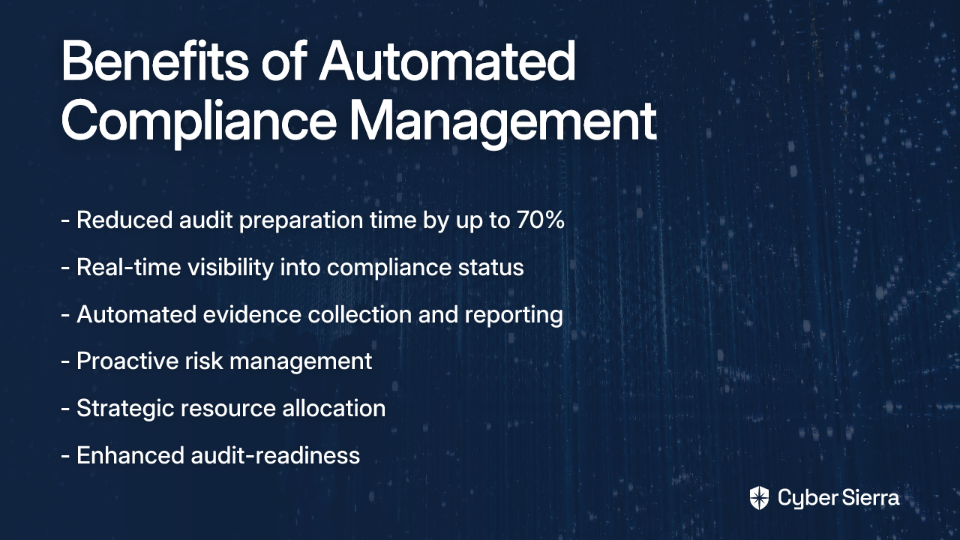
This is where Continuous Control Monitoring (CCM) transforms risk management from periodic, manual checks to a continuous, automated process. By implementing a CCM solution like Cyber Sierra's platform, organizations can:
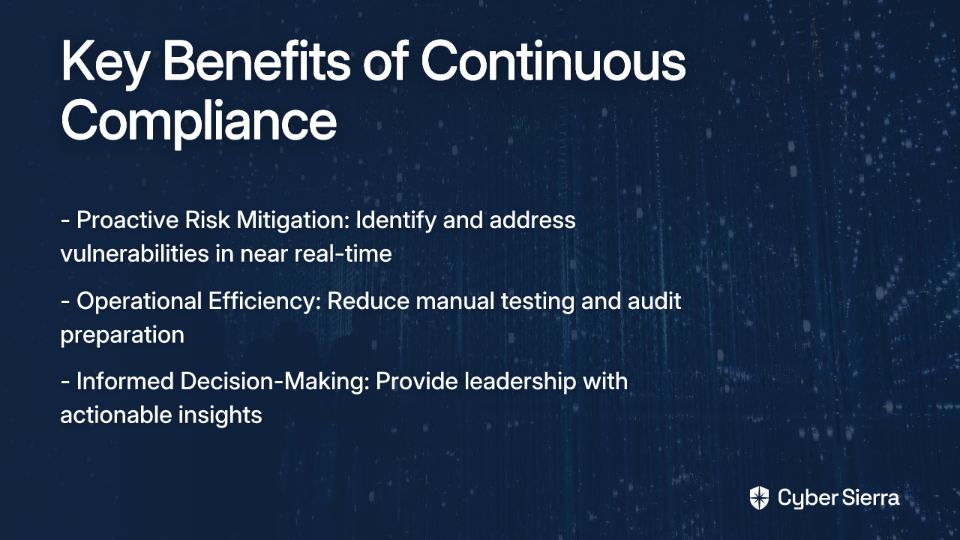
- Proactively identify and address risks before they lead to incidents
- Increase operational efficiency by automating evidence collection
- Make informed decisions based on real-time risk intelligence
- Maintain continuous compliance with regulatory requirements

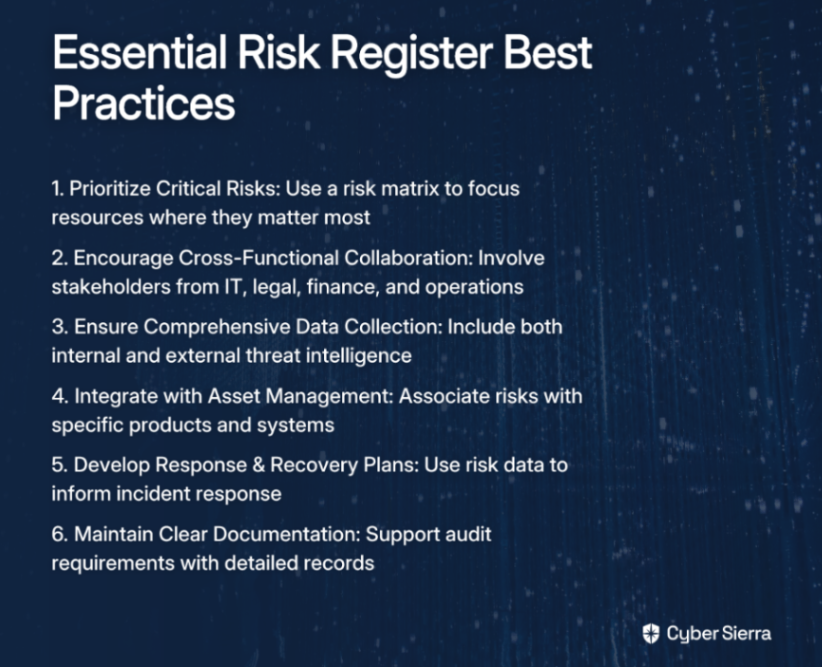
Best Practices for Any Risk Register
Whether you're using a manual template or an automated platform, these best practices will help maximize the effectiveness of your risk register:
Conclusion
The journey from spreadsheets to a mature, automated risk management program is essential for organizations facing today's complex threat landscape. While industry-specific templates provide a solid foundation, they're just the first step.
As your organization grows and your security program matures, consider transitioning to an automated platform like Cyber Sierra's GRC solution that provides the real-time risk intelligence needed to stay ahead of threats.
Frequently Asked Questions
What is a cybersecurity risk register?
A cybersecurity risk register is a centralized document used to identify, track, and manage potential security risks. It catalogs each risk, its potential impact, and planned mitigation strategies, serving as a key tool for proactive risk management.
Why is Excel not ideal for managing a risk register?
Excel is not ideal for risk registers because it lacks real-time visibility, is prone to human error, and hinders collaboration. Manual spreadsheets quickly become outdated and cannot provide the dynamic insights needed to manage a modern threat landscape.
How do I choose the right risk register template for my industry?
To choose the right template, identify the specific compliance frameworks your industry must adhere to, such as HIPAA for healthcare or PCI DSS for finance. A good template will include fields that map directly to these industry-specific requirements.
What are the essential components of any risk register?
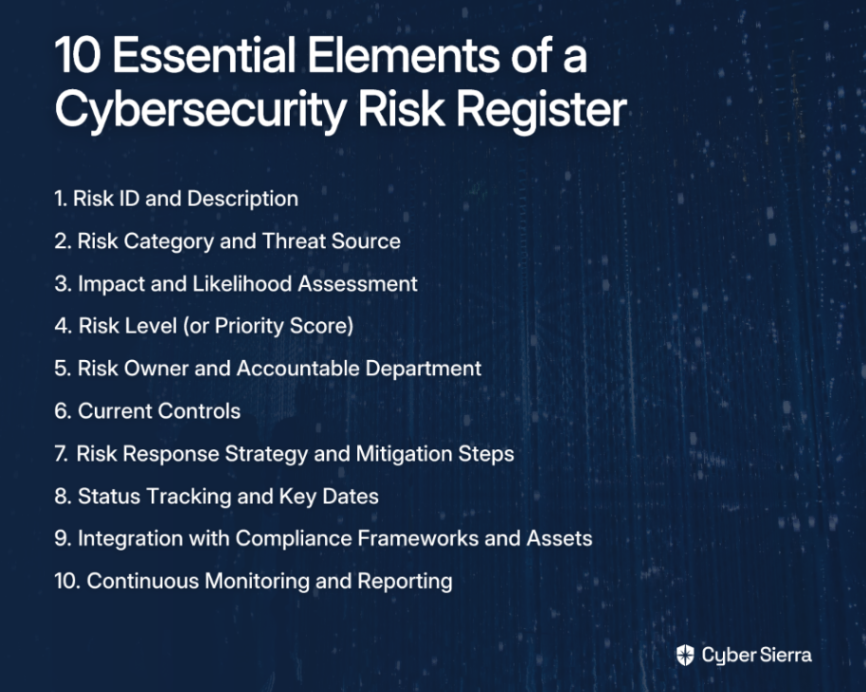
Every effective risk register should include a risk ID, description, likelihood and impact scores, a calculated risk level, mitigation plans, an assigned owner, and current status. These components ensure comprehensive tracking and accountability.
How often should a cybersecurity risk register be reviewed?
A risk register should be a living document, reviewed continuously as new threats emerge. Formal reviews should occur quarterly or semi-annually, but high-priority risks may require more frequent attention to ensure mitigation efforts are effective.
How can I improve stakeholder engagement with our risk register?
Improve engagement by using visual tools and dashboards that translate complex data into clear, actionable insights. Automated GRC platforms provide intuitive interfaces that make risk management data accessible and easy for senior leadership to act upon.
Ready to move beyond the spreadsheet? Book a demo of Cyber Sierra's GRC platform today and discover how automation can transform your approach to cybersecurity risk management.