Why Your Employees Are Your Biggest Data Security Compliance Risk (And How to Fix It)


Join thousands of professionals and get the latest insight on Compliance & Cybersecurity.
Summary
- Human error causes up to 95% of data breaches, with the average incident costing businesses nearly $5 million.
- Most insider threats are accidental, not malicious, but simple mistakes can still trigger severe compliance penalties under regulations like GDPR and HIPAA.
- A multi-layered defense is essential, combining continuous employee training, strict access controls (Principle of Least Privilege), and technical safeguards like MFA.
- Cyber Sierra's Employee Security Training helps build this human firewall by automating phishing simulations and providing measurable, continuous learning to strengthen your security culture.
It's a thought that keeps CISOs up at night: "What if an employee stole our data?" Or worse, what if a simple, unintentional mistake by a trusted team member spirals into a multi-million dollar data breach? As one developer on Reddit noted, "It's impossible to completely separate the access needed for an employee to do their job from the access an employee might need to do something illegal."
This isn't just paranoia; it's a statistical reality. The human element is the single greatest variable in cybersecurity. A staggering 95% of data breaches in 2024 were attributed to human error, according to a study by Mimecast.
The consequences go far beyond technical cleanup. Employee actions are a primary trigger for severe compliance violations under regulations like GDPR and HIPAA, leading to massive fines and reputational damage that can take years to repair.
This article will break down why employees are your biggest compliance risk and provide a comprehensive, actionable playbook for building a "human firewall" that not only reduces breach risk but also solidifies your data security and compliance posture.
The Human Factor: Your Greatest Asset and Biggest Liability
The "insider threat" isn't just one type of person or action. It's a spectrum of risk, from the well-intentioned but unaware to the deliberately malicious.
The Alarming Statistics of Human-Driven Breaches
The numbers tell a sobering story about the impact of human error on data security:
- 68% of data breaches are caused by human error (Verizon DBIR)
- The average cost of a data breach has climbed to $4.88 million per incident (Teramind)
- For incidents specifically driven by insiders, the average cost balloons to approximately $13.9 million per organization (Infosecurity Magazine)
- A mere 8% of employees were found to be responsible for 80% of security incidents (Infosecurity Magazine)
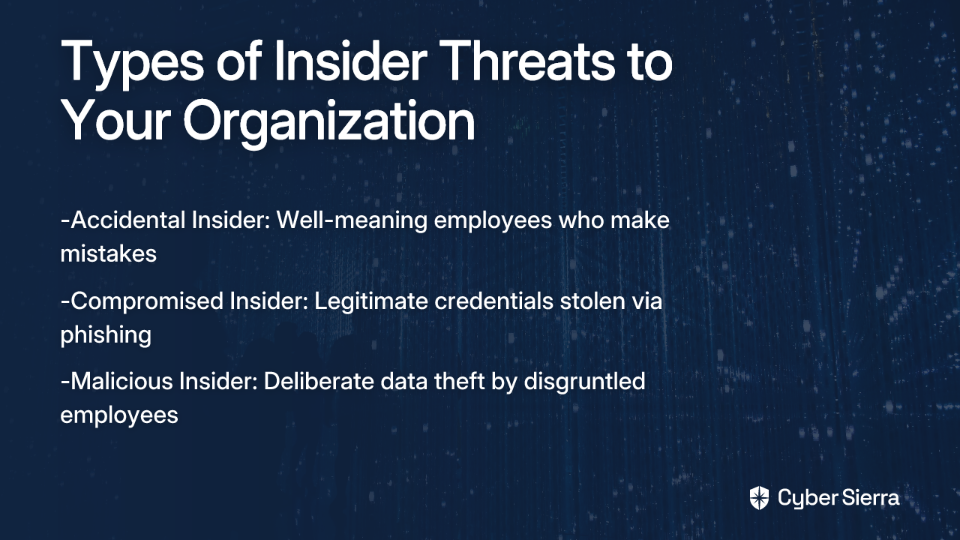
The Three Faces of Insider Risk
1. The Accidental Insider (Negligence)
The most common risk comes from well-meaning employees who simply make mistakes:
- Actions: Falling for phishing attacks, using weak passwords, sending sensitive data to the wrong person, or losing a company device
- Impact: 29% of companies report losing customers due to employee email errors (Teramind). Phishing remains the leading cause of breaches, responsible for 41% of initial access incidents (IBM's X-Force Threat Intelligence Index)
2. The Compromised Insider (Stolen Credentials)
When a threat actor gains access using a legitimate employee's credentials:
- Scenario: An employee clicks on a sophisticated phishing link, giving an attacker access to their login details
- Real-World Example: The massive UnitedHealth/Change Healthcare ransomware attack was linked to a credential compromise via phishing, highlighting how one employee's compromised account can disrupt an entire industry (Infosecurity Magazine)
3. The Malicious Insider (Intentional Sabotage)
The risk that directly addresses the fear of deliberate data theft:
- Scenario: A disgruntled or departing employee intentionally exfiltrates confidential data
- Real-World Examples:
From Human Error to Compliance Nightmare
A simple employee mistake isn't just a security incident; it's a direct compliance violation with severe penalties. Regulators don't care about intent—they care about impact and whether you took "appropriate measures" to prevent it.
GDPR (General Data Protection Regulation)
- Requirement: Article 32 of GDPR mandates organizations implement "appropriate technical and organisational measures" to ensure data security. This explicitly includes training and awareness.
- How Employees Cause Violations:
- A marketing employee sending a bulk email without using BCC, exposing the entire recipient list
- An HR manager emailing an unencrypted spreadsheet with employee PII to a personal account to work from home
- Consequence: Fines up to €20 million or 4% of global annual turnover, whichever is higher
HIPAA (Health Insurance Portability and Accountability Act)
- Requirement: The HIPAA Security Rule requires covered entities to implement administrative, physical, and technical safeguards for electronic Protected Health Information (ePHI).
- Common Employee-Related HIPAA Violations (Secureframe):
- Unauthorized PHI Disclosure: A nurse discussing a patient's condition in a public cafeteria
- Inadequate ePHI Security: A doctor losing an unencrypted flash drive containing patient records. This exact scenario led to a major fine for the University of Rochester Medical Center
- Failure to Conduct Risk Analysis: IT staff failing to identify and mitigate vulnerabilities, which employees then accidentally exploit
- Lack of Training: An employee leaving a workstation with ePHI visible and unattended
- Consequence: Civil and criminal penalties, mandatory corrective action plans, and immense reputational damage
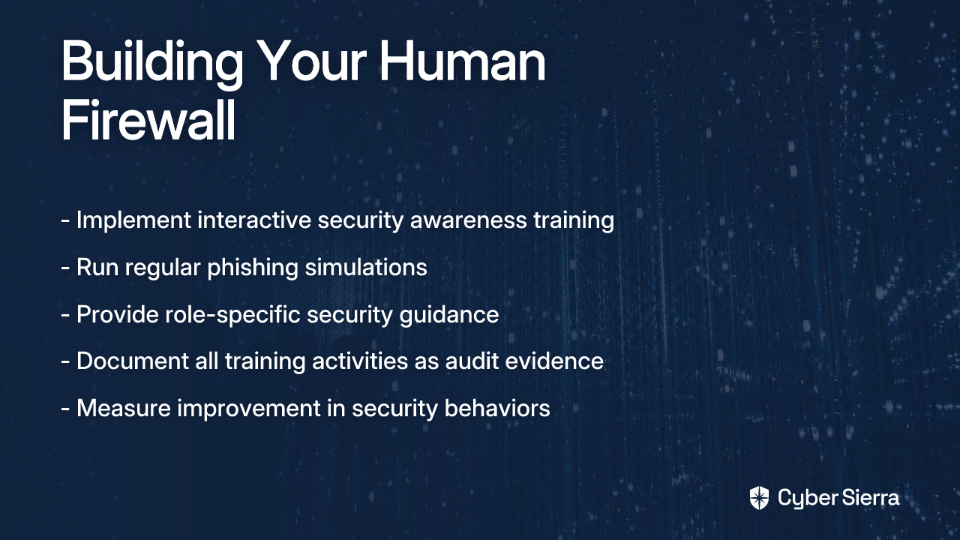
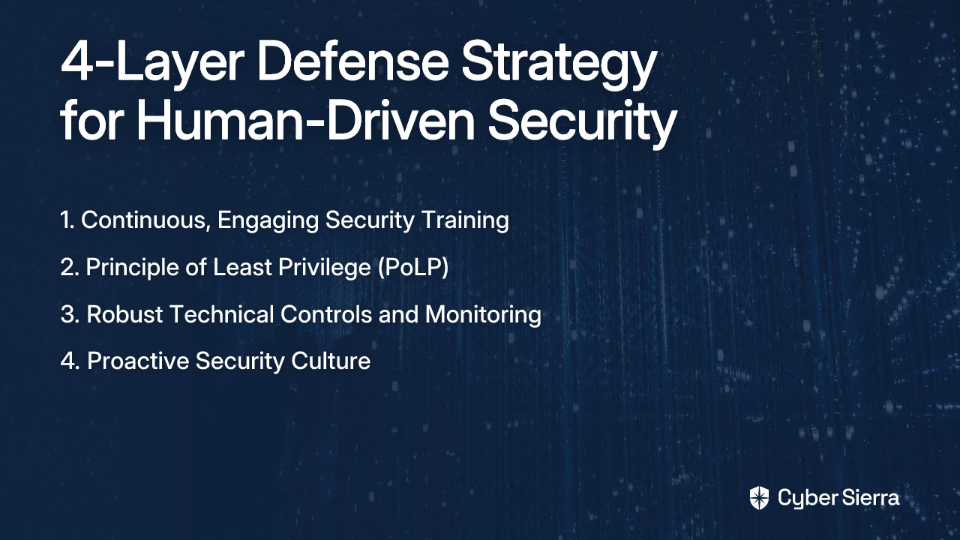
Building Your Human Firewall: A 4-Layer Defense Strategy
You can't eliminate human error, but you can build a resilient, multi-layered defense system that minimizes its likelihood and impact. This requires a fusion of technology, process, and culture.
1. Implement Continuous, Engaging Security Training
This is the foundation. As one Reddit user warned, "Nearly 98% of all cyberattacks involve some form of social engineering. If you don't train your employees... it's just a matter of time."
Move beyond boring, annual "checkbox" training. Modern training must be:
- Interactive & Continuous: Use interactive quizzes, real-world scenarios, and continuous learning modules to keep security top-of-mind. 87% of organizations now train employees at least quarterly (Infosecurity Magazine)
- Realistic: Run simulated phishing campaigns to give employees hands-on practice. With attackers using generative AI to craft hyper-realistic lures, this is more critical than ever (Adaptive Security)
- Measurable: Track metrics like "phish-prone percentage" to gauge effectiveness. A good program can reduce click rates from over 30% to under 5% within a year (KnowBe4 study)
How Cyber Sierra Helps: Platforms like Cyber Sierra's Employee Security Training are purpose-built to create this cultural shift. Instead of passive learning, it engages employees with interactive modules, automated phishing simulations, and provides leadership with a dashboard overview of the company's security quotient. This directly addresses the training and awareness clauses in frameworks like HIPAA, GDPR, and ISO 27001.
2. Enforce the Principle of Least Privilege (PoLP) with Layered Permissions
This directly addresses the challenge of separating needed versus potentially harmful access:
- What it is: Employees should only have the minimum level of access to data and systems required to perform their job functions. No more, no less.
- In Practice:
- Restrict access to production databases to only a handful of senior engineers, as one user reported: "My company does not allow us to access the prod database. Only a few folks have access to it and you really only need to get in there if the data is messed up."
- Use role-based access control (RBAC) to define and enforce these layered permissions systematically
- Regularly review and audit user access rights, especially after role changes
3. Deploy Robust Technical Controls and Monitoring
Technology acts as a critical safety net for when human judgment fails:
- Essential Tech Stack:
- Multi-Factor Authentication (MFA): The single most effective control to prevent account takeovers from compromised credentials
- Data Loss Prevention (DLP): As suggested in real-world implementations, DLP solutions actively monitor and can block unauthorized data transfers via email, cloud storage, or USB drives
- Comprehensive Audit Logging: You can't prevent every action, but you must be able to detect and investigate it. Log all access to sensitive data and systems
- Data Encryption: Encrypt sensitive data both at rest (on servers) and in transit (over the network)
4. Foster a Proactive Security Culture from Top to Bottom
Culture is the glue that holds the strategy together:
- Clear Policies: Have documented, easy-to-understand policies for data handling, remote work, and incident reporting
- Secure Onboarding/Offboarding: Ensure access is granted methodically and, critically, revoked immediately upon an employee's departure
- No-Blame Reporting: Create a safe environment where employees feel comfortable reporting mistakes or suspicious emails immediately without fear of punishment. This turns every employee into a sensor for your security team
Building a Unified Defense: Beyond Training
A robust training program is your first line of defense, but in today's landscape of constant audits and complex threats, it's not enough on its own. True resilience comes from integrating your human defenses with your technical controls and governance processes.
Imagine a single platform where your Employee Security Training results automatically provide evidence for compliance audits. Where Continuous Control Monitoring (CCM) verifies that your access policies and layered permissions are actually being enforced in real-time. And where all this data feeds into a central Governance, Risk, and Compliance (GRC) engine, giving you a unified view of your security posture and making you perpetually audit-ready.
This kind of integrated approach is what makes the difference between constantly firefighting security incidents and building true organizational resilience. By creating a system where employee training connects directly to your compliance monitoring, you transform your employees from your biggest risk into your strongest defense.
As you build out your human firewall strategy, remember that the goal isn't just compliance—it's creating a security-aware culture where protection of data becomes second nature. With the right tools, training, and integrated platform, your employees can become your strongest line of defense against the increasing threats to data security and compliance.
Frequently Asked Questions
What is the most common type of insider threat?
The most common type of insider threat is the "Accidental Insider," where breaches are caused by unintentional human error or negligence. This includes well-meaning employees who fall for phishing scams, use weak passwords, or accidentally send sensitive data to the wrong person. Statistics show that this form of human error is responsible for the vast majority of security incidents, making it a primary focus for any effective defense strategy.
How does a simple employee mistake lead to a major compliance violation?
A simple employee mistake can directly trigger a major compliance violation because regulations like GDPR and HIPAA hold organizations accountable for protecting sensitive data, regardless of intent. For example, an employee accidentally emailing a customer list without using BCC violates GDPR's data privacy principles. Similarly, a healthcare worker losing an unencrypted laptop with patient files is a direct breach of HIPAA's Security Rule. Regulators focus on whether "appropriate technical and organisational measures" were in place to prevent such errors, and a failure to do so results in heavy fines.
What is a "human firewall" and why is it important?
A "human firewall" is a concept where employees are trained and empowered to become an active line of defense against cyber threats, rather than being a security liability. It's important because technology alone cannot stop all attacks, especially those involving social engineering like phishing. By building a strong human firewall through continuous training, awareness programs, and a positive security culture, organizations can significantly reduce the risk of breaches caused by human error.
What is the most effective way to prevent account takeovers from stolen employee credentials?
Multi-Factor Authentication (MFA) is widely considered the single most effective technical control to prevent account takeovers. Even if an attacker successfully steals an employee's password through a phishing attack, MFA requires a second form of verification (like a code from their phone) that the attacker does not have. This simple extra step provides a critical security layer that renders stolen credentials virtually useless on their own.
Why isn't annual "checkbox" security training effective anymore?
Annual "checkbox" security training is no longer effective because threats evolve rapidly and security knowledge is not retained from a single, yearly session. Attackers constantly devise new social engineering tactics, and employees need continuous, engaging training to build lasting security habits. Modern, effective programs use interactive modules, regular phishing simulations, and ongoing reinforcement to keep security top-of-mind and adapt to the changing threat landscape.
How can a company build a security culture where employees report mistakes?
A company can build this culture by implementing a "no-blame reporting" policy. This means creating a safe environment where employees are encouraged to report potential security incidents or their own mistakes immediately, without fear of punishment. When leadership treats these reports as learning opportunities to strengthen defenses rather than occasions for blame, it turns every employee into a valuable part of the security monitoring system, enabling faster response times and reducing the overall impact of incidents.
Ready to transform your employees from your biggest risk to your strongest protection? Discover how Cyber Sierra builds an audit-ready security culture that empowers employees while satisfying your most demanding compliance requirements.