7 Warning Signs of Job Offer Malware Campaigns Your Security Training Misses

Join thousands of professionals and get the latest insight on Compliance & Cybersecurity.
Summary
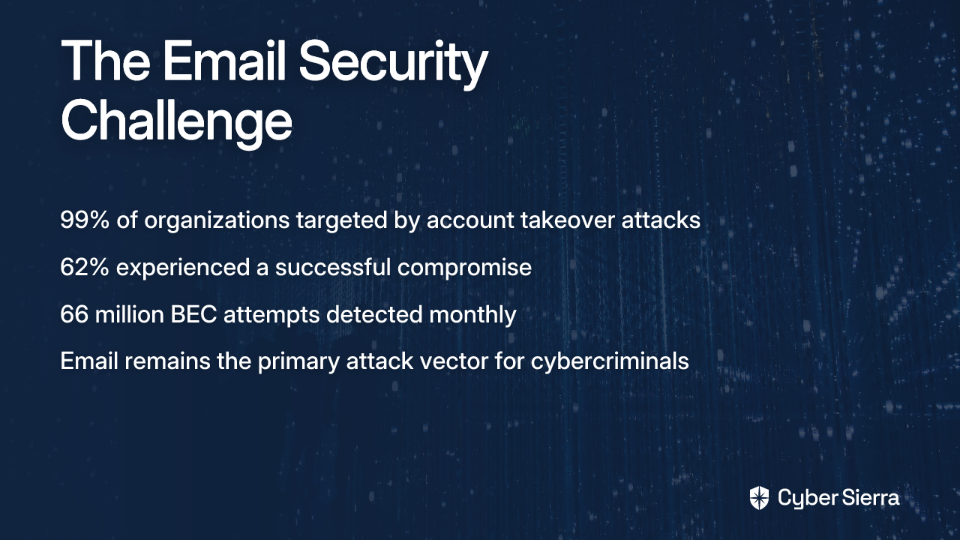
- Job offer malware is a growing threat, with over 1 million phishing attacks in Q1 2025 and the average breach costing companies $4.44 million.
- These sophisticated attacks bypass traditional defenses by using hyper-personalized messages, creating fake company profiles, and avoiding common red flags like spelling errors.
- Key warning signs include requests to download files for an interview, non-standard application processes, and manufactured urgency.
- To counter these evolving threats, organizations need adaptive programs like Cyber Sierra's Employee Security Training that simulate real-world social engineering tactics.
It's getting harder to tell what's legitimate anymore in the job hunting world. You receive a personalized message on LinkedIn that perfectly matches your skill set, or an email about a promising remote position in your field, but something feels off. You're right to be cautious—job offer malware campaigns have evolved into sophisticated attacks that bypass traditional security training.
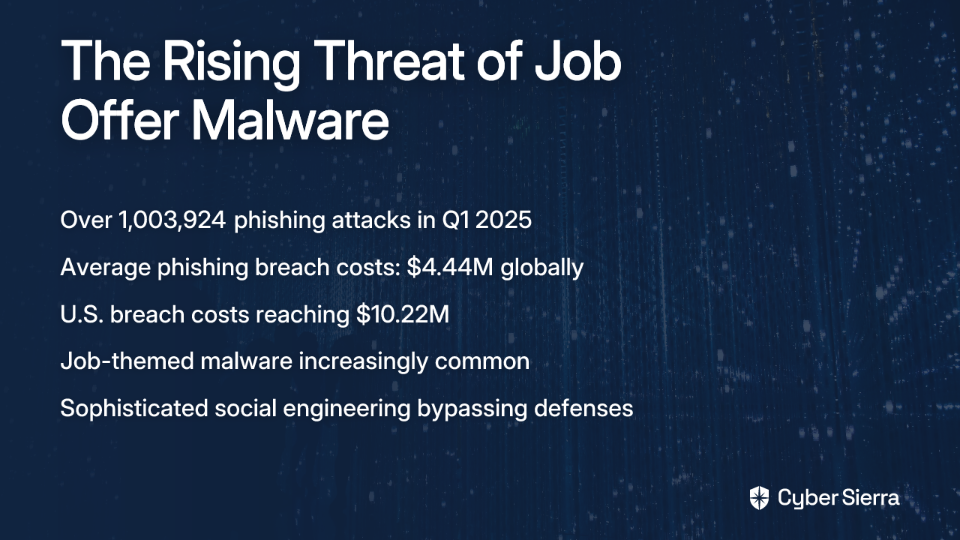
Recent statistics paint an alarming picture: according to the Anti-Phishing Working Group (APWG), there were over 1,003,924 phishing attacks in Q1 2025 alone, with job-themed malware campaigns making up an increasing percentage of these threats. Even more concerning, IBM's Cost of a Data Breach Report reveals that the average phishing breach costs organizations $4.44 million globally and a staggering $10.22 million in the U.S.
What makes these attacks particularly dangerous is their psychological sophistication. As one cybersecurity professional noted in a recent online discussion, "applying directly on LinkedIn has seemed like a fool's errand for a while; this ups the ante." These aren't your grandmother's phishing attempts with obvious grammatical errors and generic greetings—they're meticulously crafted social engineering attacks designed to slip past both technical defenses and human intuition.
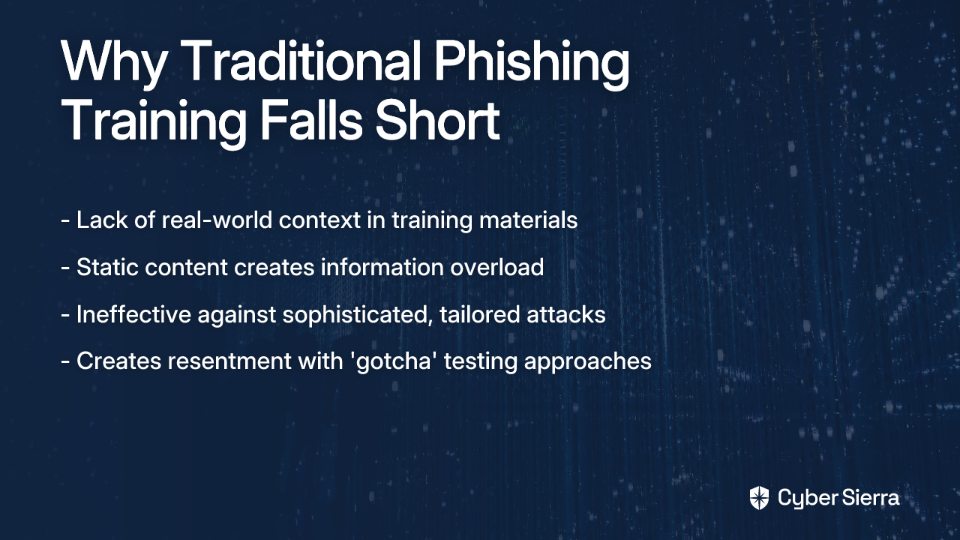
Standard security awareness training often fails to prepare employees for these evolving threats. Let's explore seven subtle warning signs your current security training likely overlooks, and how you can protect yourself and your organization from these increasingly sophisticated attacks.
1. Hyper-Personalization That Bypasses Your Human Firewall
Modern attackers have moved far beyond generic "Dear Sir/Madam" emails. They now employ hyper-personalization techniques, carefully scraping data from professional networking platforms to craft messages that reference your specific skills, job history, and industry experience.
"I get a lot of direct messages from 'recruiters' or 'founders' looking for someone with a nonspecific citing of my 'skills' asking to help finish their projects," reported one user in a cybersecurity forum. This level of personalization makes these messages appear legitimate because they speak directly to your professional identity.
Cyber Sierra's Employee Security Training platform addresses this sophisticated threat with equally sophisticated defense training. Unlike traditional programs that rely on static checklists, Cyber Sierra's approach uses customized phishing simulations that mimic these hyper-personalized attacks, allowing employees to experience and recognize real-world scenarios in a safe environment.
The platform also provides comprehensive security awareness modules specifically focused on job-themed social engineering, helping employees develop the critical thinking skills needed to question even the most convincing offers. A dashboard tracks your organization's "security quotient," giving leadership clear visibility into your human defense posture against these evolving threats.
2. Deceptively Legitimate Company Profiles and Industry-Specific Lures
Threat actors like the notorious Lazarus Group create elaborate fake company profiles on legitimate job platforms, complete with professional websites, social media presence, and even fake employee testimonials. Research from Google's Threat Analysis Group has identified Vietnamese actors creating sophisticated fake company profiles specifically targeting employees in digital advertising and marketing.
These campaigns are often highly tailored to specific industries. For example, the Lazarus Group's "ClickFake Interview" campaign specifically targets cryptocurrency organizations with job offers that seem credible and lucrative, according to Picus Security's analysis.
Standard security training rarely covers the due diligence required to vet a company's entire online presence. An employee might check the email sender domain but not investigate whether the "hiring" company itself is a complete fabrication.
A valuable tip from security professionals: always check the DNS WHOIS information of any domain in a job-related email. A domain registered just a few days ago is a massive red flag, regardless of how professional the communication appears.
3. Use of Legitimate Tools and Multi-Stage Engagement
To bypass security filters and gain initial trust, sophisticated attackers use legitimate CRM platforms like Salesforce to send their first outreach emails. Google's Threat Analysis Group has documented how these attacks unfold in carefully orchestrated stages:
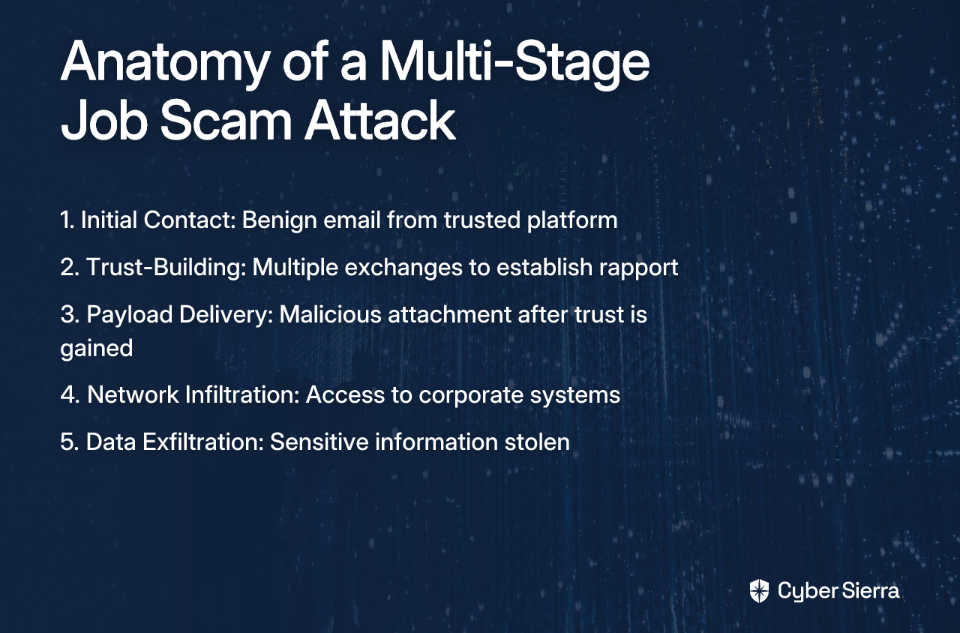
- Initial Contact: A benign, personalized email from a trusted platform discussing a potential job opportunity.
- Trust-Building: Follow-up communications that establish rapport and create a sense of legitimacy.
- Payload Delivery: Only after multiple exchanges, the attacker delivers the malicious attachment or phishing link.
This multi-stage approach is particularly effective because email gateways are less likely to flag communications from reputable services. Employees trained only to "check the sender" might see Salesforce or another legitimate platform as the source and miss the threat entirely. Additionally, the extended engagement period gradually disarms suspicion over time.
4. Advanced Payload Delivery in "Application" Files
The malware delivery mechanism in these campaigns is rarely obvious. Attackers disguise their payloads in ways that seem contextually relevant to a job application process:
- Password-protected ZIP files: These are often sent disguised as application forms, assessment tests, or company information packages. The password protection serves a dual purpose: creating a sense of legitimacy and evading automated antivirus scanning.
- Credential Phishing Links: Victims are directed to highly convincing phishing pages that mimic the branding of major corporations to capture corporate login credentials, which can then be used for lateral movement within an organization.
As one security-conscious job seeker emphatically stated in an online discussion: "You should NEVER have to download anything in order to interview." Legitimate interviews use video conferencing links or web-based platforms, not downloadable executables or protected archives.
5. Absence of Traditional Red Flags
Sophisticated attackers are well aware that security training tells people to look for poor grammar, spelling mistakes, and generic greetings. Consequently, their communications are often flawless:
- They use industry-specific jargon and terminology to enhance credibility
- Communications follow proper business etiquette and maintain consistent branding
- They reference current projects or initiatives from your industry
This absence of obvious red flags creates a false sense of security. An employee who sees a well-written email with correct terminology might automatically assume it's safe, completely missing the more subtle social engineering cues.
According to research from ThirtySeven4, attackers are increasingly using subtle language manipulation, incorporating professional jargon and industry-specific terms that make even security professionals second-guess their instincts.
6. Non-Standard Application Processes and Manufactured Urgency
Attackers often deviate from standard HR procedures to manipulate victims:
- Requesting sensitive information upfront (such as bank details, passport copies, or Social Security numbers) before any formal interview
- Redirecting users to third-party applications or Google Forms that don't follow typical application protocols
- Creating artificial scarcity with phrases like "Apply now, spots filling fast!" to rush victims into making mistakes
"It's crazy how sophisticated these scams have become," noted one cybersecurity professional. The manufactured urgency is particularly effective because it triggers emotional responses that override rational thinking.
Standard security training often covers technical threats but not the nuances of business processes like recruitment. Many employees simply don't know what constitutes a "normal" hiring process, making them susceptible to these deviations.
7. Imitation of Trusted Contacts and "Digital Twins"
Perhaps the most sophisticated tactic is the creation of "digital twins" - carefully crafted impersonations of people the victim already knows and trusts. This might be a former colleague, a respected industry leader, or even a high-ranking executive within their own organization.
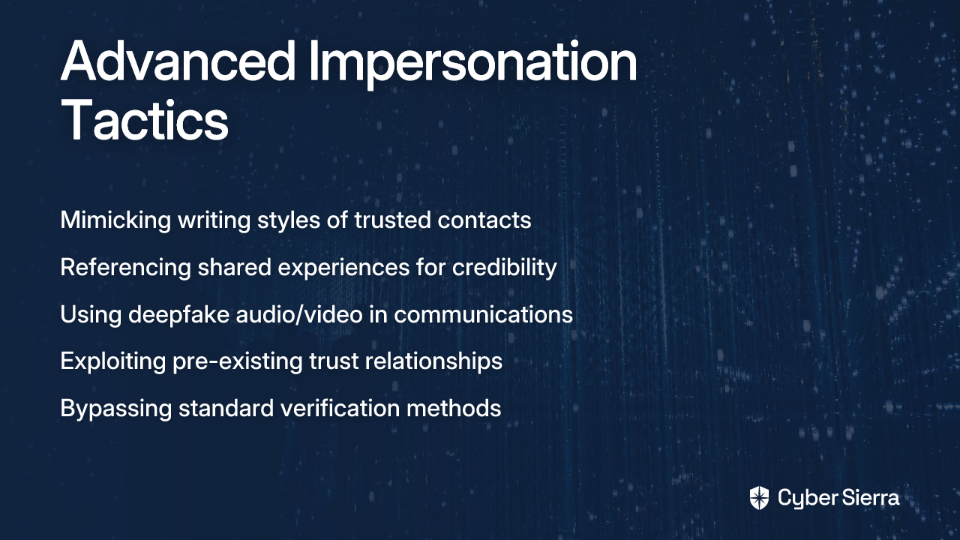
According to research from ThirtySeven4, attackers are increasingly able to:
- Mimic the writing style and communication patterns of trusted contacts
- Reference shared experiences or connections that create instant credibility
- In advanced cases, use deepfake audio or video technology in follow-up communications
This attack vector exploits pre-existing trust relationships, which is extraordinarily difficult to defend against. Standard security training advises verifying unusual requests through separate communication channels (e.g., via phone call), but it rarely prepares employees for the psychological manipulation of receiving what appears to be legitimate communication from someone they inherently trust.
Building a Resilient Defense Against Modern Social Engineering
These seven warning signs represent a deliberate evolution by attackers to bypass outdated security awareness training. The modern job offer malware threat is personalized, patient, and professionally crafted - a far cry from the obvious scams of the past.
Traditional, annual, check-the-box security training is clearly insufficient against these sophisticated threats. As one frustrated job seeker put it, "It's getting harder to tell what's legit anymore." This sentiment reflects the growing sophistication gap between attacker techniques and standard security awareness programs.
Employees need continuous, adaptive education that reflects the threats they face today, not generic training that fails to address the psychological nuances of modern social engineering.
This is precisely where Cyber Sierra's Employee Security Training platform excels. Unlike traditional programs, Cyber Sierra's approach:
- Empowers employees to become the first line of defense through comprehensive, engaging training that addresses the specific tactics used in job offer malware campaigns
- Uses interactive quizzes and continuous learning to reinforce understanding of evolving threats like sophisticated job-themed phishing
- Deploys simulated counter-phishing campaigns customized to replicate the very tactics discussed in this article, building a truly resilient human firewall
- Provides a dashboard overview of your organization's security quotient, giving you clear visibility into your defense posture
The time has come to stop relying on outdated training methods that leave your organization vulnerable to these sophisticated attacks. By implementing a modern, adaptive security awareness program like Cyber Sierra's Employee Security Training, you can foster a security-conscious culture prepared to recognize and respond to even the most convincing job offer malware campaigns.
Remember: in the modern threat landscape, your employees aren't just potential vulnerabilities—with the right training, they become your strongest defense against the psychological manipulation tactics that technical controls simply cannot detect.
For more information on how Cyber Sierra can help protect your organization from sophisticated social engineering attacks, visit cybersierra.co/platform-employee-security-training/ today.
Frequently Asked Questions
What is a job offer malware campaign?
A job offer malware campaign is a cyberattack where attackers pose as recruiters to trick you into downloading malware or giving up credentials. They use sophisticated, personalized job offers to appear legitimate and bypass traditional security defenses.
How can you tell if a job offer is a scam?
You can spot a scam by looking for non-standard application processes, pressure to act quickly, or requests to download files. Legitimate recruiters will not ask you to download software to interview or provide sensitive personal data before a formal offer.
Why is standard security training often ineffective against these scams?
Standard training is often ineffective because modern scams no longer have obvious red flags like bad grammar. Attackers use hyper-personalization, mimic trusted contacts, and leverage legitimate platforms to appear authentic and bypass basic security checks.
What should you do if you receive a suspicious job offer?
If an offer feels suspicious, do not click any links or download attachments. Independently verify the company and recruiter by finding their official website and contacting them through a verified channel, not by using the contact information in the email.
Are fake job offers common on professional networking sites like LinkedIn?
Yes, fake job offers on professional sites are increasingly common. Attackers use these platforms to gather personal data to make their scam emails and messages highly personalized and convincing, making them harder to detect at a glance.
How do attackers make fake job offers look so real?
Attackers create realistic fake company websites, use industry-specific language, and impersonate real employees or trusted contacts. They often engage in multi-stage communication to build trust before sending a malicious link or file.